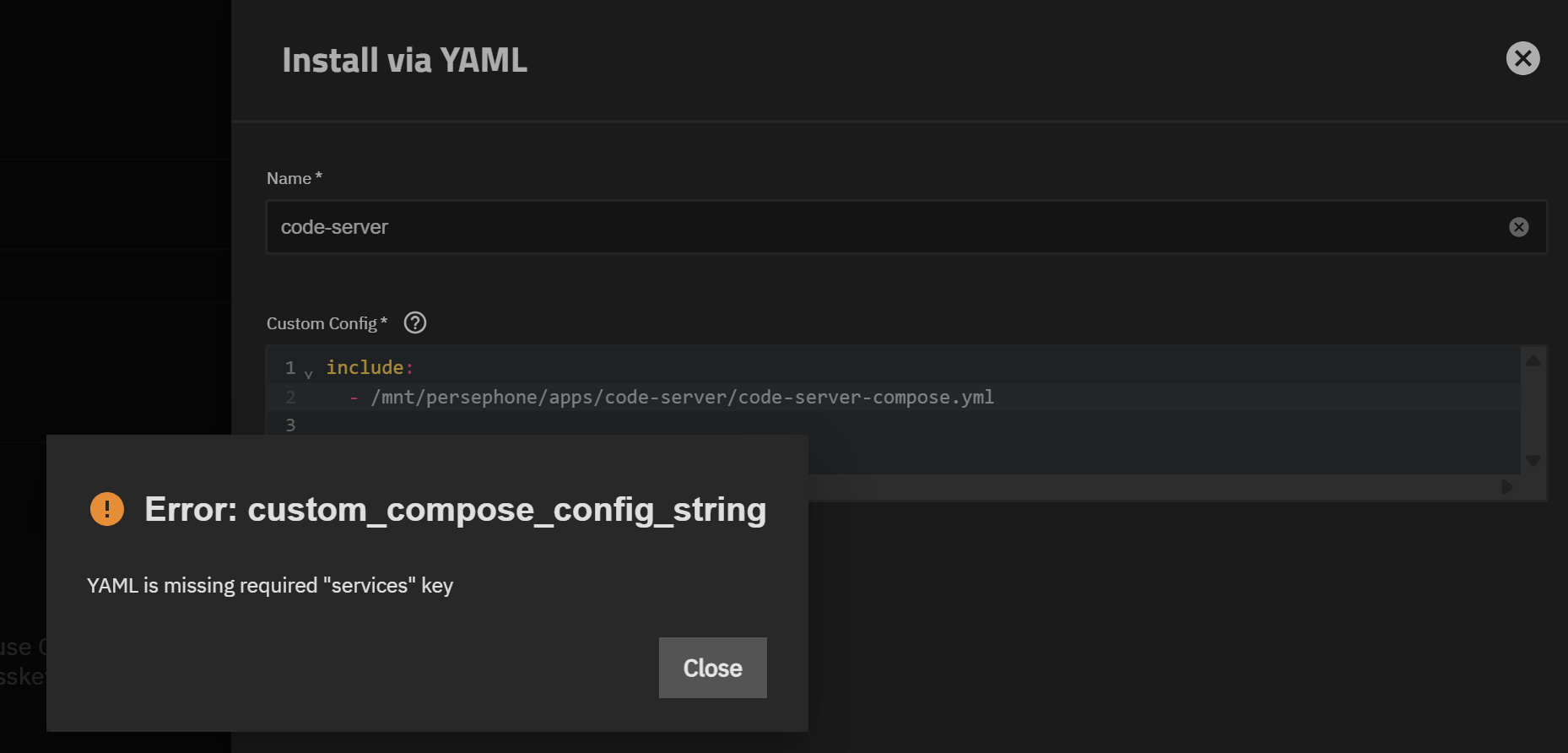
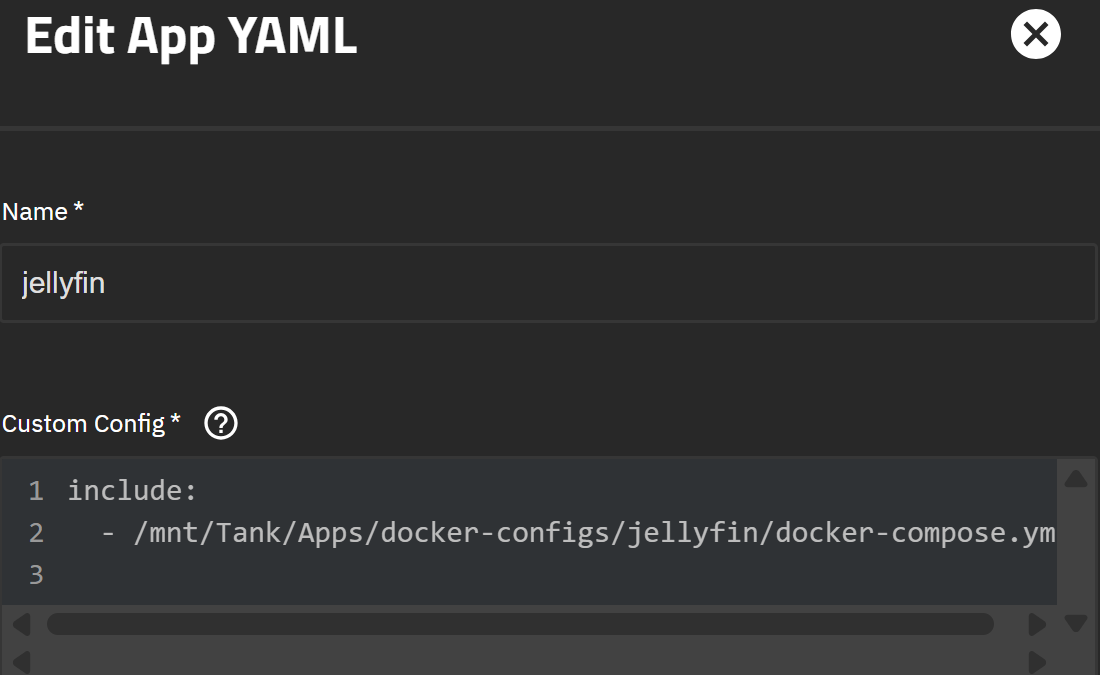
In all previous versions where we have had the ability to input custom apps via YAML this has worked to simply pull the compose.yml from a single directory with all of my compose files and create/start the container. Now on 25.10 RC1 it is giving me the error I mentioned above.
I’m not bashing IX, I absolutely love TrueNAS, but I have always disliked the apps creation tool because it lacks repeatability and proper versioning of apps. Using the YAML include: string has been a god send for me and allowed me to deploy apps quickly and repeatably without pain-stakingly configuring it through the app creation ui manually every time I want to spin up the app.
Does anyone else run apps/containers this way and is this issue also affecting you?
Does anyone else run apps/containers this way, and is this issue also affecting you?
Yep, I run mine the same way. All of my apps live as individual Docker Compose files inside /mnt/vega/docker/stacks, and I’ve been using an include: reference in the Custom App YAML to pull them in. That’s how I’ve managed everything for the last few TrueNAS versions — it kept deployment fast, version-controlled, and consistent with what I do in VS Code.
Since upgrading to 25.10-RC1 (Goldeye), I’m seeing the same error:
Error: custom_compose_config_string
YAML is missing required "services" key
Existing apps continue running fine, but any new Custom Apps using the include: syntax now fail validation. Hopefully, iX will relax the schema again or add support for includes, as this workflow has been a huge quality-of-life boost for people running modular Compose setups.
Yes, this is very annoying. I love being able to utilized my code-server container to edit all of my compose files quickly and then simply spin down and back up the container through the UI and it will effortlessly modify the container based on the changes I made. Hopefully, they address this issue and made it possible to use the include syntax again, or another method of possibly linking to a specific compose file on disc when creating a custom app.
Copying in the compose file into the UI editor every time I want to make changes is redundant and annoying. I’ve been scarred too many times through major version updates breaking app compatibility and this is what has cause me to manage my own compose files and use the custom app feature. I reverted back to 24.04 for now. I’ll probably input a bug report/feature request about this issue when I get the time.
I just tried another app on the latest and it seemed to work fine for me. I also run Code-Server as well. The environment variables took a bit to get right as it seems to only read from the .env in the same file as the docker-compose. I (or AI) created a script that created a section for system variables that I could set globally and the script updates those for each app as well as take a backup of all the app specific variables. I setup another script to add apps that takes the name and the category and creates the appropriate app folders as well as the docker config folder with the standard files and populates the .env with the system variables. Happy to share the scripts if interested.