Unless you want to stay a BETA tester and use Report a Bug at the top of the forums, I would suggest changing back to 25.10 series and removing the 26 Beta boot environment. You can do a manual update with 25.10.3 (EA status) if you wish. If you want a GA status, you would have to roll back to 25.10 or 25.10.1 and change the train status to GA and then remove the later boot environments.
Not sure how to select beta. It has popped up one time in suggest, then gone. The only way to update to 26 was to select “developer” and now I’m stick with it
I just tried the updated again from 25.10.3 using the early adopter channel to 26.0.0.BETA1 and it failed the same way on the App Start. I have two debug files (one from 25.10.3 and the other from 26) that I can send someone but I don’t want to post them due to the warning about sensitive data.
No, that’s in CE, available for free. Send Feedback Smiley Face (ideally from the place in the UI where you have trouble), click on the “Report a bug” tab, enter a Subject and Message, log into Jira when it prompts you. It defaults to attaching a debug report and a screenshot.
You should be able to log into your JIRA ticket after it was created and add the debug. You should have received an email from the JIRA system with a link, also. If that doesn’t work, DM a TrueNAS employee from the USERS listing on the forums, like @HoneyBadger
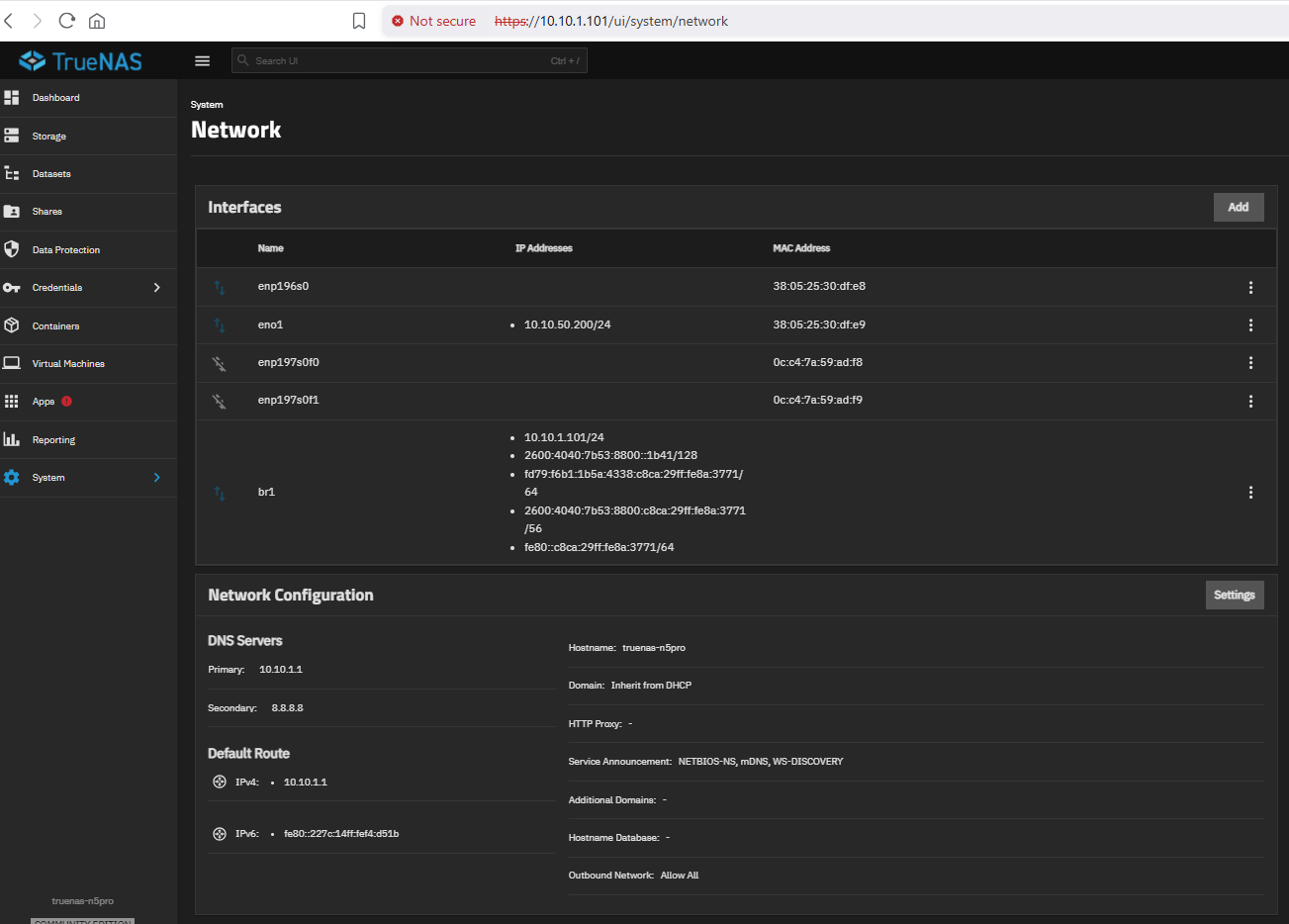
FWIW: in my case, simply removing the IPv6 entry from Apps / Configuration / Settings / Address Pools was enough to clear the “determine default interface” blockage and resume apps service.
FWIW #2: this same change just resolved the same symptom on a second system on the same LAN. (This second system experimental and neglected; still running 26.0.0-MASTER+20260324-020147 for the past 25 days.)