
I’m using the Time Machine purpose with an SMB share created to be a Time Machine backup destination, and it works great (so far). (I’ve got some thoughts on the performance with the default dataset sync settings, but that’s for another post.)
I have it set to auto-generate a snapshot when it completes a Time Machine backup. Those are, of course, manual snapshots, so they’re set to live forever. Behold:
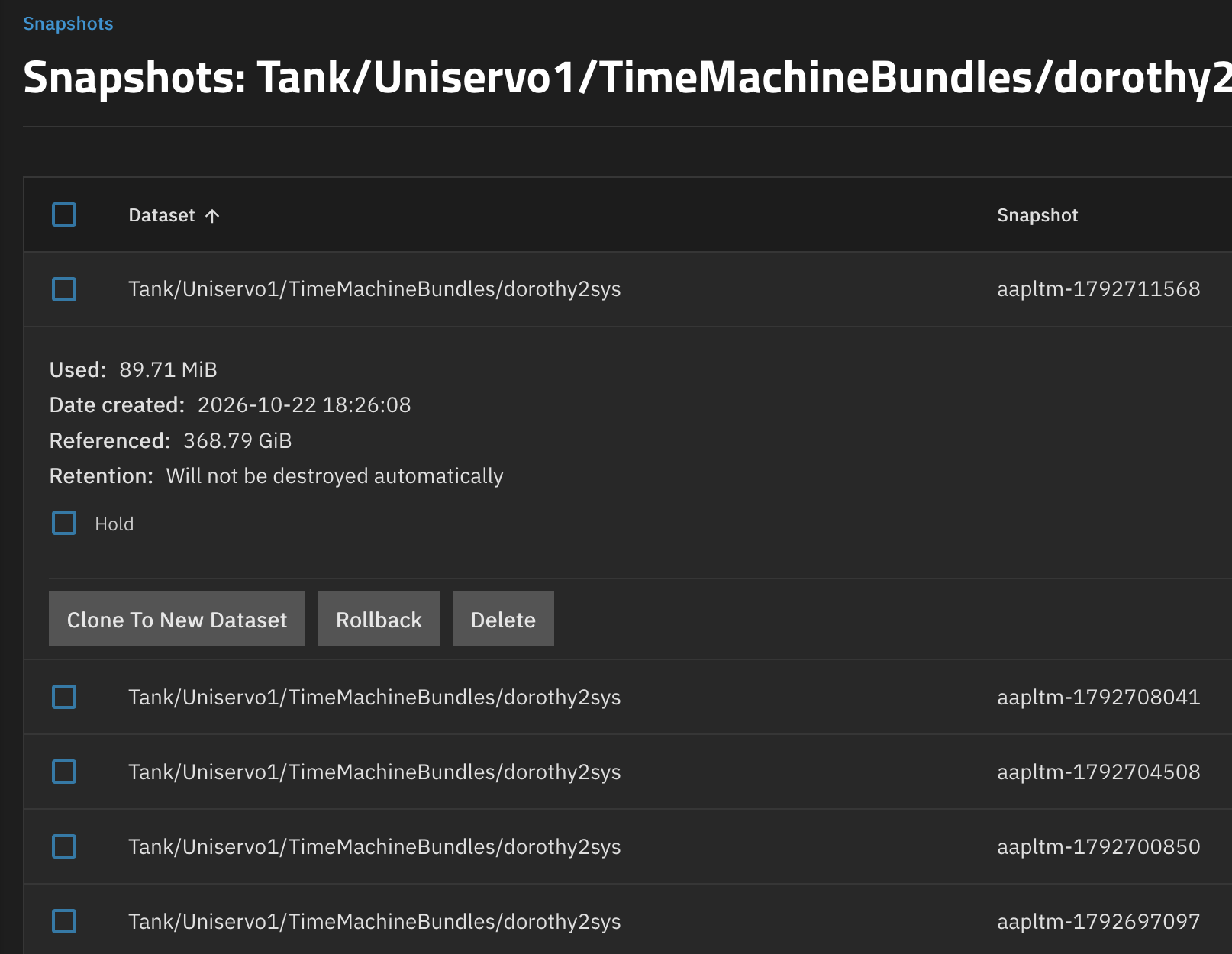
So, I need a way to manage these in an at least semi-automated way. I have a purging schedule in mind, but (quite reasonably), there’s not an obvious built-in way to auto-delete manual snapshots that are set to be immortal.
So, before I go about figuring out how to write a script to use the CLI to delete manual snapshots on a schedule using cron or something else that’s likely to lead to exciting adventures at my current skill level, is there a recommended way to automate this sort of thing?
@HoneyBadger , if there’s an existing solution to this, it might make for a fun segment on T3. 
