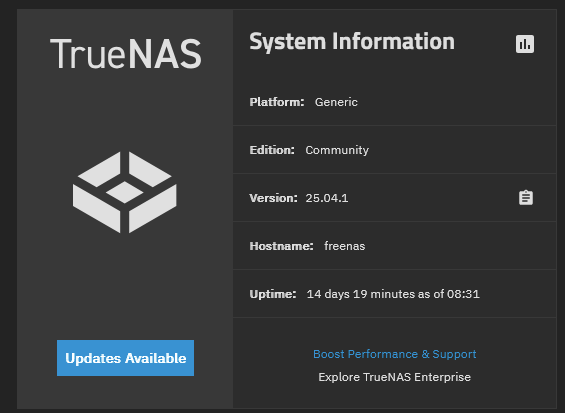
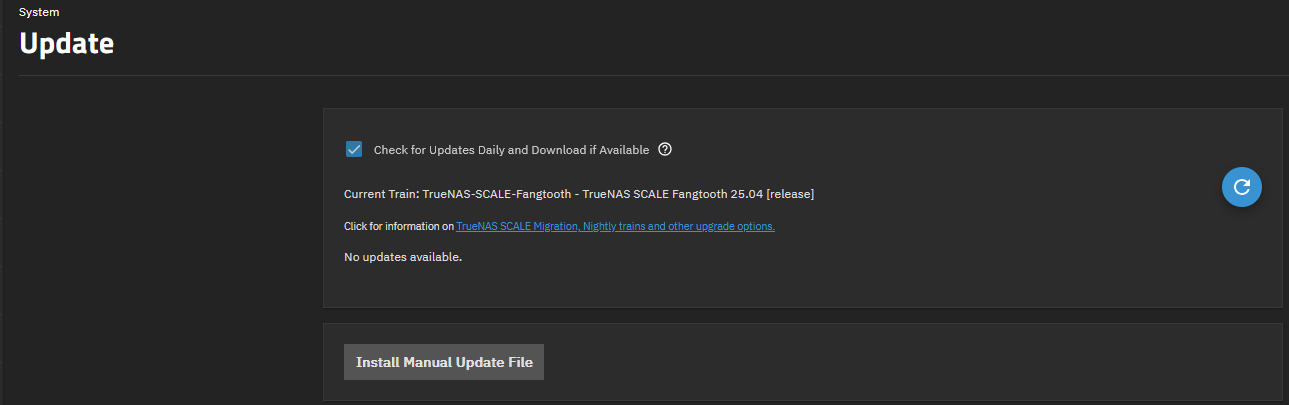
it’s a known bug with the .1 release. There’s a file that’s stuck causing the ui to show an update is available.
TrueNAS UI displays Updates Available button after updating to the latest release (see (NAS-136046). This issue is resolved in the upcoming 25.04.2 release, but if you want to work around this issue now, follow these steps:
Open the Shell and run midclt call systemdataset.config | jq ."path"
Search for a file named update.sqsh in the returned string using find >"returned path" -name update.sqsh
Run rm -f <full-path-to-update.sqsh>, replacing <full-path-to-update.sqsh> with the full file path to the update.sqsh file from the previous step
Or you could wait for the .2 release this week or next week…