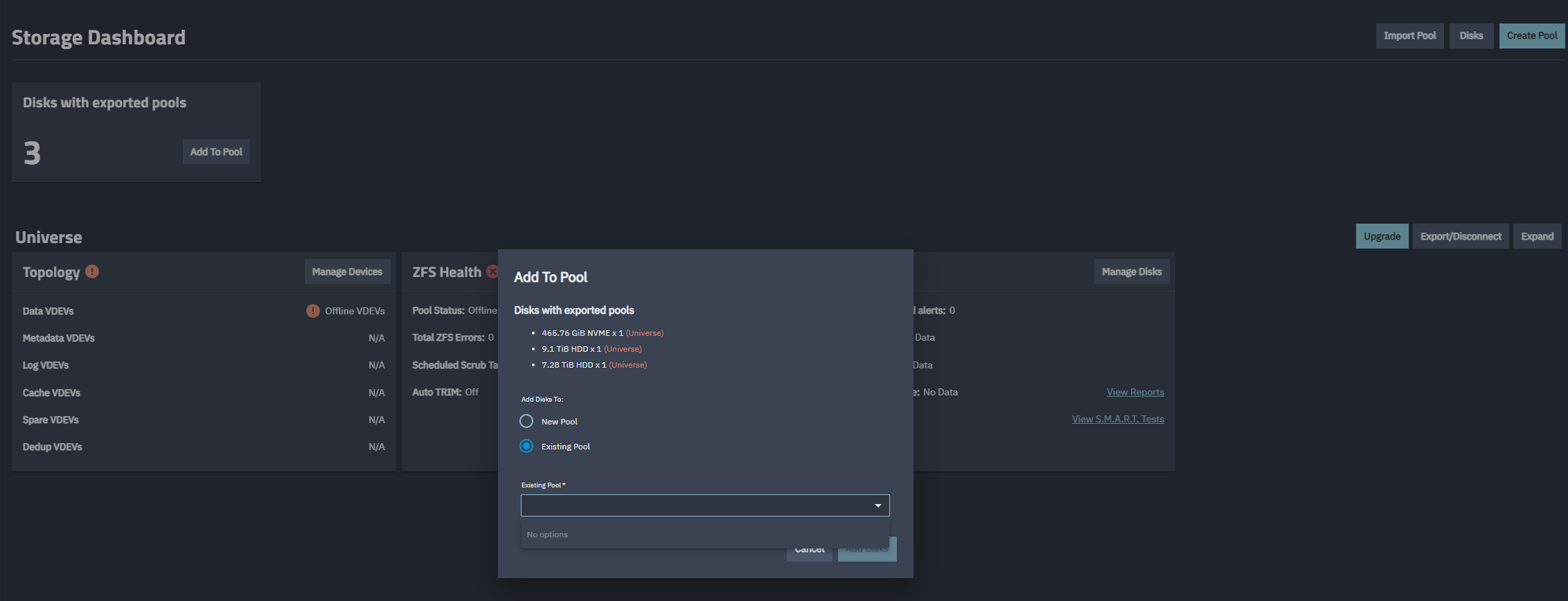
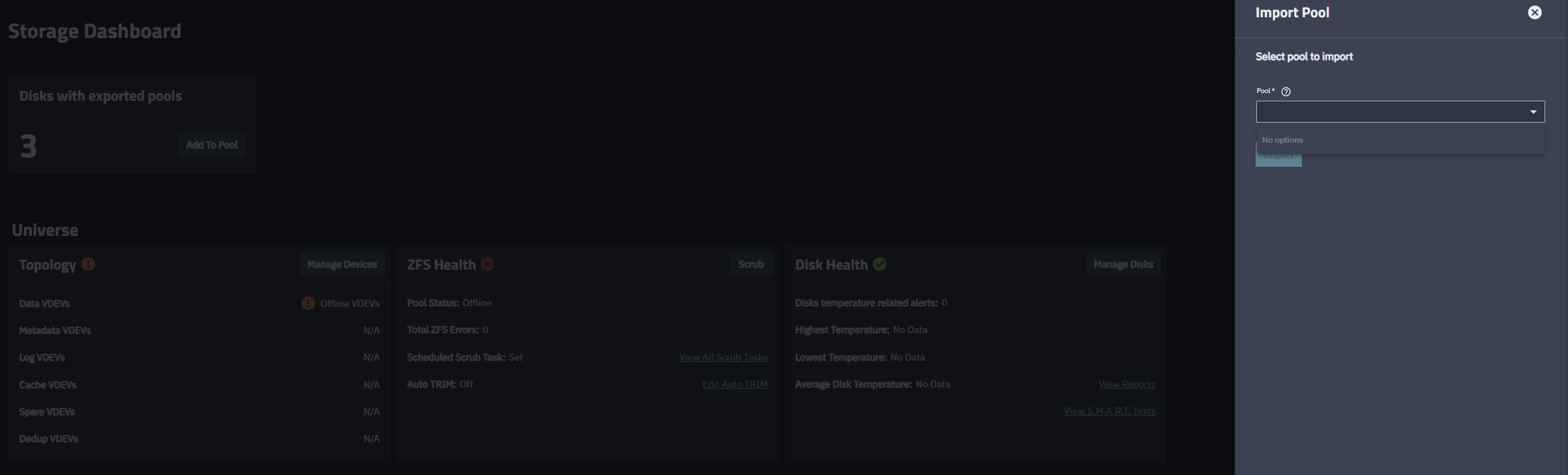
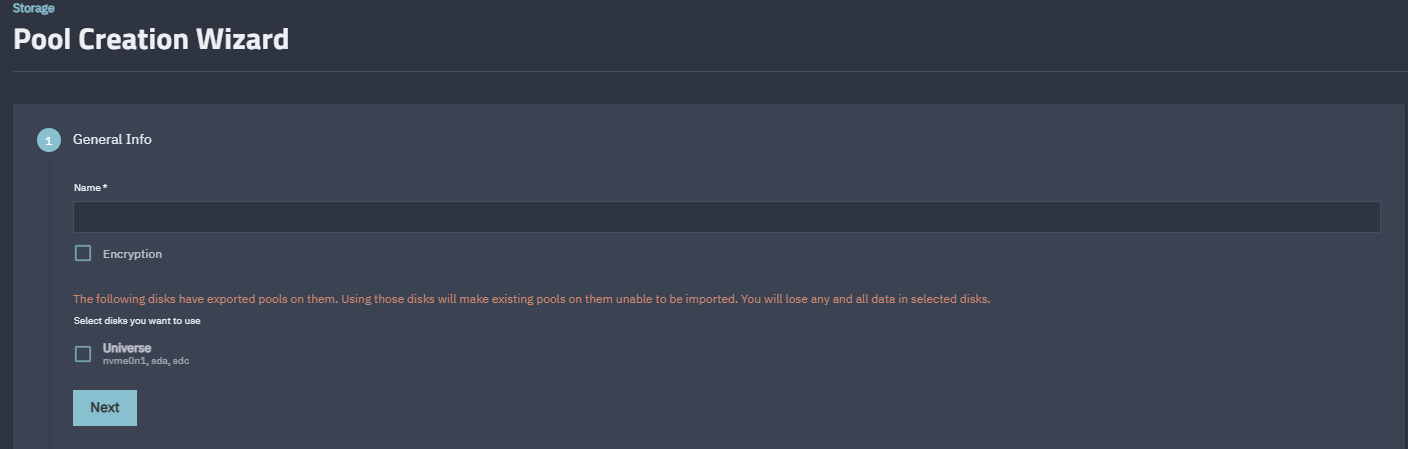
So i came home from work only to find out my files weren’t accessible on jellyfin. Logged in to truenas and found out my pool was gone, under storage i had disks with exported pools and i have no option to import an existing pool.
admin@truenas[~]$ sudo zpool import
[sudo] password for admin:
pool: Universe
id: 1115197890522321492
state: ONLINE
status: Some supported features are not enabled on the pool.
(Note that they may be intentionally disabled if the
‘compatibility’ property is set.)
action: The pool can be imported using its name or numeric identifier, though
some features will not be available without an explicit ‘zpool upgrade’.
config:
“Universe” was a stripe of three single drive vdevs, and you have removed one (“indirect-1”), correct?
There was a nasty bug involving block cloning and indirect vdevs; if you’ve been bitten, the pool is lost. So… do you have a backup?
my original configuration is a stripe of one drive and one cache, which i later expanded with another drive. totalling two drives (8tb + 10tb) stripe and one for cache (500gb sdd). it happened over night, haven’t physically touched or removed anything on the admin page. i run SMART tests and SCRUB, which have not shown errors from what i can tell.
I found a post with a similar issue and it suggested a few commands to try. I came closer but still stuck with not pool able to import.
The following commands gave this result:
admin@truenas[~]$ sudo zpool import Universe
cannot import ‘Universe’: I/O error
Recovery is possible, but will result in some data loss.
Returning the pool to its state as of Mon Oct 13 23:45:54 2025
should correct the problem. Approximately 30 seconds of data
must be discarded, irreversibly. Recovery can be attempted
by executing ‘zpool import -F Universe’. A scrub of the pool
is strongly recommended after recovery.
admin@truenas[~]$ sudo zpool import -F Universe
cannot mount ‘/Universe’: failed to create mountpoint: Read-only file system
Import was successful, but unable to mount some datasets