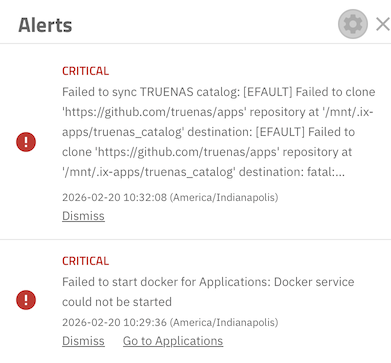
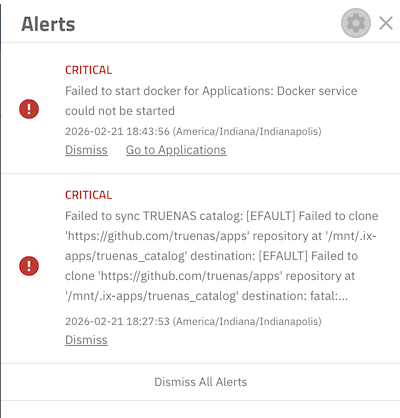
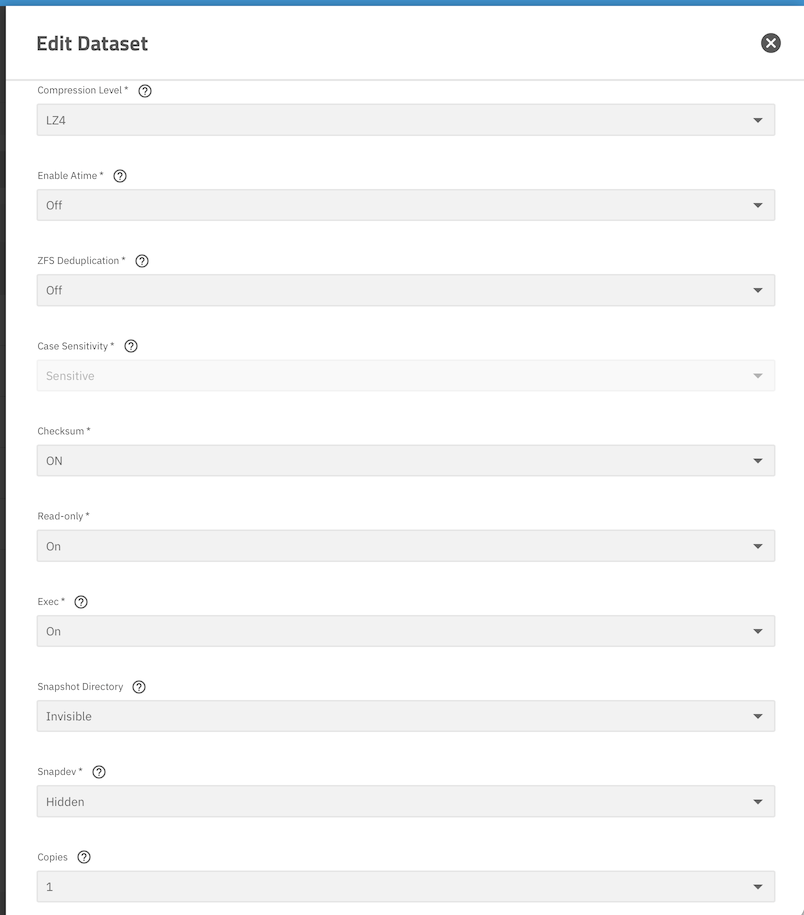
I am wondering, whether this has to do with the fact that this NAS was cloned from another by first downloading the configuration from the old one and uploading it to this newly installed new one. I have since learned that this process is not intended for migrating a NAS to upgraded hardware, but that’s how I did it. I then also replicated the one pool of the old NAS to this one. It looks like the directory /mnt/.ix-apps/ was duplicated from the old one to this NAS by the configuration download/upload.
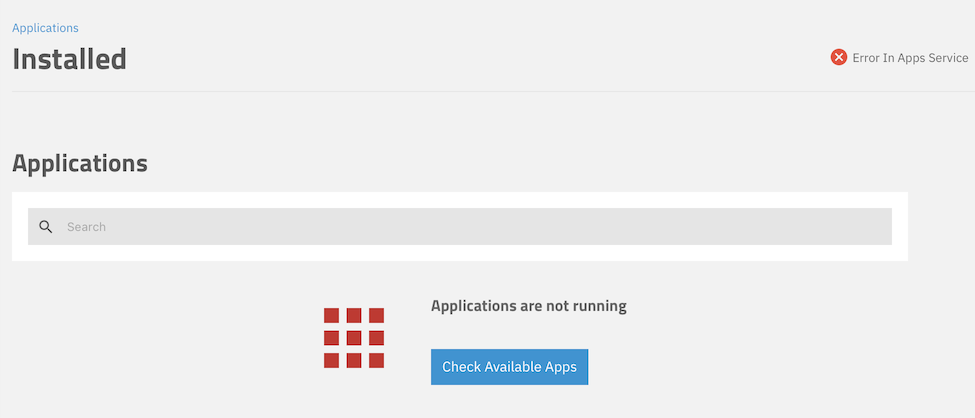
For fixing this, I am wondering, what I can do to start the Docker configuration from a clean slate on this upgraded NAS.
I’m not sure exactly what the interval is, but yeah. It’s telling you that it was unable to connect to GitHub to load the apps catalog. There are a few different things that could be blocking the connection including network misconfiguration. Maybe try searching the error message in the forum to look for previous threads.
I think it does it automatically once every 24 hours. It can be done manually Apps → Discover Apps → Refresh Catalog.
A question I have. You said you went from one system to another. The way applications are installed (the apps subsystem) on the system has changed several times fairly recently and so it may be a matter of what you had previously as the apps subsystem and what you now have as the app subsystem are different. What version of Truenas was the “old” system and what version of Truenas is the “new” system.
I made sure both system were updated to the same version of TrueNAS.
I don’t recall what the version of TrueNAS was, when I first installed on the old system.
Maybe what I need to do is reinstall TrueNAS on the new system and then just configure it like the old one. It should not be too hard. I have replicated the old pool to the new one successfully, after all.
Before I go to that length I am wondering, whether I can use the boot pool for Docker and the apps. It seems not, as the configuration does not allow me to select the boot pool. Only Internal is available, which is the pool made up of the four internal 3.5-in drives.
So, is there something I can do, that would give me green light to choose the boot pool for my app configuration?
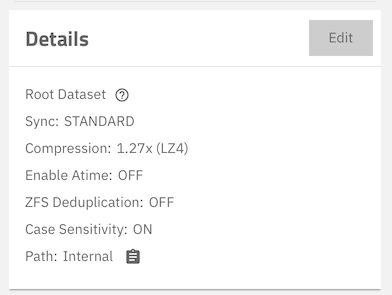
That suggestion had me come across a post “Read-only file system, unable to write anything after replication”, which in which @etorix provided the solution. Since my pool had been replicated from the old system through the TrueNAS Connect replication feature, it was read-only by default.