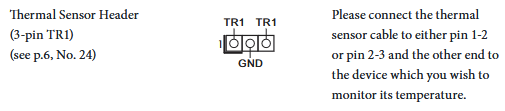
It does have some options, but nothing for the drive temps themselves. I have the fans for my drives set to a reasonable steady state, but your board does have a thermal sensor plug that you could slap onto your drives & have an actual curve set depending on the temps on the exterior of a drive
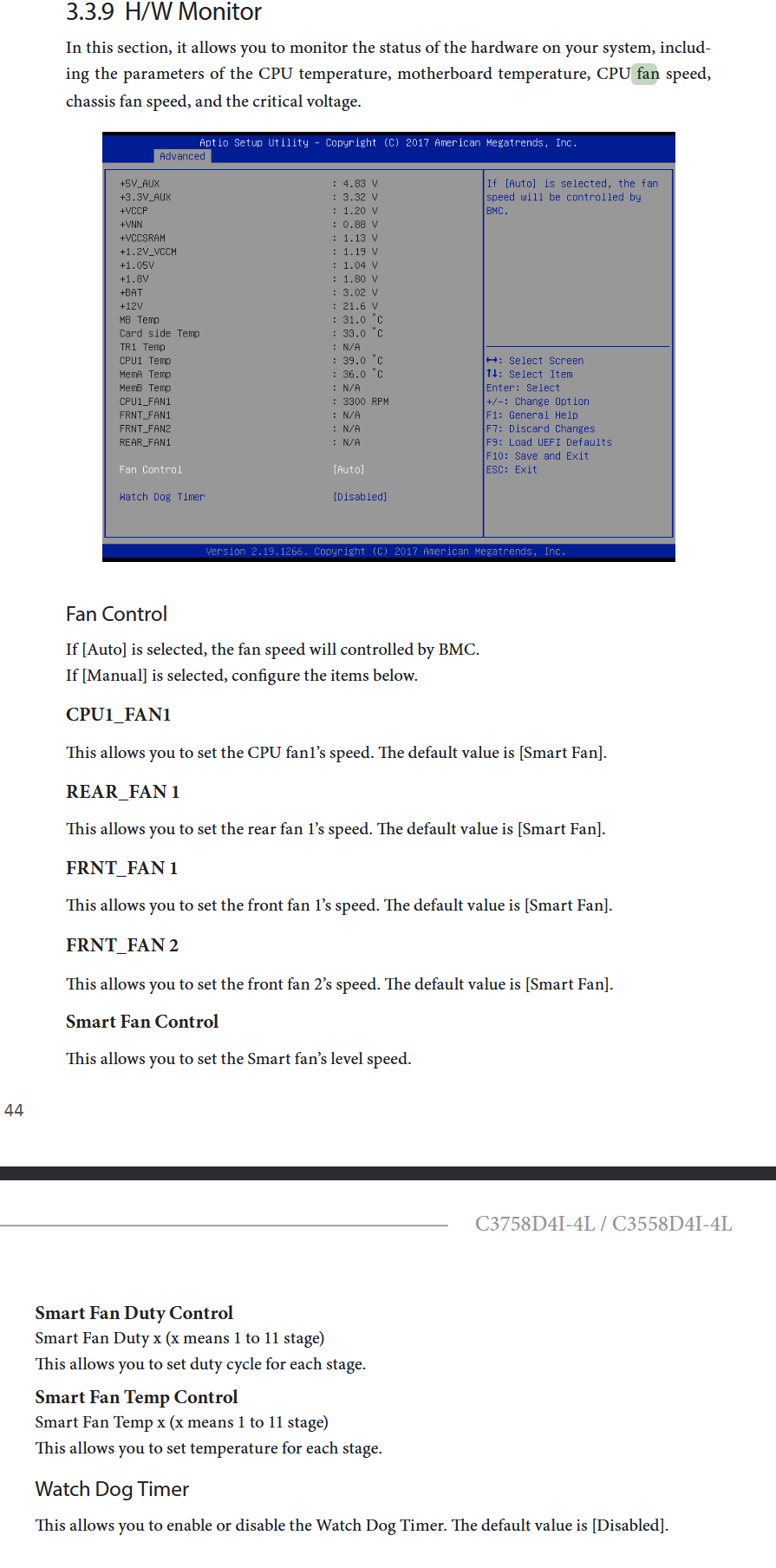
Haven’t gone into the bios to set it manually, but it seems possible to manually set the fan speed curve per temp point - some bios even allow to set if it is the cpu temp, thermal sensor, chipset, etc. etc. that control the curve for said fan.
Hi @MSameer would you be able to share the spinpid.zsh script?
If I can havea look and see if there is anything helpful I can point you toward. And it could help me in my endeavour to make my fans quieter…
I also don’t have a server grade mainboard, but i’m using coolercontrol deployed as a custom app to manage my fan speeds. All my fans are connected to the various fan headers and as long as they’re pwm fans i can adjust their speeds manually with a percent value or set fan curves.
The only issue i have is that i have to manually create an extra entry in modules-load.d to load an additional kernel module.
yes I can do that but I can also manipulate fan duty via ipmitool
It does not work. I reflashed BIOS, enabled inventory support because I read it might be a reason for IPMI not showing fan settings but it still does not show up.
It’s not working too. Not sure what’s with this board.
Just rename it to .zip
02a27fca1a60ad37d5997459af39ad00 /tmp/spinpid.zip.txt
I doubt it can be easily modified. supermicro allows setting a single fan duty cycle via ipmitool. Asrock rack needs all fans at once which means we need to read the values then set them all again. Agh
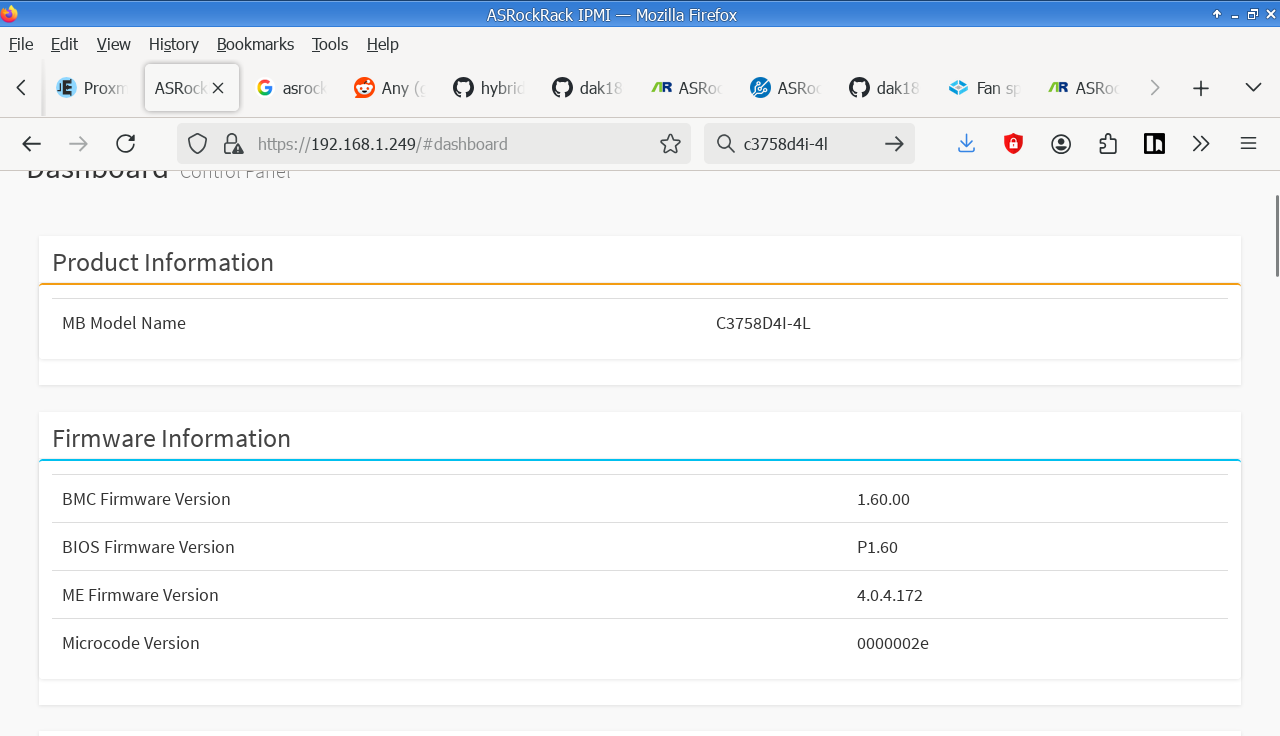
But mine is a server grade motherboard with a BMC. it’s just that the supermicro script I’ve been using to set fan speed based on drives temperature is not working
I cooked a very basic script that will get the temperatures for HDDs and SSDs then set the fan duty cycle accordingly.
It’s very basic, no CPU temperature or fan control yet, not the best parsing and possibly buggy but it will work until I find out why fan settings are not shown.
This updated script will also take control of CPU fan. I set the fan duty cycle per a cpu temperature map since my atom CPU cooler does not contribute to cooling the drives.
I will use this script for now until I contact Asrock Rack and find a solution for the lack of fan settings.


 Which motherboard if you dun mind me asking?