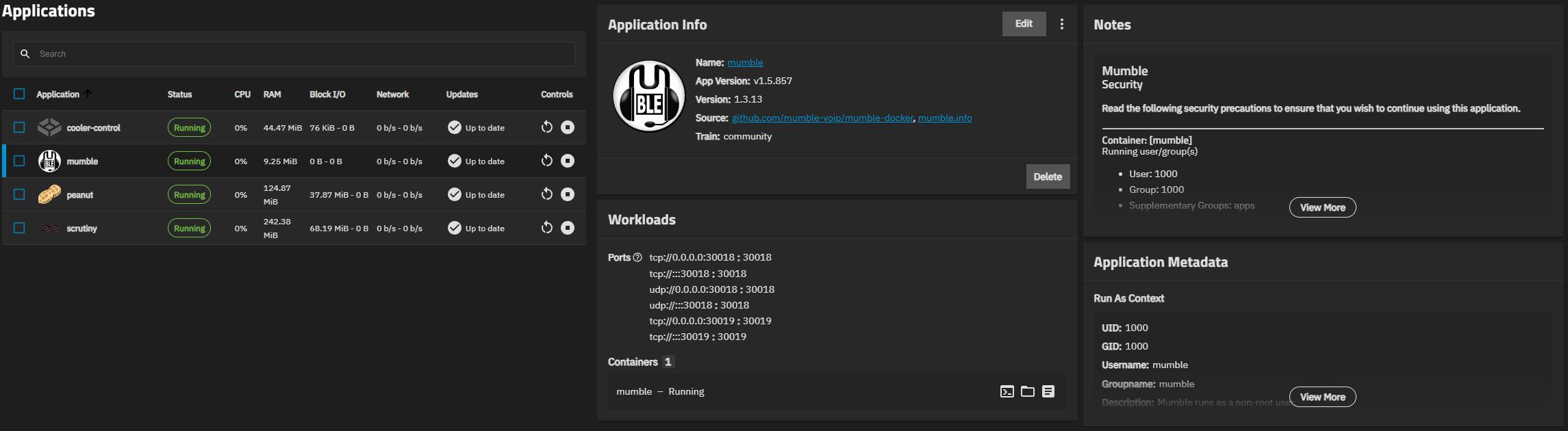
I am trying to reverse proxy into Mumble app. It doesn’t allow that unless I edit the configuration file.
Configuration file seems like it is in a different place compared to where search on internet say it should be. Where did it get moved to?
I can’t seem to edit anything since there is no vim, vi or nano to work with in the container terminal. How are you suppose to edit configuration files?
depends on how you’ve setup the storage (hostpaths or ixVolume)
If not mounted via hostpath, change to hostpath and use ssh to edit the files in the hostpath directory directly from the host not from within the container.
I found the general terminal in Truenas and that has Vi. I can’t seem to find the mumble file used for configuring Mumble. I found the file that Truenas app edit menu makes. Not the actual Mumble config file.
Is it resolved? I also have this problem, in Truenas it’s not mumble-server.ini but the file name is mumble_server_config.ini but the problem is that the configuration cannot be changed. If I change it, it doesn’t have any effect.
Ok i just set up a test-app for mumble with hostpaths.
The Problem seems to be that mumble wants to set things up as UID 1000 which doesn’t exist as a buildin user and can’t be setup because uids below 3000 are not allowed.
I used an ssh session and chmodded the permissions on my mumble-test dataset and tried to start the app again and it’s up and running.
Inside the hostpath-Dataset are to files:
A mumble-server-sqlite and mumble_server_config.ini
I can use ssh and nano to edit the config.ini, but the default content is this
# Config file automatically generated from the MUMBLE_CONFIG_* environment variables
# or secrets in /run/secrets/MUMBLE_CONFIG_* files

users=3
port=30018
welcometext=welcome
icesecretwrite=teset
serverpassword=test
icesecretread=test
ice=tcp -h 127.0.0.1 -p 30019
database=/data/mumble-server.sqlite

[Ice]
Ice.Warn.UnknownProperties=1
Ice.MessageSizeMax=65536
Edit:
Had to google how to use mumble since i didn’t know it, but i installed the mumble client and was able to connect to the server. So it seems to work correctly…