Linus Tech Tips videos are notoriously misleading or outright wrong for TrueNAS and ZFS. And with a few exceptions most YouTube content on the subject is just rubbish.
The only exception I know is Tom from Lawrence Systems. His content is good.
Linus Tech Tips videos are notoriously misleading or outright wrong for TrueNAS and ZFS. And with a few exceptions most YouTube content on the subject is just rubbish.
The only exception I know is Tom from Lawrence Systems. His content is good.
You seem to have some issue with terminology.
A vdev consists of one ore more drives. Redundancy is at vdev level.
A pool consists of one or more vdevs. Datsets and shares are at pool level.
You don’t quite “split” a pool into different vdevs; rather you add vdevs to a pool—and then with raidz2 you can never remove vdevs. Vdevs in a pool are striped: Adding a second raidz2 vdev turns your RAID6-equivalent into a RAID60-equivalent.
A share in a pool always appears to clients as a single drive, no matter how many units make up the array.
In this example you have a single pool, and the failure affects one vdev. Although the whole pool will appear as “degraded”, there is one single vdev that is degraded and one single vdev which should resilver—the other vdev will not participate in the resilver.
Wrong, probably. But the question is not quite clear.
“Rebuild raid”, with a different geometry or different parity level, you cannot: Backup-Destroy-Restore.
“Resilver”, yes, you do it to repair a drive failure—or to increase capacity by replacing drives by larger ones.
“Parity check” would be a scrub; this is something that should be done regularly (e.g. as a monthly task) to check that pool is indeed healthy.
As soon as one drive fails you have an issue which is to be addressed as soon as possible. Because one more failure would then leave your raidz2 dancing on one foot at the edge of the Grand Canyon… Never wait to address issues.
I starting to understand abit more.
I was looking at a good video on youtube about HBA + Expanders.
he was talking about PCI 3.0 bandwidth limitations.
i know i will never need the full speed of my drives, but would i be streching one pcie 3.0 lanes capacity too far having 60 drives on it daisychained on expanders vs having 3 separate cards in their own lanes on server mobo, or does it not matter ??
How fast is your network?
Bottlenecks are a whack-a-mole game…
Well said. Outside of Apps and VMs (anything that runs in the TrueNAS itself) then start with your network speed and benchmark backwards.
PS: Although at can be fun trying to see how fast your TrueNAS can go at the pool level and identify bottlenecks even just for educational purposes.
Only gigabit, as long as i can play 4k uhd files without stuttering that is enough for me.
Then if data access is ultimately throttled to a 1 Gb/s link (i.e. less than PCIe 2.0x1), it doesn’t really matter if PCIe 3.0x8 on the HBA is “limiting” the pool.
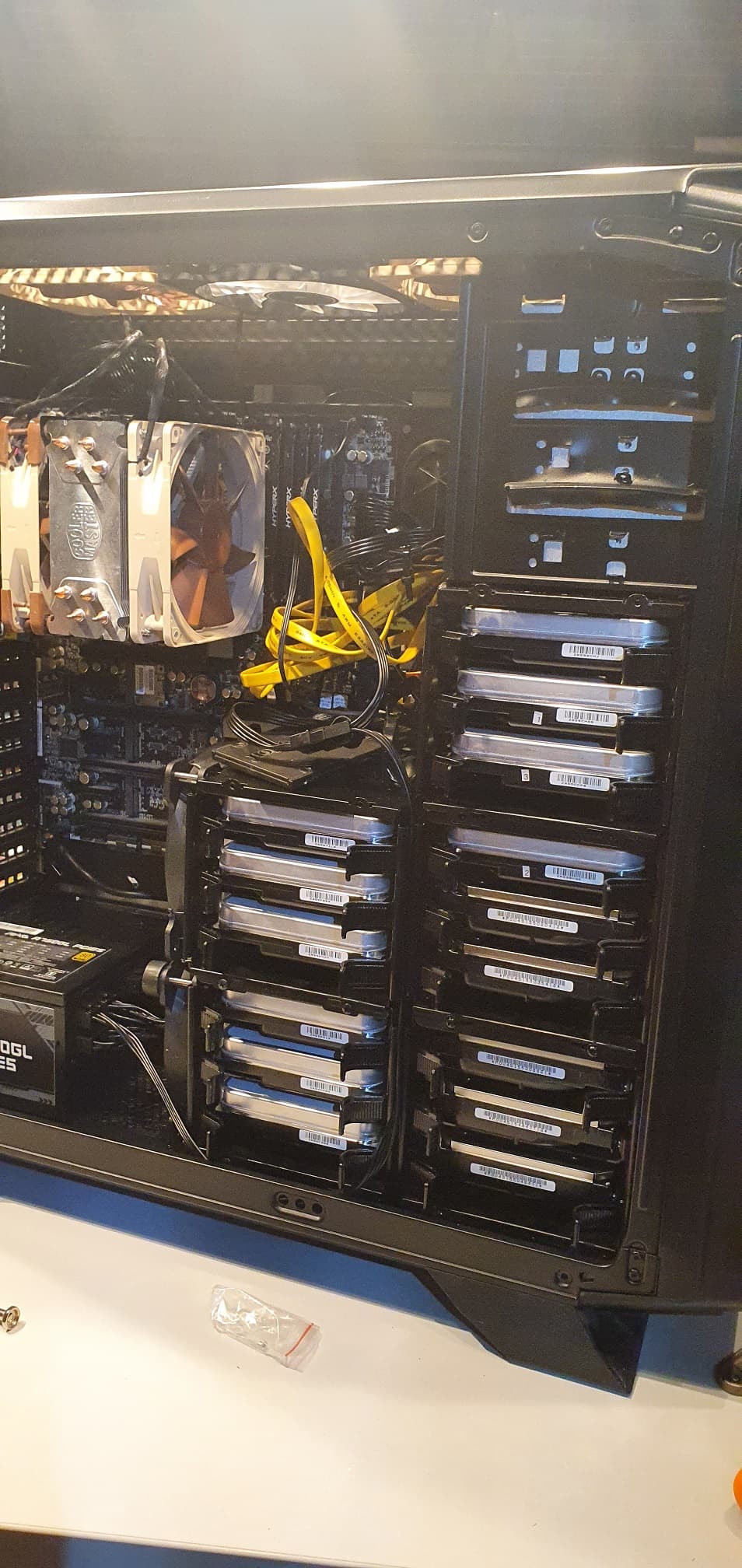
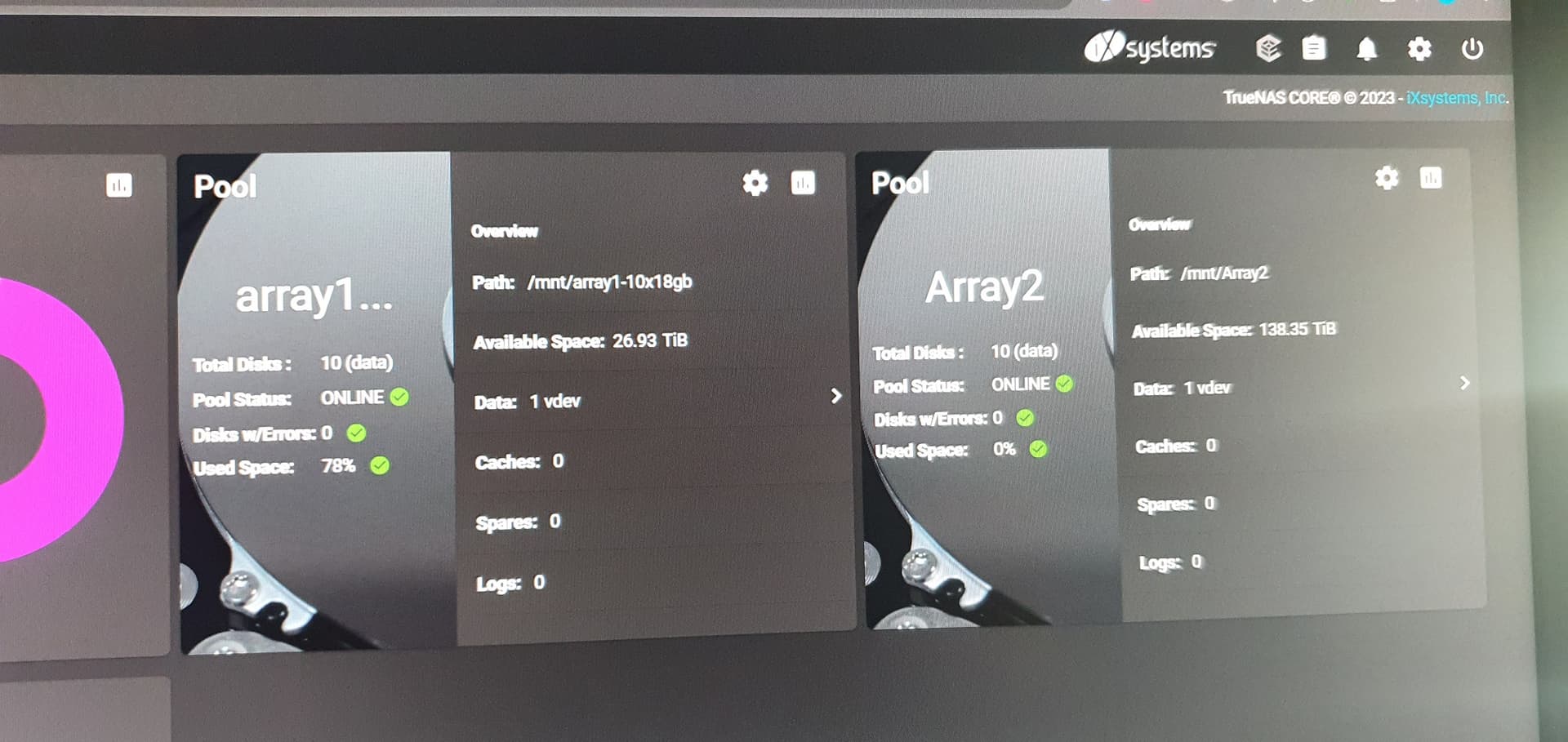
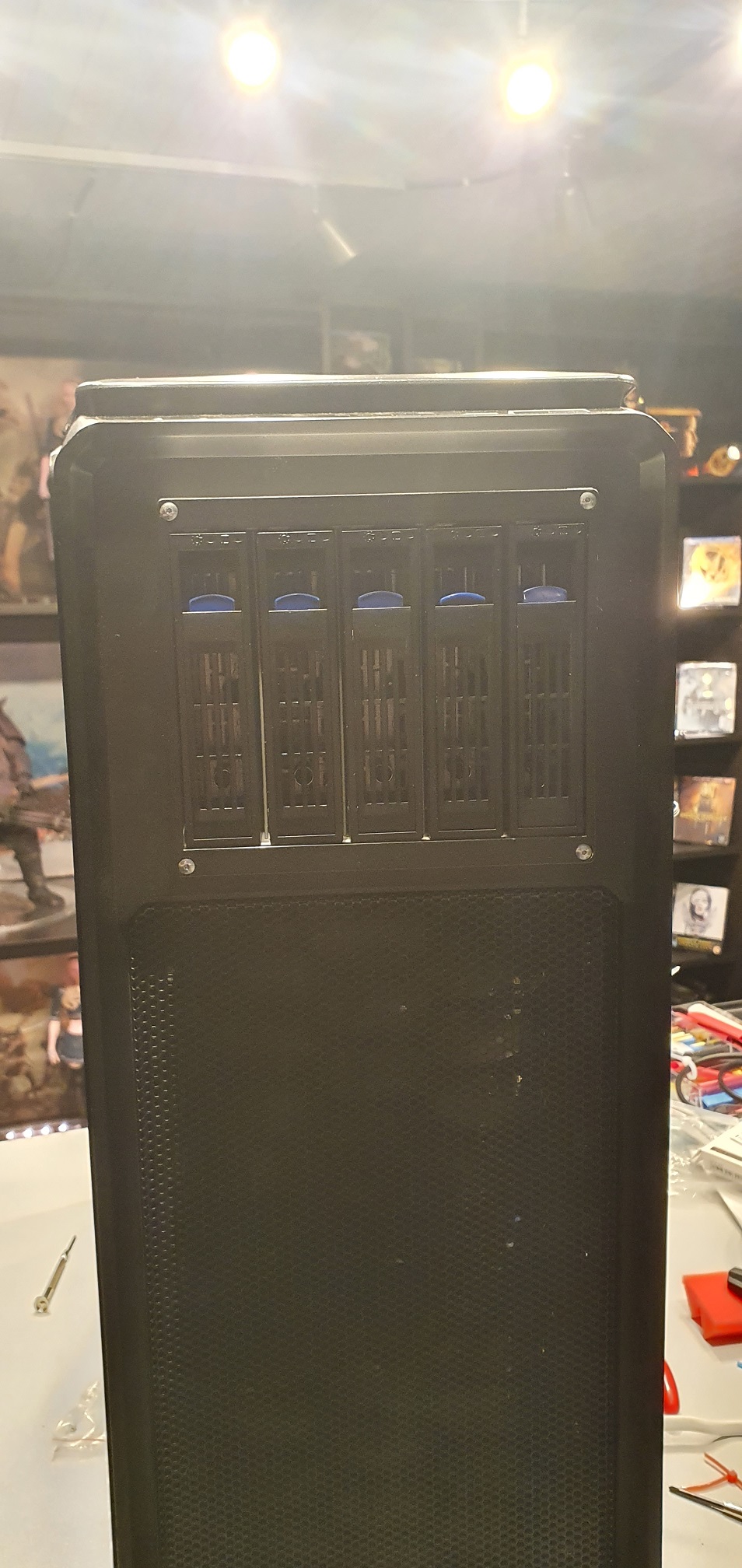
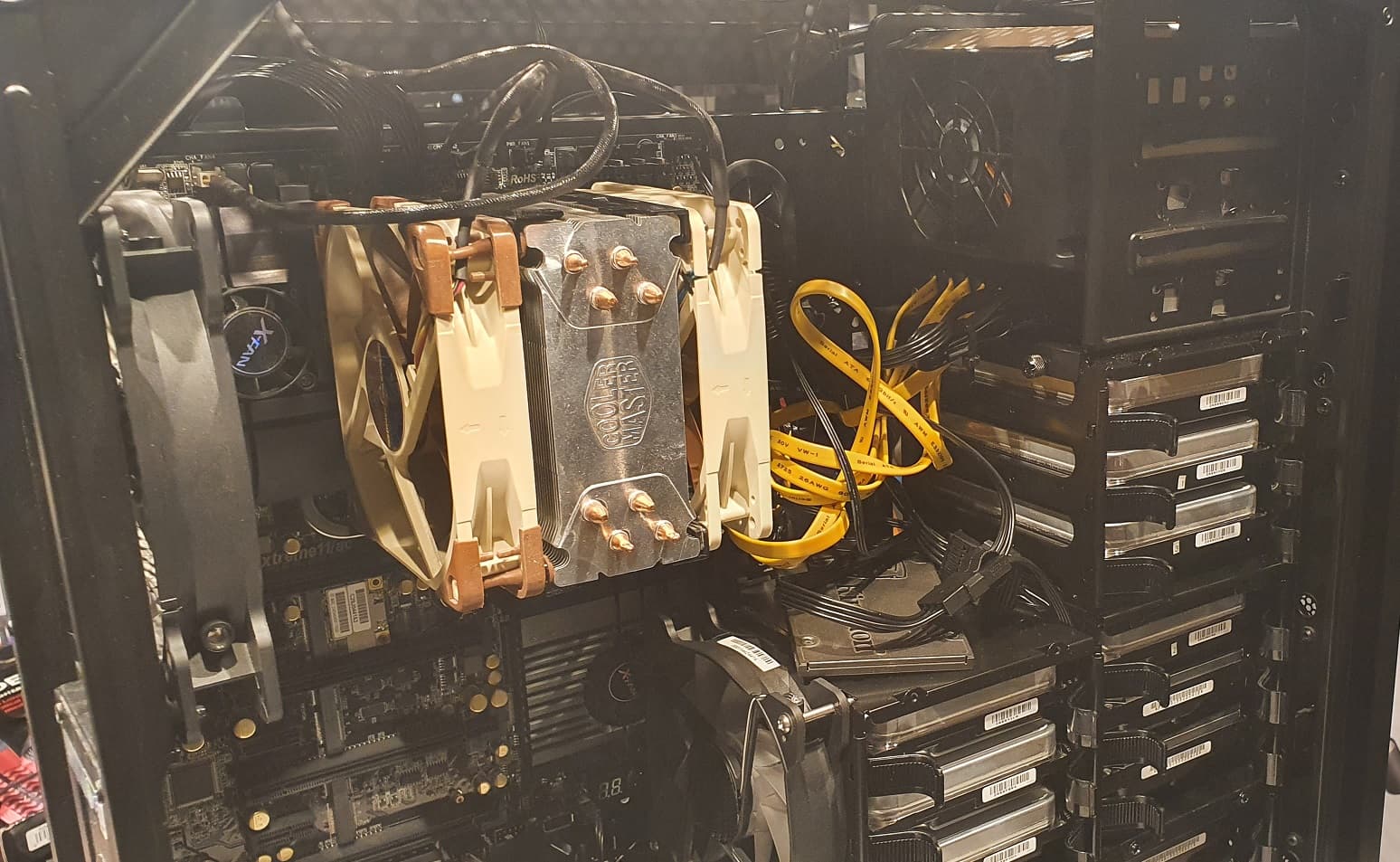
So my first (of probably many) TrueNAS enclosures is complete. after about 10 months thje first pool was at 80% so the second was installed.
10x18tb and 10x20tb in zfs2
Man i love the Asrock Extreme 11 AC mobo with 22 sata ports 
power draw in idle is 250w, at load its about 315w. that includes the powerwalker ups.
Almost but not quite. Each share you create is seen by Windows as one disk. If you create only one share per pool, that’s one “drive” per pool, yes.
Make sure not to share out the top level “root” dataset of the pool, though. Create at least one dataset and share that.
I am using Plex on separate computer instead of app on TrueNAS so i also have to map each drive I believe. Atleast i couldnt find it as network drive.
An what would be the issue of sharing the root ? not sure if i am or not really..
You can run into unexpected and seemingly broken behaviour with ACLs and with snapshots.
It’s part of the official documentation not to share the root, but you do you.
I dont want to do something that can cause issues, i have followed a youtube tutorial when adding pool, creating dataset and creating share.
This one:
Sorry, not watching. If you created a dataset to share you are fine.