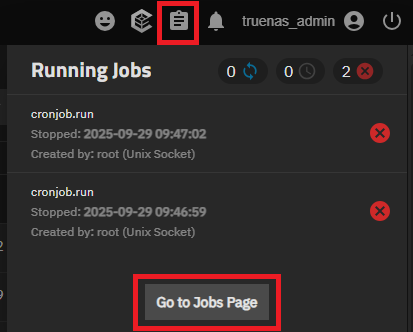
But nothing happens. Even if I put a plain echo hello > /some/path.txt in the script it won’t get executed.
I checked /var/log/middlewared and don’t see any errors either.
When I manually run the midctl command line from the cron (adding -U and -P credentials) all I get is a decimal number on stdout, but no script execution.
How can I debug this and / or what could be wrong?
The most common problem I have seen with Cronjob failures, is that the executable PATH is not listed. Cronjobs ignore the user’s SHELL Profile, RC file or Login file and only use the OS supplied PATH and SHELL parameters.
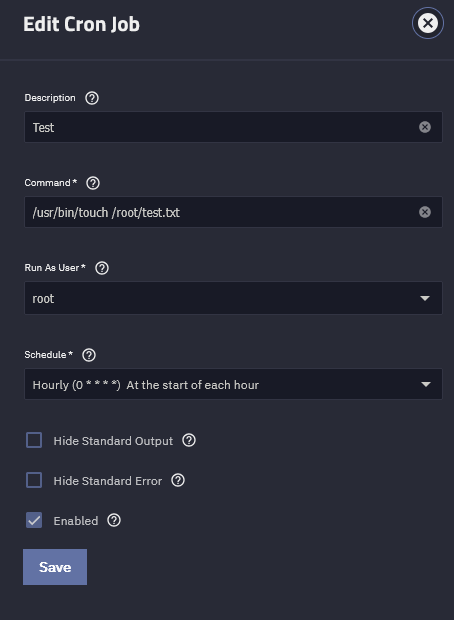
Thanks for the pointers. I am still at a loss. To trim down the variables my cron job now is run by root and all it does is /usr/bin/touch /root/hello.txt.
But again, this doesn’t produce /root/hello.txt even though journalctl says:
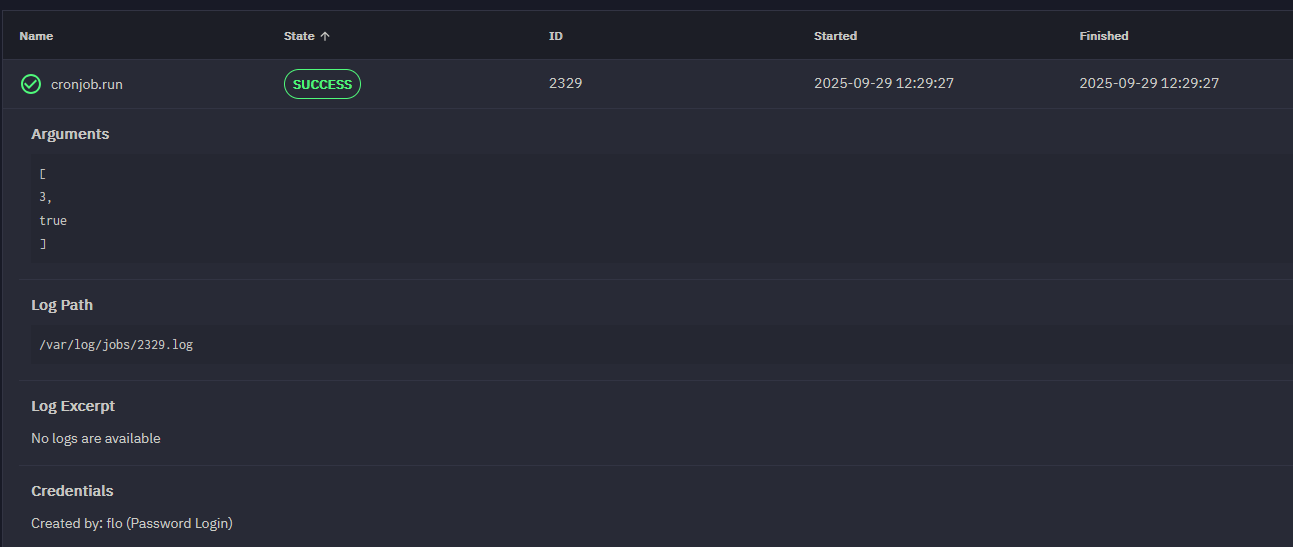
Ok, thanks for pointer re. decimal number. I was digging more and when I run the cron job manually via midctrl things work and the job is executed.
When I just setup the time (say for debugging every nth minute after the hour) journalctl says it ran midctrl but there is no new entry in the jobs page.
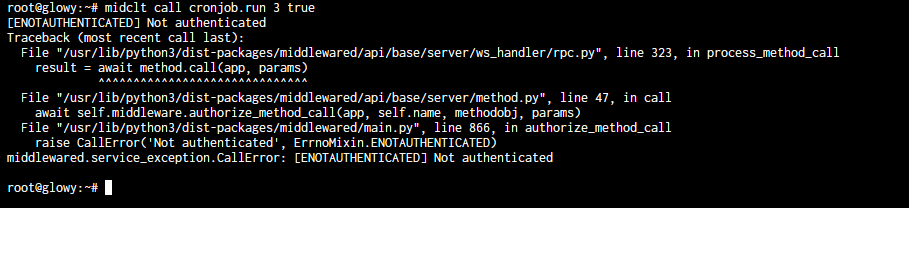
So it looks like that midctl fails to issue the actual cronjob when it is ran via cron itself. Manual running (and of course adding -U and -P credentials) works.
I noticed that the midctl command shown via journalctl lacks the -U and -P options: