New installation of Truenas Scale 25.10.1 on bare metal, not virtualized. System dataset is on main (only) pool.
Mainboard Tyan/Mitec S8229 (similar to S8226), 128gb ECC RAM, built-in LSI SAS2008 flashed to 20.00.07.00. Six 4tb WD RED (CMR), 3 x mirror, 2 wide. Seven e1000 nics built in. Dual AMD opteron 41KX-HE cpus.
1 nic (enp9s0) used for all traffic, bridge br0 member, to ATT 1gb fiber via BGW320-500
Primary purpose is smb shares and VM’s. All VM’s are Debian 13 (trixie) 6.12.61 amd64
I installed 4 debian trixie vm’s. My normal method to reboot those machines is to ssh to them and issue “shutdown -r now”. Approximately 30% of the time, the vm shuts down and restarts just fine. But the majority of times, the vm shuts down but never restarts. Using “restart” in the UI doesn’t seem to work. The “poweroff” in the UI often works the first time, but often it requires multiple “poweroff” clicks before the vm comes up.
I’m not sure where to start on troubleshooting this. From what I can see in logs, there is no relevant information. Looks like just a shutdown and startup (when it finally starts). I see lots of mention in the forum about Truenas restart issues, but nothing about this kind of VM issue. Has anyone seen this and have any suggestions? If not, can someone at least point me to relevant items to check, logfiles, etc.? This is kind of a showstopper for me, any advice is much appreciated!
FYI - did not have this issue at all with an identical machine running truenas core 13.3 and Debian Bullseye.
I had similar problems with Trixie. My machines had a Spice display device from their installation and an added serial console after installation.
At first I noticed that my Pihole sometimes got slower and slower during long uptimes. Rebooting it via the shutdown command when it got slow or when there was an update needing a reboot basically froze the machine quite often.
I don’t know why and when I tried removing the Spice display during troubleshooting. But it turned out to be the problem. Now without Spice things are runnning rock solid for all my machines based on Trixie now.
Yes, I only tried “reboot” command once instead of “shutdown r now”, but it did the same thing (shutdown but no startup) so I didn’t bother trying again with “reboot” for more datapoints. Thanks!
I’m a little unclear of terminology “Spice Display”. I’m coming from Truenas CORE where to my knowledge there is no such thing. By Spice Display are you referring to the VNC console? I do have those enabled on every VM. I also have a serial port enabled on each (serial device added to VM and enabled for login via systemctl). Not headless… just an additional login method in case vnc viewer isn’t around.
Please advise if by spice display youre referring to the truenas scale builtin console display, and if so I can remove those from each VM and test. I hate loosing VM console access from within the UI, partially why I also enable a serial port. Truenas CORE had a wonderful framebuffer support for vm graphic consoles that worked fantastically, sure would be nice if SCALE brought that into the codebase.
Kind of. Spice is Spice and VNC is VNC. Some versions of Scale ago VNC got replaced by Spice as the display device for access from Truenas’ web interface.
So yes, it’s the builtin console display in current versions of Scale.
Funny you just now posted this, about 30 minutes ago I did some googling and found the vnc/spice info. I decided to proceed boldly with (no) caution and remove the vnc display on two vms. Will report back after a day or two of testing. Crossing fingers! thx!
Jury is still out, will need another day or two of testing, but since removing the display device I’ve not had any more ‘hung’ reboots. As additional info, all the affected VM’s were pretty regularly spewing “[TTM] Buffer Eviction Failed”. That ties in with other posts I searched that at first didn’t seem related.
If this does solve the problem…. It seems this is a KVM issue rather than a truenas issue? Is this fixed in the dev train of truenas (via a newer kvm)? Has there ever been any discussion to use/port the framebuffer device that was so successful in core and would sidestep this issue?
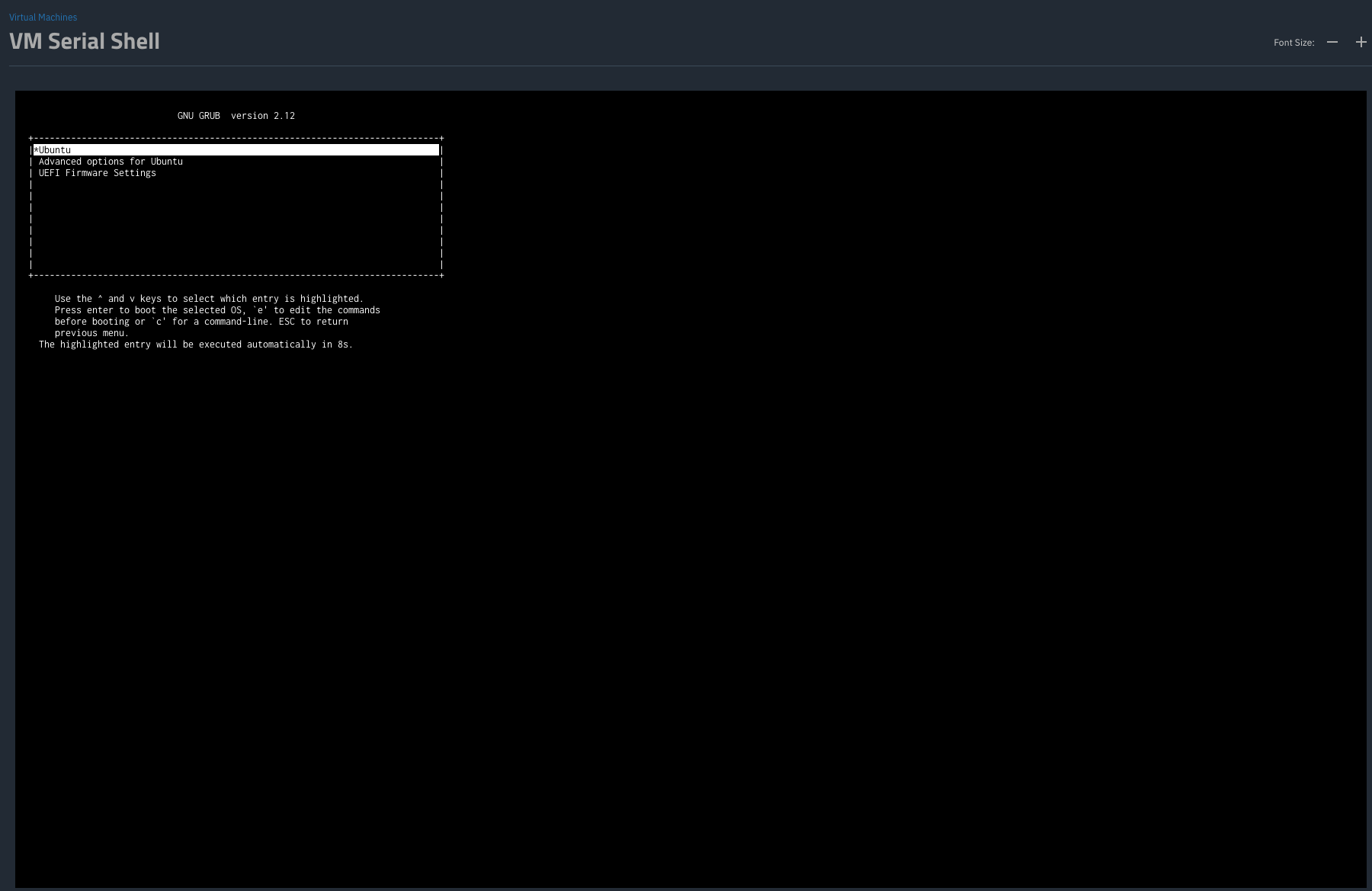
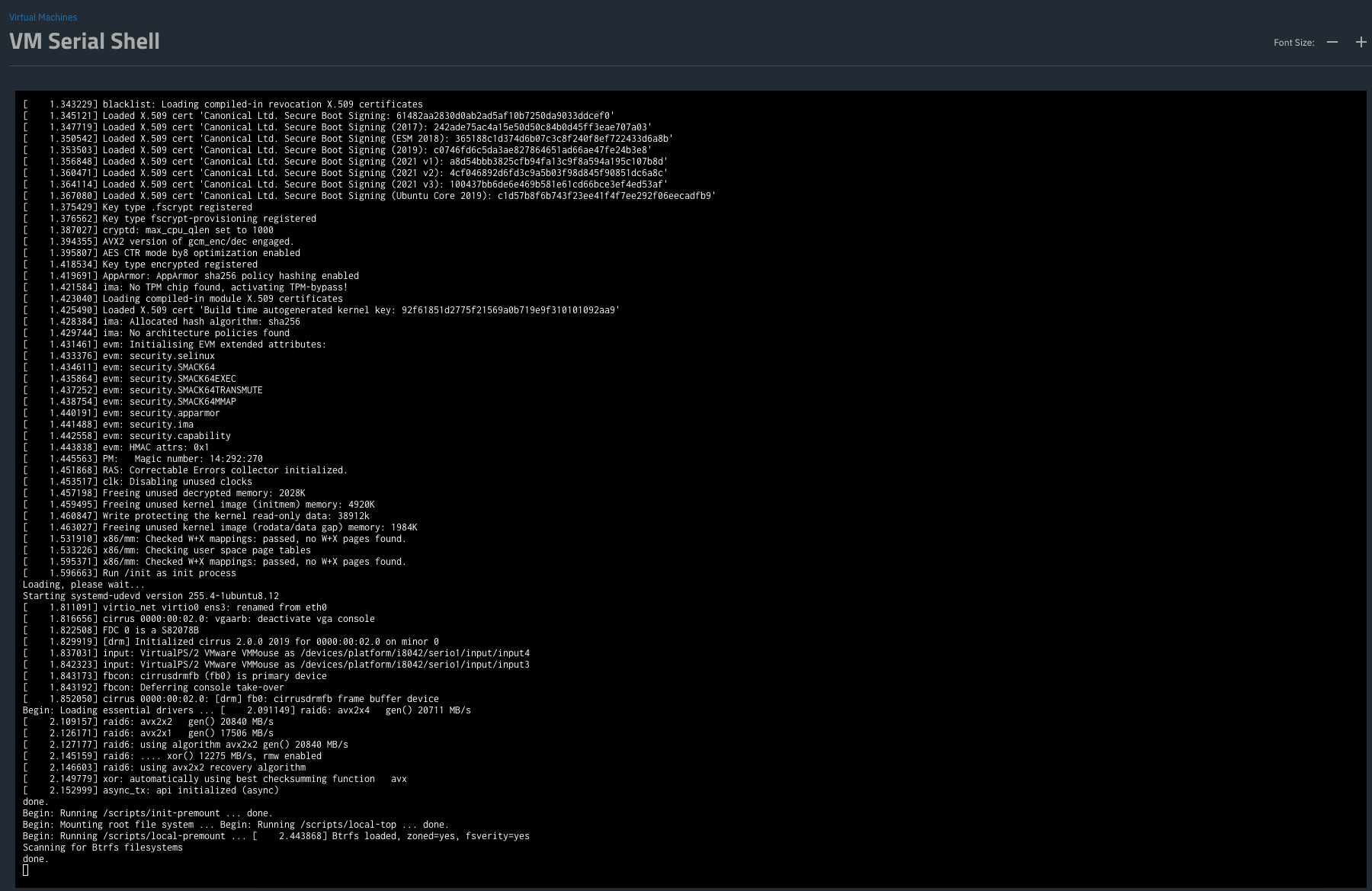
Lastly - As a temp solution I switched to serial console (options in GRUB) and removed display (VNC) device. I dont get quite all the startup “bios” and debian boot msgs. Any way to get those back on the (now) serial console?
The standard directions I saw and followed mentioned adding the grub_cmdline_linux console=ttyS0, and enabling the ttyS0. That is what I did before. From your instructions, I changed grub_terminal as well, and now I do get the boot menu at the front. But it is followed by the same messages I got before, which are notably lacking the entire boot display I normally see on a machine.
So in the past few days I’ve rebooted the vm’s many dozens of times. Never failed to reboot. All I had to do was (as Whiskydrinker said), remove the vnc display device and use serial instead. I’m so glad that problem is solved, but ixsystems really needs to look at this. Not having a graphics console (that works) available in the ui is definitely a hindrance for many os’s to get through install.
It could be the KVM included it Truenas but it could also be the driver for the virtual graphics card included in Trixie. Since simply removing the Spice graphics card has solved things for me I was too lazy for investigating things further.
And I’m happy for you that this also works for you.