Hello! Joining the chorus of folks who registered to post here to thank the folks here for providing these awesome fixes, share our experiences. So - to begin! Thank you to everyone here, but especially to @Schuwi and @buxton as these suggestions are what worked for me. I did try other suggestions to no avail.
As a complete noob, with some general coding experience, this is what I did. I am going to go into a little more detail for my fellow beginners, as it would have helped me to be more confident.
Device: UGREEN DXP2800
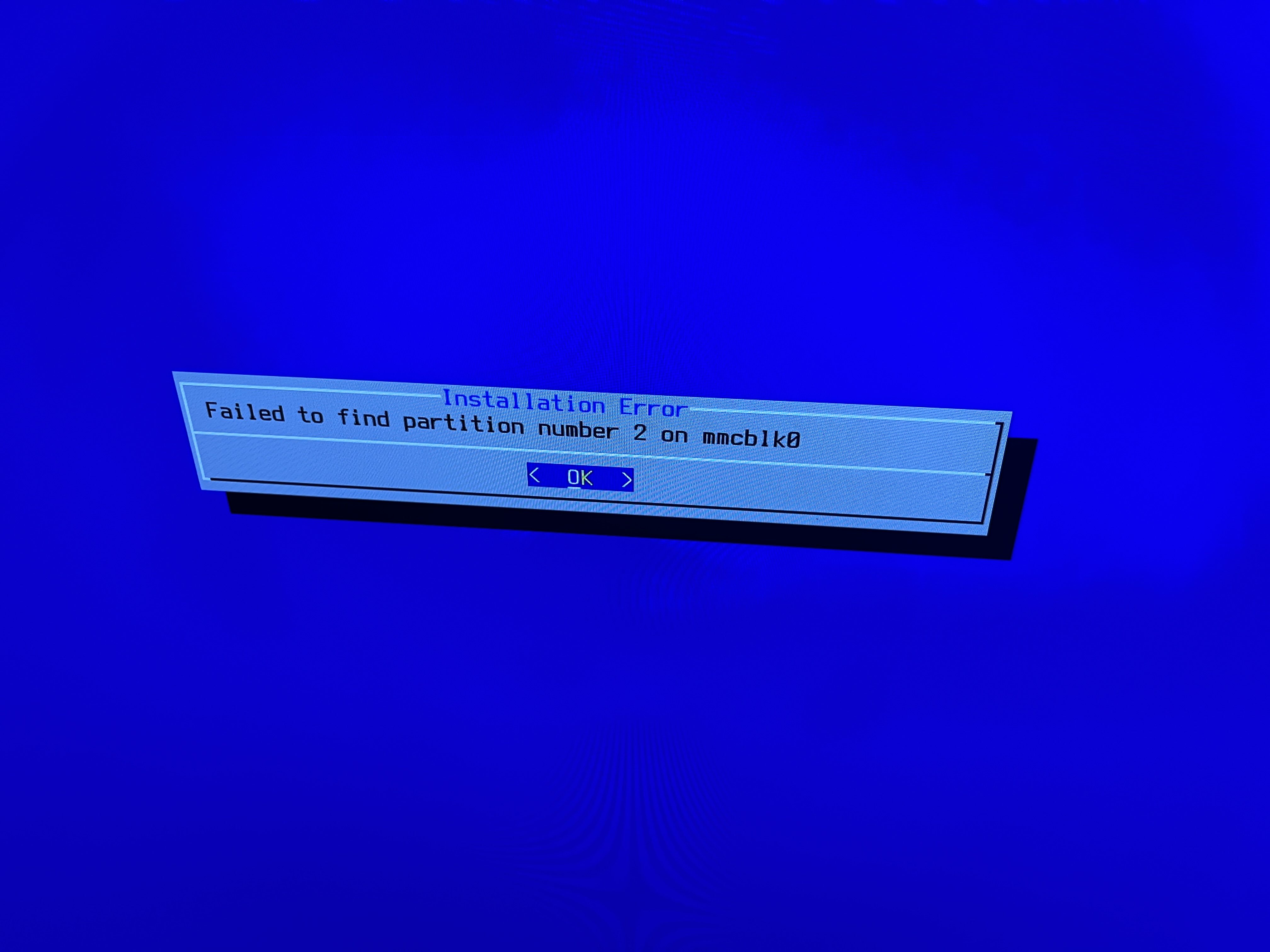
Error Experienced: Failed to find partition number 2 on mmcblk0
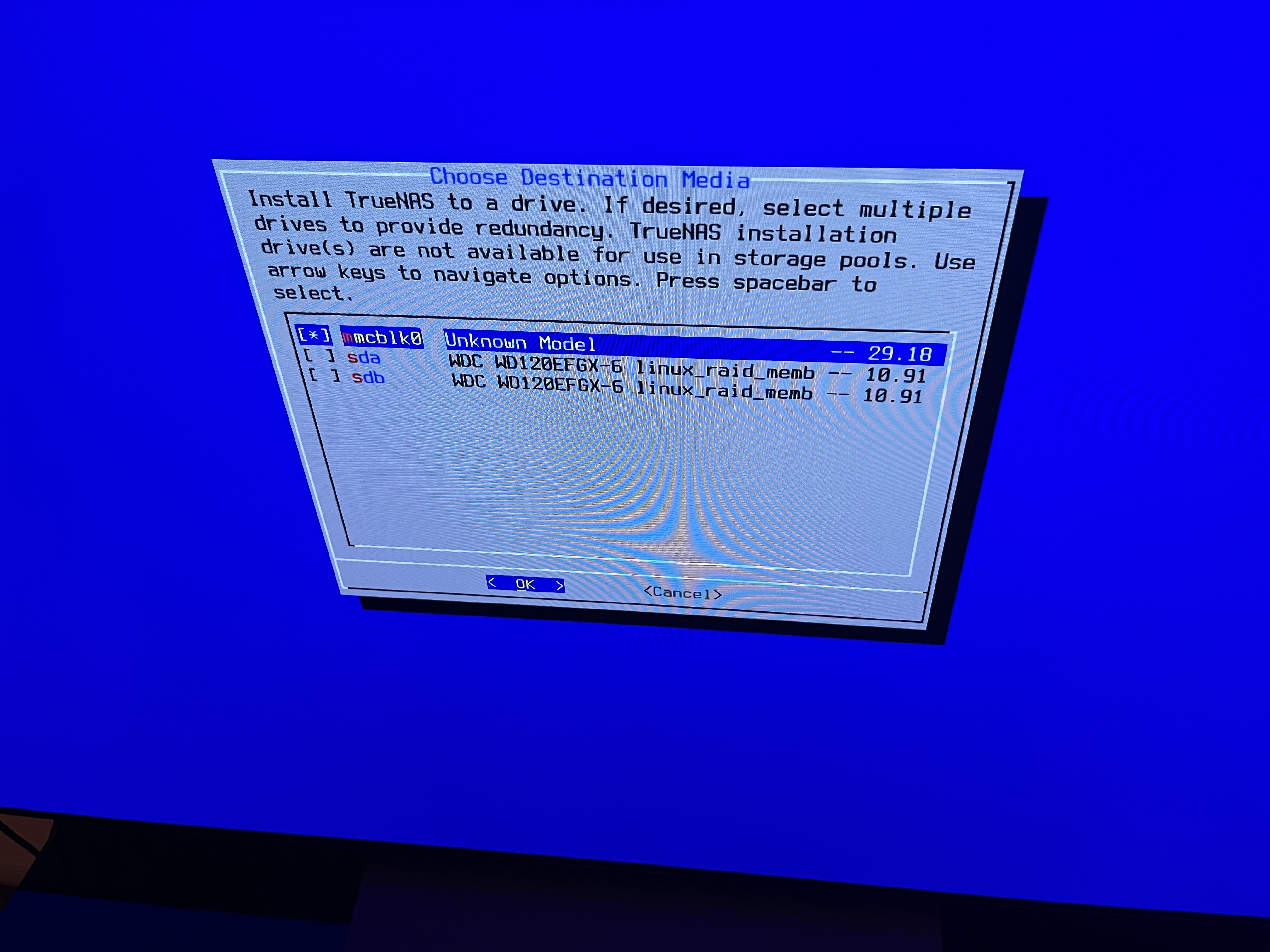
At this point I am assuming that you’ve already successfully created your boot disk, and have attempted to install truenas scale on your DXP2800.
- Use the
Shelloption in the installer menu. - type:
lsblkto see your list of drives. You should see one drive listed mmcblk0 with multiple partitions below. - Now, as instructed by @Schuwi - we will need patch the install file, however first you need to know how to get there so you can edit it.
- Begin by typing
cd /lib/python3/dist-packages/truenas_installer/.
Note that I had backed into the root directory first by hitting
cd .., but I don’t think you need to do that. However, I’m a noob, so if I’m wrongcd ..first so you are in the root dir and try the cd into the truenas_installer folder again.
- To edit files in Linux you need to use some editor - in this case the one I knew about was Vim. to use vim to edit this file - use this command from the truenas_installer folder:
vi utils.py
Vim is weird - lots of the ancient neckbeards love it, but honestly when you are a beginner like me, it’s hard to use. SO - do yourself a favor and load a cheat sheet. I just typed “vim cheatsheet” into google and it gave me all the commands I needed in the ai summary.
- If you’ve made it this far you should see the vim interface and the python function we need to edit. From here we will follow the instructions given, using the vim cheatsheet to guide you on what buttons to push to make vim do the edits:
- moving the line
await asyncio.sleep(1)right beneathfor _try in range(tries): - edit line 46 in the file and change it from
for partdir in filter(lambda x: x.is_dir() and x.name.startswith(device), dir_contents):
to
for partdir in filter(lambda x: x.is_dir() and x.name.startswith(device + 'p'), dir_contents
- type
exitto exit Shell - Install truenas. I did not reboot - I went straight into the install, and it worked like a charm.
I did not change the asyncio time to 5, but you may choose to do so. I did nothing else. THANK YOU ALL! Looking forward to learning more as I go.