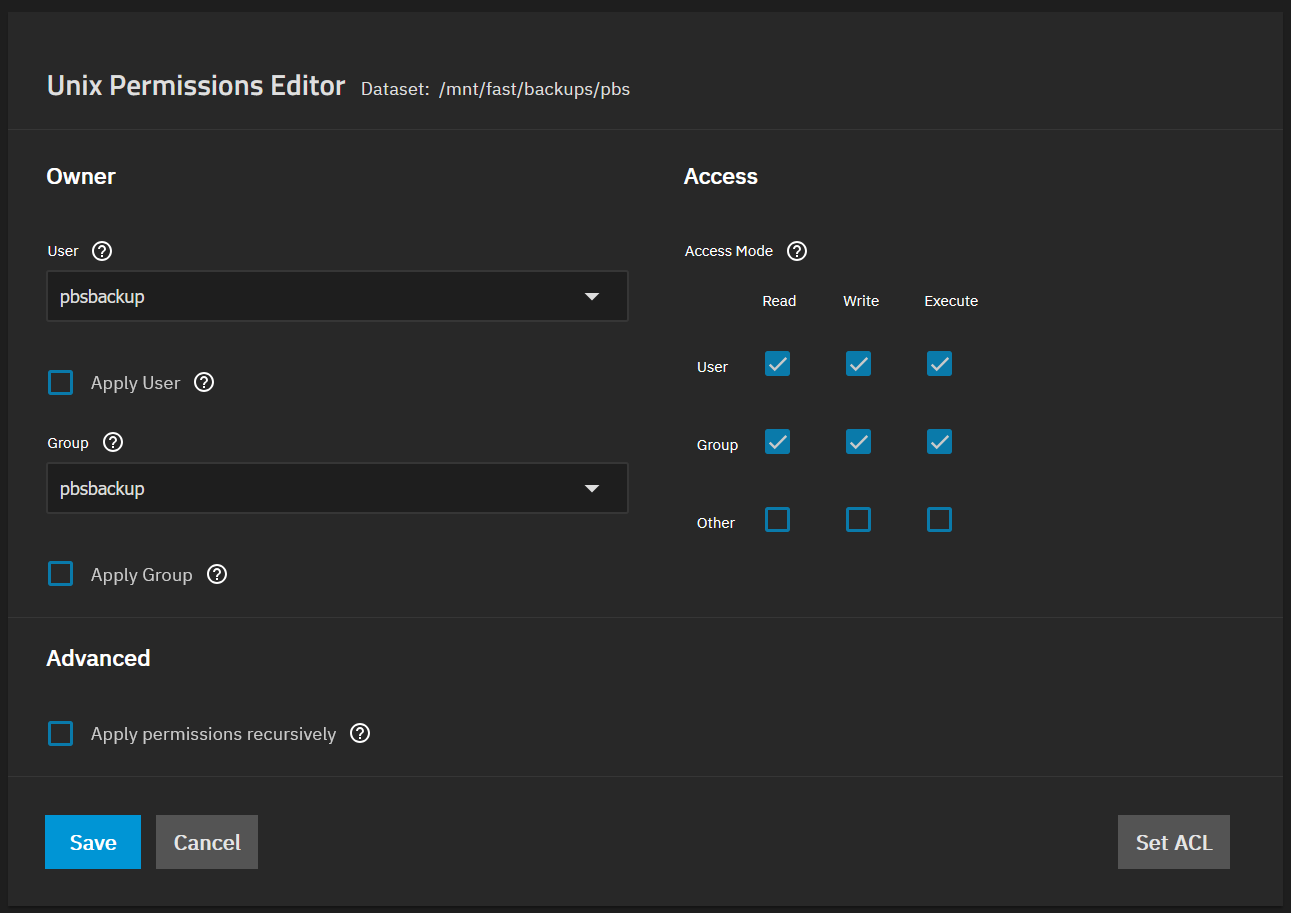
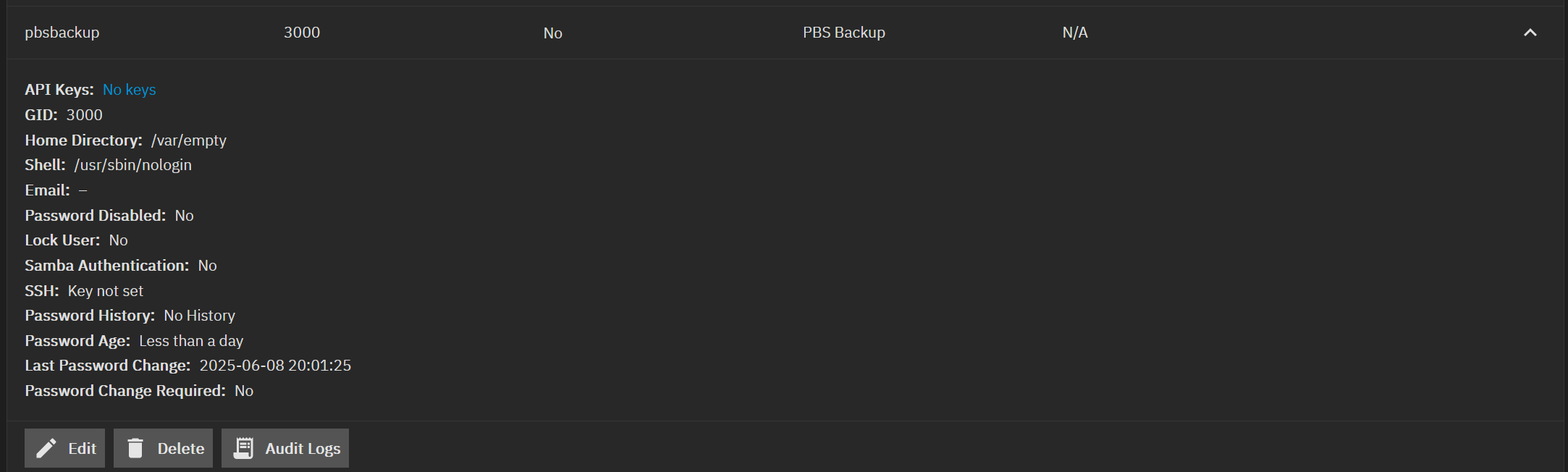
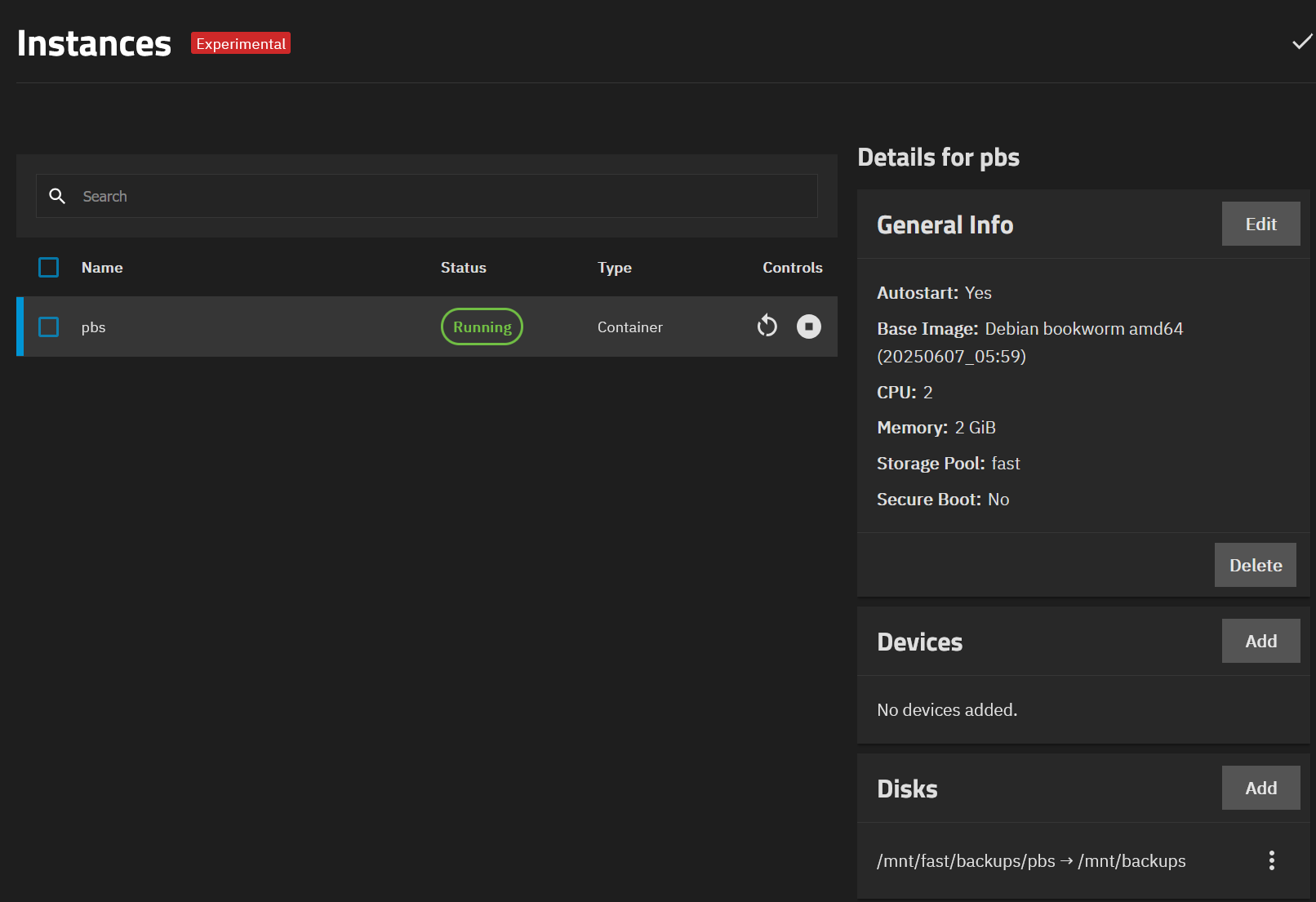
I am creating a container, that seems all good. Example; creating a container using Ubuntu 24.04 and running updates, install openssh-server and other apps. If I want to add a disk for persistent storage that is where I am running into an issue and am unable to find documentation or and example of what the permissions for that dataset should be. I can add it, it seems to be read only and inside the container it is owned by nobody:nogroup
root@Docker:~# ls -l /mnt/
total 1
drwxr-xr-x 2 nobody nogroup 2 Mar 22 20:29 data
I am unable to change owner in the container unable to write to it etc…
It appears when mounting disks to a container in Incus it needs to be set to use shiftfs
Setting this on the host at the cli at least gave ownership to root. The truenas UI needs to be able to handle this setting for this usage to work properly.
incus config device set Docker disk0 shift=true

root@truenas[~]# incus config show Docker --expanded
architecture: x86_64
<truncated output>
config:
devices:
  disk0:
    path: /mnt/data
    shift: "true"
    source: /mnt/ssd-storage/Multi-docker
    type: disk
root@Docker:~# ls -l /mnt/
total 1
-rw-r--r-- 1 root root 0 Mar 24 23:39 1
drwxr-xr-x 2 root root 3 Mar 24 23:39 data
root@Docker:~# ls -l data/
ls: cannot access 'data/': No such file or directory
root@Docker:~# ls -l data
ls: cannot access 'data': No such file or directory
root@Docker:~# ls -l /mnt/data
total 1
-rw-r--r-- 1 root root 0 Mar 24 23:39 testfile
Full IDMAP support is currently unavailable in the TrueNAS UI (NAS-134447). Users testing instances in 25.04-RC.1 can use the apps user and group (568:568) to set permissions with consistent mapping in the TrueNAS host and containers.
does this mean when i use shift=true if a dataset is not owned by apps it wont work?
im having issues using shift=true on nested datasets where all ownership is apps which according to the notes should be working?