Hello
I lost my VMs in proxmox and one of them a truenasVM with 2 disk passed-through , i was forced to re-create a fresh truenasVM from scratch and luckily i had a Truenas Backup settings from the lost VM 22.04.
I passed-through the old two disk which was prevously used as a zfs pool, imported the dataset and
restore truenas settings database file.
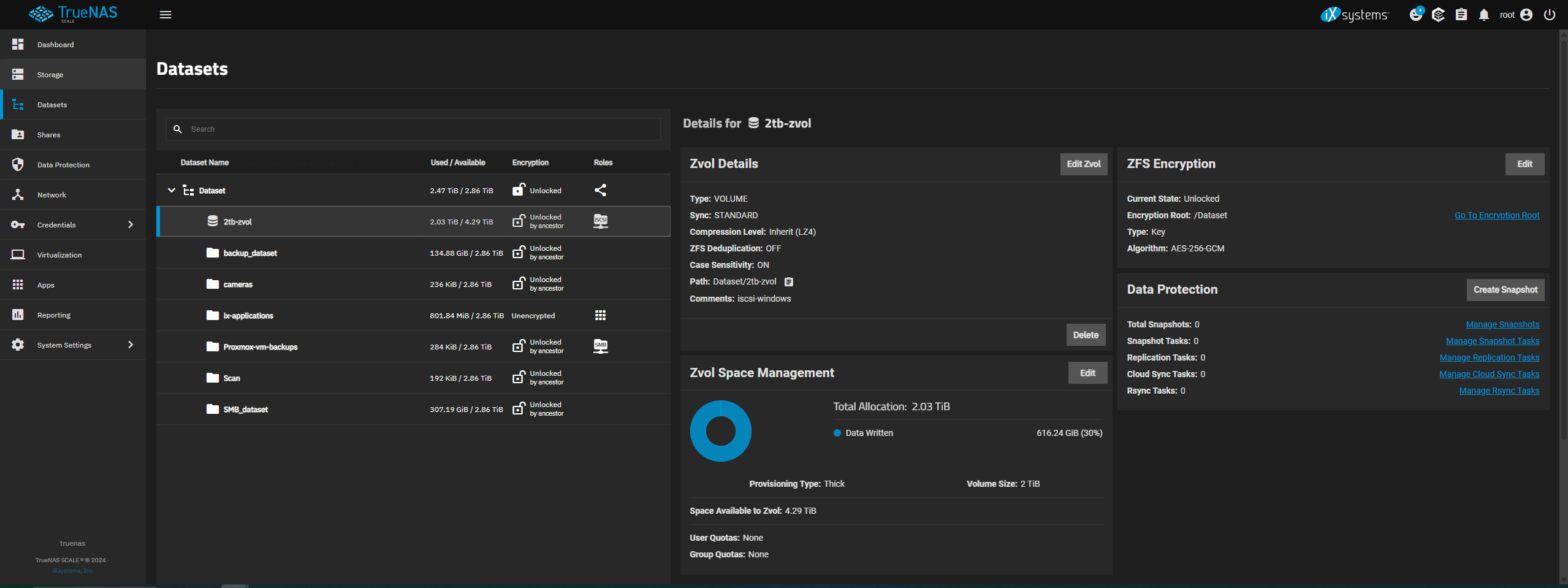
Now my datasets + 2tb-zvol (which was previously used as an iscsi share to a windows server, now when i tried to configure and initiate the iscsi and accessed it via windows it show as GPT Protective Partition and I’m unbale to access the data inside it.
note that the dataset was previously encrypted, and during the restoration of the dataset i provided the key file to decrypt it.
I tried using the truenas shell but with chatgpt and it stated that the zvol is currently showing as empty with no data inside ( meanwhile in truenas gui it shows that it has data 616GB data written .
note the dataset restore was smooth with no any errors after the new VM.
Is there anyway i can access the zvol data inside?
I would be really appreciate it if you can help me out.