Problem/Justification
In the configuration settings of a TrueNAS SCALE VM there is a “Shutdown Timeout” that can only be increased up to 300 seconds. If trying to increase the value further the error “[EINVAL] vm_create.shutdown_timeout: Should be between 5 and 300” is shown.
If a VM takes a while to properly shut-down this limitation becomes a problem. Please remove this “artificial” limitation of the shutdown timeout value and let the user decide how long the TrueNAS system might wait on a shutdown for the VM.
A TrueNAS administrator should be able to judge himself if a longer timeout is okay or not.
With the current limitation no virtual machines which have a longer shutdown time can be used properly with TrueNAS SCALE.
Is no one paying attention to this? I think this is a serious problem that affects usage!
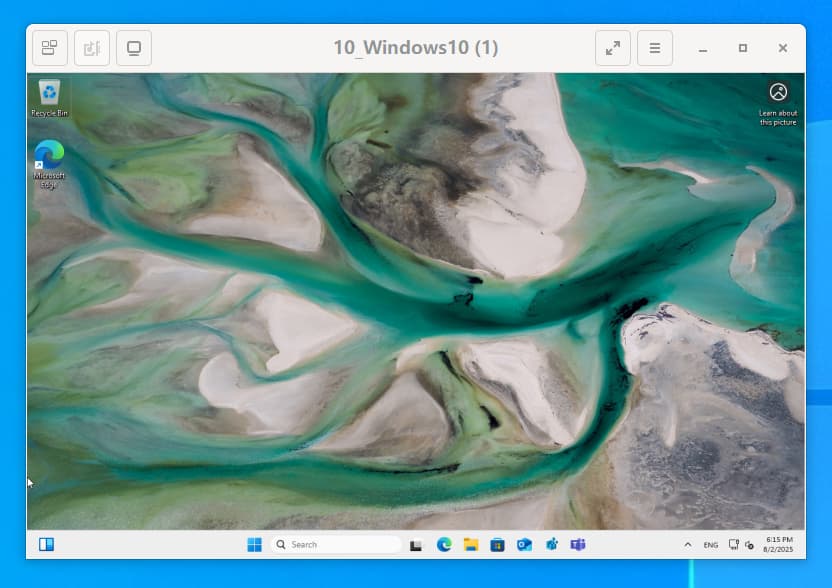
I created a Windows 10 VM which takes more than 300 seconds to update the system, and every time it gets halfway through the update, my Windows VM is forced to shut down! This causes me to never complete the system update!
I understand why the developers set this option, but you guys don’t realize that some VMs will take over 300 seconds to system update.
This can be considered a wicked problem!
So I would like to allow us to turn off Shutdown Timeout!
Whats wrong with shutting down the Windows VM from within, and not initiated by TrueNAS? Your update will complete just fine that way since there would be no watchdog.
If you have a script to shutdown your vms for doing a crash safe backup but one of those vms is windows and an update is forced which takes longer than 300s the VM can get corrupt.
This script cannot be run from inside the VM and depends on an ACPI broadcaster sent into the VM.
I believe that this unreasonable design has seriously affected our use. This has made it impossible for our virtual machines to update from Windows 10 to Windows 11. @Stux@william
I have a Windows 10 virtual machine that performs daily updates (such as Windows 10 21H1 to Windows 10 21H2) without any problems. Although the update time exceeds 300 seconds, TrueNAS does not forcefully stop this Windows 10 virtual machine during the update. (This may be because Windows 10 is not detected as being shut down by TrueNAS during the blue screen update, so even if the Windows 10 update time exceeds 300 seconds, it will not be forcefully stopped.)
However, when I updated this Windows 10 virtual machine to Windows 11, I noticed that the Windows virtual machine was forcibly stopped every time the update reached halfway. This is because TrueNAS identifies the process of updating Windows 10 to Windows 11 as a shutdown process, and since the update takes over 10 minutes, the Windows virtual machine is forcibly stopped.
I tried setting the timeout to 600 seconds, 3600 seconds, or even longer, but it didn’t work—the maximum allowed is 300 seconds…
Because of this, my Windows 10 virtual machine can never be updated to Windows 11!
There wasn’t a bug ticket created. @chuwz only created a new thread with the problem description. He hasn’t voted for this feature either. I don’t know if he even has votes at his forum trust level.
I did a direct message, DM but he hasn’t linked a Jira ticket like you did in the original post.
Not being able to update a Win 10 VM to Win 11 seemed like a valid issue and example. That’s why I suggested using the Report A Bug feature.
Hello, I was really busy yesterday, but I might have time today or tomorrow. I will submit a bug ticket, and I have already voted for this topic. Thank you.
Hello, I retract my previous statement; I may have been mistaken and misled you. I apologize.
This time, I successfully upgraded from Windows 10 to Windows 11.
I spent some time testing, Both local and online upgrades were successful. It seems that TrueNAS does not forcefully shut down my virtual machine, It appears that TrueNAS can detect that the virtual machine is not in a shutdown state but rather in an upgrade state.
I’m not sure why the upgrade was forcefully shut down halfway through when I upgraded from Windows 10 to Windows 11 last time.
Perhaps the Windows 10 virtual machine is unstable and crashed on its own rather than being forcefully shut down by TrueNAS?
So there’s no issue for now. If the situation changes in the future, I’ll provide additional information.
Thank you for submitting this feature request. After keeping it open to gauge community interest, we’re closing it as it hasn’t received enough votes to prioritize for development.