Hi all,
Very much a beginner with truenas and linux, containers/Docker etc. I am trying to get Ollama and open web ui to work, any of the guides on youtube are either not correct, assume a higher level of knowledge that I have or you need a computer science degree to be able to follow them.
I have installed both ollama and Open-web ui apps and created datasets. eg storage/apps/ollama_data and storage/apps/openwebui
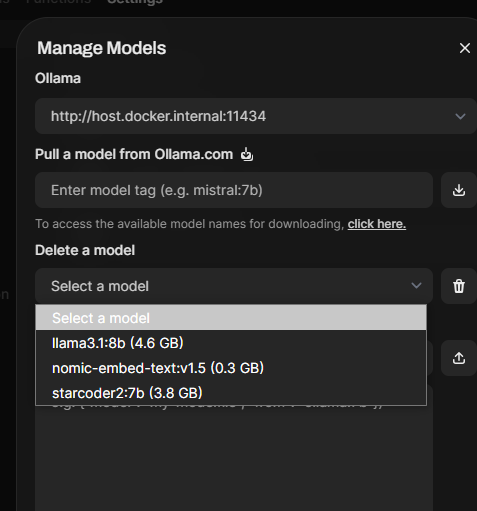
Both apps are running and when i open openweb ui Web UI and try to download a LLM by using the search function nothing happens.
I’m assuming openweb ui has not been correctly pointed to ollama or there is some issue with permissions….
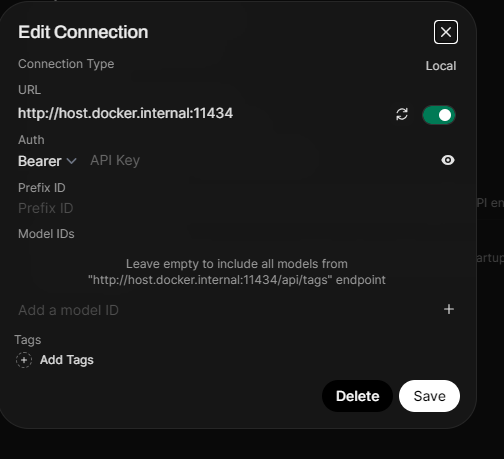
Settings in openweb ui:
Manage Open AI API Connections: http://:300068
Manage Ollama API Connections: http://:11434
Any advice or links to a true step by step setup guide would be greatly appreciated.
Andrew