
FWIW, I’ve heard from a youtuber SpaceRex, that L2ARC can help with this. IIRC, the case was something like – a small media agency that is actively working on the 1-2TiB project (editing/accessing it via network). And that it eventually would be in L2ARC and would saturate 10Gbps (on reads, of course). I can be wrong on details. IMO, being the only edittor, it doesn’t make sense to edit the footage over the network. I’m not a photographer/videographer/etc, though.
I have a bit of a hard time believing that the L2ARC would contain that much unchanging data that has been “missed” multiple times (otherwise it doesn’t make it into the L2ARC) to saturate the link. But I suppose it’s possible.
I’m in the process of readying my NAS for a new UPS and will be removing my mSATA drive that used to supply L2ARC as part of that. Less power, less heat.
Quick question: Since the Odroid board has 2x 2.5GbE on board, and they are on seperate PCIe lanes, would it make sense to bond them together for better performance?
IMO, only in a multi-user/multi-application environment. And your switch must have support for this.
You can also use them for smb multichannel with a potential 5Gbps single smb-session bandwidth. But that would require non-trivial setup, at least unless your workstation also has 2x2.5Gb NICs.
Just a little footnote. If instead of the TLN2F you have the TLN4F version of the X10, you can turn off the 10g ethernet ports with jumpers until you are ready for 10g, and use the two 1g ethernet ports. Saves some power.


Thought that was a power graph at first!
Well, he’s likely saving 10-15W there since the 520 era chipsets are pretty inefficient, even if fallow. It’s not like the x710s that allow for sub-5W operation.
Welp, I’m a bit late to the party but will post just in case.
Setup details
- Asus WS C422 DC.
- Xeon W-2123(4c/8t).
- 4x Hynix 64G 2666 Reg ECC RAM.
- Montech century 550W gold.
- 3x 120-140 Fans.
- ASM1166.
- X520-DA2 10G.
- 2x Optane M10 16G as a boot pool.
- 3x 2-way mirrors of HC550 as data VDEVs.
- D5-P5530 & PM983 as sVDEV.
- Cheap no-name Chinese power meter.
Results
| Workload |  Consumption (W) Consumption (W) |
|---|---|
| All drives connected, locked (pseudo-root of the) pool, network (2 DACs) connected. Pool unlock or pulling the DACs didn’t change consumption. | 95 |
| iperf3 9.9G | 118-120 |
| TimeMachine backup over Wi-Fi | 104-115 |
| Win backup (with built-in backup&restore). Hard (on compression) part with creating system image. CPU peaks are at 80-95% | 115-175 |
| ### Connected VGA and keyboard for the other tests | — |
| All drives (except boot) disconnected | 49 |
| X520-DA2 disconnected as well | 43-44 |
| ### CPU changed to Xeon W-2150B(10c/20t) | — |
| Only 2 RAM sticks left Back to 4 sticks |
42 44-46 |
| Removed ASM Removed keyboard Removed VGA |
42-44 41-43 41-42 |
| Shutted down Removed keyboard |
8.2 7.1 |
| Keyboard, VGA, ASM and X520-DA2 reconnected | 50-52 |
| All drives reconnected | 97-99 |
| TimeMachine backup over Wi-Fi | 103-119 |
| Win backup (same setup). CPU peaks are at 80-93% | 122-250 |
| iperf3 9.9G | 119-122 |
| fio on zstd-9 NVMe dataset | 254-258 |
 Disclaimer: Backup values are not very useful, and I’m too lazy to properly measure average consumption.
Conclusion:
- Seems like the X10SDV-4C-TLN2F and Asus WS C422 DC have the same idle consumption.
- Taking into account that supermicro has better on-board network capabilities (IPMI, 10G), it should be considered more power efficient in the corresponding scenarios.
On the bright side, Asus has a much higher CPU upgrade limit (up to 18c/36t) and also a much higher RAM size limit (up to 1TB with W-22XX series). And a lot of PCIe.
Got the components and have it up and running 
So far, everything worked out as planned. Will measure power consumption soon.
Odroid H4 Ultra
2x 3.0x2 m.2 Adapter Card (From the manufacturer of Odroid with native support (requires bios update).
64 GB RAM / in-band-ECC (I can confirm, board works with 64 GB RAM even though not officially supported)
SATA/SAS 4 Bay enclosure with 18TB drives. 4x SATA to SF-8643 (one connector for a cleaner set-up… requires a reverse SATA to SF-8643 cable)
3D printed housing (not finished yet)
I’m currently running two NVME drives (mirrored) as the boot drive. I might switch them out in the future for a SATA HBA and a fast NIC.
Sorry for the mess… BTW, already printed a finer mesh than in the picture for the fan intake that will actually hopefully catch some of the dust/lint
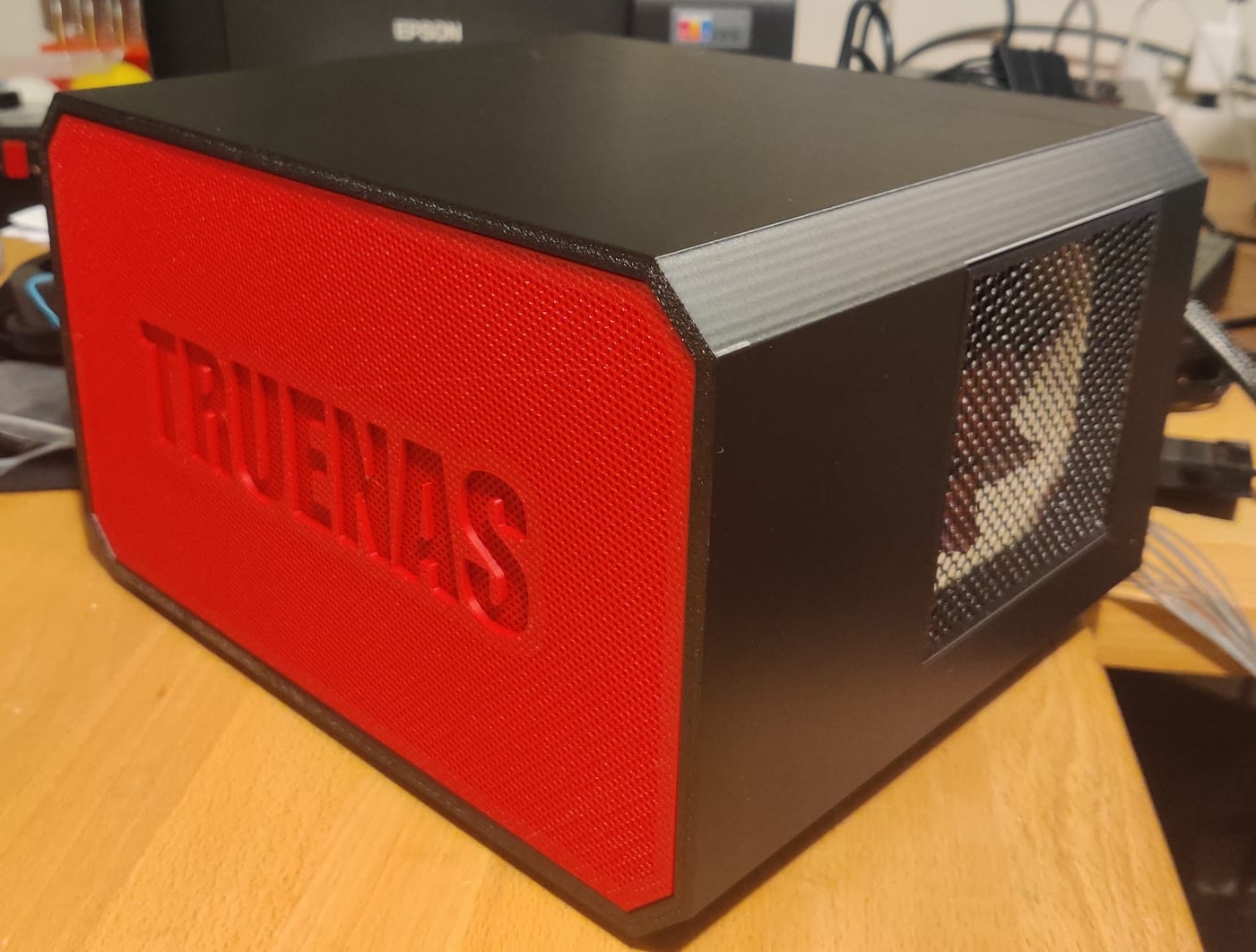
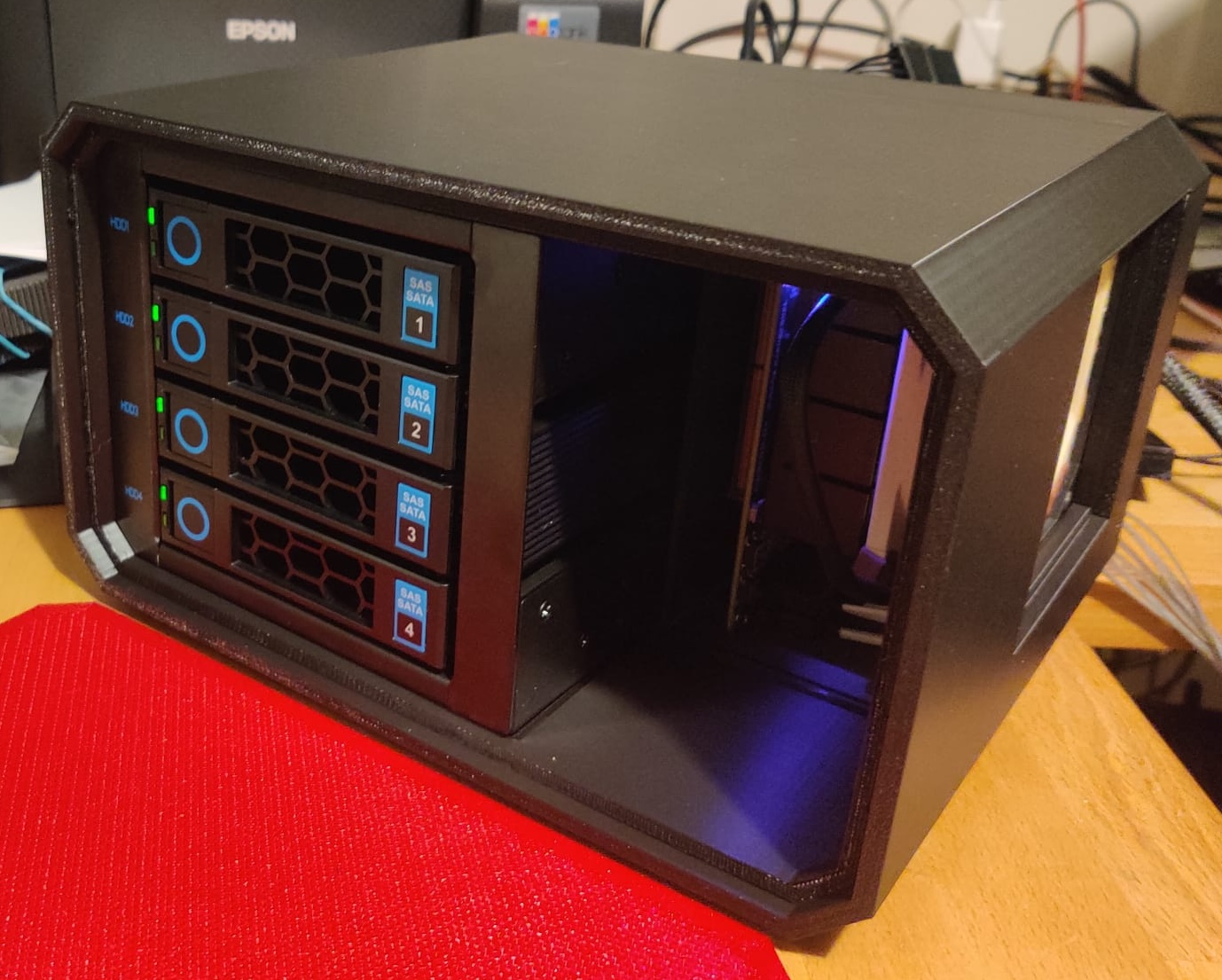
I wanted RDIMM mostly because I can get it super cheap on the used market, didn’t care about it being “registered” other than the price
From what I’ve read, unregistered ECC memory is better anyway: it’s simpler than RDIMM and faster too, because RDIMMs have an extra chip the transactions have to go through which increases latency. The reason servers use RDIMMs is just because of capacity: they allow you to have much more memory installed, but if you don’t need 256GB of memory or whatever, and can get the capacity you need with UDIMMs, those are better technically. Unfortunately, because of economies of scale and how the secondhand market works, RDIMMs have ended up being cheaper and more commonly available on the secondhand market than UDIMMs.
Yeah, I was really tempted simply because of the price. 30 USD for 32GB in the used market is hard to beat… However, all not worth it when each Wh costs you about 25 USD over the lifespan of the nas… You can end up spending 1000 USD more in electricity just to save a couple hundred bucks on cheap ram.
As promised here are the power usage stats for the Odroid H4 Ultra with two NVMEs (as the boot drives), 64GB Memory, and 4x 18TB Exos drives for storage.
It idles at 48 Watts and I hardly ever see it go up to more than 60-70 Watts. These are amazing numbers!
BTW, make sure you use a power efficient PSU, I noticed that the one I was originally using wasted 20 Watts just at rest without powering anything (not sure if that is normal of if something is broken).
So far, I’m super happy with the build! With an assumed lifespan of this NAS of about 8 years, each Watt of consumption costs about 28 USD. This consumes easily 20-30 Watts less than most other options, which results in savings between 560-840 USD in electricity (over the next 8 years).
hmm… 48 watts…
4 x Seagate Exos X18 drives should be around 20–22 watts in idle.
I would consider the two NVMe drives to be pretty much negligible in idle.
So where is the rest of the power draw coming from?
Yep, it’s a whole 14W less than the X10SDV. Without the 10GbE. Truly amazing.
More like 20 Watts… yes, this is pretty impressive, especially considering doing it with twice as much memory, two NVMEs and on top of that delivering a lot more processing power. All of that for 560 USD less in electricity by the end of its lifespan. To each his own but for me this is a no brainer.
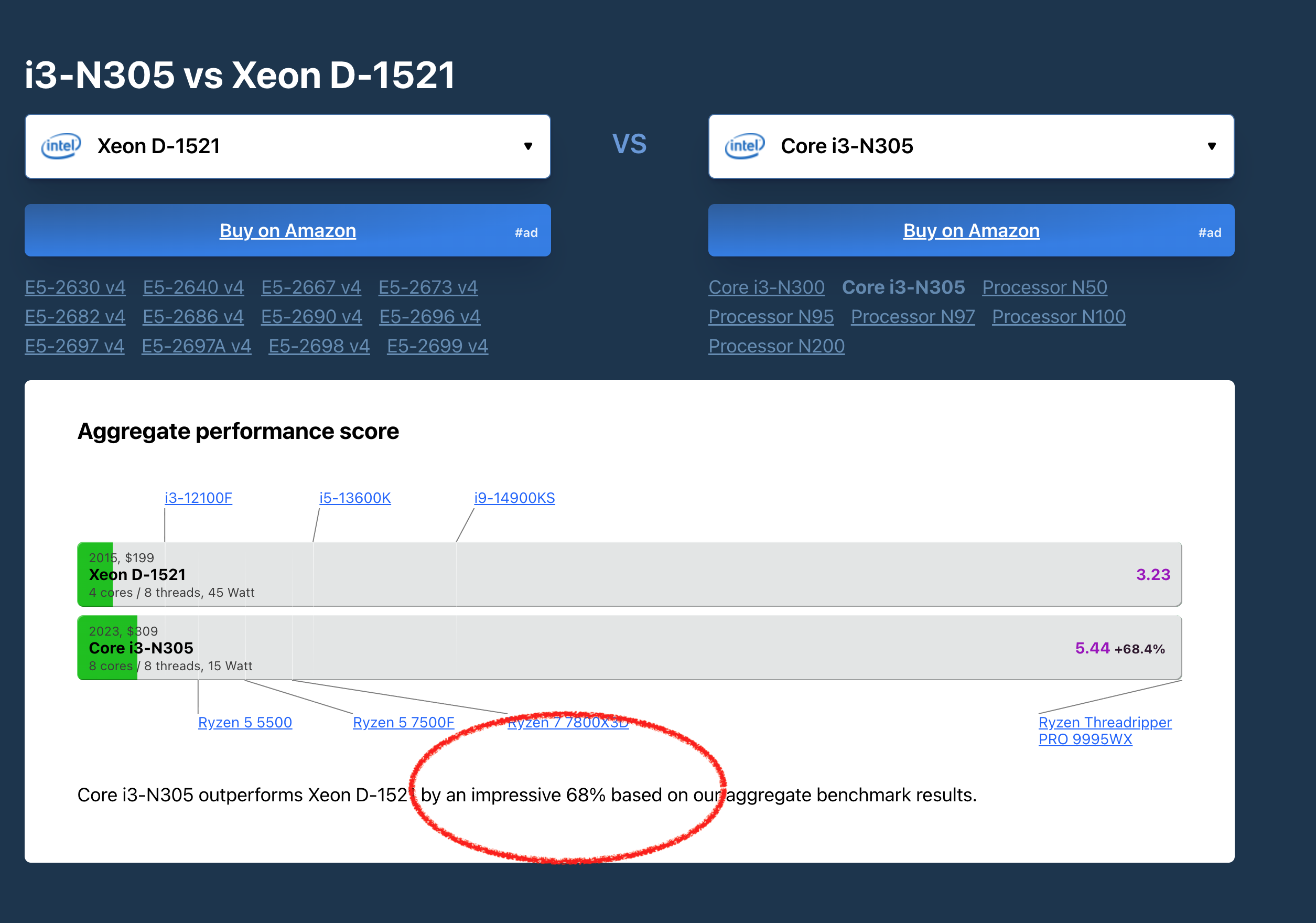
Maybe just to clarify… 70W are just momentary spikes… when watching movies on Jellyfin while copying large amounts of data (backing up my workstation) it settles in at around 59W. Do you think I could get it even lower? I’m currently using a 550W gaming PC PSU which is probably not ideal and the SATA HDDs are in a SATA/SAS enclosure that has a backplane with a SFF-8643 connector and a built in fan (nice to have only a single cable to plug in). Is there a chance it would use significantly less power if I connect the drives directly to the board?
What surprises me is the apparently high remaining idle consumption after subtracting the HDDs mathematically.
That would basically have to be the Odroid H4 Ultra’s own idle power draw, even though these devices are supposedly able to get down to around 3–5 watts in idle.
But maybe your system, in your particular use case and with your workload, never actually reaches a deep idle state.
If that’s the case, then the real strength of this type of setup isn’t being fully utilized.
Of course, based on what you’ve measured, it still consumes less power than other solutions, and you can already estimate how much money this will save you over the next few years.
At these levels you could think about a picoPSU.
If we are chasing numbers, I’m not unhappy with my three systems using $60 in electricity/year–but. I’m cheating here.
Hmmm… yet another complication…
In the world of watchmaking, that would actually be a good thing: the more “complications” a watch has (that’s the official term for extra features like date displays, moon phases, chronographs, etc.), the better, more valuable, and more expensive it becomes.
But in the world of IT, complications are not a good thing  …
…
I don’t have personal experience with PicoPSUs, but the advertised high efficiency numbers are usually only half the story. These PSUs still need to be powered via a preceding AC-DC power supply (often a so-called “brick”).
And although a brick can itself have very good efficiency, the overall efficiency drops because the individual efficiencies multiply.
The manufacturers of “normal” PC PSUs aren’t asleep either…
Thanks to today’s (mandatory?) certifications like 80 PLUS Silver / Gold etc., certain minimum efficiency levels are required at specific load points.
For example, a 80 PLUS Platinum PSU must achieve at least 90% efficiency at 20% load.
Although in load ranges below these 20% points (the so-called low-load range) the certified efficiencies don’t have to be met (and often aren’t) there are PSUs that still perform very well there.
I suspect that your 550 W PSU could be well at a disadvantage compared to a PicoPSU in this low-load scenario, but exactly how much can probably only be determined through measurement…
These PicoPSU are not soooo expensive, and maybe over 8 years you could save the money in power-consumption.
It’s almost a shame that there’s no device to measure all the possible headaches 8 years in advance  …
…