In our local network, I’ve put my son’s Win11 machine on an isolated VLAN because I don’t fully trust what gets installed on that machine. But I also want to backup that computer to a Samba share and a Minecraft server on my TrueNAS.
For the Minecraft server it’s easy enough, just provide access to that specific port.
But what about Samba access? Just open the ports or are there better ways?
For now I’ve opened port 445 from the untrusted computer’s VLAN. I have strong passwords set for all users with Samba access, so I’m not really that concerned about someone on the untrusted network brute forcing the credentials for any of the other shares. But still, I would rather make the other shares invisible.
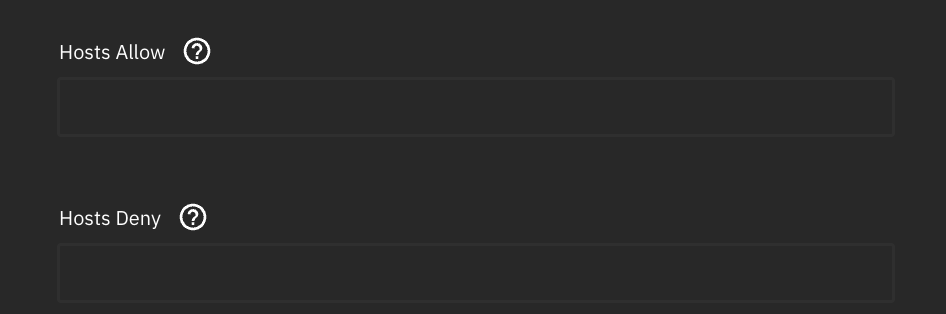
What are my best options? Start using settings for allowed and blocked hosts, and block the IP range for the untrusted VLAN for all shares not relevant for the computers on that network? Or something else?
I suggest a separate backup solution to a RasPi on the VLAN. Then use your NAS to back that up. I.e. he gets no access to your NAS, your NAS pulls the backups from his backup server.
Then, if your sons computer blows up, its not going to potentially affect your NAS. Instead, you can re-provision the canary in the coal mine (i.e. your sons backup machine) from your NAS and save the day.
It’s the same reason I maintain a RasPi running SMB1 just for my Sonos gear.
4 Likes
Ah, that was a way to address this that I hadn’t though of! Clever! And I do have a Raspberry in a box that I don’t know what do to with.
What are you running on your for this?
Just a RasPi 4 with a 2.5”, 2 or 3TB spinner.
Backing up from that is as easy as rsync.
And when you write that the NAS pulls in the backups, do you initiate the Rsync from the TreuNAS, meaning that you only have to allow established sessions from the untrusted VLAN back to the trusted?
My switch is set up to allow a trusted vlan establishing a connection to the untrusted vlan. Established connections can then flow back from the untrusted vlan to the trusted one.
1 Like
Thanks, exactly how I understood it.
1 Like
Would it be possible to run this lightweight backup server as a VM on my TrueNAS?
I think it is possible; just use a separate NIC for this VM. I have the same configuration (well, it’s still under construction) for my proxmox “DMZ” VMs.
You can even have snapshots for the virtual disk, so you can restore it in case it’s wiped by ransomware.
1 Like
I just realized that there are settings to allow and/or block hosts for Samba shares. Is there a way to set default options for each, or is manual edits to individual shares the only option?