It isn’t hard, but if you’re rack-mounting anyway, you might be better off buying a pre-built server. At least in .us, used gear is widely available and pretty reasonably priced.
Well, you’re on the TrueNAS forum, so you have to expect we’re going to favor TrueNaS (though I was running TrueNAS on a UGREEN NAS for about a year, and it worked just fine).
I’m not sure I understand what you mean. If the server’s built, boot the installer, install to your boot device, and configure–there’s nothing to build.
My starting point for used server gear is eBay. If I’m looking for a particular configuration, I’ll usually look to see who’s selling the model I want (e.g., Dell R730xd), then DM them for quotes on the specific configuration I want.
Latest generation hardware isn’t necessary or even that desirable.
There are plenty of build reports that you can search for and peruse here and over in the old forum. I suggest you have a think about how many drives you might expand to, then the enclosure that you can tolerate / want, then start to look into motherboards.
Or buy something used / prebuilt on ebay or at iXsystems. The Mini XL can hold 8 disks and the current generation may even not double as a sous-vide HDD cooker like my generation did.
Concur! Current generation motherboards from Supermicro seem to be optimized for other uses, not SATA storage. I would look into the X10 generation of boards for relatively inexpensive new or used stuff. My go-to favorite for a SOHO file-server only, large pool motherboard is the Supermicro x10sdv-2c-7tp4f because of its Supermicro origin, ECC, 20 built-in SATA ports, built-in 10GbE SFP+ and other features.
For a more modern, smaller-form factor build, the Asrock X570D4I-2T is still my favorite, despite some shortcomings (i.e. Asrock origin & associated post-sales support, copper not SFP+ 10GbE). But it has 9 SATA or 1 SATA and 8 NVME ports, so this might be a pretty future-proof rig, especially if paired with a low-power Ryzen Pro -G or -GE CPU, all in a Mini-ITX chassis that will fit into just any case out there.
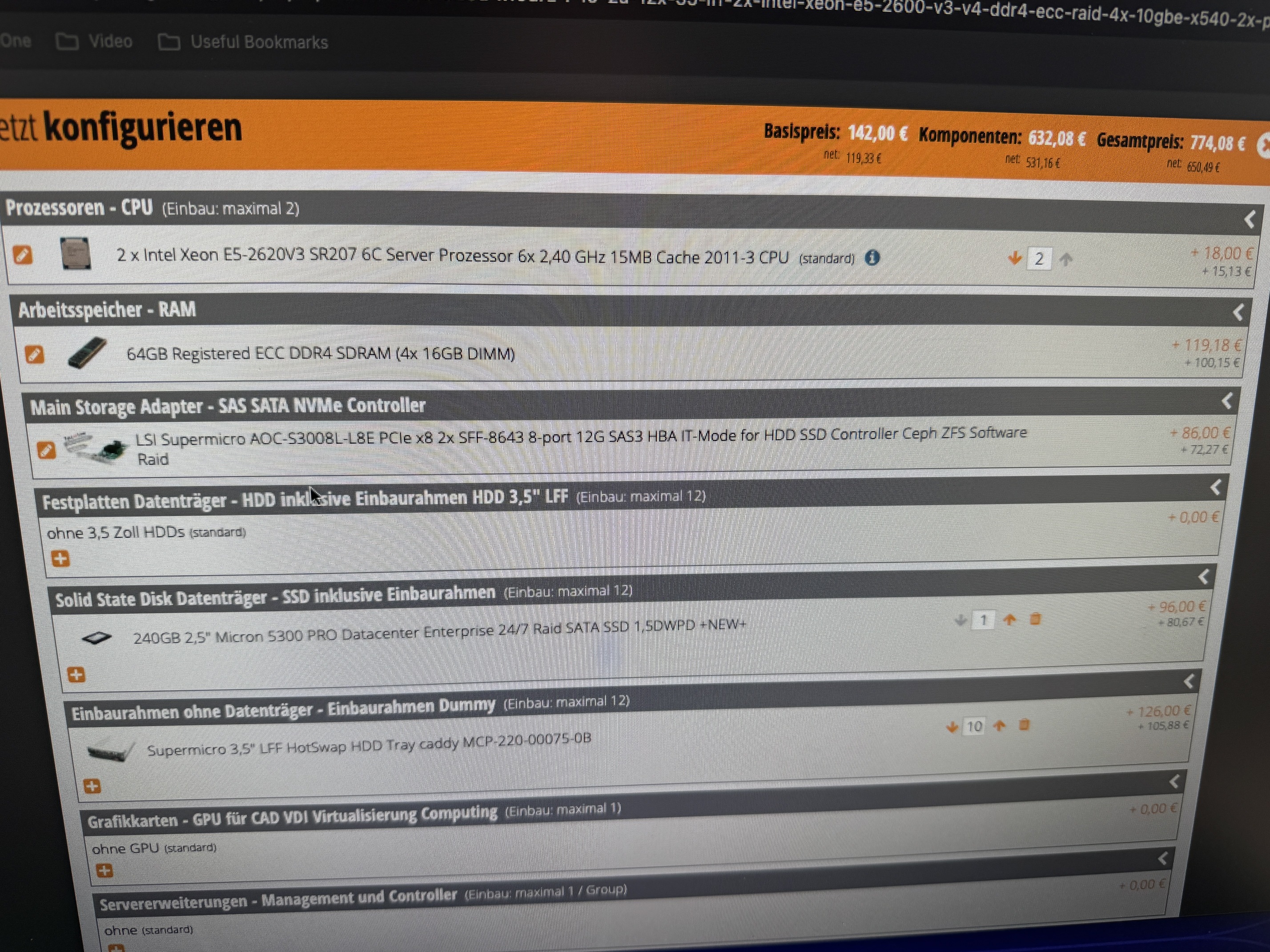
I’d go for the 826 over the 825, and the 846 (or even 847) over either–but it depends a bit on your expected use. I have an 847, and haven’t ruled out a JBOD shelf to expand the system. Get the one with the SAS expander backplane.
IMO, doesn’t matter, as long as it meets the specs.
The 9400 won’t gain you anything over the 9300 except costing more. One is enough for 8 drives; if you get the SAS expander backplane as I recommended above, one of these is enough for 127 drives.
Bigger than you need, but it’s getting harder to find smaller units. IMO mirrored boot devices for a home environment are unnecessary, just keep a regular backup of your config file (Joe’s Multi-Report script is your friend here).
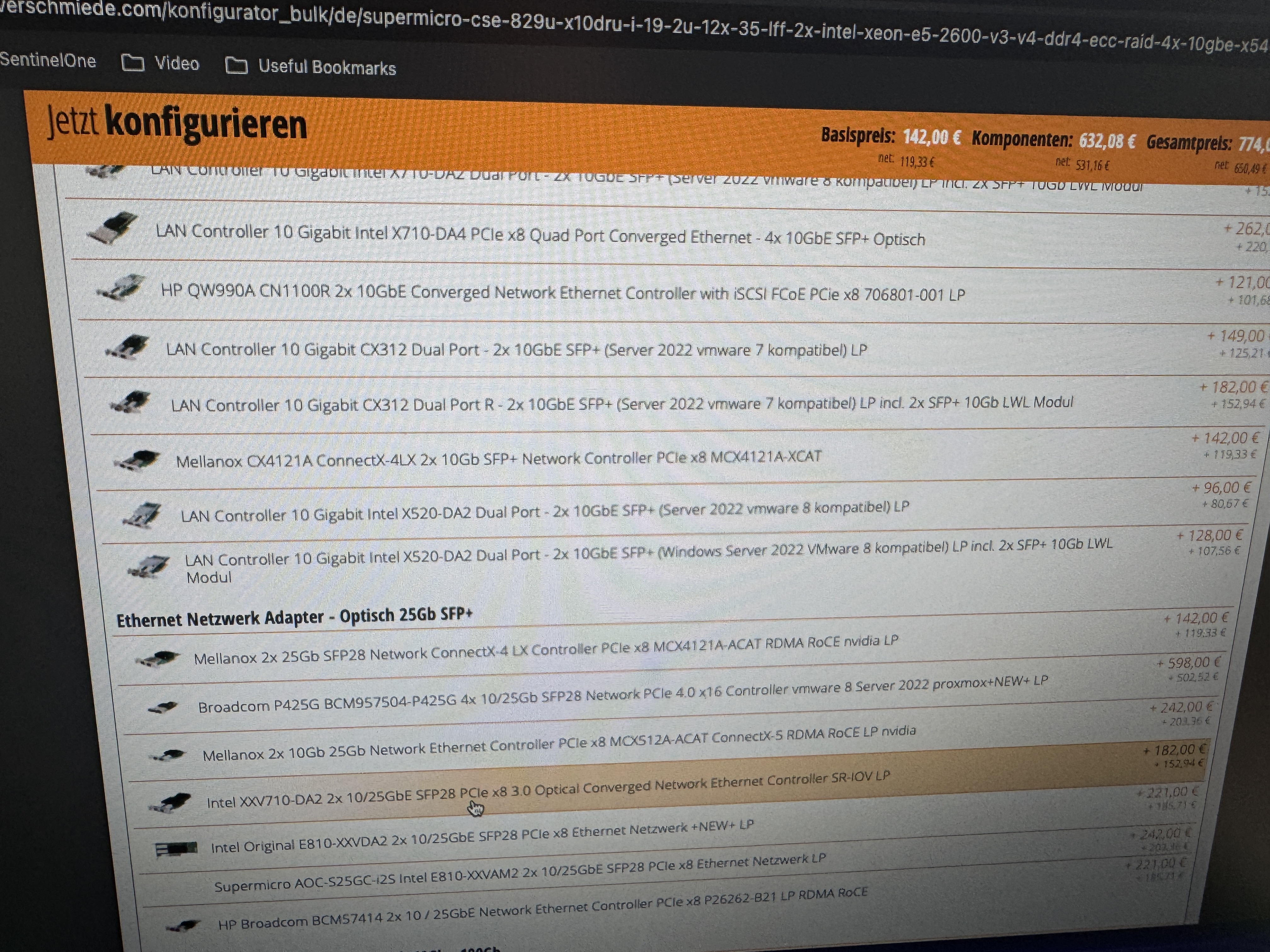
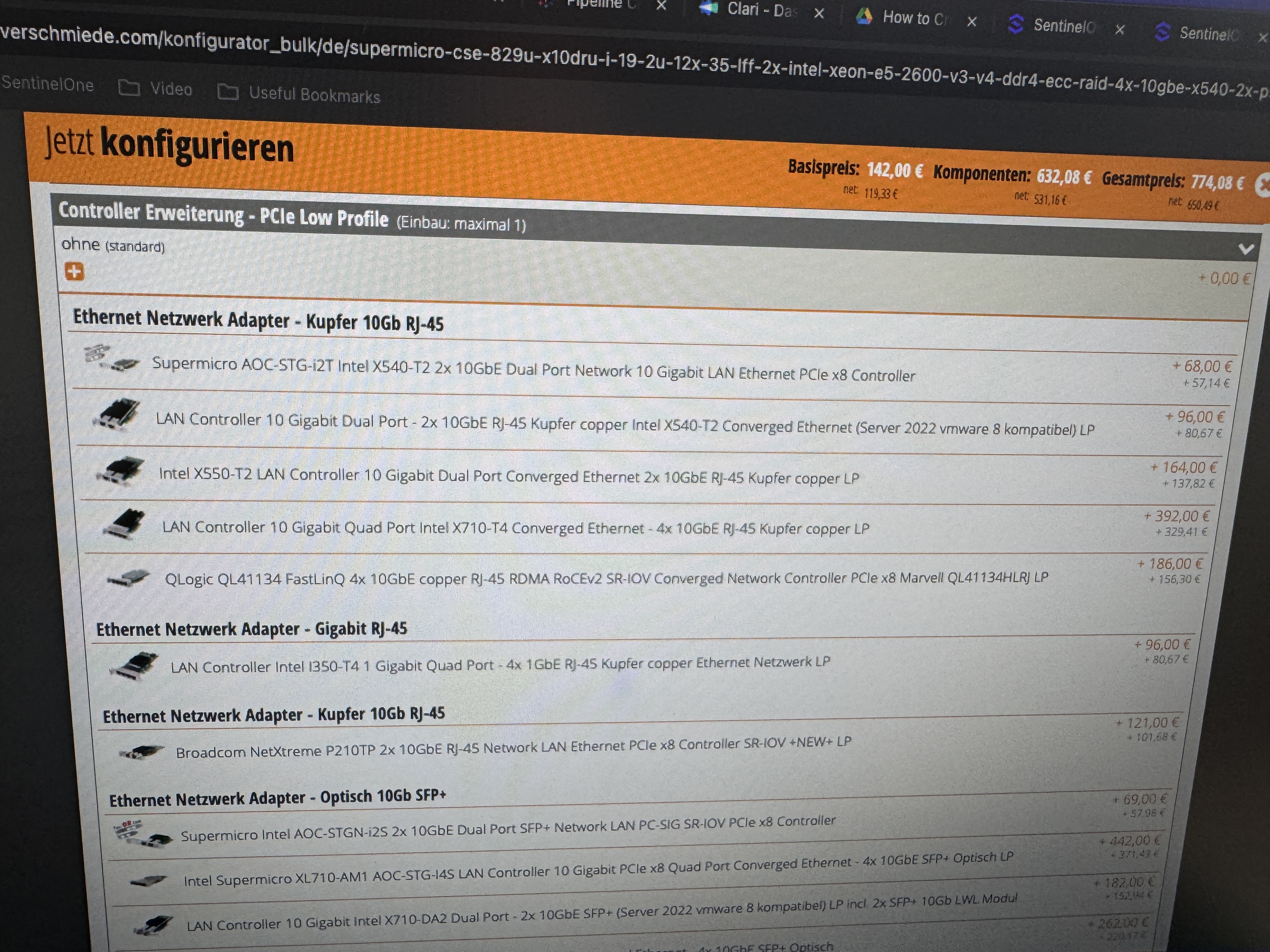
If you have a 10 GB switch, might as well go for 10 GB. Intel or Chelsio.
Should be included with the chassis, and you aren’t going to do a lot better than Supermicro here.
I’ll have to leave that question to others; I know my dual-socket systems are gross overkill, but I’m not that familiar with the lower end of the scale these days.
On iOS, you can also use photosync to upload images whenever you get home.
As for the VMs, I would counsel you to try that out on a test system before you go down those paths. I found Frigate to be INCREDIBLY frustrating. Getting it to work in the first place, followed by having it randomly refuse to keep working with a config file that previously was working.
Ditto some of the other VMs you are thinking of installing. The VM subsystem with TrueNAS has been in a pretty constant state of flux for every single 6 month revision of TrueNAS. While the management team says they have heard us “loud and clear” and promise to deliver a “enterprise-ready” VM subsystem by 25.10, color me a bit skeptical. That’s a big undertaking, Rome was not built in a day, neither was ZFS.
I want to believe that management / development might get it right this time. But there has been so much flux, I am reluctant to invest the time and effort to stand up a VM system to potentially only have it get torn down by yet another major revision of the VM subsystem. I know and appreciate that other folk might be faster at getting VMs stood up and deployed, perhaps even transferred, but I am not one of them.
Leaving aside the lack of stability in the virtualization subsystem (which, if anything, I think @Constantin understated), that system has never been anywhere near as feature-rich as a dedicated hypervisor like Proxmox. It may get there some day, but this is not that day, and I’d be very surprised if the next release (or even the one after that) were either. If you’re wanting to run VMs, and you have Proxmox, I’d recommend you use that 99+% of the time.
The counterpoint would be software that’s going to use your storage significantly, like Immich, or a media server. For such software, running it directly on the NAS may make sense. For things like that, I’m running Dockge via the iX app on my NAS, and pretty much everything else using Compose: