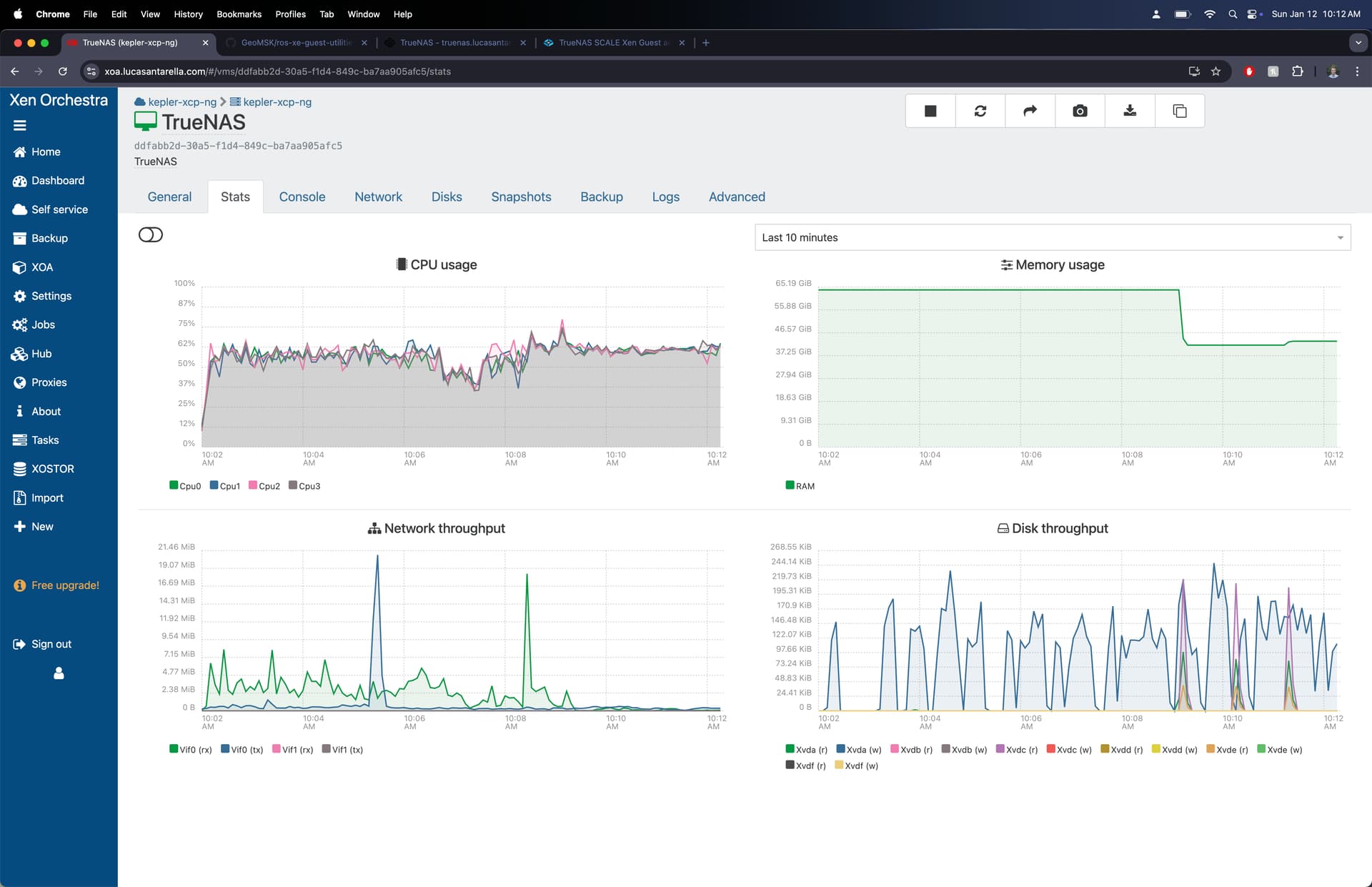
I use SCALE on top of Xen with passthrough HBA/dedicated iommu group, passthrough NIC(SR-IOV), and jumbo frame internal network for same system networking. I am trying to maintain as much support compatibility as possible, and would like to avoid needing to run Dragonfish with developer mode enabled.
Is there any plan to add Xen guest addition to SCALE? I see note in documentation (SCALE Hardware Guide | TrueNAS Documentation Hub) talking about guest addition on FreeBSD which would apply to CORE, but nothing on SCALE, and on cobia no management interface was detected.
Looking at documentation again, it seem like i’m out of support scope anyways. Should I even worry about this or just flip on developer mode and enable driver manually?
Thanks for the quick reply @kris!
I believe on Ubuntu/Debian the package is xe-guest-utilities.
Fwiw on FreeBSD it was provided by the 2 packages xen-guest-tools and xe-guest-utilities
Thanks @william - it looks like xe-guest-utilities is actually only in the Ubuntu repos, not Debian.
However, it also seems that XCP-ng have developed a new (Rust-based) replacement for xe-guest-utilities called xen-guest-agent
More info on the XCP-ng forums as well as a repo URL for the Debian package.
Looks to be in final stages of development though, and not yet signed, so not sure when this could be added to SCALE?
We probably wouldnt add a new tool like that until its proven and stable. Releases · xenserver/xe-guest-utilities · GitHub does seem to have deb packages so we will see how much work it is to include it.
Actually, it’s not xe-guest-utilities but xen-guest-agent (See Releases · xen-project / Xen Guest Agent · GitLab) that should be used. It’s more recent, supports more functionalities and works better.
Waiting for the Debian package to be included in Debian upstream distribution, a containerized version can be used in the same way:
FROM debian:12-slim

COPY xen-guest-agent_0.4.0_amd64.deb xen-guest-agent_0.4.0_amd64.deb
RUN dpkg -i xen-guest-agent_0.4.0_amd64.deb
ENTRYPOINT ["/usr/sbin/xen-guest-agent"]
Build image and make available then, deploy as Custom App with priviledged and network_mode=host options.
This reports all info to XCP-NG fine, better than xe-guest-utilities for me, but it does not handle VM shutdown when host shutdown.
First, to quote @acp from an old thread. Hmm, guess I’m too new here to include links.
Standard warning applies. Upgrades will most certainly break your sideloading. This method is not supported.
as it probably applies here as well, and the only TrueNAS I currently use is on my homelab.
Best result for me is allowing the XCP-ng instructions to work as expected…
As root on TrueNAS:
remount /usr r/w mount -o remount,rw /usr
allow exec on dpkg chmod +x /usr/bin/dpkg
Install per docs DOT xcp-ng DOT org/vms/#install-from-the-guest-tools-iso
Going off the comments on the old jira ticket it will only be added if it lands in upstream debian… When and if that will happen is not up to the truenas devs…
Interestingly, the QEMU guest tools are present, and they aren’t in upstream Debian. So there might be hope–though I obviously don’t speak for iX.
Edit: I realized the issue probably isn’t inclusion in the base Debian OS, but its presence in the Debian repos. The QEMU tools aren’t part of a base Debian install, but they are in the Debian repos, so probably not a fair comparison.