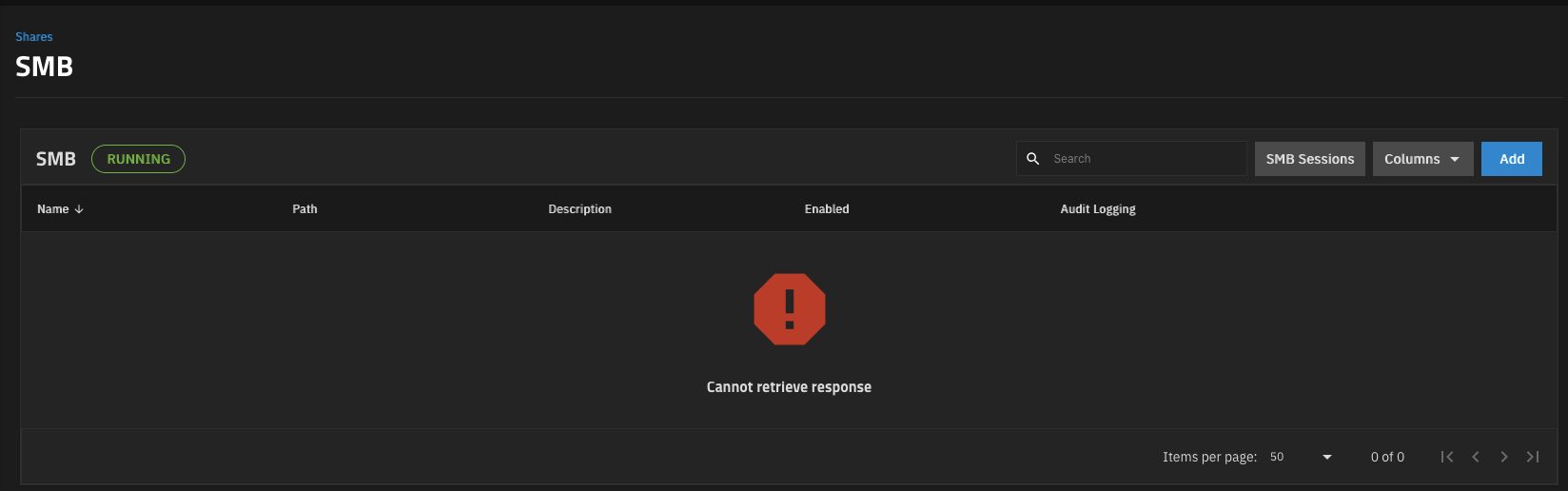
Since upgading to 25.10 recently and the hotfix last night I realised today that I can no longer edit my samba shares, they are missing.
Had an image here, not allowed to attach it but it shows smb running with no shares and the placeholder text for samba shares
If I go to the datasets page and click the link to the share from there I see again no shares but a bright red stop sign with Cannot retrieve response
Here is the JS error from the console:
console.js:34 ApiCallError: Method call error - 3 validation errors for SmbShareQueryResult result.list[SmbShareQueryResultItem].0.options.TIMEMACHINE_SHARE.timemachine_quota Input should be less than or equal to 109951162777600 [type=less_than_equal, input_value=1048576000000000000, input_type=int] For further information visit result.SmbShareQueryResultItem Input should be a valid dictionary or instance of SmbShareQueryResultItem [type=model_type, input_value=[{‘purpose’: 'TIMEMACHINE…alse}, ‘locked’: False}], input_type=list] For further information visit result.int Input should be a valid integer [type=int_type, input_value=[{‘purpose’: 'TIMEMACHINE…alse}, ‘locked’: False}], input_type=list] For further information visit at api.service.ts:188:33
Commenting to follow this since I am getting the same message on TrueNaS scale 25.10.1 - Goldeye. Note that my SMB shares are still remotely accessible, I just cannot add/modify them from the Web admin interface.
Should I submit a bug report? or does that Jira ( that I don’t have access to view ) cover it?
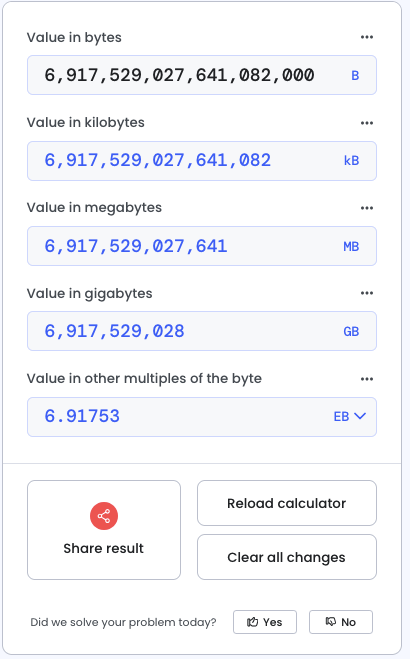
My Jira ticket is closed with the fix coming in 25.10.2. It appears that the root was that my Time Machine share quota was over the 7 TB limit , so it failed validation. That is probably a user error as I generally set the quote to twice the size of the drive I’m backing up, which would be 8 TB.
Now, I might need this much storage space for backups one day, but definitely not in the foreseeable future.
I opened a Jira ticket but was closed with the response : “Will be solve in 25.10.2“.
But during this time, I can’t edit any smb share.
ApiCallError: Method call error - 3 validation errors for SmbShareQueryResult
result.list[SmbShareQueryResultItem].1.options.LEGACY_SHARE.path_suffix
Value error, %u: not a supported naming schema component [type=value_error, input_value=‘%u’, input_type=str]
For further information visit
result.SmbShareQueryResultItem
Input should be a valid dictionary or instance of SmbShareQueryResultItem [type=model_type, input_value=[{‘id’: 16, ‘enabled’: Tr…: }, ‘locked’: False}], input_type=list]
For further information visit
result.int
Input should be a valid integer [type=int_type, input_value=[{‘id’: 16, ‘enabled’: Tr…: }, ‘locked’: False}], input_type=list]
For further information visit
If someone has a solution to solve this before the truenas update please ?
I too am having this issue. I’m using the %m parameter on some of the my shares and that’s failing validation. I just updated to 25.10.2 but the error persists.
I kind of assumed I’d have to open another one. I did one a few days back but it was closed pretty quickly like @phenixar ticket. I’ll do so when I have a spare moment.
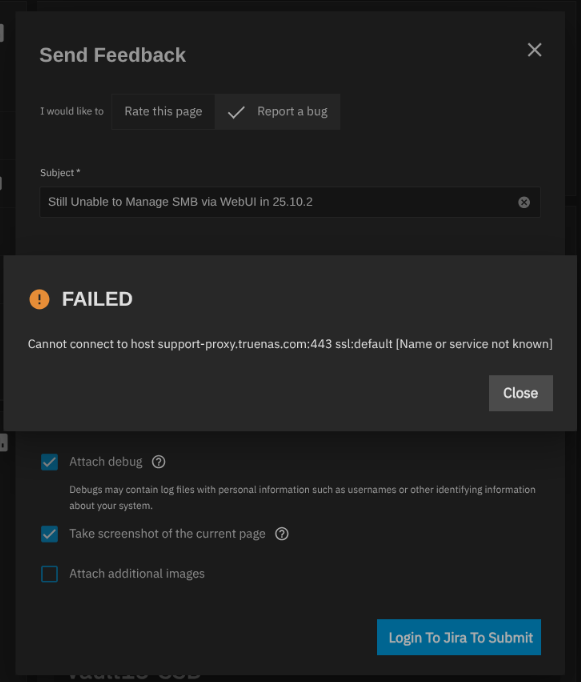
I guess try using Report a Bug at the top of the forum. Post if that one doesn’t work either. You can include the GUI Report a Bug info also. I don’t know where the problem is but I have seen a few reports of that related to checking for TrueNAS OS updates also.