I’ve been running my Truenas Scale build with a 7700k, asrock z270 extreme4 & non-ECC RAM for the past ~3 years. Yes, I know that my old gaming PC isn’t the best solution when it comes to data integrity. I’ve recently found that another motherboard I own: asrock x99m extreme4 supports both Xeon E5 processors (I have a few v4s) and ECC RAM WHEN paired with the mentioned CPUs according to: https://www.asrock.com/mb/intel/x99m%20extreme4/
I have an i350 NIC, so I will not rely on the integrated NIC on the board. My question is, is this feasible upgrade at all? I am aware that the best suggestion on the forum when it comes to motherboard swap is to get a 2nd hand supermicro one, but I’m not in US and getting one shipped to my country is currently not feasible for me.
The asrock x99m extreme4 doesn’t support PCIe bifurcation. If you never plan on using NVMe, it would be fine. It does however support single NVMe with a PCIe adapter. Just one at a time. So you could at least boot to an Intel Optane stick.
My current boot disk is nvme attached via PCIE card. What worries me is how I’ll be able to run it headless since the mobo has 3 PCIE slots and I currently use 3 PCIE cards: 1 NIC, 1 nvme adapter & 1 HBA. I know some motherboards can run without any kind of GPU but I’m not sure if that’ll be one of them.
Most probably mainboard will post without issue without a GPU… Most concerning (running my nas totally headless too) Is that you cannot put a GPU without removing something else.
Question: why you are not plan to use the integrated nic (the Intel one), instead of the i350?
To be honest just after reading your comment I noticed that the 2nd NIC is an Intel one - I presumed that both of them are Realtec’s and I’ve seen a looot of people mentioning that one should avoid them. I could probably use it temporarily while I install everything or use it as a main one in case I cannot run the motherboard headless. I don’t have anything against the integrated Intel NIC - it’s just that it would be a waste of resource to put aside a perfectly fine i350 NIC.
I asked because the reasoning didn’t quite add up for me the same i have an Intel nic unused, coming from my previous build…
Maybe use old system as backup?
For the new one you have also the option to move your boot pool on USB via a good adapter, so maybe if you don’t want waste your nic you will still have a spare PCI slot (or maybe, you will use it for another NVME, 3 in total, this Is IMHO a better tradeoff)

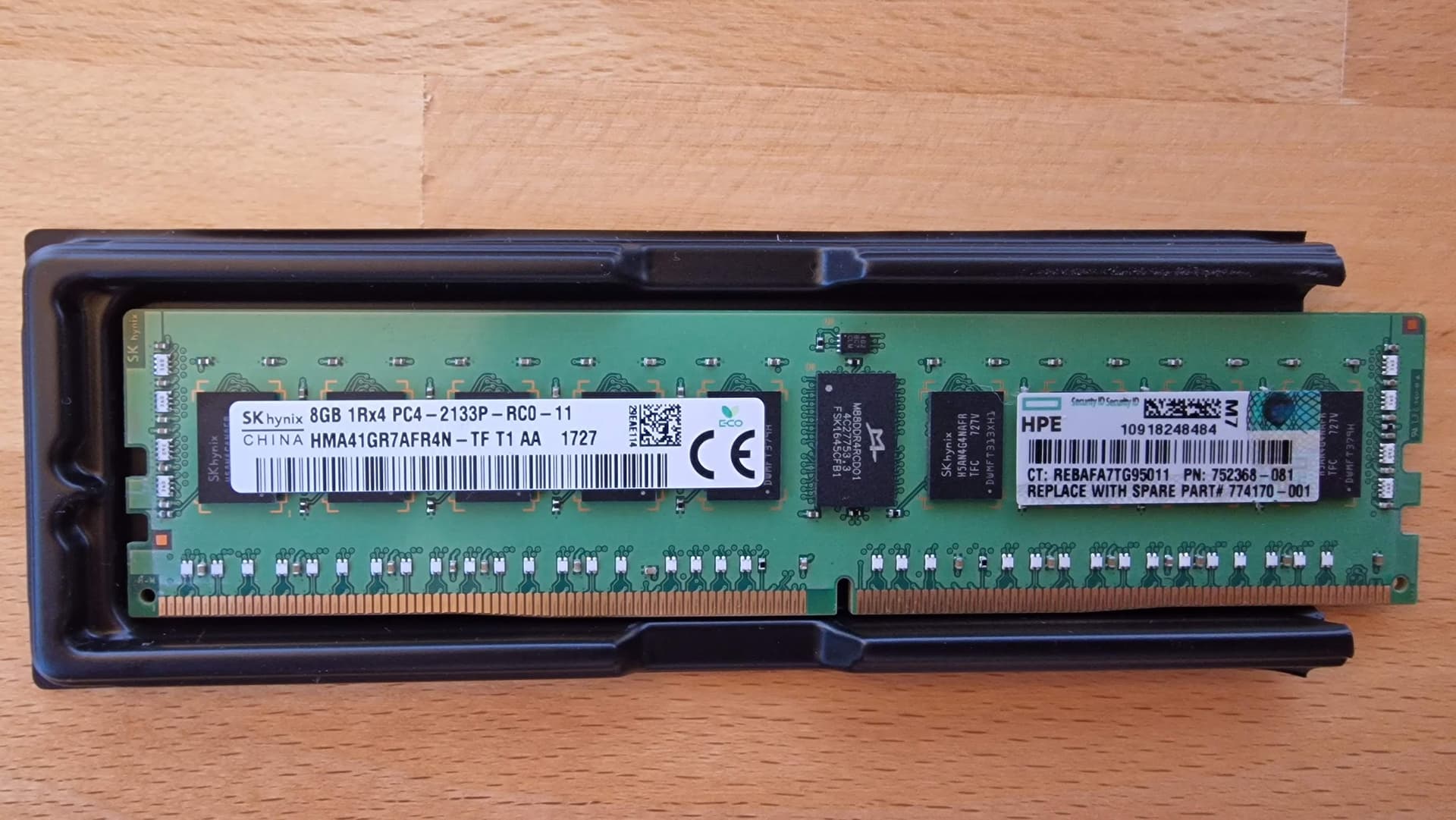
 the same i have an Intel nic unused, coming from my previous build…