I’m trying to setup my UPS, an EATON 3S 850 supported by the driver usbhid-ups, to be monitored by TrueNAS.
I previously ran Unraid with the same setup, and had no problem with it.
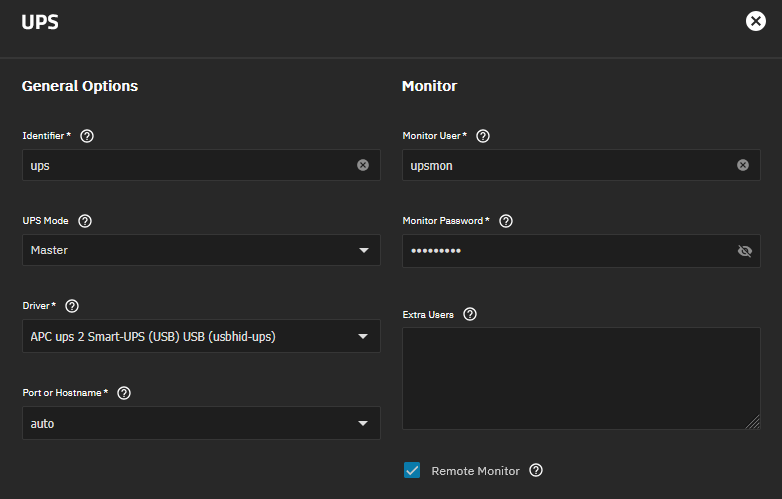
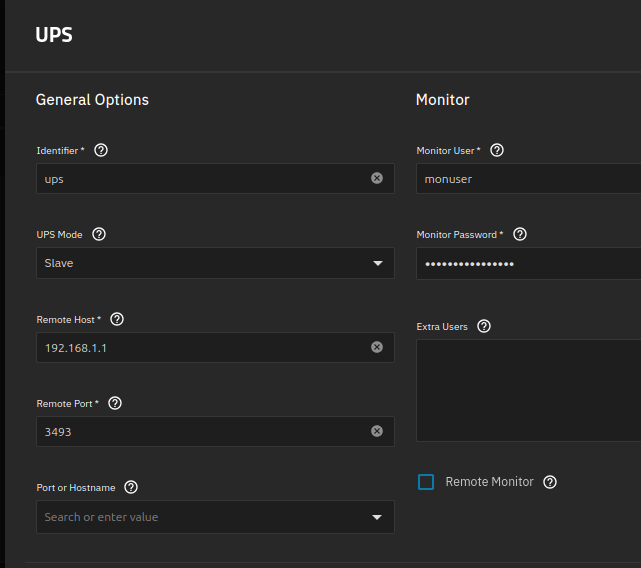
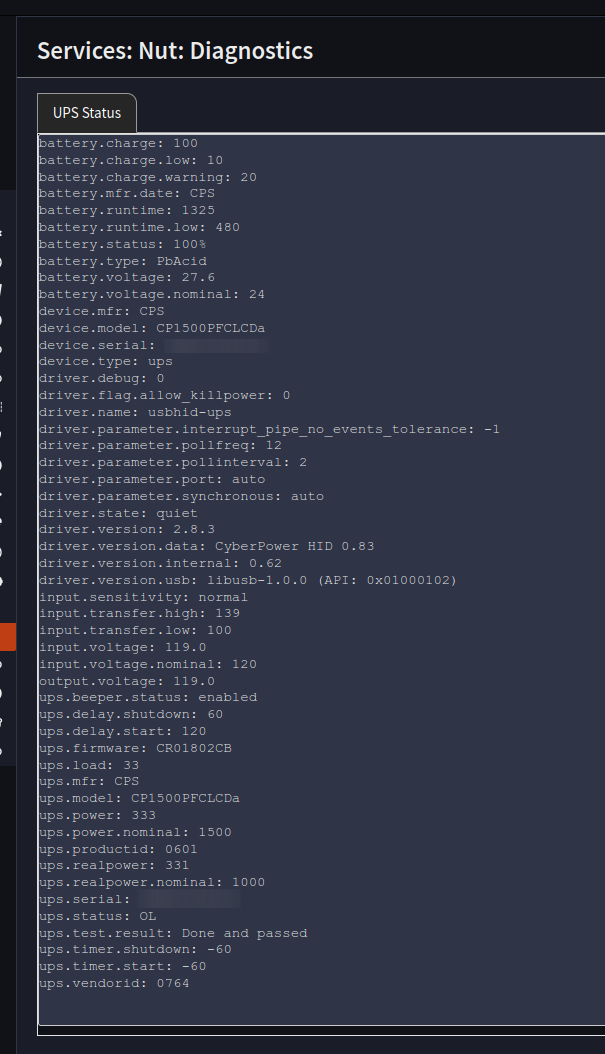
I first reied setting it up from the UI, and it seemed to work. This is the setup:

The UPS seems to be recognised (I initially get an alarm of missing communication, which then goes away), but reporting is all empty:
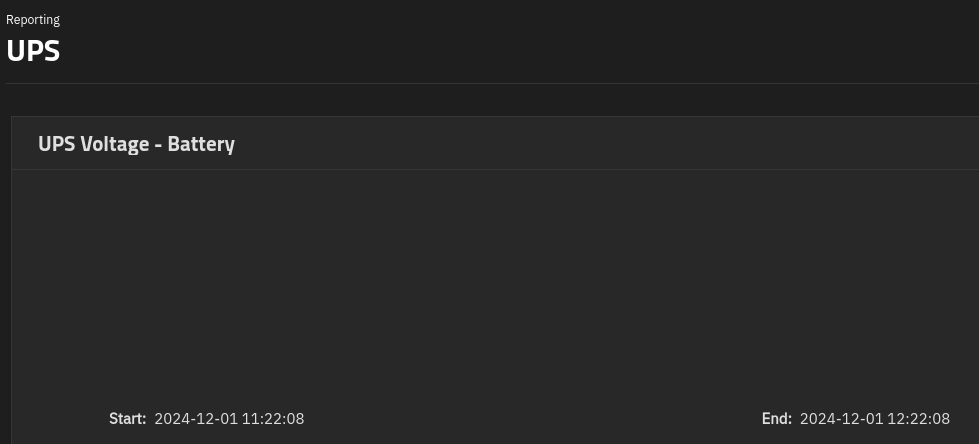
Also, I tried unplugging the power and TrueNAS did not relay any alarm as Unraid did.
I tried to do some more digging from the CLI.
This is the output ot nut-scanner:
# nut-scanner -U -N
Scanning USB bus.
[nutdev1]
        driver = "usbhid-ups"
        port = "auto"
        vendorid = "0463"
        productid = "FFFF"
        product = "Eaton 3S"
        serial = "Blank"
        vendor = "EATON"
        bus = "003"
As you can see, everything good. I wrote these values to /etc/nut/ups.conf, just in case. However, I still get:
# upsdrvctl start
Network UPS Tools - UPS driver controller 2.8.0
Network UPS Tools - Generic HID driver 0.47 (2.8.0)
USB communication driver (libusb 1.0) 0.43
Can't claim USB device [0463:ffff]@0/0: Entity not found
Driver failed to start (exit status=1)
The Arch wiki claims this to be a permission problem, but even setting the UDEV rule did not solve it.
Running upsdrvsvcctl start returns:
=== The currently defined service units are:
Starting nut-driver@EATON-3S-850.service ...
Job for nut-driver@EATON-3S-850.service failed because the control process exited with error code.
See "systemctl status nut-driver@EATON-3S-850.service" and "journalctl -xeu nut-driver@EATON-3S-850.service" for details.
The systemd Journal contains:
Dec 01 12:26:16 giuseppi systemd[1]: nut-driver@EATON-3S-850.service: Scheduled restart job, restart counter is at 98.
░░ Subject: Automatic restarting of a unit has been scheduled
░░ Defined-By: systemd
░░ Support: https://www.debian.org/support
░░
░░ Automatic restarting of the unit nut-driver@EATON-3S-850.service has been scheduled, as the result for
░░ the configured Restart= setting for the unit.
Dec 01 12:26:16 giuseppi systemd[1]: Stopped nut-driver@EATON-3S-850.service - Network UPS Tools - device driver for NUT device 'EATON-3S-850'.
░░ Subject: A stop job for unit nut-driver@EATON-3S-850.service has finished
░░ Defined-By: systemd
░░ Support: https://www.debian.org/support
░░
░░ A stop job for unit nut-driver@EATON-3S-850.service has finished.
░░
░░ The job identifier is 625462 and the job result is done.
Dec 01 12:26:16 giuseppi systemd[1]: Starting nut-driver@EATON-3S-850.service - Network UPS Tools - device driver for NUT device 'EATON-3S-850'...
░░ Subject: A start job for unit nut-driver@EATON-3S-850.service has begun execution
░░ Defined-By: systemd
░░ Support: https://www.debian.org/support
░░
░░ A start job for unit nut-driver@EATON-3S-850.service has begun execution.
░░
░░ The job identifier is 625462.
Dec 01 12:26:16 giuseppi nut-driver@EATON-3S-850[986042]: Can't claim USB device [0463:ffff]@0/0: Entity not found
Dec 01 12:26:16 giuseppi nut-driver@EATON-3S-850[986042]: Network UPS Tools - Generic HID driver 0.47 (2.8.0)
Dec 01 12:26:16 giuseppi nut-driver@EATON-3S-850[986042]: USB communication driver (libusb 1.0) 0.43
Dec 01 12:26:16 giuseppi nut-driver@EATON-3S-850[986041]: Driver failed to start (exit status=1)
Dec 01 12:26:16 giuseppi nut-driver@EATON-3S-850[986041]: Network UPS Tools - UPS driver controller 2.8.0
Dec 01 12:26:16 giuseppi systemd[1]: nut-driver@EATON-3S-850.service: Control process exited, code=exited, status=1/FAILURE
░░ Subject: Unit process exited
░░ Defined-By: systemd
░░ Support: https://www.debian.org/support
░░
░░ An ExecStart= process belonging to unit nut-driver@EATON-3S-850.service has exited.
░░
░░ The process' exit code is 'exited' and its exit status is 1.
Dec 01 12:26:16 giuseppi systemd[1]: nut-driver@EATON-3S-850.service: Failed with result 'exit-code'.
░░ Subject: Unit failed
░░ Defined-By: systemd
░░ Support: https://www.debian.org/support
░░
░░ The unit nut-driver@EATON-3S-850.service has entered the 'failed' state with result 'exit-code'.
Dec 01 12:26:16 giuseppi systemd[1]: Failed to start nut-driver@EATON-3S-850.service - Network UPS Tools - device driver for NUT device 'EATON-3S-850'.
░░ Subject: A start job for unit nut-driver@EATON-3S-850.service has failed
░░ Defined-By: systemd
░░ Support: https://www.debian.org/support
░░
░░ A start job for unit nut-driver@EATON-3S-850.service has finished with a failure.
░░
░░ The job identifier is 625462 and the job result is failed.
As you can see, no dice. Any idea?