
Hi, I’m new to TrueNAS with the goal to run a low powered Server/NAS having trouble with cache. Setting up the system seemed straight forward since currently I only have one HDD and one nvme for storage. The nvme is intended to run as cache, so that the hdd should be able to stay spun down most of the time. However that does not seem to work. When copying data to the storage pool, speed seems to be limited by the hdd.
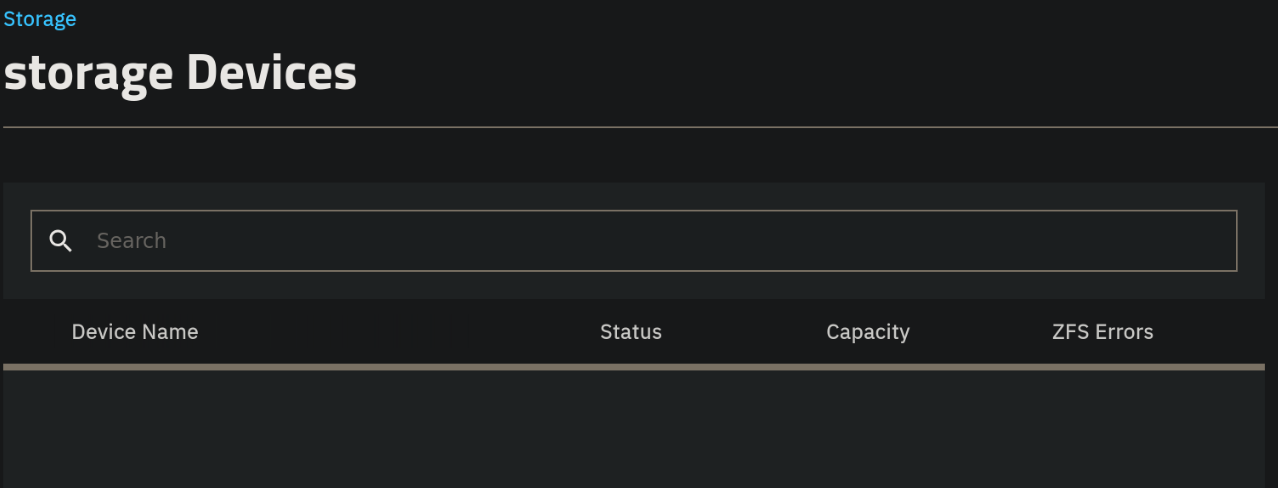
On the management website under Storage, it says that the VDEV is offline. When I click on the “manage devices” button in the ‘topology’-section, no drives show up. However, zpool status shows that the cache is online. zpool iostat shows that the cache is in use
Help is appreciated
sudo zpool status
  pool: Tschechow
 state: ONLINE
config:

	NAME                                    STATE     READ WRITE CKSUM
	Tschechow                               ONLINE       0     0     0
	  66***66e-****-****-affb-92b4df54****  ONLINE       0     0     0
	cache
	  60***437-****-****-860a-b4fd3ddf****  ONLINE       0     0     0

errors: No known data errors

  pool: boot-pool
 state: ONLINE
config:

	NAME        STATE     READ WRITE CKSUM
	boot-pool   ONLINE       0     0     0
	  sda3      ONLINE       0     0     0
zpool iostat -v
                                          capacity     operations     bandwidth
pool                                    alloc   free   read  write   read  write
--------------------------------------  -----  -----  -----  -----  -----  -----
Tschechow                               3.12T  4.14T      0     45      9  37.0M
  66***66e-****-****-affb-92b4df54****  3.12T  4.14T      0     45      9  37.0M
cache                                       -      -      -      -      -      -
  60***437-****-****-860a-b4fd3ddf****  2.96T   785G      0    286    176  35.1M
--------------------------------------  -----  -----  -----  -----  -----  -----
boot-pool                               2.89G   229G      0      2  3.72K  32.3K
  sda3                                  2.89G   229G      0      2  3.72K  32.3K
--------------------------------------  -----  -----  -----  -----  -----  -----

Running TrueNAS Community Edition 25.04.2.4

