Hi
Why there is no need to enter encryption key after Reboot? In LUKS you need to enter passhrase…

If a thief steals my NAS and boots it at home, the disks are exported unencrypted, correct?
Thanks
If you’re using a key instead of a passphrase, TrueNAS saves it in the config database on the boot drive so that the datasets can be readily available after a reboot without user intervention.
Should there be an option to require manually unlocking for key-based encryption? Make a feature request?
The reason they made it this way is so that the System Dataset and “Apps” will not break after a reboot, since there wouldn’t be an accessible filesystem for them to use.
Thanks. I deleted the pool again and tried to setup a new pool with custom passphrase. I can’t find such option.
I wish to use password like this
pwgen -n1 -c 56 -y
aigaeSh3em2bu6eiph5ahtao3taiJuPh9Nei2aing4WooRei|phu6eeh
If you use a passphrase, you won’t be able to put the System Dataset or any Apps on it.
You don’t see an option to use a passphrase? The GUI gives you the choice.
Read up on the risks and caveats. You’re not encrypting a pool. You’re encrypting its root dataset and any children that inherit it will also use encryption.
Don’t lock yourself out of your own data.
Consider this idea as well. It’s 100% compatible with using key managers and vaults, but adds an extra safeguard from losing your data.
The hash can be used as a “passphrase” instead of a key, to suite your requirements.
I guess they don’t allow you to choose the format when creating a pool.
You’ll have to change the root dataset’s property after you create it. Switch it from “Key” to “Passphrase” for its encryption property. This should be accessible from the Datasets page.
STOP!
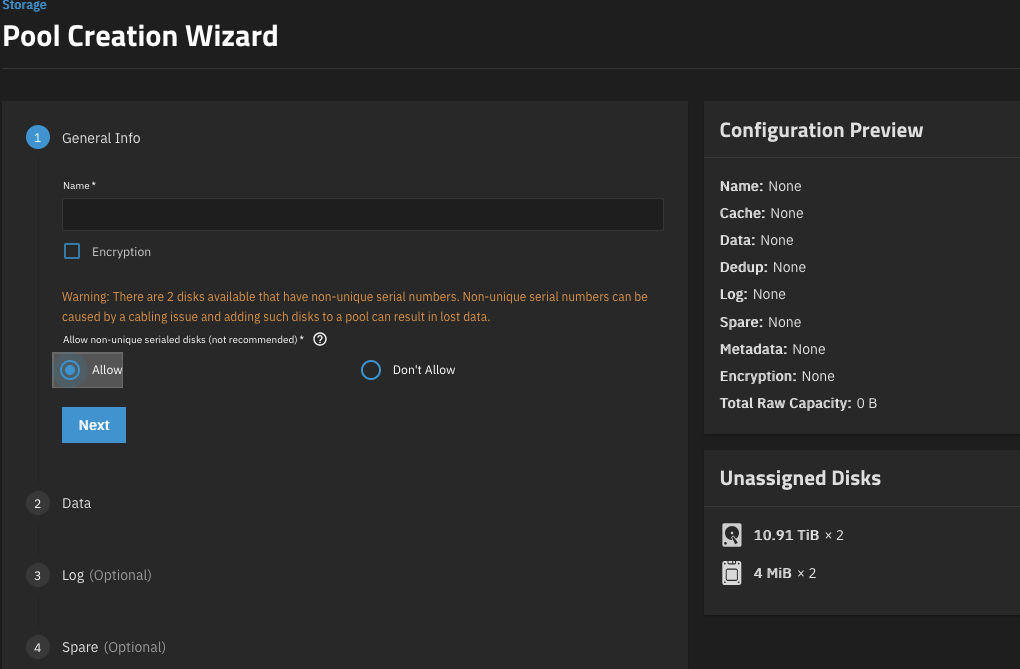
Don’t ignore that warning about the serial numbers. Are you using a USB enclosure?
I would avoid using a super special character like a pipe | that you included in your password (which was hopefully just an example). It has a specific meaning in the *nix world and I personally think it’s an unnecessary risk.
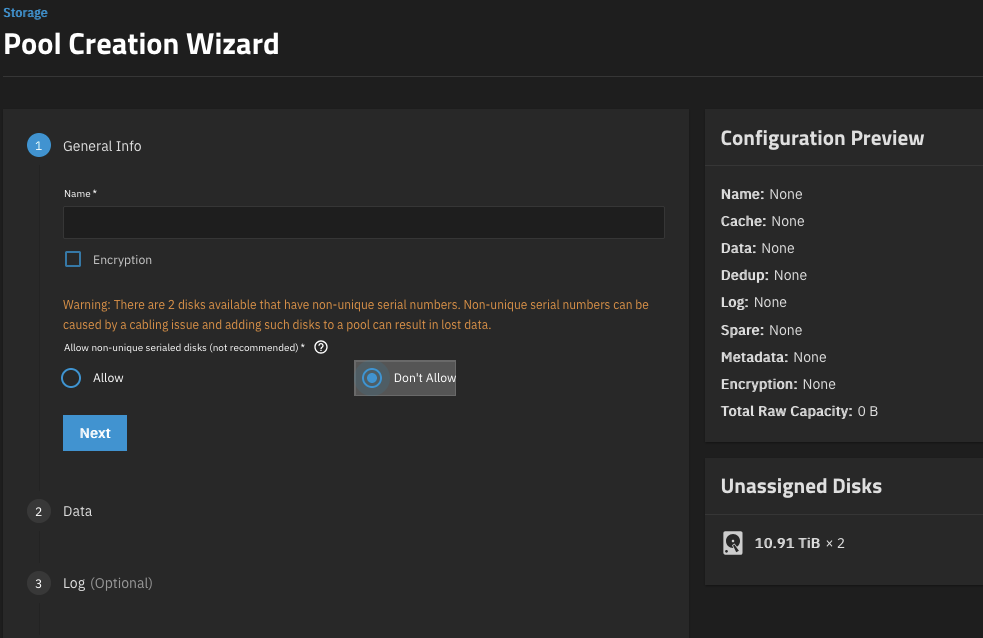
Can you please post full hardware details? That warning about non-unique serial numbers can be a big deal. I’ll point out that you got that warning even when you didn’t have 2 tiny drives of unknown origin in your list of unassigned devices.
Don’t rush this.
OS Version:25.04.2.5
Product:DXP2800
Model:Intel(R) N100
Memory:7 GiB
It’s the eMMC that does this - most of these devices present it as multiple mmcblk devices and that trips the middleware warning.
Don’t create a pool on them (and at 4MB, you can’t) - and it should be okay.
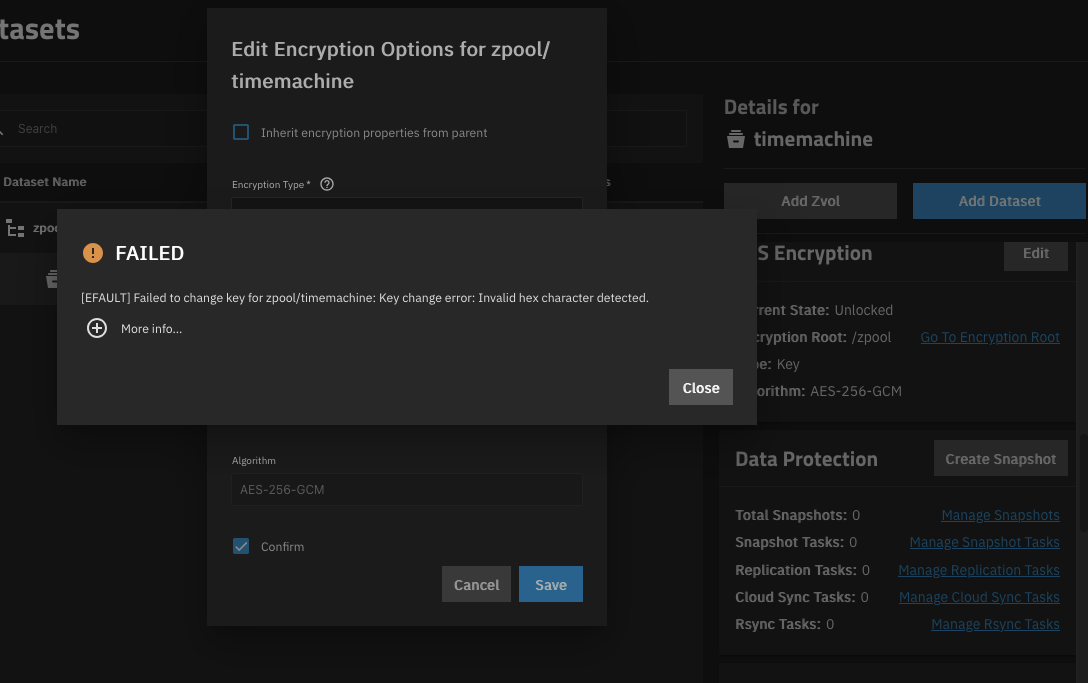
That’s not the passphrase input. That’s where you input your own HEX string (key).
You have to change the format from key to passphrase.
To be safe, use @neofusion’s advice on avoiding super special characters.
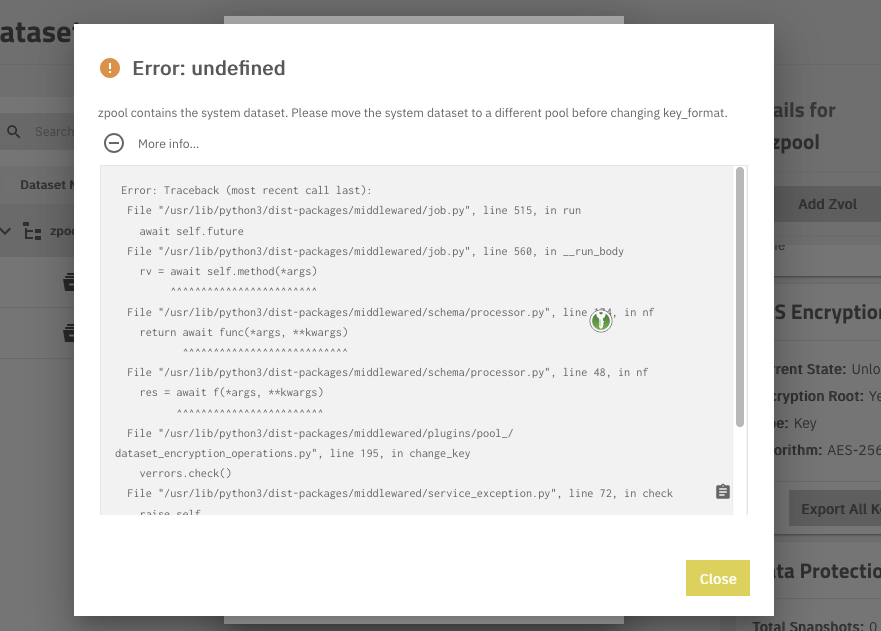
That’s because of this:
Not really. You won’t be saving anything directly inside the root dataset’s filesystem. The only other data that will be accessible to anyone with access to the server is the contents of the System Dataset, the Apps dataset[1], and the system logs.
IIRC, The Apps dataset are enforced with “unencrypted”. ↩︎
Thanks for your help
Are they really exposed? Don’t you need to login to get to the webinterface?
Also my Smb shares need to login before getting any access.
If you still can get the keys from the boot media it would be kind of useless to encrypt?
They keystring is stored in the config file on the boot-pool. The boot-pool is never encrypted.
Simply having access to the boot drive is all that’s needed for someone to retrieve the keystring. (The files freenas-v1.db + pwenc_secret allows someone to extract the keys for all your encrypted datasets.)
Here’s an example of retrieving the keys with the two files, which are stored on the unencrypted boot drive.
So why encrypt, when someone with access to the server can simply get the encryption keys?