
One day my apps wouldn’t start, so I uninstalled them to try and fix the problem and ever since my catalog just doesn’t show anything. I keep getting the message “[EFAULT] Failed to clone ‘Github - truenas/apps’ repository at ‘/mnt/.ix-apps/truenas_catalog’ destination: [EFAULT] Failed to clone ‘Github - truenas/apps’ repository at ‘/mnt/.ix-apps/truenas_catalog’ destination: Cloning into ‘/mnt/.ix-apps/truenas_catalog’…”
What version of TrueNAS?
Are you hit by this?
Also possible - I failed to consider we’d still have folks that missed deadlines.
Most of the time when app catalogue wouldn’t work for me it was a DNS issue due to Netbird App not working correctly.
Hasn’t happened recently…
If you have exhausted other possibilities, like DNS or BIOS clock, do this from the CLI:
git clone -v https://github.com/truenas/apps /tmp/truenas_test
If this works, and the repo gets copied, stop and look elswere for a fix.
If it doesn’t work, and it asks for a username and password, follow along
sudo git config --system http.version HTTP/1.1
test if the setting got applied:
sudo cat /etc/gitconfig
you should get something like:
[http]
    version = HTTP/1.1
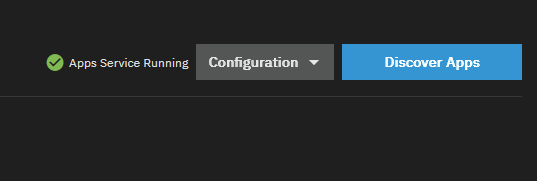
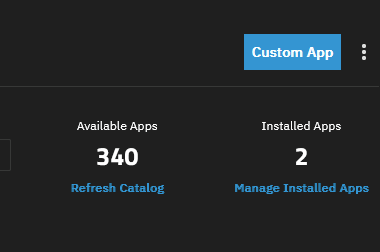
Go to Apps → Discover Apps and Refresh the catalog (maybe also unset and re-set the apps pool, can’t remember).
This is something GitHub did, hopefully truenas makes an update with this fix.
You can revert with:
sudo git config --system --unset http.version
Cheers!