I’m trying to migrate my old TrueNAS settings to a new server. I simply want my SMB share to be O=nobody, G=nogroup, chmod 775.
I want anything that ANY user puts into the share (via SMB) to be forced to that O/G and chmod. No matter what I try with the filesystem ACL and Share ACL, I can’t get that to happen. Also, despite browsing goldeye docs, the full ACL details are nowhere to be found on the Edit ACL page (https://www.truenas.com/docs/scale/25.10/images/SCALE/Datasets/EditACLBuiltin_UserGroupForSMBShare.png is not accurate - I only see a small subset of this)
Neither the filesystem ACL nor the Share ACL have the ability to change what the owner and/or group of a file is going to be (*).
The only way I know of that could be used to implement a scenario you are describing is to use the force user /force group options in the samba settings. Maybe in combination with directory mask/create mask. However these options cannot be set with the web interface.
Maybe there was/is a guest access that maps everything to nobody? But I don’t know anything about that.
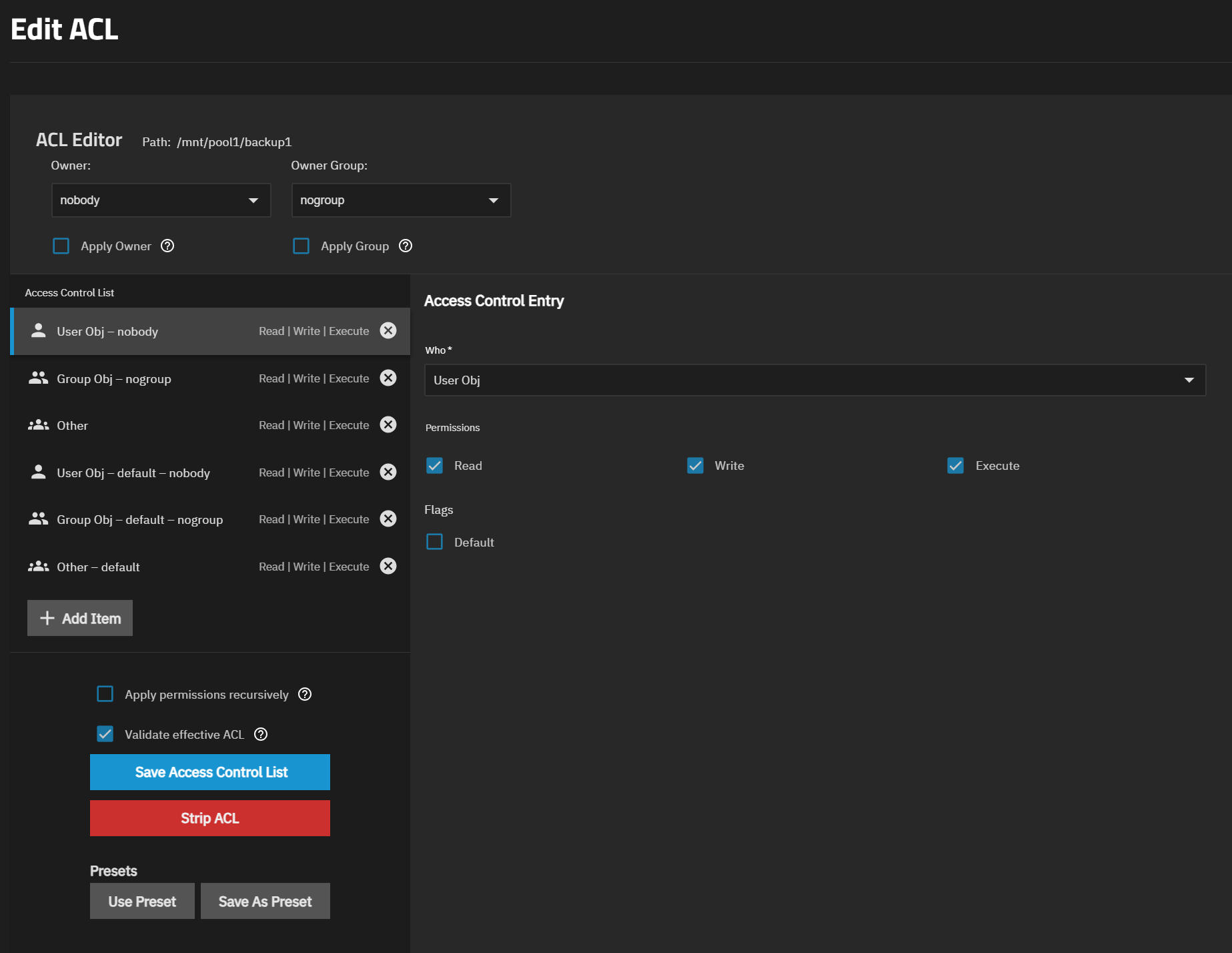
Regarding the screenshot you linked: The ACL editor depends on the ACL type that is configured in the dataset settings. The ACL editor for Posix ACL is different from the editor for NFSv4 ACL.
Well, again, truenas hides that choice for the most part. I never got to choose what type of permissions I wanted to employ on the share. I created the share in the SMB shares page - I did choose “General", because the others didn’t really fit. I was never offered a choice between NFS or POSIX permissions, but since this is not an NFS share, I suppose it was defaulted.
However, that image is from the docs section about SMB Shares, so maybe there’s somewhere I could have changed it?
That may be the difference. I am using the root dataset and sharing a sub-directory via SMB. I can go back and remove that share and create the dataset…hopefully it’ll let me do that with the directory (and files) already in that location.
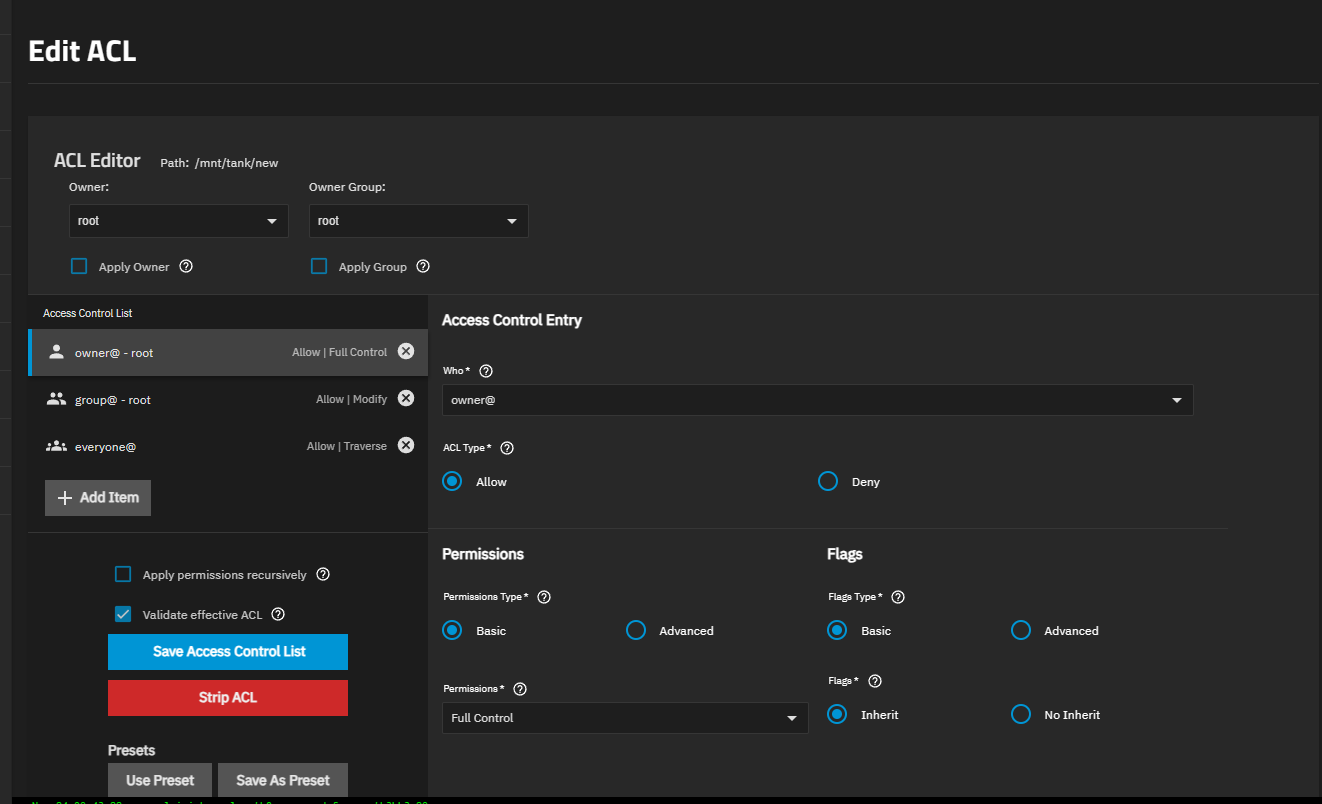
So did you create a new dataset in the Add SMB screen or the Datasets page? I just created a new share, added a dataset (/mnt/tank/new) while doing it, and this is my filesystem acl. I believe the acl type defaults to inherit here since the whole point is to simplify creating the dataset.
I used “Add” from the Windows (SMB) Shares. It didn’t ask me to create or choose a specific dataset, though I used the folder browser to choose the directory I created under my pool’s root.
Yeah that dataset is just using POSIX permissions. You can change to NFSv4 from the Datasets page, editing that dataset (which sounds like the root dataset of your pool? If so, I’d recommend creating a child dataset to share first), clicking Advanced Options, and changing the ACL Type to SMB/NFSv4–then you’ll see the same options as in the screenshot.