It’s been a very long time.
I have been running Truenas 12 and just upgraded to Scale 25.
I started fresh and just planned on importing my pool, all when well.
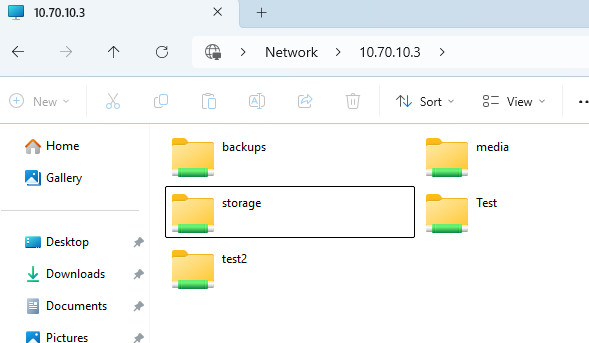
Now i’m having all kinds of issues accessing my files over windows SMB. I can see the folders on my network is just says I don’t have.
I can’t add users to my folders.
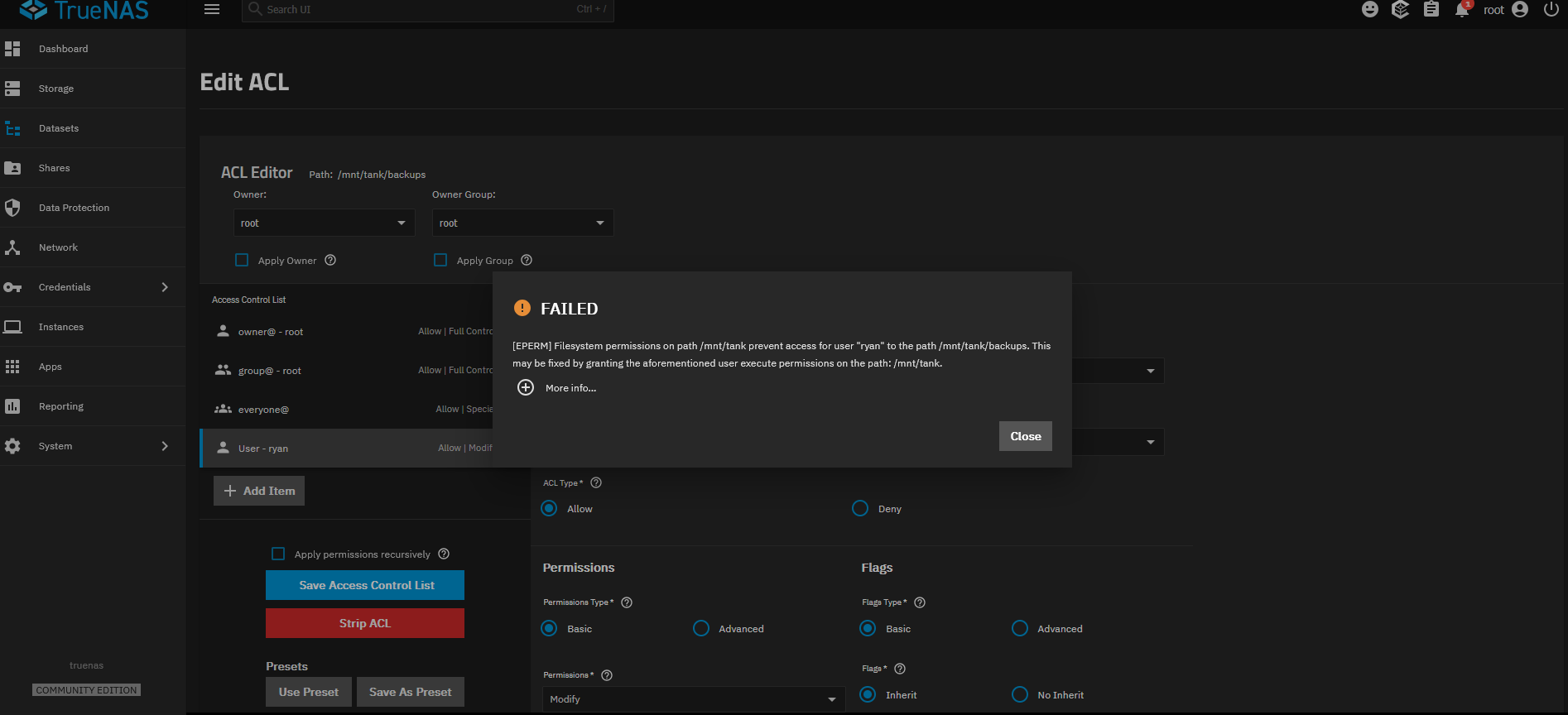
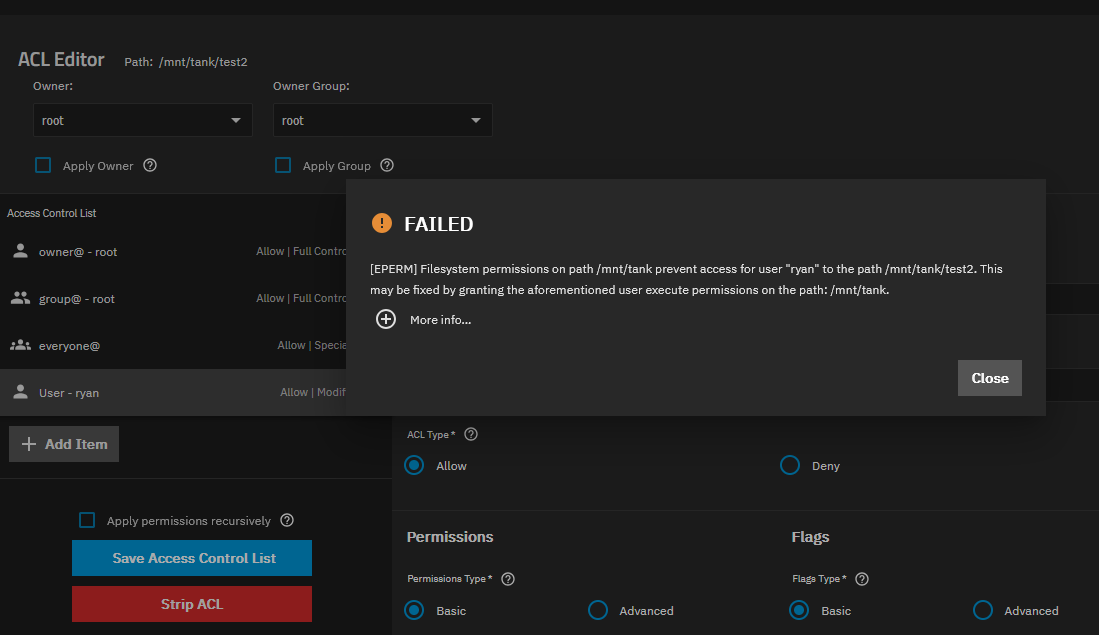
[EPERM] Filesystem permissions on path /mnt/tank prevent access for user “ryan” to the path /mnt/tank/backups. This may be fixed by granting the aforementioned user execute permissions on the path: /mnt/tank.
I even logged in under “root” to see if that allowed me to… but no good.
I’ve read that NFSv4 isn’t what it should be for Scale? I’m not sure how to fix that.
I’ve also ready that i may need to “strip” my ACL’s from my data set but i’m lost on that too.
I’m really worried about all my data.
Can you please help me out?
Upgraded from TrueNAS Core 12
Running TrueNAS Scale 25.04.1
Fresh install… just need my datasets! I feel sick!
It looks like you are trying to share the root or parent dataset. That isn’t allowed now. Create a child dataset along with the proper users and share that by SMB. Root, admin and truenas_admin aren’t allowed SMB sharing.
Your data is still there. You will just create new child dataset. Test you can reach it from Windows and then move or copy the data from the parent to child dataset. You may have to fix permissions after moving or copying. Not sure how much space you have in your pool for copy vs move.
Hi!
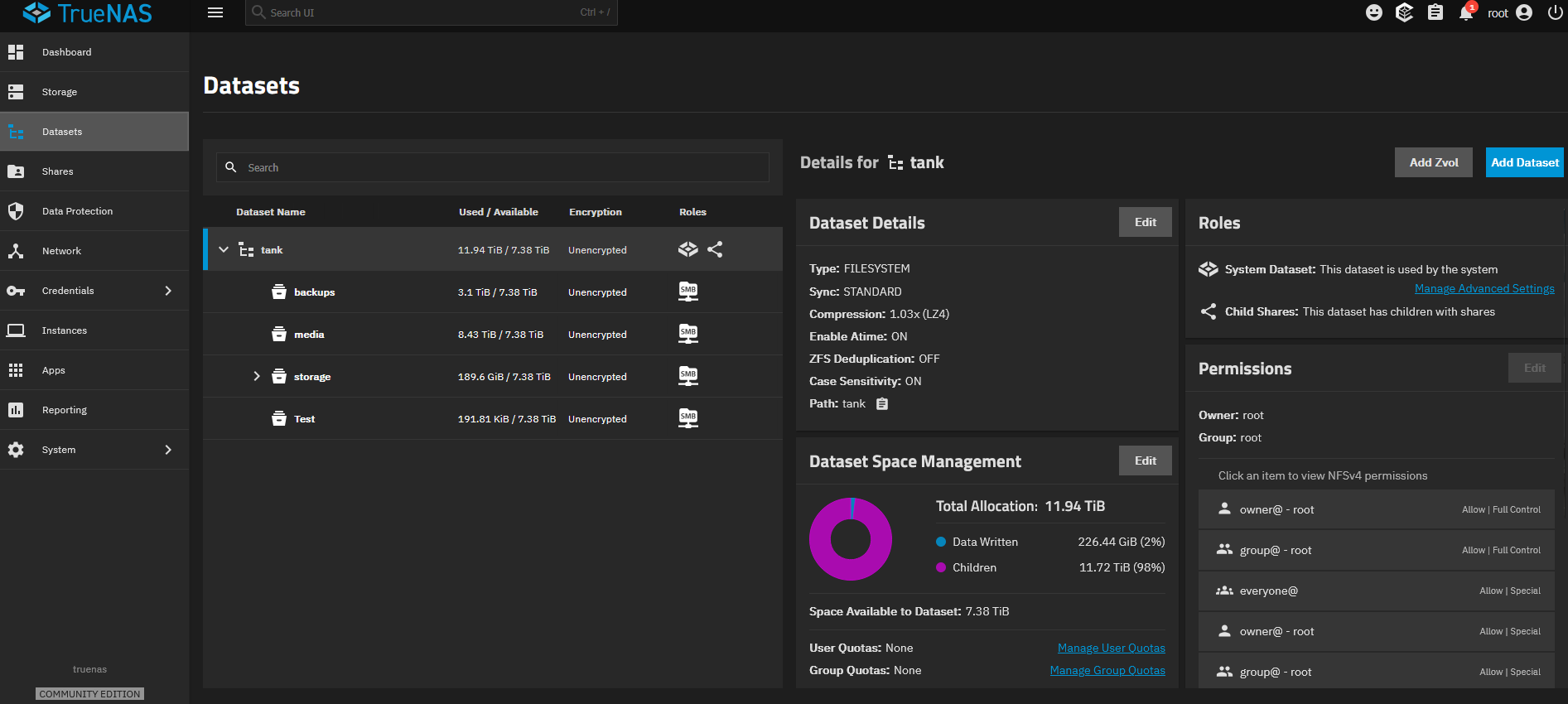
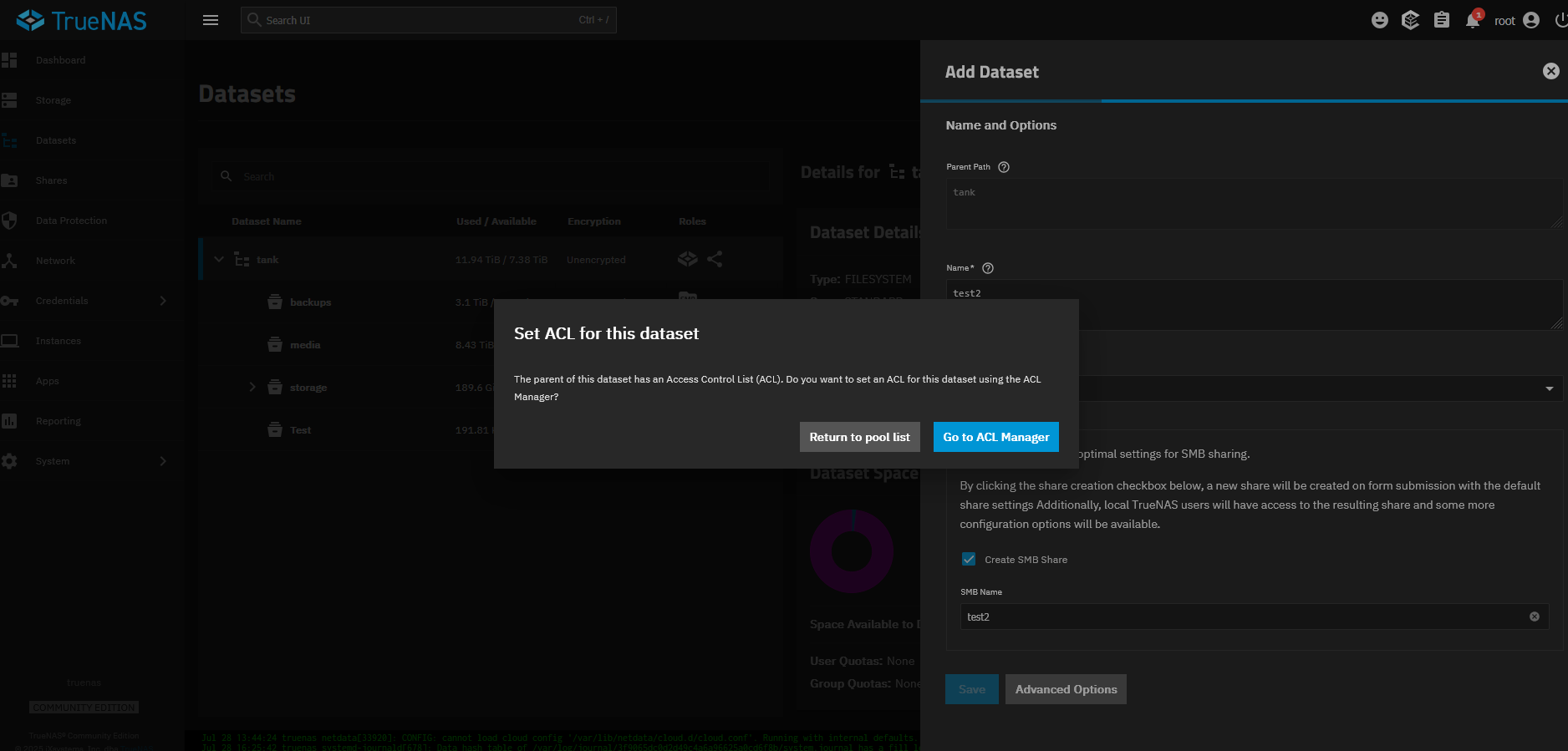
I have (3) child datasets under my main dataset “tank” already from my import. I tried a new one that i made on my new Scale and it created it, i can see it on my windows PC, but can’t access it either.
I have a user, ‘smbuser’, that is the owner of the shared, child dataset. You look to have ‘root’
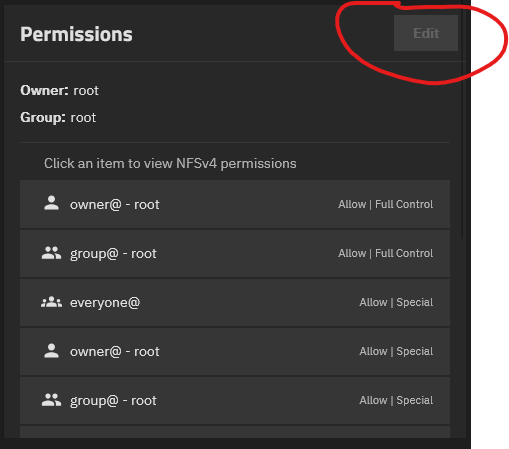
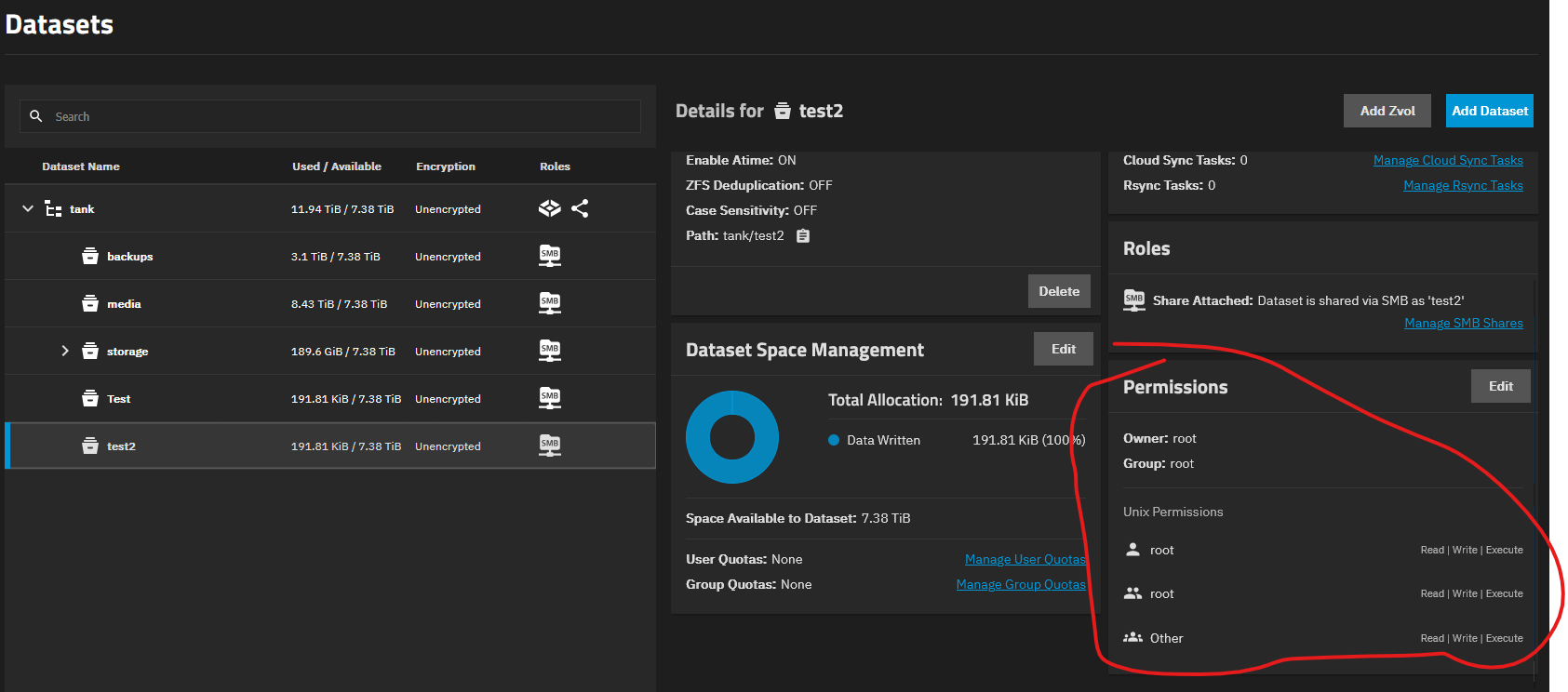
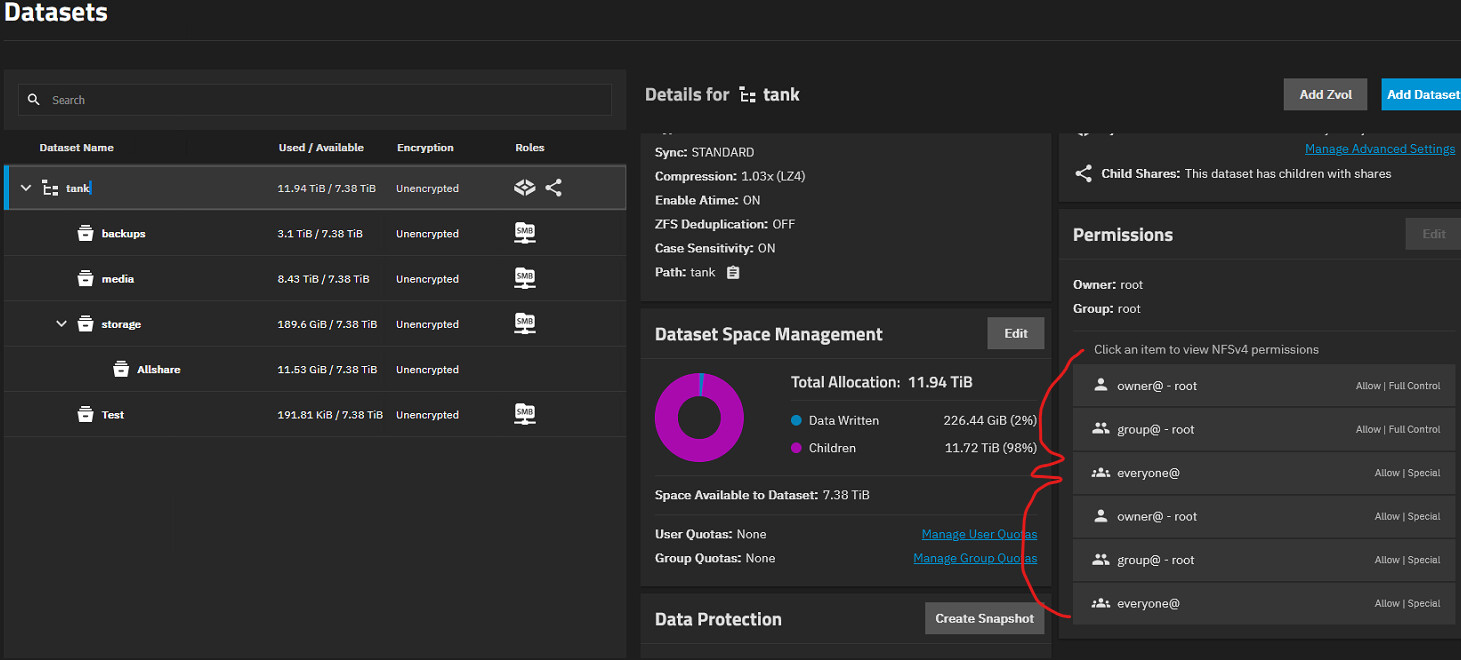
Your root dataset Tank looks to have NFSv4 permissions. Mine is just showing Unix permissions.
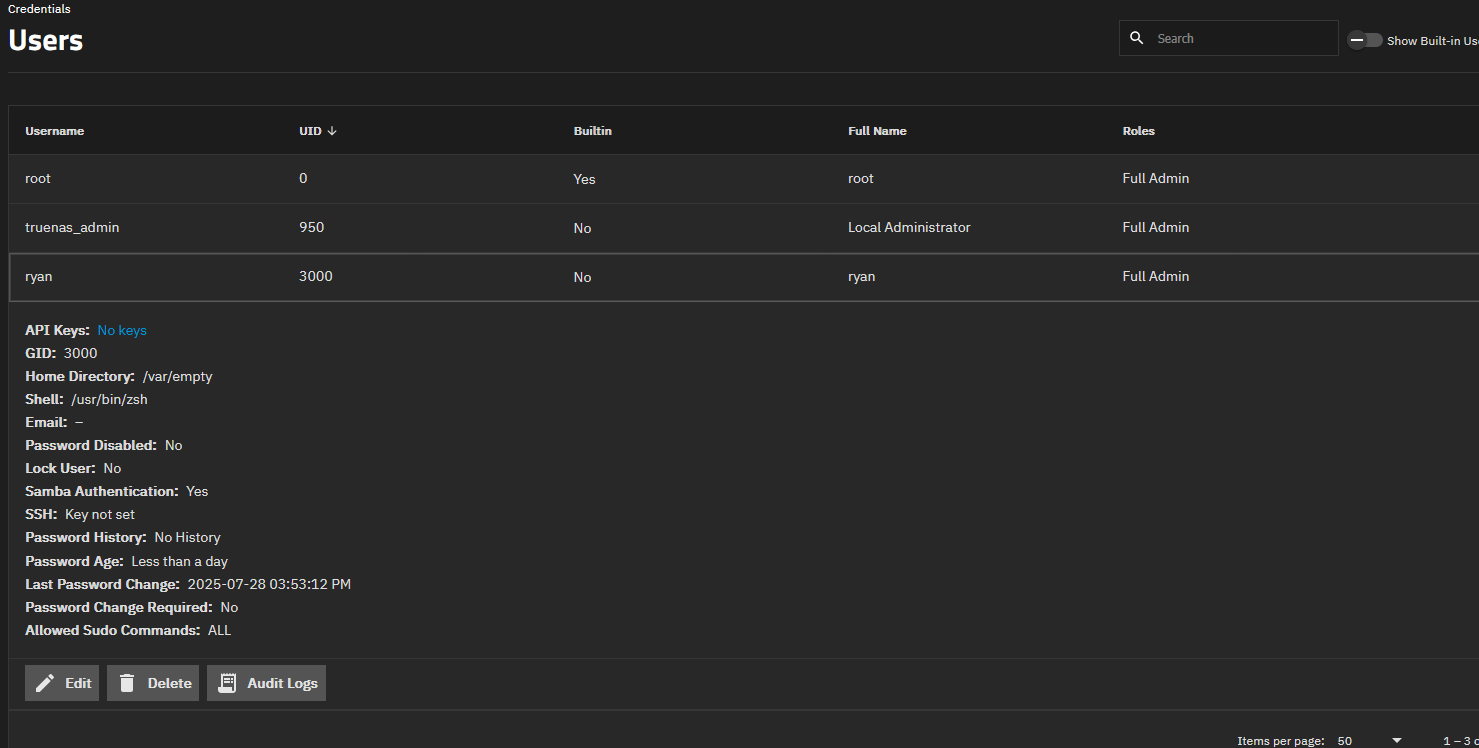
I think you should try creating a new, test dataset and set it up for SMB sharing by following the Docs. Use ‘ryan’ for the owner. I figure you have the user so start with step 2 in How do I add an SMB Share? section.
Did you need NFS and SMB? I see a note
When setting up multi-protocol (SMB and NFS) shares refer to the [Multiprotocol Shares]](/scaletutorials/shares/mixedmodeshares/) tutorial for configuration instructions.’
In services, can you stop the SMB service?
Then go to Shares, Windows(SMB) Shares and see if it lets you edit Share or Filesystem ACL. I’m wondering if service needs to be stopped. You can try on the newly created test2 so we don’t change anything on your current settings.
Turning off SMB didn’t change anything.
I tried to “Strip ACL” from “test2” and was able to do so, but still not able to access from my PC. Just able to see all the folders.
I think there is something not right with my main Dataset. In my old TrueNAS 12, I had it set up to share my main Dataset. I think that isn’t able to be done now. Are the setting/permissions messed up now? Do i need to go into the shell and re-set them or something?
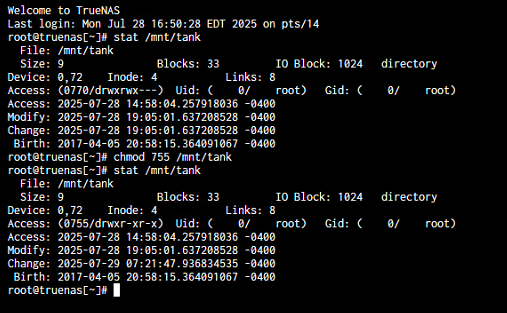
I ended up running the “/chmod 755 /mnt/tank” and it did change the “Access” to the dataset!! It opened it up for me to be able to add my “ryan” user along with make changes to other “Access Control List” users/groups!
It looks like my main Dataset was set at “770”.
Anything i’m missing or messed up that will get me when i set things up down the road? Plex?
Now, my only “minor” thing is trying to get the Parent/Main Dataset Permissions cleaned up a bit to prevent any feature issues.
Any suggestions?
Leave it along, it’s fine?
Somehow “strip ACL” in shell and re-apply something?