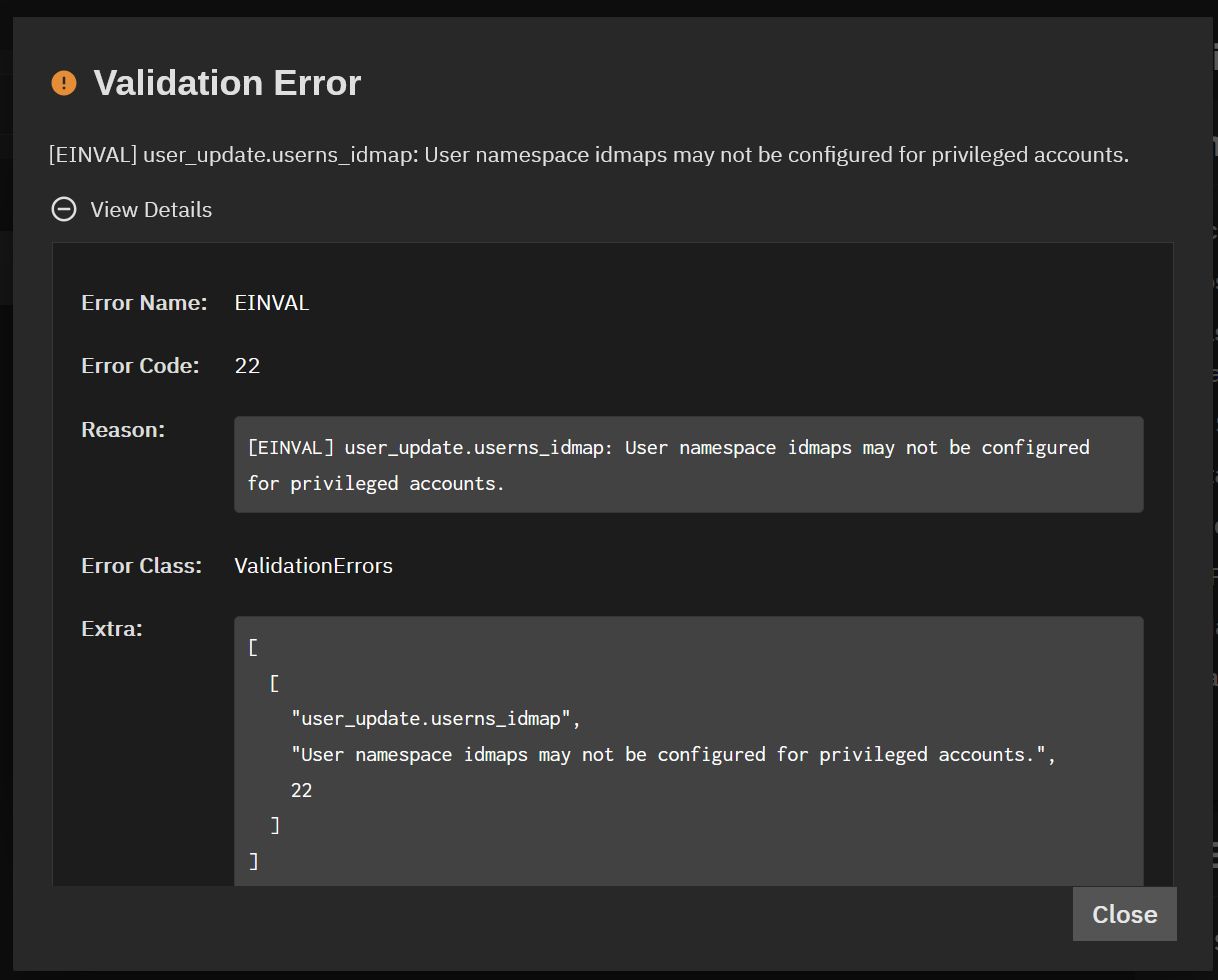
I’ve got a test container running (in TN26 beta 3). I have created a user ‘ddb’ in the container, which has the same uid as user ddb in the host. I don’t think uid mapping is needed when the names and uids are the same? But I tried to create a mapping and got an error that seems to say you can’t map a non-privileged user id, in any case.
And I managed to mount a dataset from the host into the container. In the host, that dataset is owned by user ddb.
And I have restarted the container after doing those things.
However, the dataset ends up mounted as user nobody in the container, and nothing can access it, even root. Any clues?
yes it is. And afaik the container runs as root by default so you will have to add the user “truenas_container_unpriv_root” to your acls. That one will get mapped to the container root user
I’ve added a user ddb in the container. The shell from the container page runs as root, but I can su ddb and be the ddb user. (Both host and container have that user, and he/I am uid 1001 in both places.)
The user ddb on the host was set as truenas admin; that’s what was blocking the mapping. At least on this test system, there’s no reason I can see for my personal user to be set up that way, don’t remember why I set that.
So, having found that and removed the truenas_admin group, the mounted drive now appears as owned by container user ddb, and container user ddb can access it (in the root shell, su ddb makes me user ddb).
Root in the container can’t access the mounted dataset; presumably adding “truenas_container_unpriv_root” would fix that (not sure I care).