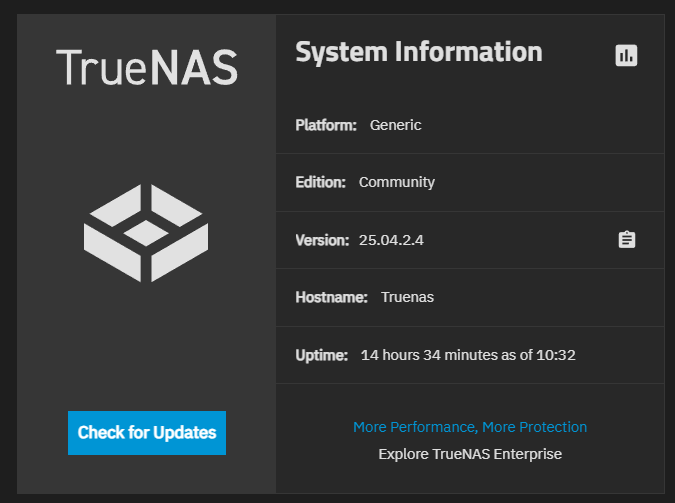
I have decide to move from Truenas CORE to TrueNAS SCALE.
I Have follow the process through the GUI Migration. Everything seams to Go OK, but i have a very7 strange issue!!!
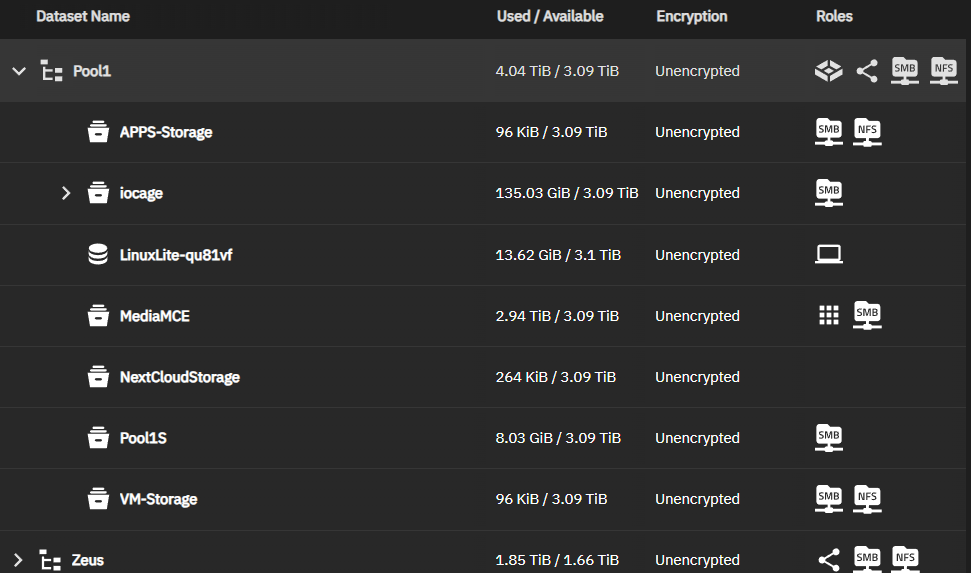
In my new Datasets I have lost some of them (Datasets for Users, Public, etc)
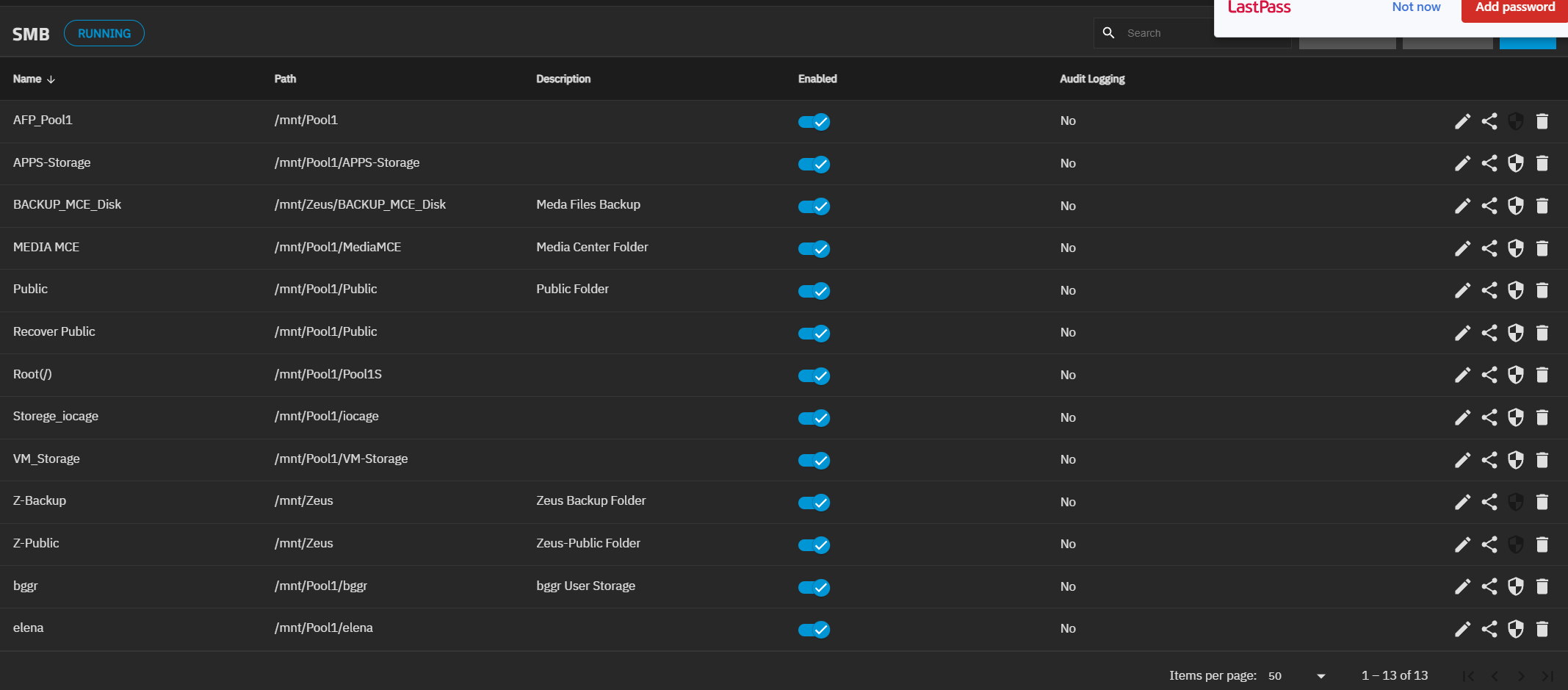
in my Shares the Share for this Datasets is existing…
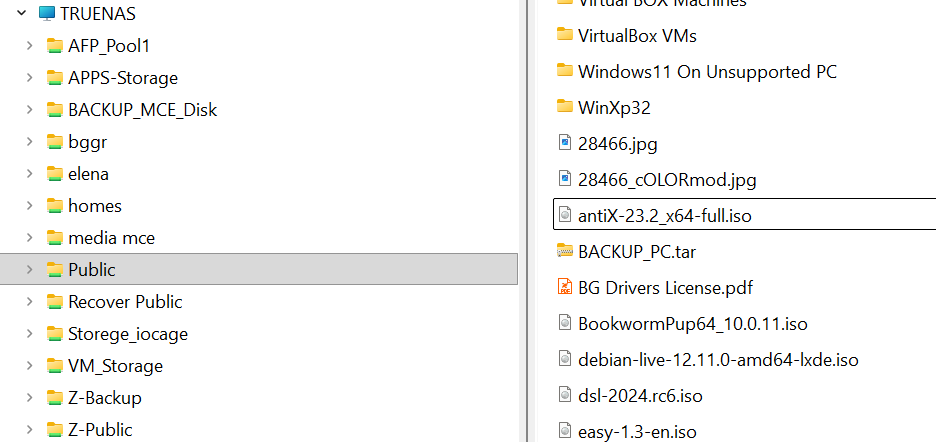
from my Windows11 PC, from network i can access these Datasets (Not Existing) and Shares, and to change Files.
But in trueNAS SCALE i can’t make any backup because thease Dataset aren’t existing.
Can anyone help how i can view again these Datasets???
More information’s:
My Main Pool (Pool1) is used by system, have child Datasets, but also is SBM & NFS Shared (without ability to change this sharing). The lost Datasert are part of this Pool and Main dataset!!!
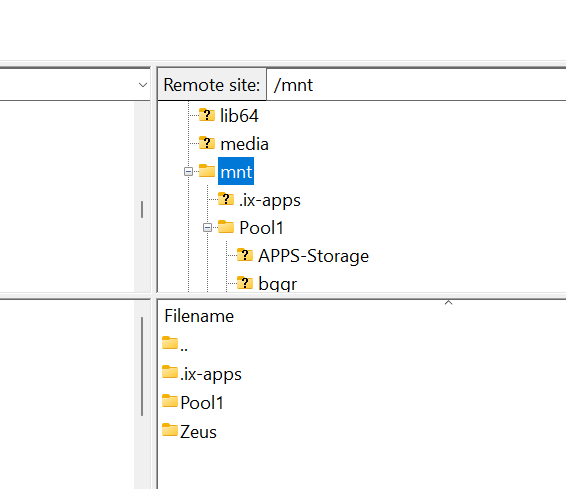
The ix-application Dataset have created (for be in this Pool) but is looking like be outside the Pool:
Just to be sure: those missing datasets were really datasets or just folders created on the smb/nfs share? Because Folders are not listed in the truenas gui…
Could be Folders with SMB Shares (im not really remember, actually some of them created from FreeNAS when i add the users (are users folders maybe)…
Can easily convert them now to Datasets???
Please post images directly into the forum instead of using Google Drive or other image hosting sites.
I think you have some work to reconfigure your shares.
Under SMB section linked below is this warning
“When creating a share, do not attempt to set up the root or pool-level dataset for the share. Instead, create a new dataset under the pool-level dataset for the share. Setting up a share using the root dataset leads to storage configuration issues.”
The other issue could be the owner of the shares. Root and ‘admin’ users aren’t allowed SMB. You can look at the Users page for those types of users and look for SMB Access. You are supposed to set up a separate user for SMB
I think in core at one time it was allowed to share the root of the pool. That is no longer the case in the community version (Scale) of Truenas so anything that was set to share the root of the pool or from the root of the pool in core will need to be redone as a child dataset(s) of the main pool going forward.
Edit I guess I just repeated the answer from smallbarky sorry…
Thank you All for the Suggestions and Information’s.
I have make a new arrangement in my new System (Pool) With new datasets and Access rights, and everything now is working properly. The only issue that i still have is when an Microsoft account (sing in with Microsoft account try to access the Files).
The Local users and privileges are working Fine, know someone what i have to do when a user use a PC that is Logged with his Microsoft account (Login with email and PIN)?