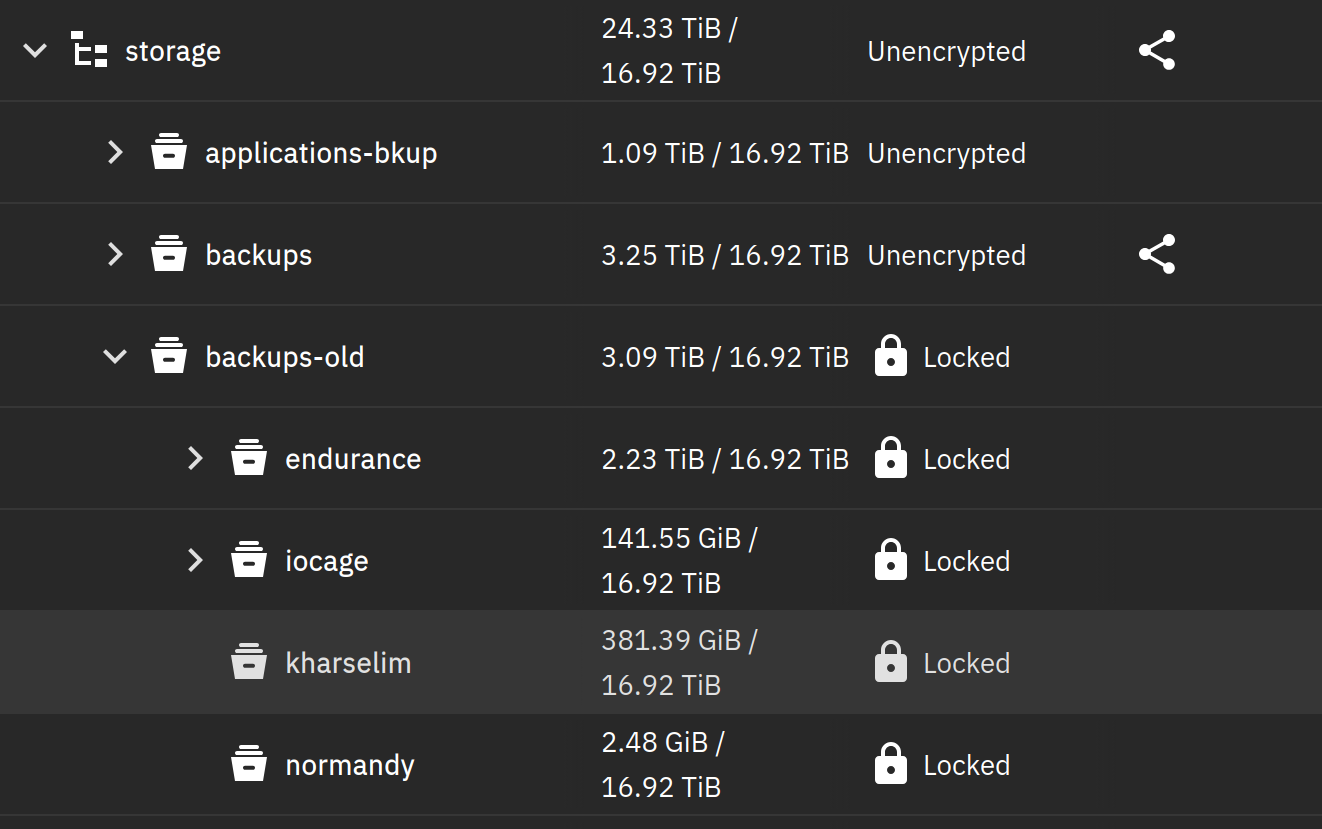
This kind of thing has happened before on Scale, and normally in this situation I export the parent dataset’s key and use it to unlock the children ones… Except here the locked dataset is the top level encrypted one.
Is there a way to access the datasets keys, or prompt TrueNAS to un-forget them?
I never had a situation where TrueNAS Scale forgot the encryption key. But just in case, check the database to verify that there really is no saved encryption key.
Do this in a shell:
$ sudo sqlite3 /data/freenas-v1.db 'SELECT * FROM storage_encrypteddataset'
If there are saved encryption keys you’ll get an output that looks like this:
Maybe you are lucky and you just renamed the dataset and the encryption key is still there. Please note that that the encryption key is stored encrypted and thus can’t be used directly as the ZFS encryption key.
Do you have a backup of the configuration? If you do an upgrade it will usually prompt you to save the configuration. I think you need to have the “Export Password Secret Seed” option checked in order to recover the keys from a configuration backup.
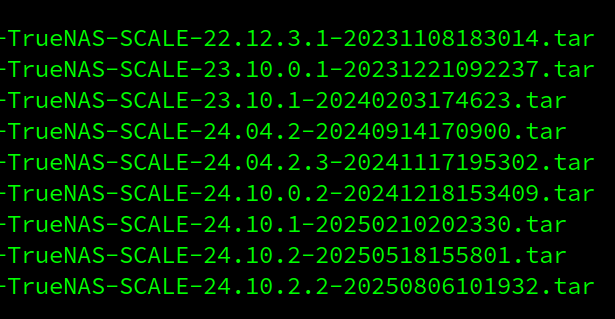
Look for truenas-<version>-<date>.tar files. Those are the backups you need.
I think so. There is some code in the middleware which deletes “wrong” keys every 24 hours (source). Rename isn’t supported by TrueNAS, so the key was still stored as being for the storage/backup dataset. That’s probably why the key got deleted.
So you would likely need a backup before the rename. But it looks like you already checked all the backups. Unfortunately, I don’t see another option to recover those keys.
As a side note, 128 encryption keys does sound a lot. In my setup, all encrypted datasets share a common encryption root. That way only one encryption key is saved (which I have also a backup of in my password database).
Did you never export your encryption keys? Did you never save the HEX string into a password manager?
Where did this dataset (storage/backups-old) originally come from? Replicated from another pool? Manually created on this pool with its own encryption options?
What is the output for this?
zfs get encryption,encroot,keystatus,keyformat,keylocation storage/backups-old
Was able to find an archive with the keys from an older system upgrade. Paired with help from this blog post I got the datasets unlocked:
No, I didn’t consider that TrueNAS - the “don’t lose data OS” - would so diligently save me a single Kilobyte by deleting an encryption key. Since the system backup files are prompted for download during system upgrades, I thought nothing of keeping them once an upgrade was successful. I know this goes in the “user error” category, but I find it pretty frustrating.