So, first-time TrueNAS SCALE user here (Version 25.10.4).
I’ve been trying to get the Directory Services Configuration to sync with a new AD instance (Test environment) after the initial configuration steps with no luck. Configured for Active Directory, was able to get it to successfully make a new user in the correct OU, and got it to populate the initial list of users and groups, and autoconfigure itself just fine. However, any changes to AD users (such as adding or deleting someone) made after this step won’t propagate even after syncing the cache.
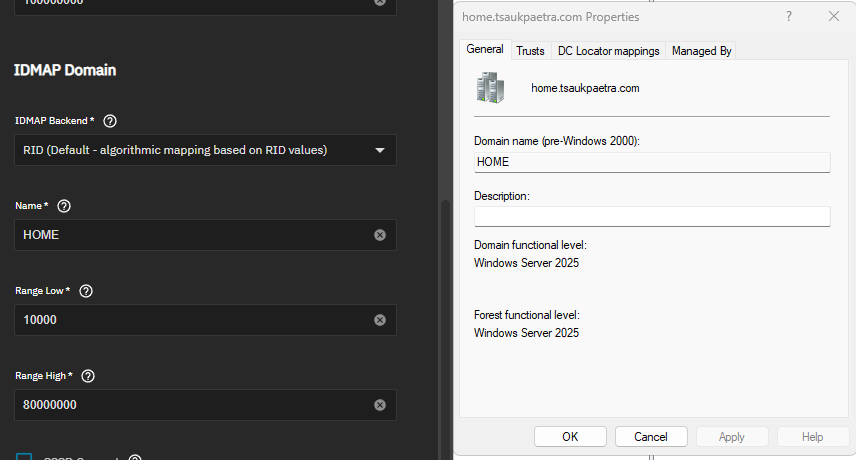
I figured maybe I needed to tweak the UID/GID range under the IDMAP Domain category, but I noticed I can’t actually save my config changes when I try to update values. It took me a bit, but as I found out, the NETBIOS name I used for this test DC contains invalid characters according to the TrueNAS SCALE UI; the NETBIOS name is MLN-TEST-DC1, and hyphens aren’t allowed.
So… is there anything I can do here? I can’t customize values because the NETBIOS name is invalid, and right now the only way to actually unlock the save button is to check “Use TrueNAS Server IDMAP Defaults,” which does me no good for troubleshooting.
Thanks in advance for your time!