I followed this excellent video with great ease but I am concerned that my results are somewhat different from those shown in the demonstration. Please can someone tell me if I am worrying unnecessarily?
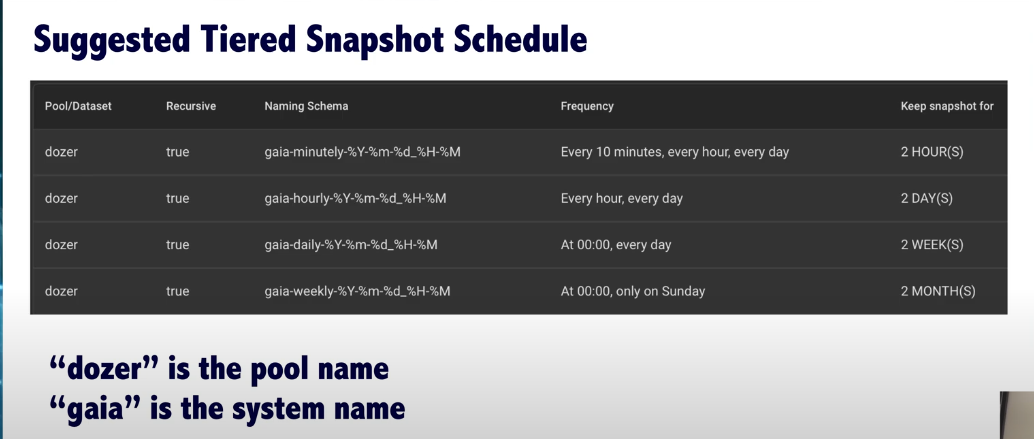
Screenshot from Stux’ YT video showing his four snapshot plans:
A day of running and out of the 600 snapshots formed so far, a lot of them (about half) seem to be of the form mainraid/.system/ with a handful of mainraid/ix-applications/ too.
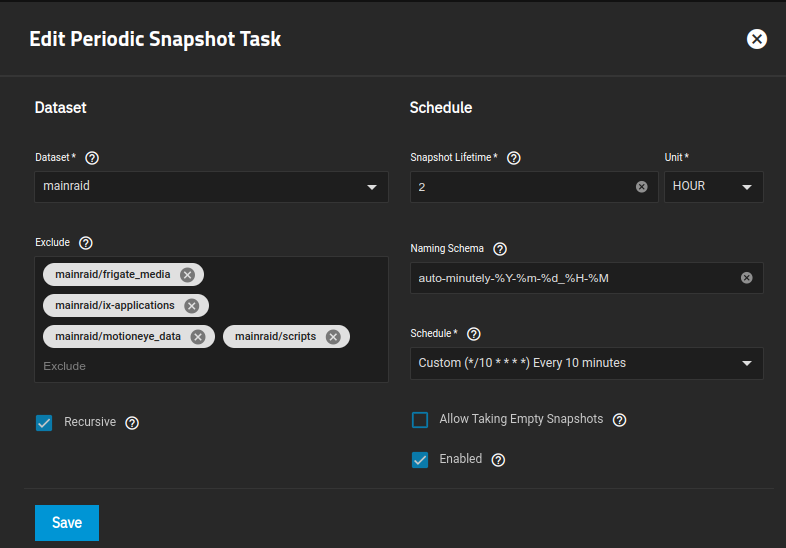
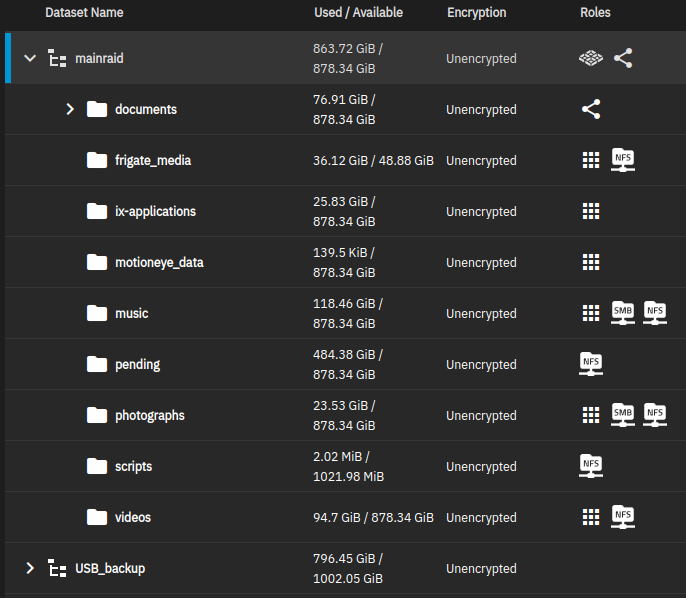
Each of my four plans excludes the same sets of datasets:
It looks like I need to edit the snapshots in my plan to exclude the mainraid/.system/ but oughtn’t the mainraid/ix-applications/ already be excluded?
I can include screenshots of all four snapshot tasks to be sure that they are all correct, but I believe them to be identical to one another (except the “minutely” one prevents empties as per the video).
I don’t know where that came from, but not from the tiered schedule. Perhaps a manual snapshot?
The .system snapshots are of the hidden system dataset, if you want you can exclude that from the snapshot schedule as well, but it does provide a snapshot of your config files… which get backed up there. I do actually exclude it on some of my systems to cut down on the snapshot pollution.
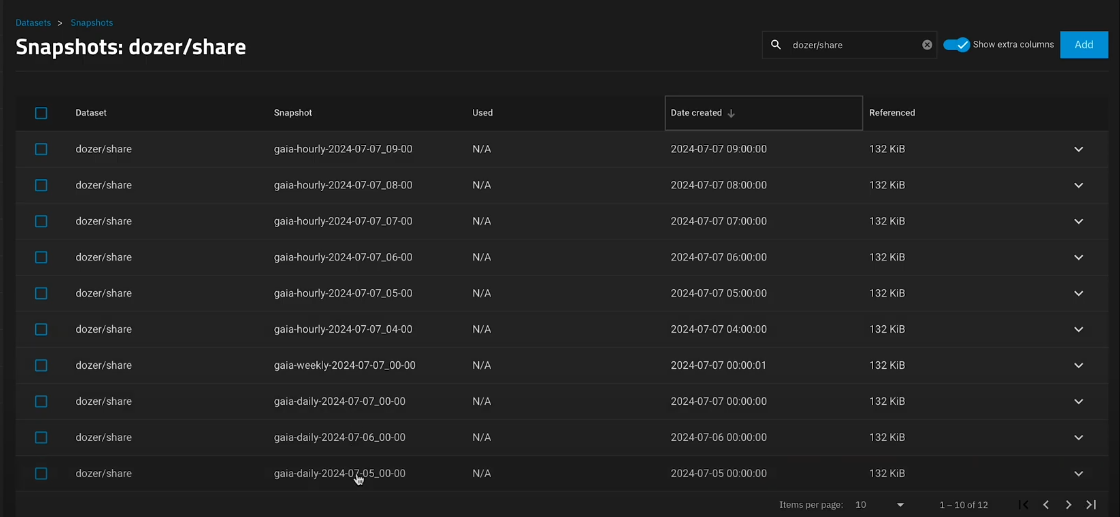
In my video I’m specifically showing snapshots for “dozer/share”, and have sorted by date created (in the extra columns)
which is a better way of doing it than my approach. Your extra directory depth provides better separation. I thought this might have been the case but I thought I’d best check.
In my situation I’m backing up the config via Multi-Report to what s effectively an external location, so I think I’ll exclude mainraid/.system from my tiering.
The “7” … there’s only a dozen of them so after I deleted all of the original snapshots, I expect they got generated whilst I was configuring the new tiered approach and I didn’t notice.
Again, thanks for your help which makes things clear for me.