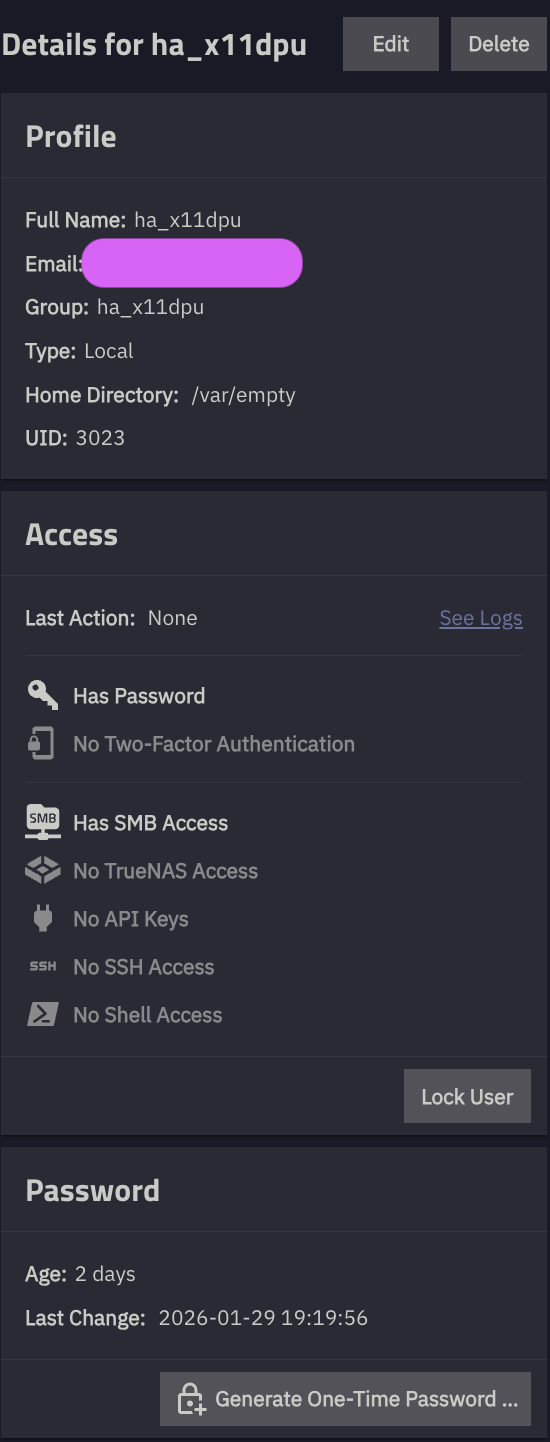
I have setup a user ha_x11dpu with SMB access like this:
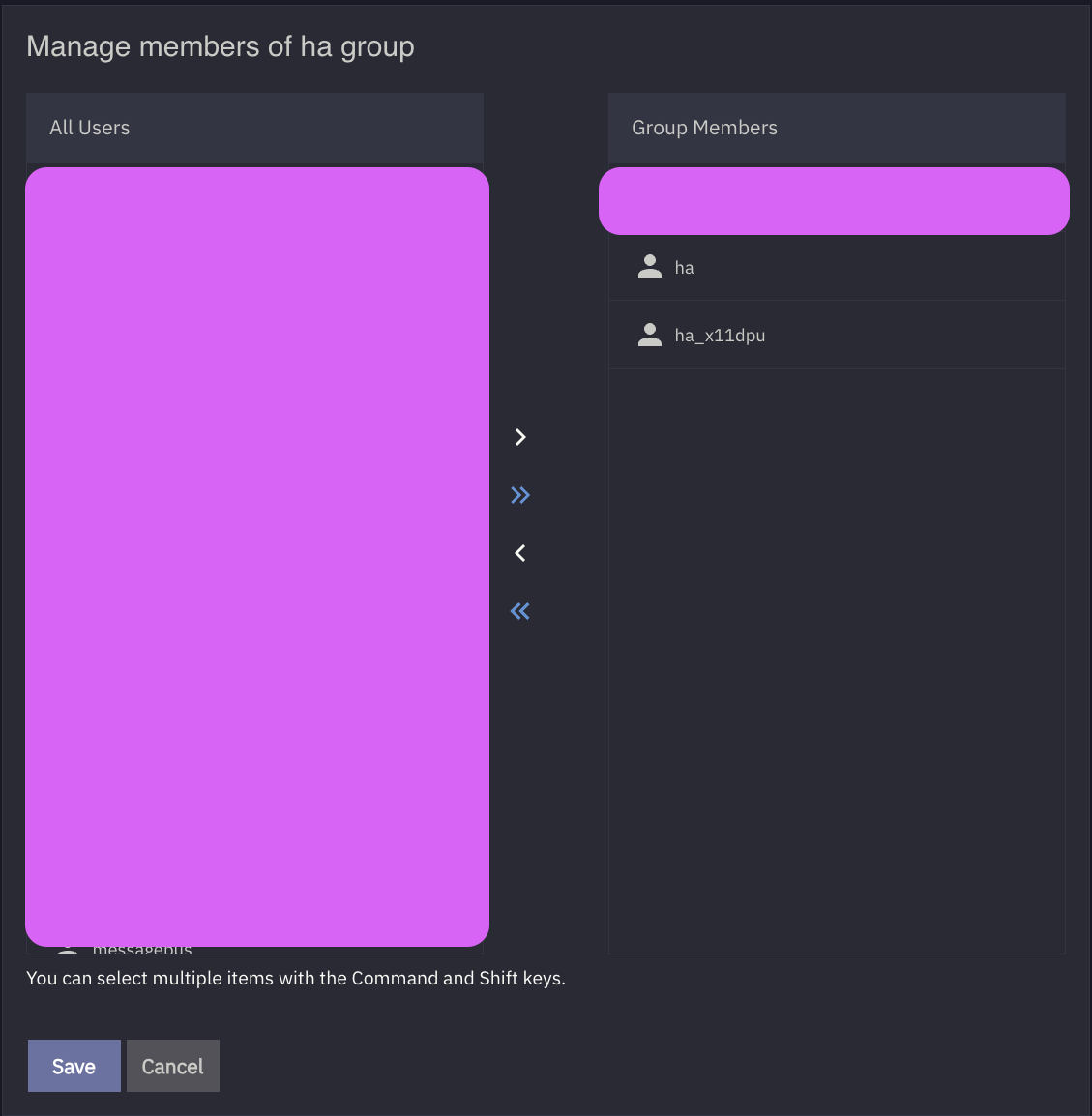
And I have add the user to ha group like this:
And the ha group has smb access like this:
And a directory permissions set as:
$ ls -lhd /mnt/tank/docker/homeassistant/config/
drwxrwxr-x 26 ha ha 43 Jan 31 20:46 /mnt/tank/docker/homeassistant/config/
And a smb share configured as:
Failed to mount on another machine running TrueNAS SCALE 25.10.
$ sudo mount -v -t cifs -o username=ha_x11dpu,password=pass,ro,uid=3005,gid=3005,forceuid,forcegid,file_mode=0440,dir_mode=0550 //10.97.99.54/ha_config /mnt/tank/docker/test
mount.cifs kernel mount options: ip=10.27.0.50,unc=\\10.97.99.54\ha_config,forceuid,forcegid,file_mode=0440,dir_mode=0550,uid=3005,gid=3005,user=ha_x11dpu,pass=********
mount error(13): Permission denied
Refer to the mount.cifs(8) manual page (e.g. man mount.cifs) and kernel log messages (dmesg)
How to fix it?
Environment:
- Server OS: TrueNAS SCALE 25.10.1 - Goldeye
- Client OS: TrueNAS SCALE 25.10.1 - Goldeye
Many thanks.
I have done some further digging and I am still at lost.
$ sudo  pdbedit -L -v
---------------
Unix username:        ha_x11dpu
NT username:
Account Flags:        [U          ]
User SID:             S-1-5-21-1667061581-4162334303-1542632422-20083
Primary Group SID:    S-1-5-21-1667061581-4162334303-1542632422-513
Full Name:            ha_x11dpu
Home Directory:
HomeDir Drive:
Logon Script:
Profile Path:
Domain:               NUC13
Account desc:
Workstations:
Munged dial:
Logon time:           0
Logoff time:          Wed, 06 Feb 2036 15:06:39 GMT
Kickoff time:         Wed, 06 Feb 2036 15:06:39 GMT
Password last set:    Thu, 29 Jan 2026 19:19:56 GMT
Password can change:  Thu, 29 Jan 2026 19:19:56 GMT
Password must change: never
Last bad password   : 0
Bad password count  : 0
Logon hours         : FFFFFFFFFFFFFFFFFFFFFFFFFFFFFFFFFFFFFFFFFF
$ sudo cat smb4.conf
#
# SMB.CONF(5)		The configuration file for the Samba suite
#


[global]
    disable spoolss = True
    dns proxy = False
    load printers = False
    max log size = 5120
    printcap = /dev/null
    bind interfaces only = True
    fruit:nfs_aces = False
    fruit:zero_file_id = False
    rpc_daemon:mdssd = disabled
    rpc_server:mdssvc = disabled
    restrict anonymous = 2
    winbind request timeout = 2
    passdb backend = tdbsam:/var/run/samba-cache/private/passdb.tdb
    workgroup = WORKGROUP
    netbios name = nuc13
    netbios aliases =
    guest account = nobody
    obey pam restrictions = False
    create mask = 0600
    directory mask = 0700
    ntlm auth = False
    server multichannel support = False
    unix charset = UTF-8
    local master = True
    server string = NUC13 Server
    log level = 1
    logging = file
    server smb encrypt = default
    idmap config * : backend = tdb
    idmap config * : range = 90000001 - 90010001
    idmap config * : read only = True
    smb3 directory leases = no
    zfs_core:zfs_integrity_streams = False
    zfs_core:zfs_block_cloning = False
    registry shares = True
    include = registry

[ha_config]
    access based share enum = False
    readonly = False
    available = True
    smbd max xattr size = 2097152
    fruit:metadata = stream
    fruit:resource = stream
    comment =
    browseable = True
    ea support = False
    path = /mnt/tank/docker/homeassistant/config
    posix locking = False
    vfs objects = fruit streams_xattr shadow_copy_zfs zfs_core io_uring
What have I missed?
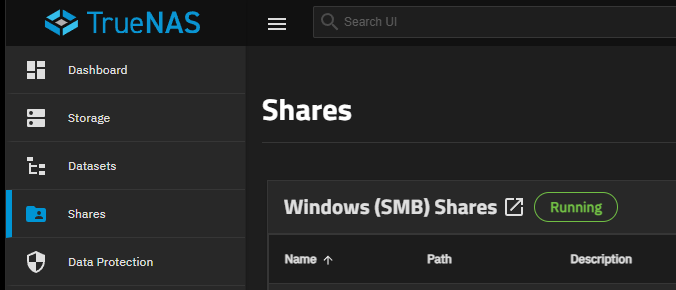
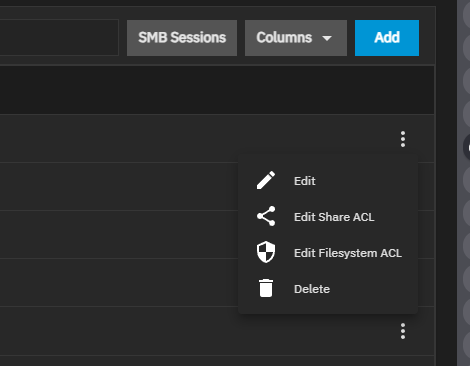
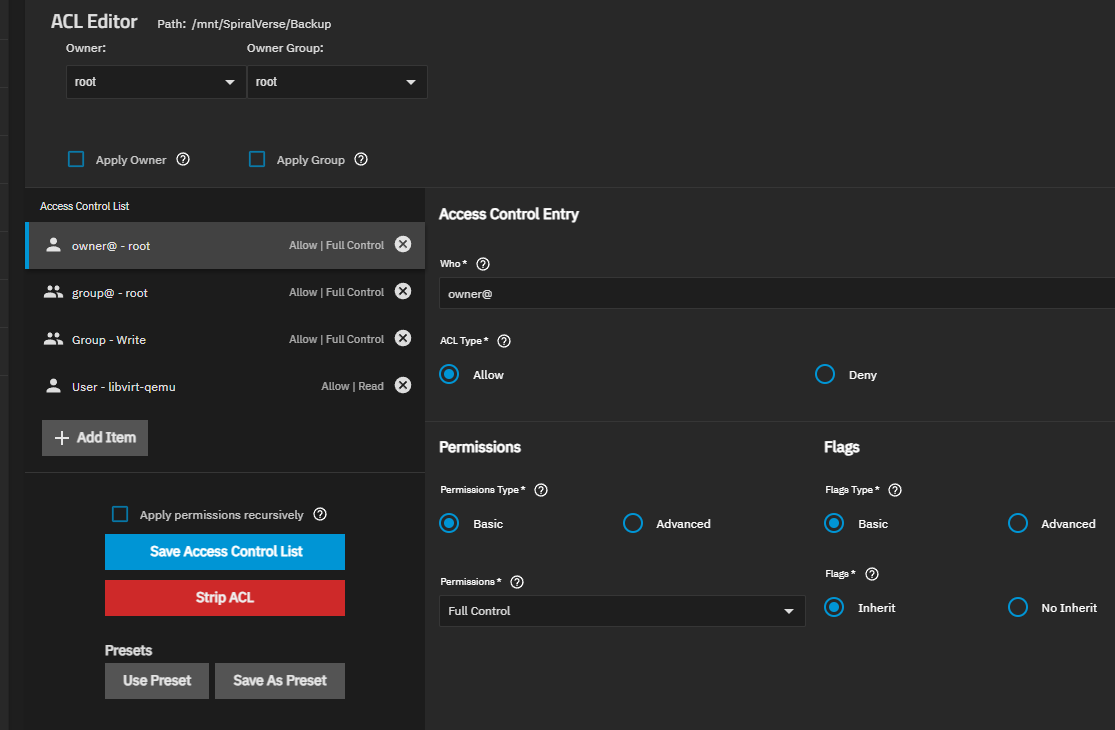
You’ll want to go to Shares, click on View All, click on the 3 dots next to your SMB share and set the ACL. I prefer the Fileystem ACL to set permissions. Make sure your group is added and configured for the proper permissions for the share, then save the ACL, wait a few seconds and test.
Thanks a ton!
You are a life saver. I didn’t know that a samba server on TrueNAS requires ACL to be enforced in order to function.
And the effect of ACL is pretty wild. I don’t understand why the ACL of a subpath affect the parent directories. I need to study more.
SMB services just makes the shares available over the protocol. ACL is the control access to the shares or permissions granted to groups/users. Generally, when you care a new SMB share, it’ll ask if you want permissions from the parent folder to apply to the new. Any new folders created by the user within the data set will inherit permissions from the parent.
Yeah. The thing I don’t understand is, the smb client logs in with a traditional group permissions to read, write and execute on the share. Yet it still throws the permission error unless I add the same permissions again in ACL.