But unfortunately it doesn’t seems to work.
When I track the dns treuenas shows under the default? Hardware name.
$ ping GL-SFT1200.lan
PING GL-SFT1200.lan (192.168.2.5) 56(84) bytes of data.
64 bytes from GL-SFT1200.lan (192.168.2.5): icmp_seq=1 ttl=64 time=0.392 ms
Any ideas? I already had rebooted everything involved.
Second thing is, that truenas is trying to resolve nextcloud-aio-nextcloud.
I once installed nextcloud-aio-nextcloud via Apps. But that is several days ago and it is deinstalled already. I came across this as I tried to figure out the hostname thing.
2025-10-28 21:01:45 GL-SFT1200.lan A nextcloud-aio-nextcloud. Drop Local SERVFAIL 0ms 1761681763
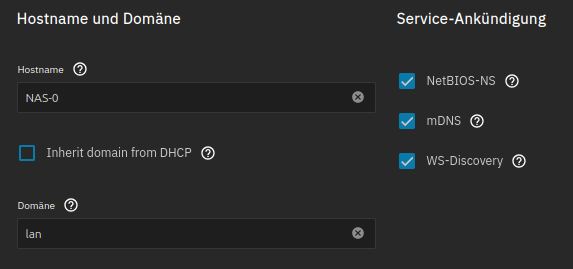
The hostname in the screenshot does not match the one you pinged. I am not sure what you are trying to do and what the outcome was or how that outcome wasn’t what you expected or wanted.
As an aside, do you have any local DNS resolution set up so that clients on your LAN can find out what IP to visit when going to hostname x?
I’m not entirely sure, but it could be that ping NAS-0.lan would only work if your NAS is getting its IP from DHCP. It depends on your router dns resolver actually.
Sorry, I forgot my code for the ping to nas-0.
It is not reachable.
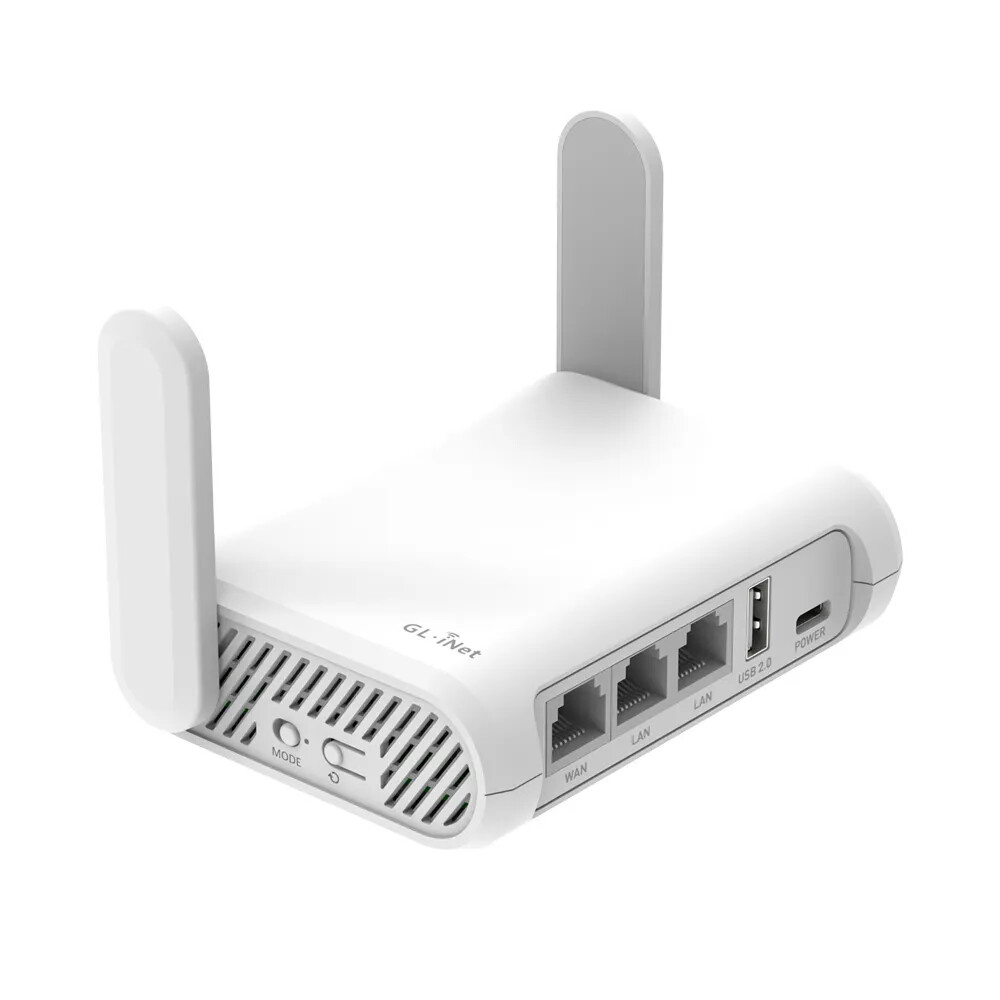
But DHCP could be the Awnser. Truenas had a static IP. But why did the Router have GL-SFT1200 as hostname?
Jep, I have found an old static Mapping in my DHCP I didn’t remembered and did’t found in first place.
So the DNS Problem is solved… THX a lot.
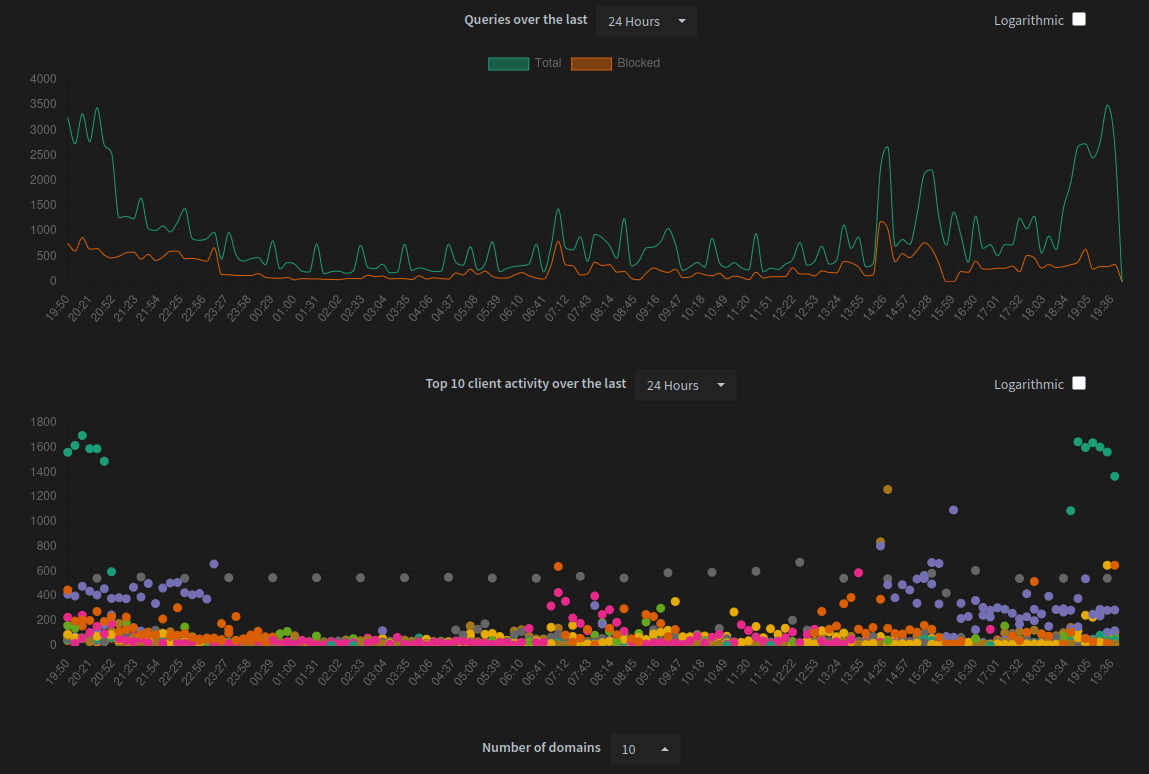
Anyway. I have this.
I installed Nexcloud a while ago for perhaps 2h…
… I spoke too soon. Yesterday I forgot to unlock the datasets. After I saw the errors on a Backup I unlocked the Datasets and shortly after that I received the SERVFAIL for nextcloud-aio-nextcloud. again. Interesting on that is, its IPv6 mostly. But IPv6 is disabled in my Network… Mostly.
The second I unset the pool in Apps the queries stops immediately and is right back if I choose the pool again. Seems docker hat some hidden fragments of the nextcloud install… How can I clean that…. Simply by deleting the directory’s