I am currently running TrueNAS GENERIC (25.x) and I would like to install a Windows 11 virtual machine on it. However, I could not find step-by-step documentation specific to GENERIC.
Some of my questions are:
Which image format should I use for Windows 11 installation (ISO, IMG, etc.)?
How should I correctly configure the bridge network (br0) so that the Windows 11 VM can get an IP in the same LAN as my TrueNAS host?
Are there any special steps needed for UEFI boot and VirtIO drivers during Windows 11 installation?
Do I need to configure TPM / Secure Boot in TrueNAS GENERIC for Windows 11, or can I safely disable them?
I know that in SCALE there are guides for Windows VMs, but GENERIC seems to have some differences (e.g., network configuration is not identical, and there is no direct IP assignment in the Interfaces menu).
Could someone please point me to a detailed documentation or share a step-by-step procedure on how to install and run Windows 11 on TrueNAS GENERIC?
I just want to update my previous question.
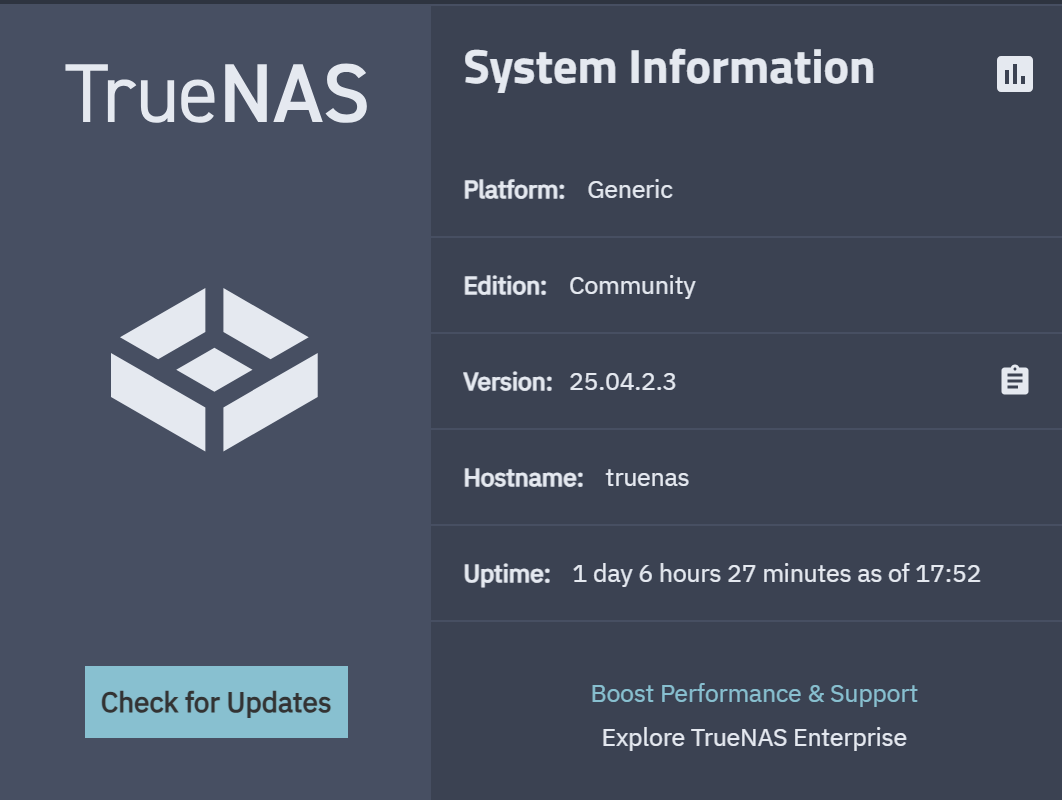
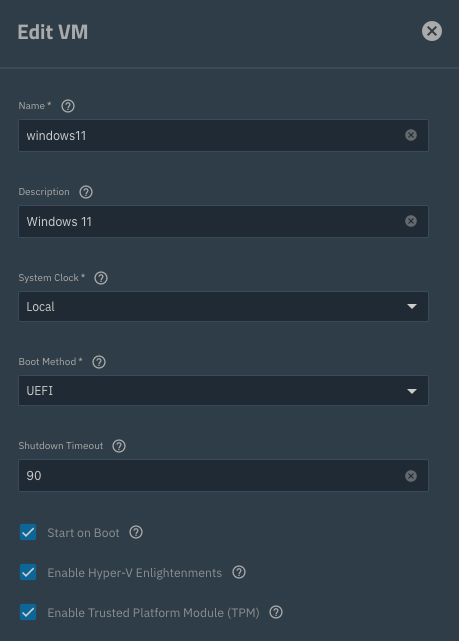
After upgrading to TrueNAS 25.04.2.3, the menu for creating virtual machines finally appeared in the UI. From there it was much easier, and I was able to install a Windows 11 VM smoothly.
That’s referring to the hardware platform. You are running on a “generic server” i.e. not an M30, M40 or any other appliance by TrueNAS.com.
What version were you running before the update to 25.04.2.3? The “old style” virtual machine menu was re-introduced in 25.04.2. If you were on 25.04 or 25.04.1 that would explain the confusion.
I second this question. I figured out jumping through all the hoops to get stuff running on Hyper-V but I just can’t seem to get it to boot. I’m running a pretty stout system but am at wits end. Is anyone running a Windows 11 VM on here?
For running Windows 11 I’d recommend waiting for the final release of 25.10 or updating to 25.10 RC1 now if you don’t mind running a release candidate as 25.10 introduces “official” (-> GUI) support for creating VMs with Secure Boot and TPM which lets you install Windows 11 without the need to bypass it’s system requirements checks.
Also, for performance: Use VirtIO for disks and network (you’ll need to attach a second CD drive with the virtio drivers and load them during installation).
Maybe not what you are search for, but i’m using dockur windows.
Instead, as alread suggested, better rely on 25.10 if you want go for native way, because everything VM related on 25.04 has been quite confusing (especially on .01)