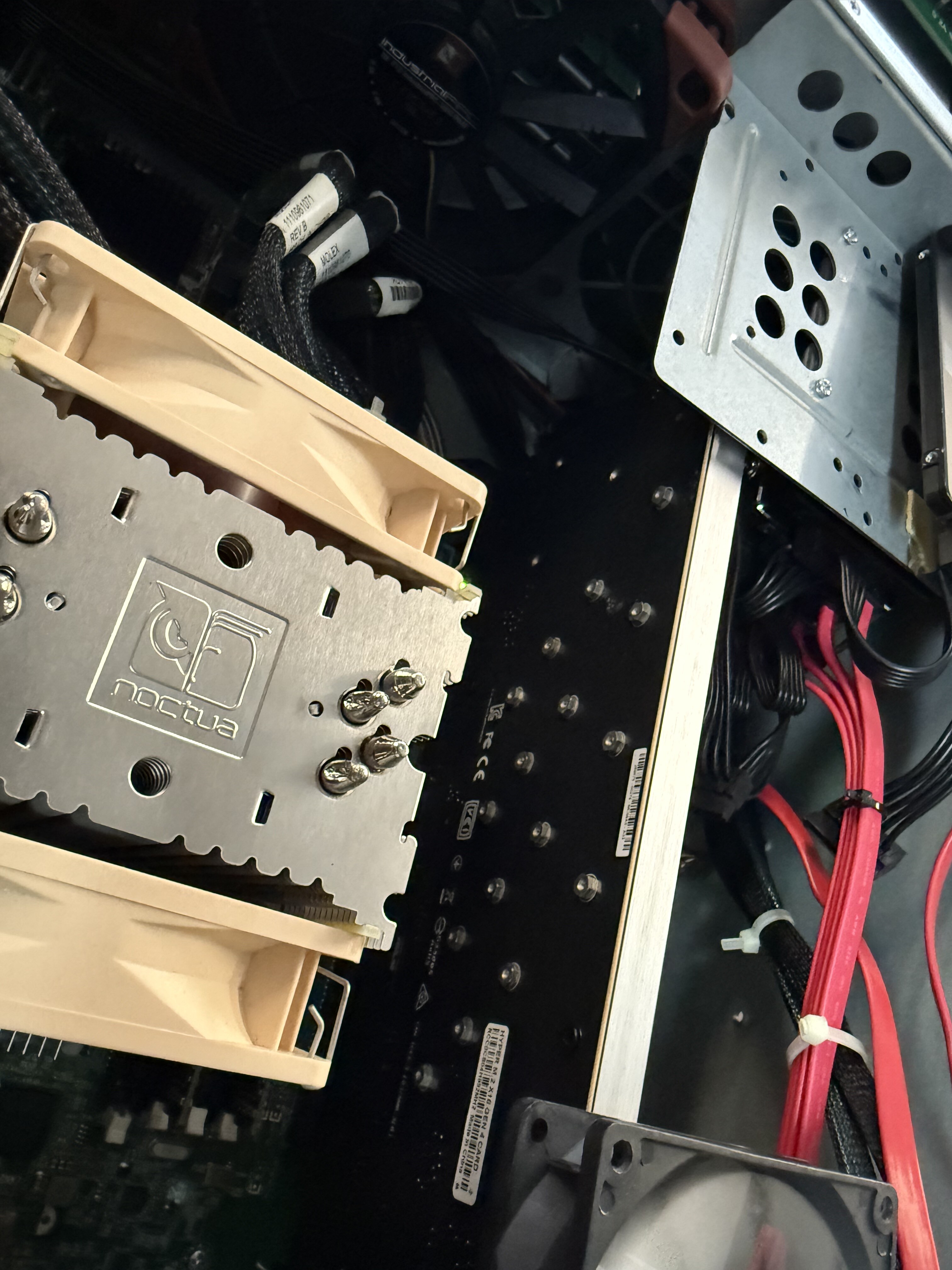
Since I use a Ryzen PRO 5750G, i have it set to x4x4x8. This card however supports x4x4x4x4. There are 2x M.2 on each side.
Brand? Model? On chinese electronics that is difficult.
As far as I know there is most times just 1 producer and same hardware is sold under different names. If you look in detail at item depicted than you see they are identical.
Search on Aliexpress this number for example: 1005009393124250
Then click on item picutre and hit this icon
to find similar items.
Just make sure low profile bracket is depicted too.
This is generic cheap Shenzhen stuff… No name, or too many names.
Just look up on eBay/AliExpress. “adapter”, “bifurcation”, “x4x4x4x4” should get you about there.
If there’s space on both sides of the card - ie, it won’t bump into the next slot - you might be able to use low-profile heatsinks. A PCIe card is permitted to be 18.71mm wide, but that’s for the “front of the card” - mounting M.2 SSDs and heatsinks to the back means they might interfere if you sandwich them together.
Something like the “thin” or “low-profile” M.2 heatsinks designed for fitting into game consoles might work out here, as they’re often only 3-5mm thick. Two of them, plus the M.2 SSDs and the riser card itself could potentially fit together without bumping into each other, but I’d have to get more precise measurements to be sure.
Seems like an interesting potential experiment though …
Cool. (Pun intended!). Thanks so much for the reply… I’ll give it a shot. Still going to be more space and potentially cooler than all those tiny brick NVMe NAS boxes hitting the retailers right now. (I am sure everyone knows which ones I mean) Will use ZFS RaidZ1 and always remember it’s still no “real” back up.
Ok so a month on I am setting up a brand new NVME 4x4 TrueNAS server.
I am using a 2U SilverStone Mini server case.
It has taken that long to get all the parts together configure it etc
I purchased one of those aliexpress 4x4x4x4 cards mentioned by @QonoS looks exactly the same. Fit’s the case perfectly.
I have inserted it into a 16 lane PCIe slot of an Asrock Rack B650DU4U-2L2T/BCM
It is supposedly able to split the 16 lanes and bifurcate 4x4x4x4
I have a new instance of TrueNAS scale CE loaded and the latest MB bios updated.
I set the BIOS AMD>AMI PCIEe/GFX Lanes Configuration to 4x4x4x4 and enabled NVMe RAID mode
But I still only see one attached NVMe drive in the bios and also as available disc in TrueNAS. I have 3 other NVMe drives attached to the card. They are all Kingston KC3000 4TB with DRAM. I can’t see these other ones.
4*4 and no “NVMe RAID”, whatever that is, should be all you need.
Do the drives show up in BIOS?
Check that everything is well seated, take this opportunity to see which drive appears in TrueNAS (by serial number) and where the traces go on the adapter (should be one end of the PCIe slot or something is very wrong).
Ok Sure. thanks. I will check all that. How do I follow where “the traces go on the adapter”?
edit… sorted. made sure all PCIe NVME BIOS settings were 4x4x4x4 (had to change them in two of the menu settings). RAID off. checked the card was properly seated down. Can now see all the drives