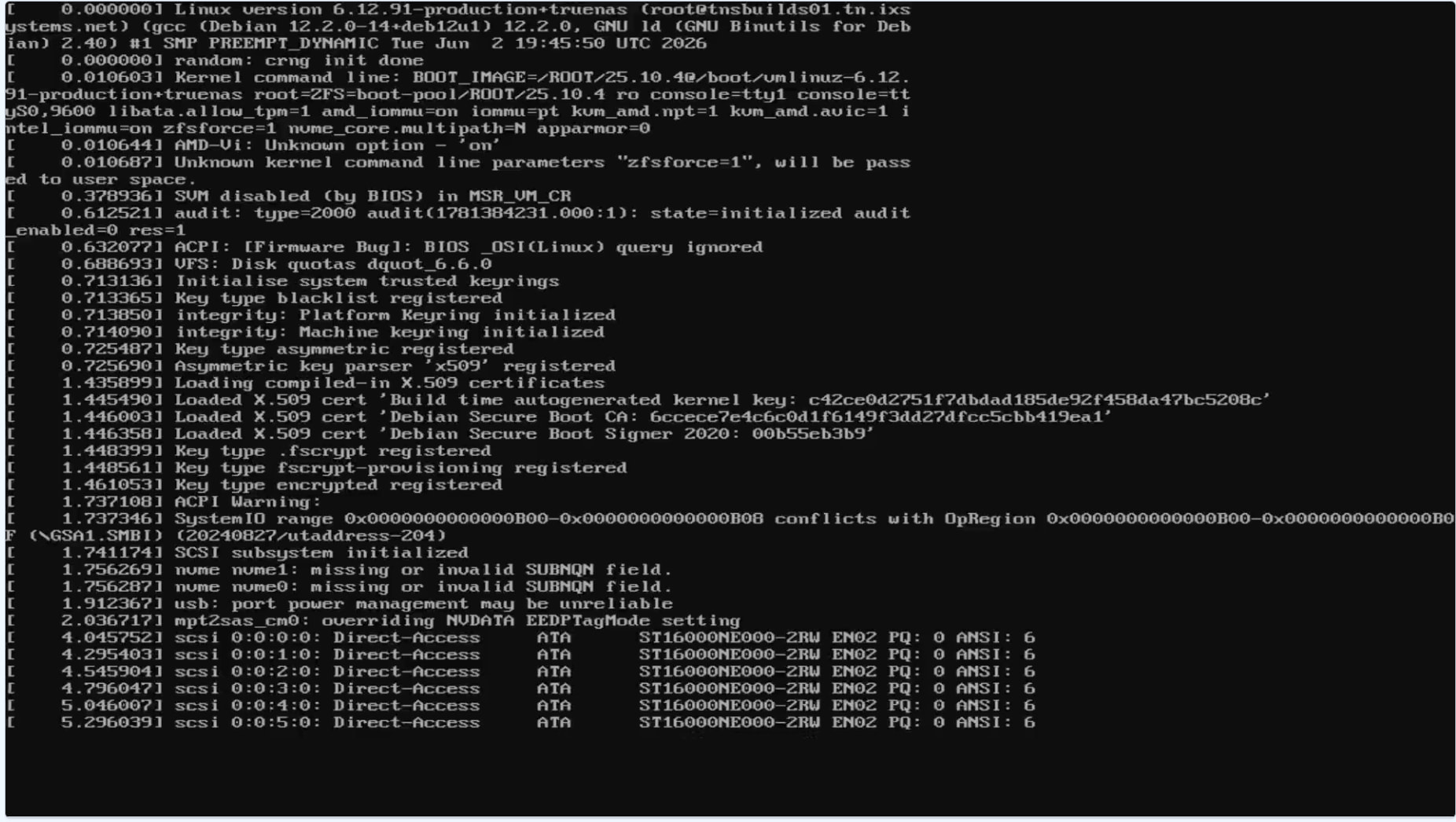
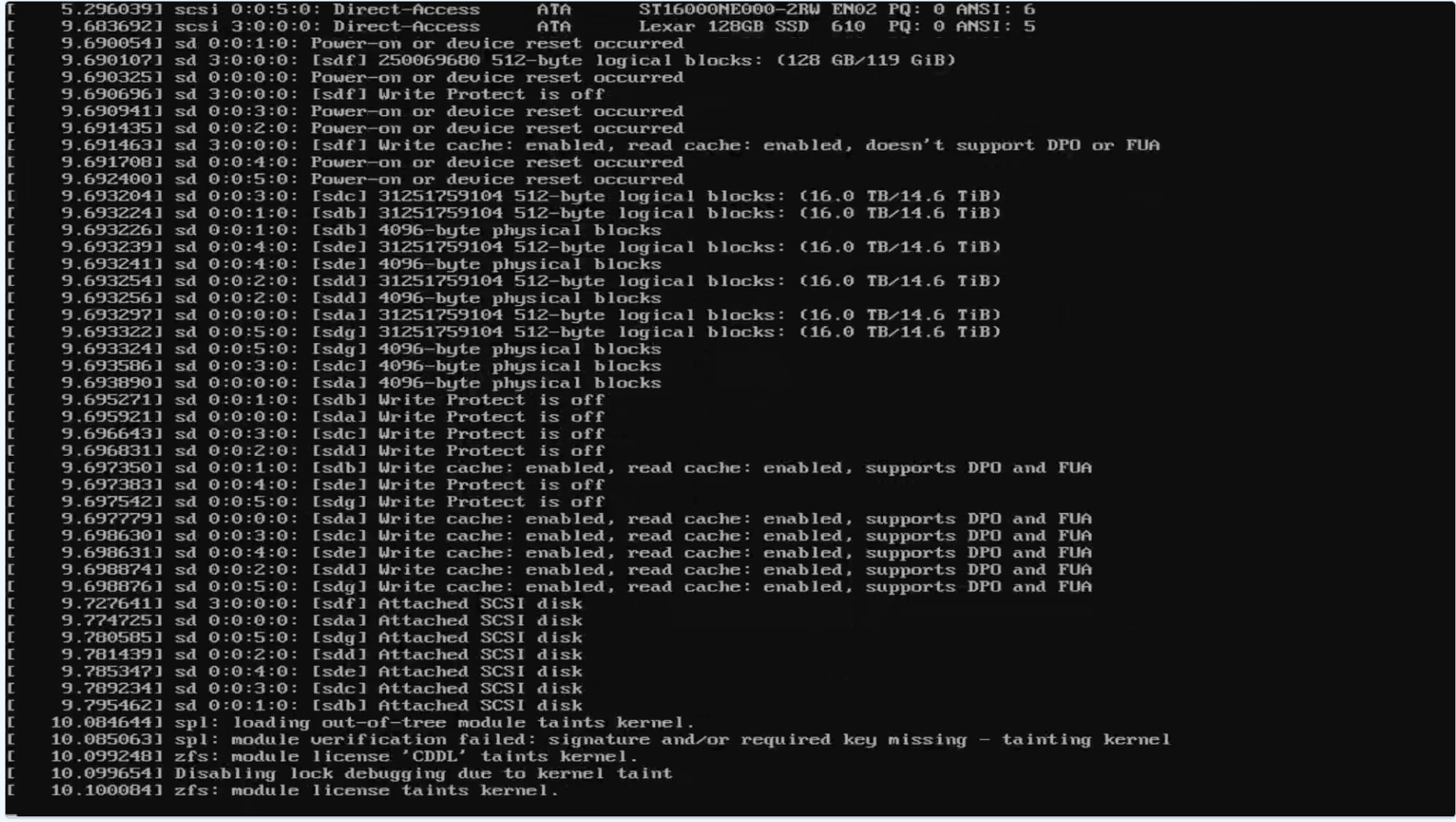
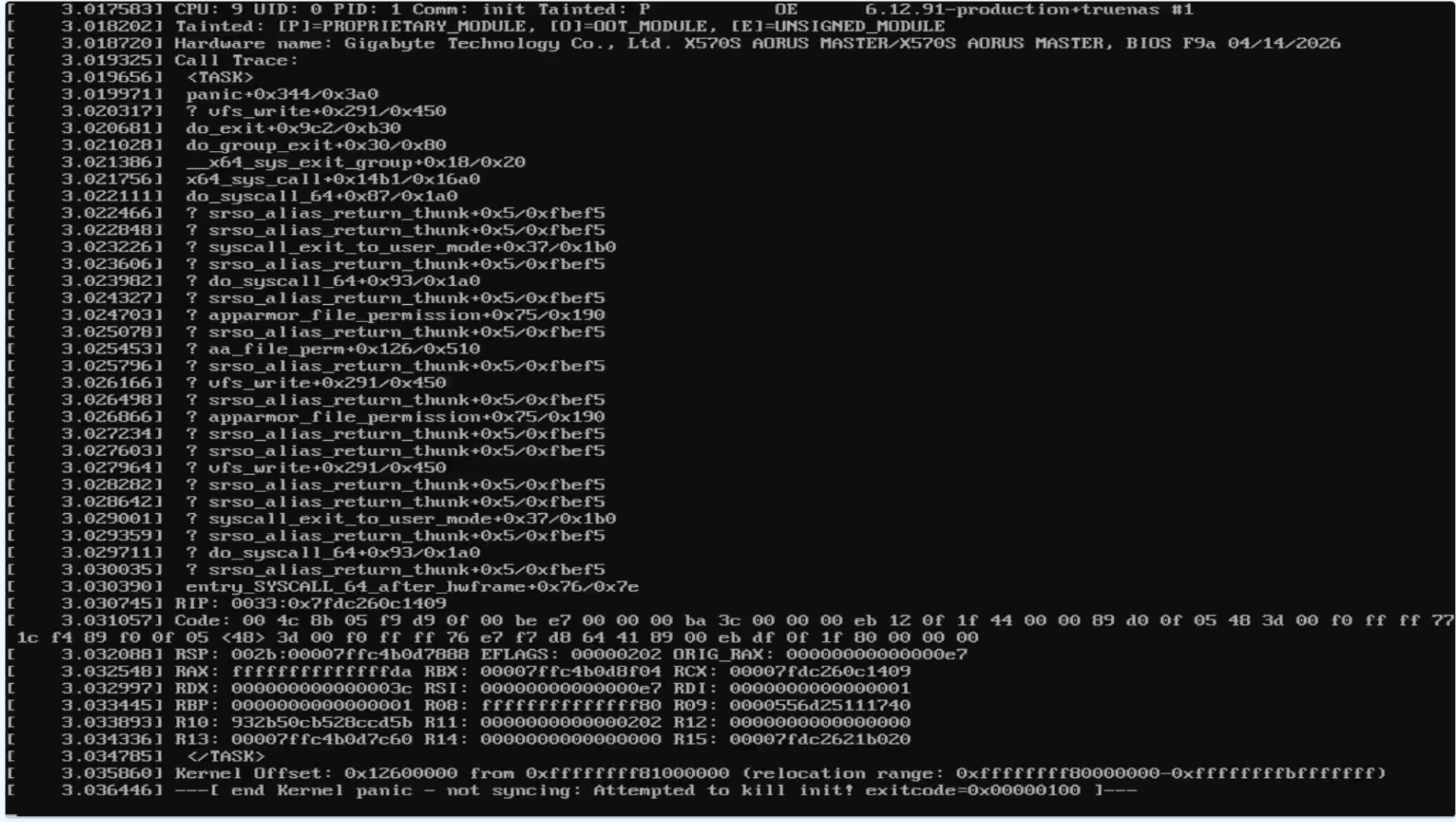
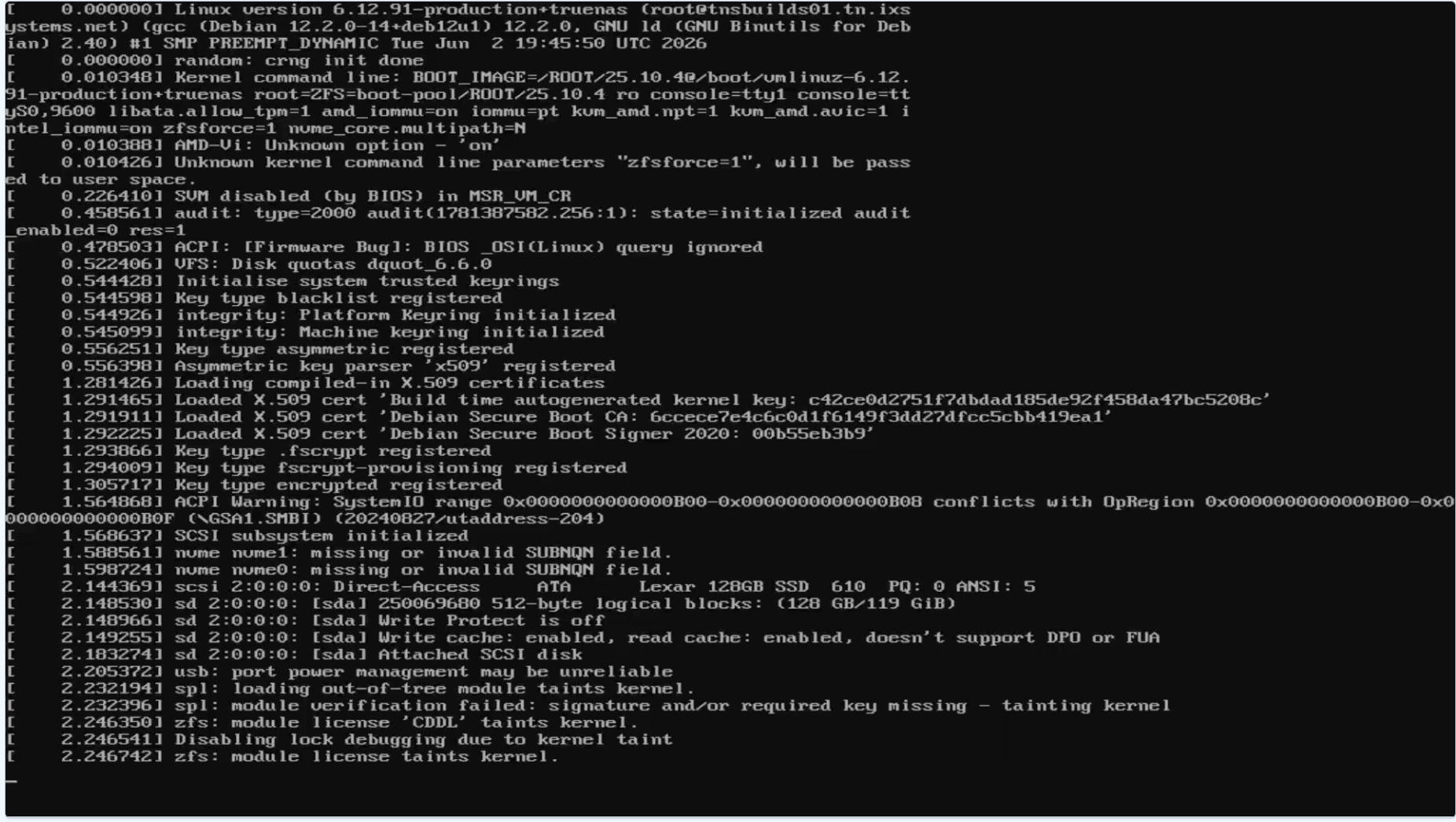
After upgrading from TrueNAS 24.10.2.4 to any 25.x release (tested both 25.04 and 25.10.4), my system kernel panics on every boot. Rolling back to the 24.10.2.4 boot environment works every time. I’ve tried upgrading multiple times with the same result.
Error:
Kernel panic - not syncing: Attempted to kill init! exitcode=0x00000100
I would check Gigabyte for BIOS / UEFI updates first. Is the HBA card up to date with the latest firmware, etc? You can check with sudo sas2flash -list Post the results back using (</>) Preformatted Text mode, if you are unsure of the HBA card status.
I’ll take a look for a BIOS update. Below is the result of the sas2flash command.
I checked my other box with the same card that did update and it has the same firmware version on it.
LSI Corporation SAS2 Flash Utility
Version 20.00.00.00 (2014.09.18)
Copyright (c) 2008-2014 LSI Corporation. All rights reserved

Adapter Selected is a LSI SAS: SAS2008(B2)

    Controller Number              : 0
    Controller                     : SAS2008(B2)
    PCI Address                    : 00:0d:00:00
    SAS Address                    : 56c92bf-0-0003-c444
    NVDATA Version (Default)       : 14.01.00.08
    NVDATA Version (Persistent)    : 14.01.00.08
    Firmware Product ID            : 0x2213 (IT)
    Firmware Version               : 20.00.07.00
    NVDATA Vendor                  : LSI
    NVDATA Product ID              : SAS9211-8i
    BIOS Version                   : 07.39.02.00
    UEFI BSD Version               : N/A
    FCODE Version                  : N/A
    Board Name                     : SAS9211-8i
    Board Assembly                 : N/A
    Board Tracer Number            : N/A

    Finished Processing Commands Successfully.
    Exiting SAS2Flash.
At this point I would consider pulling all PCIe cards just to see if it manages to boot. I’m aware you said another machine works with the same types/models (?) of cards, but you did not say if that machine used the same MB.
Right, which is why it would be of use to know if the problem occurs in this system, without the PCIe cards.
If it does, you know the issue isn’t likely to be related to the PCIe cards or the drives attached to it. If it doesn’t, you add them back one at a time to see when it reoccurs, starting with the HBA.
What are your boot parameters used for? You have some error messages regarding those. SVM is disabled so I am guessing you don’t use virtualization on top of TrueNAS. Both in first screenshot.
I do like to point those BIOS changes out when I see people posting about earlier Ryzen crashing, and I see no harm in doing them here as well, but I doubt they are the cause in this specific case. The crashes those changes seek to address happen when the system is idle, not during boot.
I had the overclocking setting off. I did do the update to the bios to F9a and no difference. I will check to see if the bios update re-enabled the overclocking setting.
Ok just did a test with a fresh install and it works fine. So it has to be something with my existing system that is causing the kernel panic to happen on upgrade.
My guesses for what might be behind that would be some form of hardware fault. Perhaps an unstable (overclocked?) CPU, bad RAM (due to being faulty or perhaps just overclocked) or possibly a failing boot media.