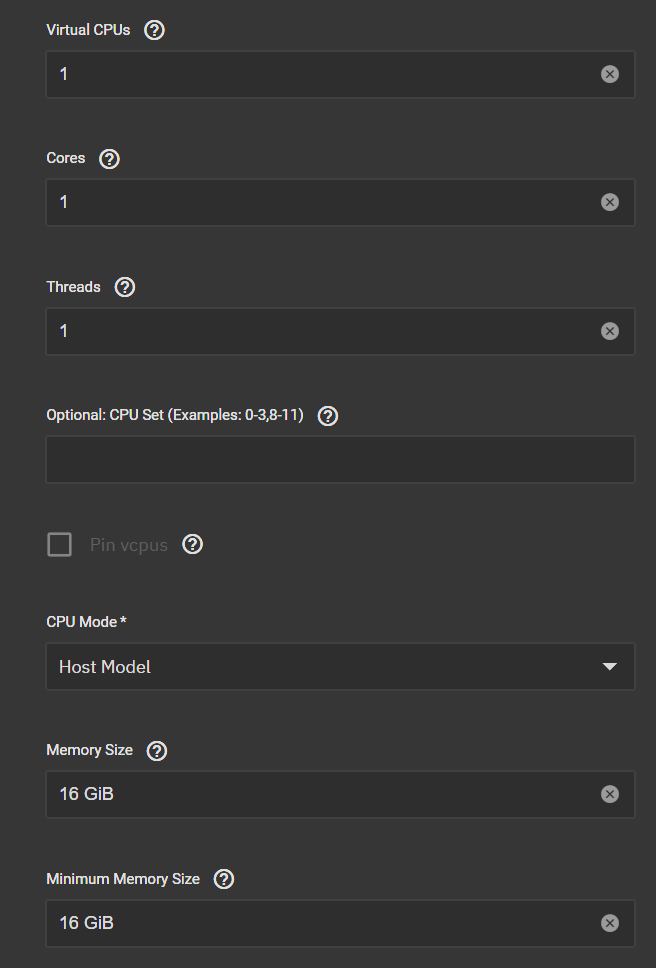
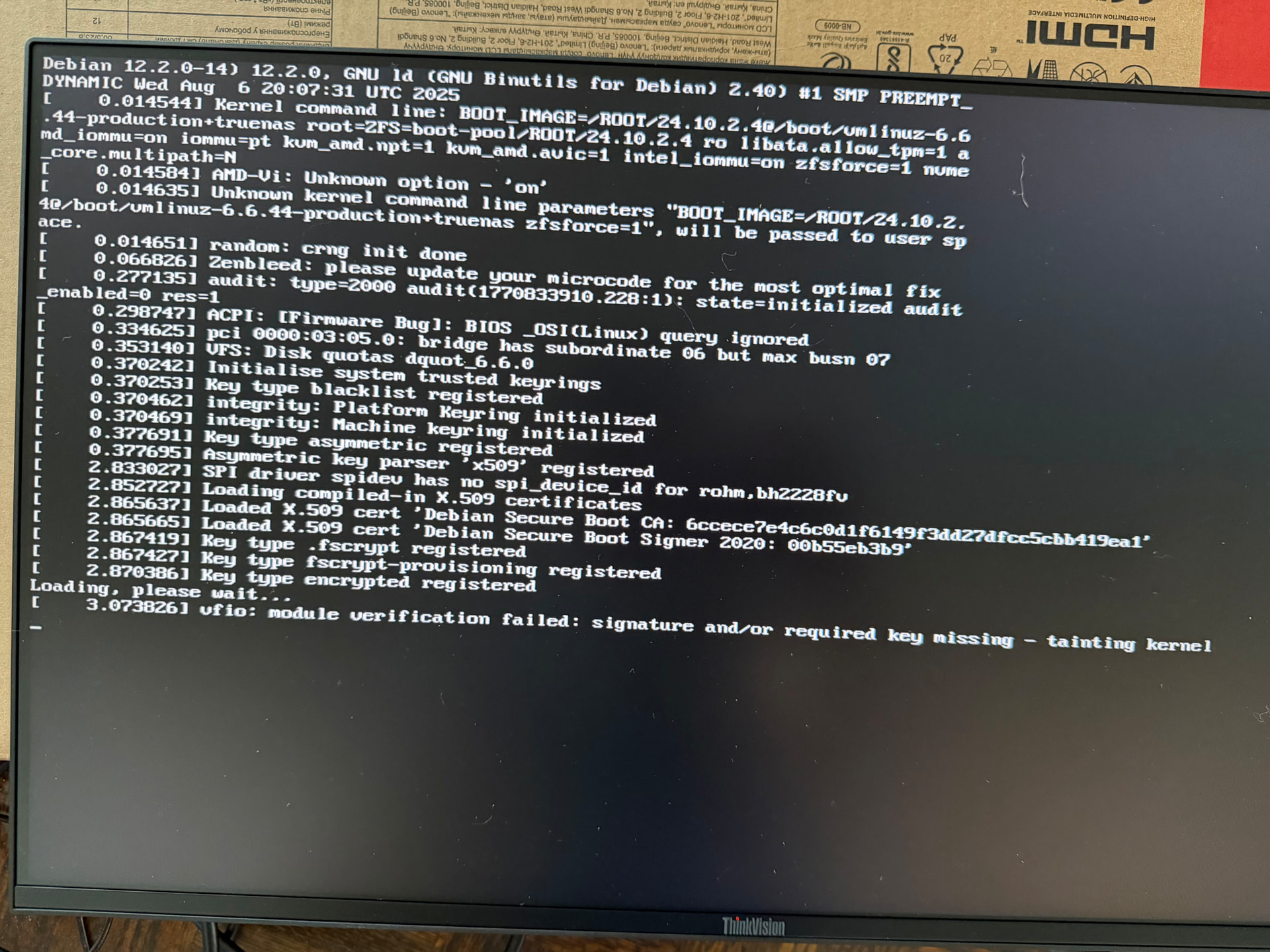
first of all, holy shit u know alot.
and wym “Make sure you are not using VNC/QXL at the same time as GPU passthrough. Once the GPU is passed through, remove the virtual display device.”
like during installing?
i will make a new vm,
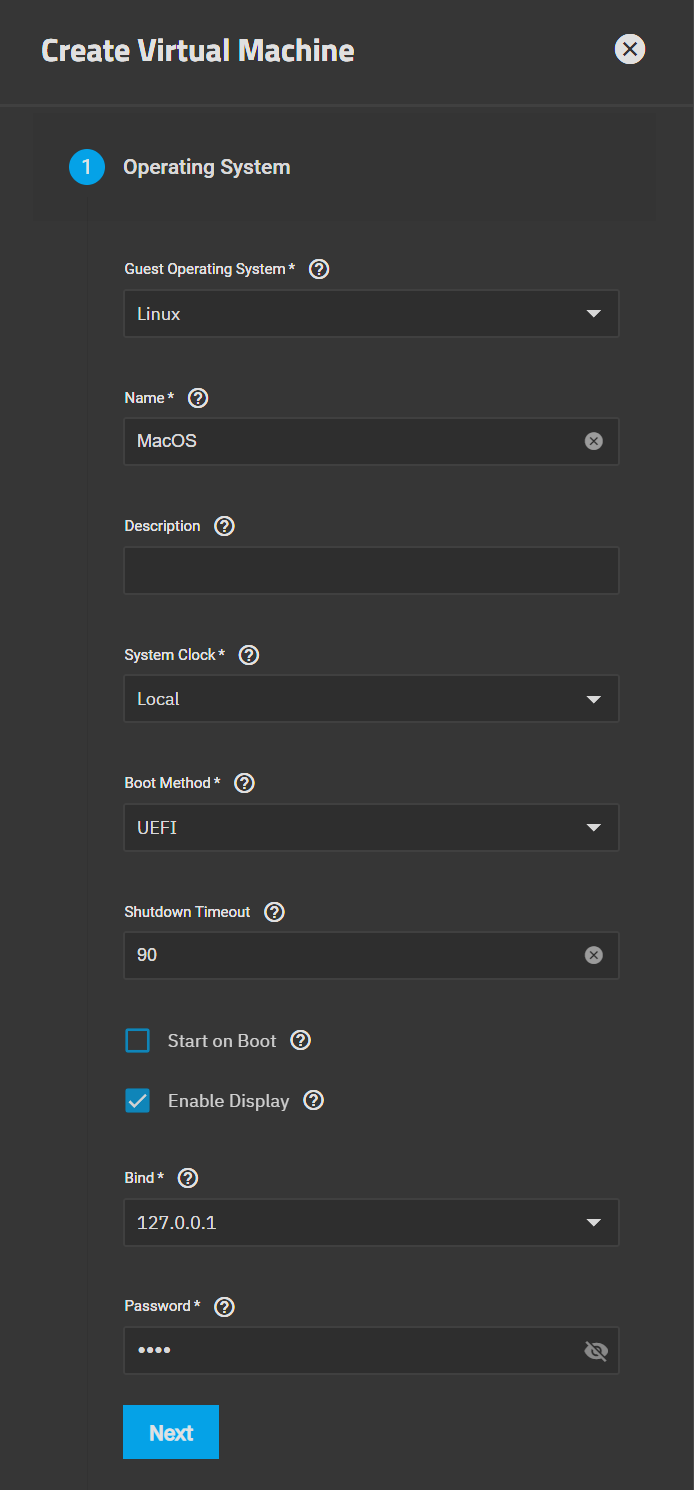
do i uncheck enable display if im using gpu?
No worries at all — this stuff gets confusing fast.
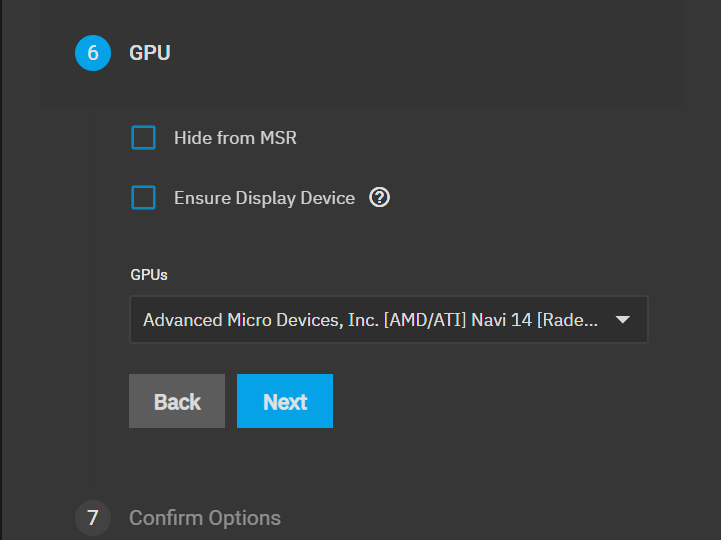
From your screenshot, I can see “Ensure Display Device” is still checked. If you’re passing through a physical GPU, you’ll want to uncheck that. When using GPU passthrough, macOS should only see the real GPU — not a virtual display.
So just double-check:
Uncheck Ensure Display Device
Make sure you’re not using VNC/QXL at the same time
Boot with only the passthrough GPU active
Also, one important thing: if you’re trying Sonoma with the RX 5500 XT, it may hang at the Apple logo because that GPU is supported up to Ventura. If that’s the case, try Ventura instead.
You’re honestly very close — this is just small configuration cleanup.
I’d stick with Ventura for now. The 5500 XT is supported, so let’s fix the config before changing macOS versions.
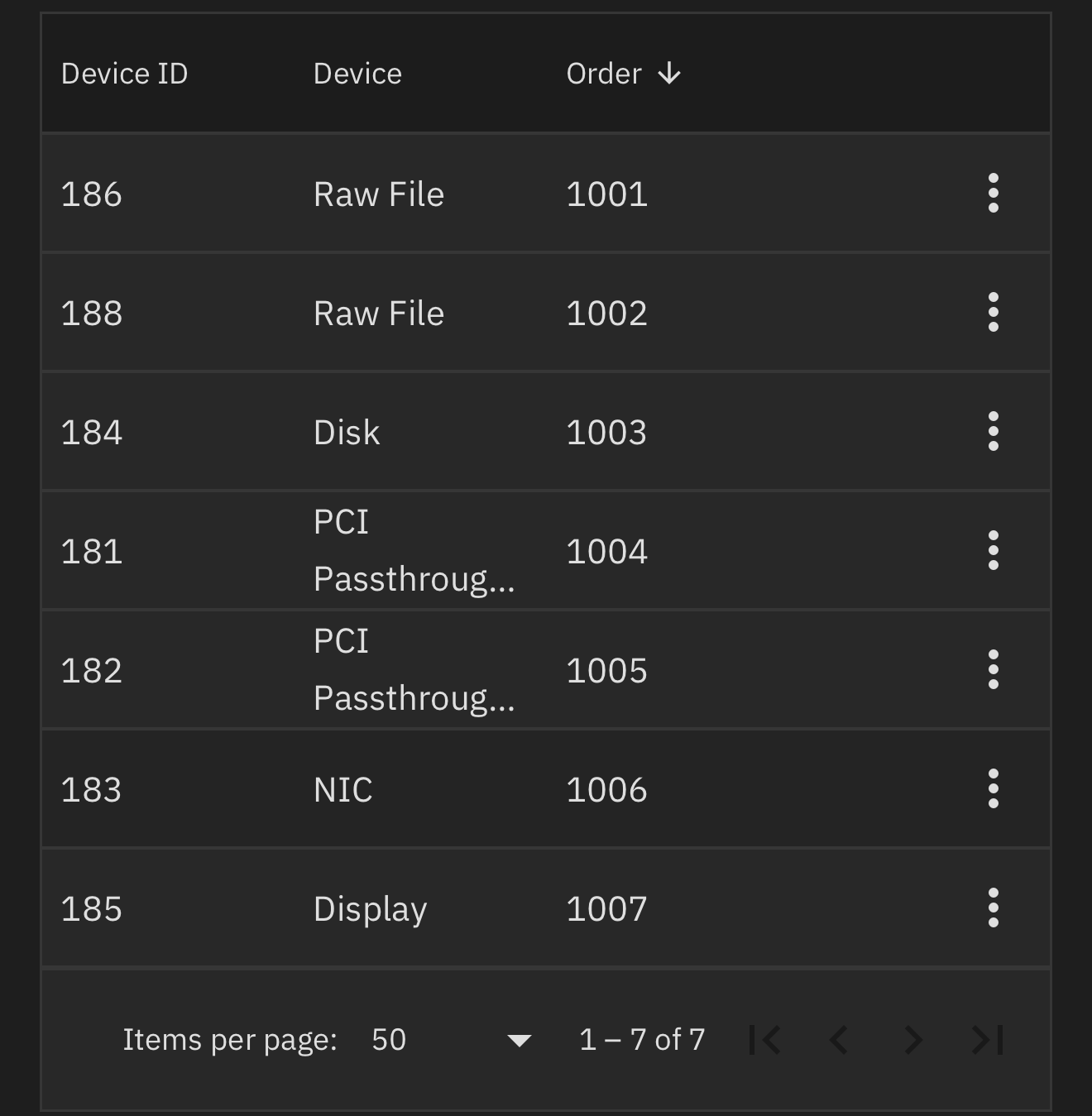
First, remove the virtual display device entirely so the VM is only using the passed-through GPU. Don’t run VNC or QXL at the same time as GPU passthrough, as that can cause the Apple logo hang you’re seeing.
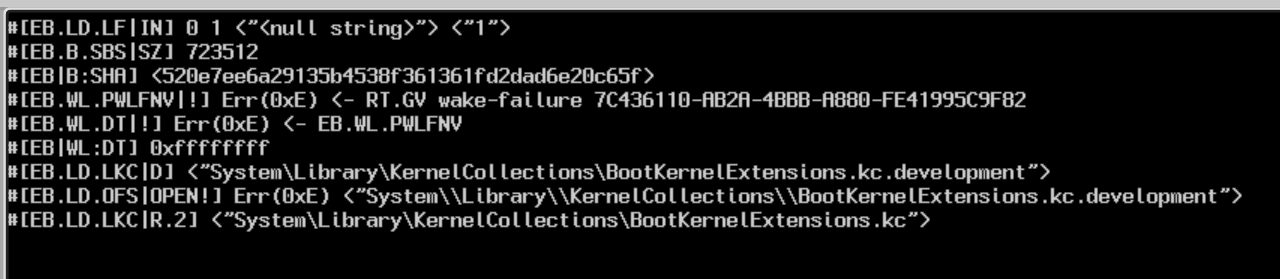
Then boot in verbose mode so we can see where it’s actually failing. At the OpenCore picker, press Space, select your macOS entry, and press Cmd+V. That will boot verbose for that session and show the real error instead of just the logo.
Once you do that, take a photo of the last few lines where it stops and post it. That’ll give us something concrete to work with instead of guessing.
i am confused, so you want me to go in devices list remove display and then turn on the vm? i did that but how to see the display now?
and i also tried to add display after booting, it didnt work, it kept taking me to truenas homepage
I have no experience with Mac OS in a VM but if I understood @Rocketplanner83 correctly you are supposed to not have any virtual graphics adapter and only use the 5500 XT. That naturally implies that you need to connect a monitor.
TrueNAS should not be using that GPU at all. You do have two GPUs in your system?
The 5500 XT will be passed to the VM while the other one regardless of the type will be used by TrueNAS. If your system has an onboard “VGA” adapter for server use - TrueNAS does not need more - make sure, via BIOS settings probably, that TrueNAS uses this and not the added discrete graphics card.