I’ve been hacking away at buying components for my first TrueNAS build (migrating from a Drobo5N2). I finally got around to assembling my homeserver yesterday and it’s time to install TrueNAS and get started. Will share build pictures and TrueNAS screenshots once it’s up and running.
I have a Core i5-12500 on an ASUS W680 motherboard (non IPMI version) with 128gb of OWC DDR5-4800 ECC RAM. I am using a samsung 990 pro PCIe 4.0 ssd for apps and an optane 32gb module as the boot drive.
My primary use case in the beginning will be storage (smb) + Plex media streaming. However, I do want to make the most of this homeserver and run additional apps/services like Home Assistant in a VM, Frigate (when I upgrade the RTX 4060Ti 16gb on my desktop I’ll install it in the homeserver), Immich and Vaultwarden.
This is the first time I am installing a non-windows OS and I have a few questions related to some of the BIOS settings. My goal is to have a stable system that is ideally also power efficient. I am not super paranoid about security and don’t believe anyone’s sneaking into my house and gaining physical access to the server (hence settings like Total Memory Encryption are disabled).
-
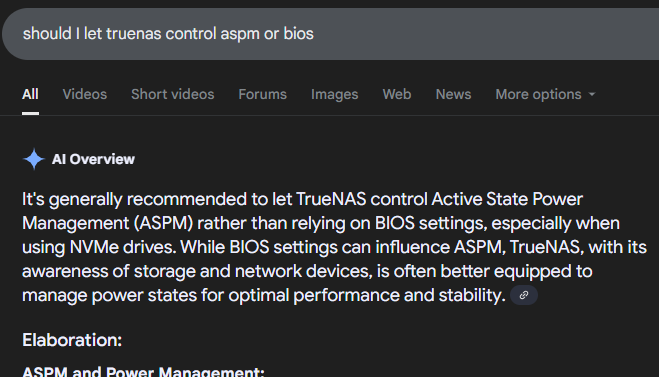
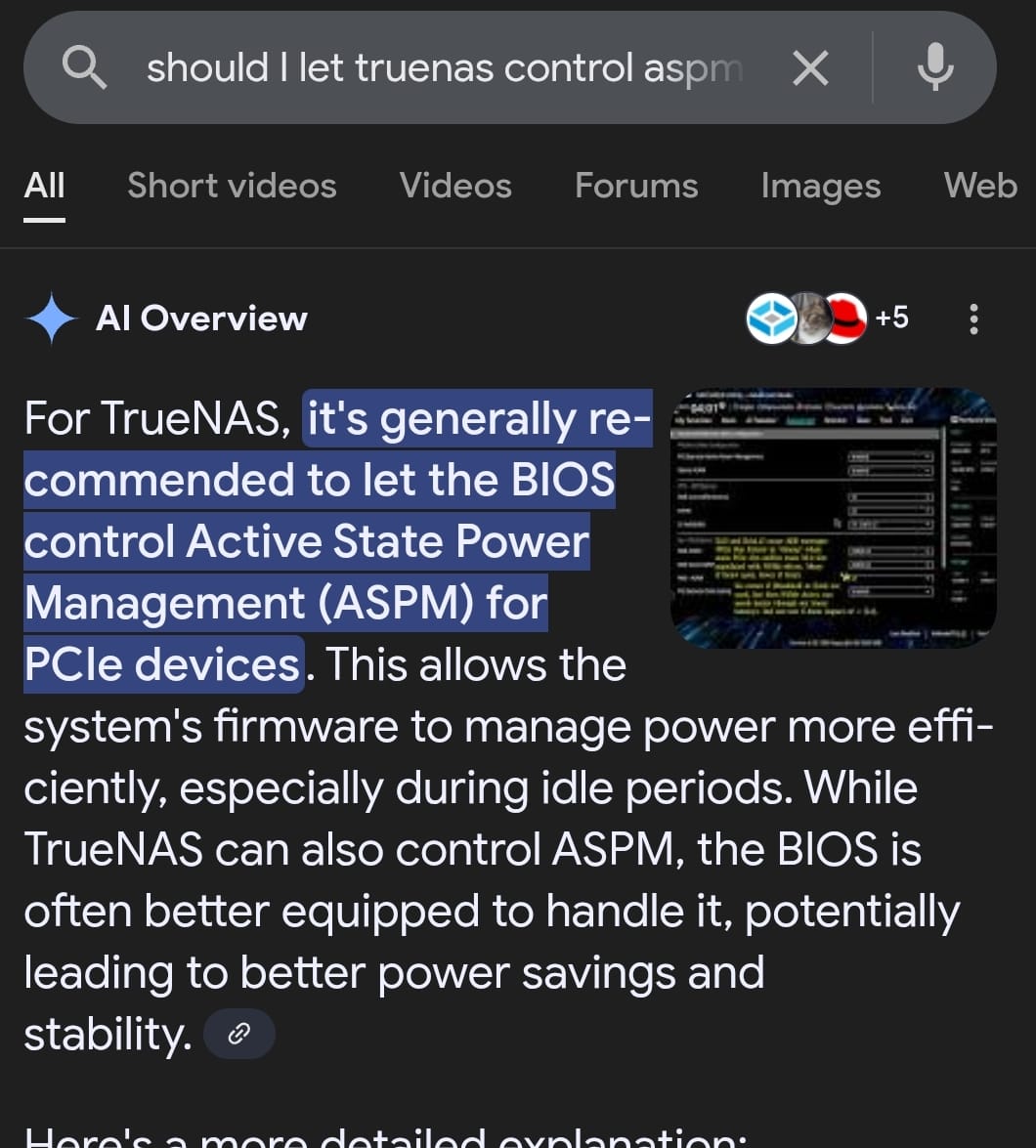
What is the general consensus on ASPM? Does it play well with TrueNAS/Linux? I read a blog post detailing how troublesome it can be and even after configuring everything the resulting system was not very stable. How should I configure the following settings:
a. PCIe ASPM: BIOS controlled or OS controlled
b. DMI ASPM
c. PCI Express clockgating -
Intel Trusted Execution Technology. Does it work smoothly with TrueNAS/Linux? I remember when I upgraded my previous windows desktop to windows 11, there were issues with such security features (core isolation etc).
-
Enable IOMMU during boot. Is this something that’s only meant to protect against physical access to a system? I do have Intel VT-d enabled because I plan on running VMs later, but does this setting also need to be enabled for TrueNAS?
-
Aggressive LPM on SATA controllers. Is this helpful with energy-efficiency or will it lead to system instability. From what I have read online, this can lead to unnecessary spindown of HDDs.
-
PTT (enable/disable) and Extend CSME measurement to TPM-PCR. More hardware security stuff. Is it better to enable it or disable it for TrueNAS?
-
Max Power Savings under APM configuration. Anyone here running an ASUS motherboard with this enabled? Will it lead to system instability?
While overall I would prefer energy efficiency, but I wouldn’t want to achieve it at the expense of system stability. I am not running mission critical stuff on the homeserver and a little bit of latency is fine as long as it does not lead to zfs/truenas errors.
Apologies for the long post but googling and reading conflicting responses from LLMs was making me more unsure about things.