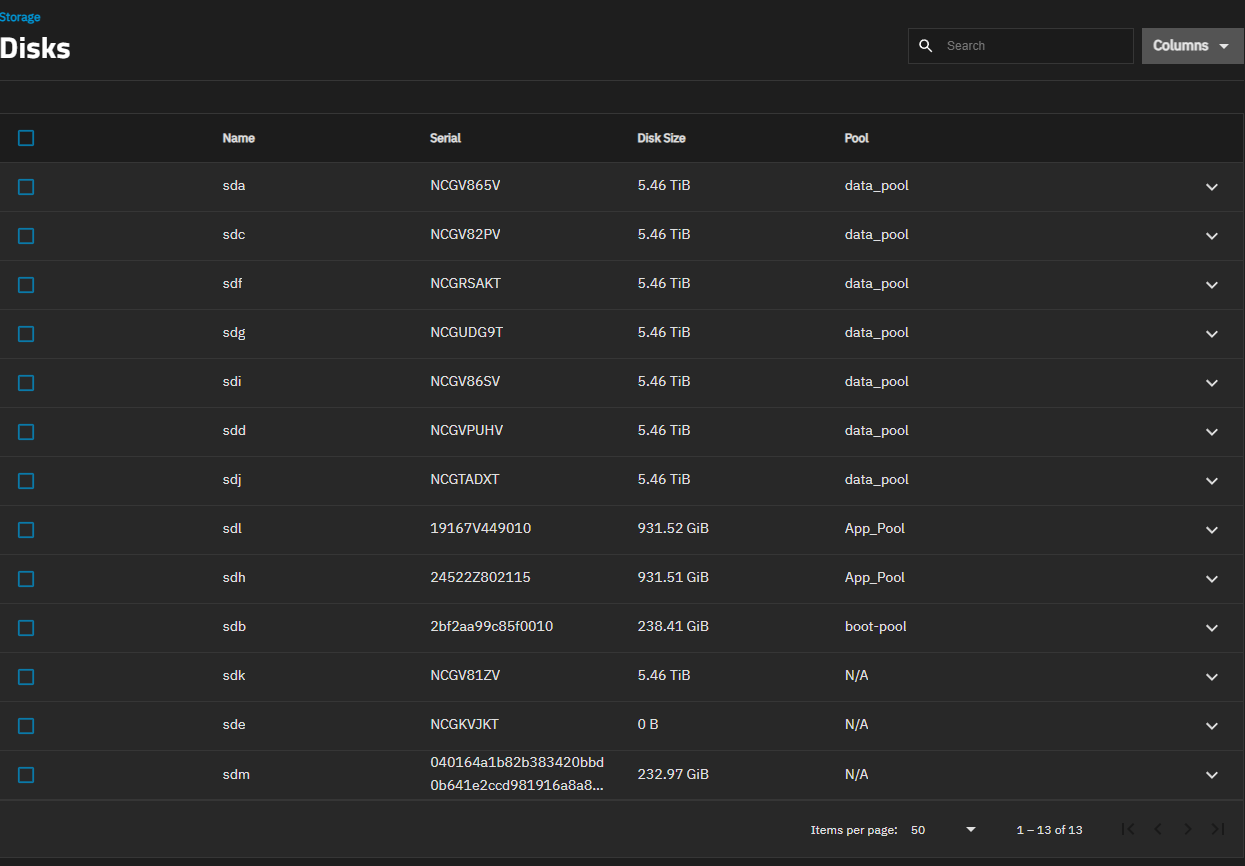
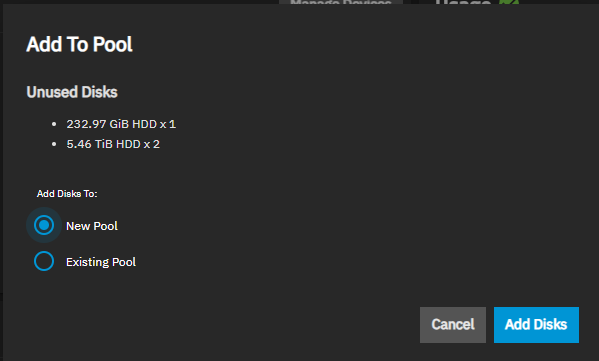
I have a couple of questions after I added a new drive.
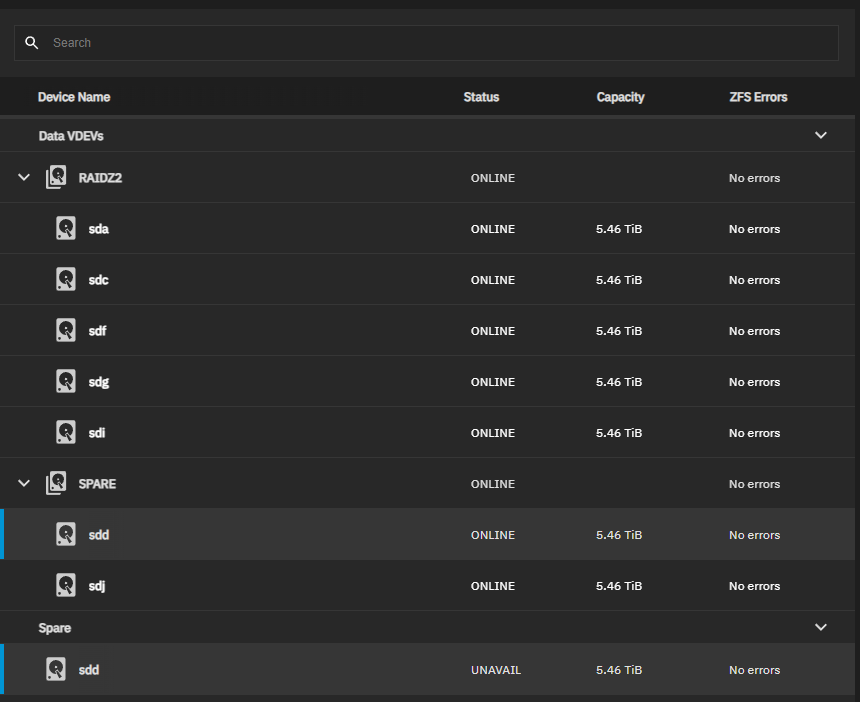
First off I had a 6 disk vdev with a hot spare. I mistakenly pulled one of the working drives while the server was up (without selecting replace in TrueNAS) and then re-inserted it. I now see this in the devices for the pool
First off, the display for ZFS Hot Spare in use can be confusing to people. You have a “Spare” section that lists your only Hot Spare. This section says your Hot Spare is “UNAVAIL” because it’s actually being used. And in the data vDev section, you have a “SPARE” in use section, showing 2 drives, both online.
This is normal. ZFS mirrors the failing drive with the Hot Spare until you manually do something. If your pool scrubs clean, without errors on any of the drives, then simply use the GUI to remove the Hot Spare. The pool should go back to normal, (without the Hot Spare).
At this point, you can re-add your Hot Spare to the pool again.
Whence all that is done, you can then visit extending your RAID-Z2 vDev. You need to be careful, because “adding” a disk to your RAID-Zx pool is the wrong thing. It would add it as a stripe, without redundancy. I’ve not used the RAID-Zx vDev expansion via the TrueNAS CE GUI yet, so others will have to assist. But, get the pool clean first, because it is possible you can’t extend your RAID-Z2 vDev until the Hot Spare in use is taken care of.
Arwen, I followed what you said to remove the spare and everything is back to normal. I thought you might want to know the interesting thing that TrueNAS automatically moved back to being a spare drive. No need to re-add it.
Now perhaps reading the TrueNAS docs on RAID-Zx expansion will help. Or perhaps someone can help further. I vaguely recall the task being “extend” in the vDev GUI page. But don’t trust me… I’ve not done it, nor plan to in the near future.
I came across this video by Lawrence Systems. Expand ZFS RAIDz VDEV Makes it look super simple. But now you have me concerned it’s too good to be true!