
Also added a very thin heat spreader: M.2 SSD Graphene Heatsink
Causing max temp in state 0 of 65 degrees.
Is that a max temp during a scrub? I only ask since 65C is still pretty hot. Maybe power state 1 instead? Or back to 2?. NVMe drives are not cheap. Also do you notice any slowness it power state 2? Just curious.
He was hitting 71 and 84 before. If 65 is the max at the highest power state, that’s a good improvement, especially if his case is that restricted for airflow.
@joeschmuck You are right: better safe than sorry.
In state 2 I saw a max of 51 degrees, so I enabled the boot script again setting state 2.
Startup is noticeable slower and scrubbing the boot pool is much slower.
Other operations like VM creation and startup are noticeable slower.
I was hoping it would not be that noticeable. You could try power state 1 to see if this is a noticeable change, and monitor the temperature.
With that said, if power state 2 is fine for your needs, it is better to keep the NVMe cooler when possible.
Time to think outside the box again… I like doing that.
If you find that during a bootup you want to load your system and VMs faster before slowing down, use a script like this:
Name the file set_nvme_speed.sh and call it vice the command you are currently using.
#!/bin/bash

# 'sleep' for 30 seconds and let the NVMe run at full speed.
# This only applies to this script, not the rest of the system and
# the sleep statement causes no issues with the rest of TrueNAS running.
sleep 30

# If you wanted to, you could change to Power State Value of 1 after the sleep.
nvme set-feature /dev/nvme0 -f 2 -v 1

# Then you could sleep another 60 seconds and let Power State 1 run for a while.
sleep 60

# And finally apply the the NVMe Power State Value of 2
nvme set-feature /dev/nvme0 -f 2 -v 2
If you find that there is something that you want or need to run faster, you might be able to use a script to manage that.
I actually had to disable lower power states on one of my nvme’s otherwise it would drop out & require hard reset. Just a fair warning. I’m luckier with better airflow as the heat doesn’t seem to impact me
Which NVMe is this? I’m tracking a couple things with upstream vendors, and I’m curious if this is one of them.
is it a WD/Sandisk by any chance?
Samsung SSD 970 EVO Plus 1TB - surprisingly the WD Black I have in the mirror has been fine…
Mind you this drop would happen after months of uptime, but was spooky to figure out.
echo 0 > /sys/module/nvme_core/parameters/default_ps_max_latency_us as a post init cleared that up, temps went up a touch, but even during a scrub they are well without spec.
Edit: I did make sure to update firmware on the drive, it’d happen regardless.
Edit 2: From when I was trying to figure it out, it seemed common on Debian, I think Proxmox forms is where I found the fix.
I use a Samsung SSD 980 1TB NVMe M.2 as boot disk.

2 Likes
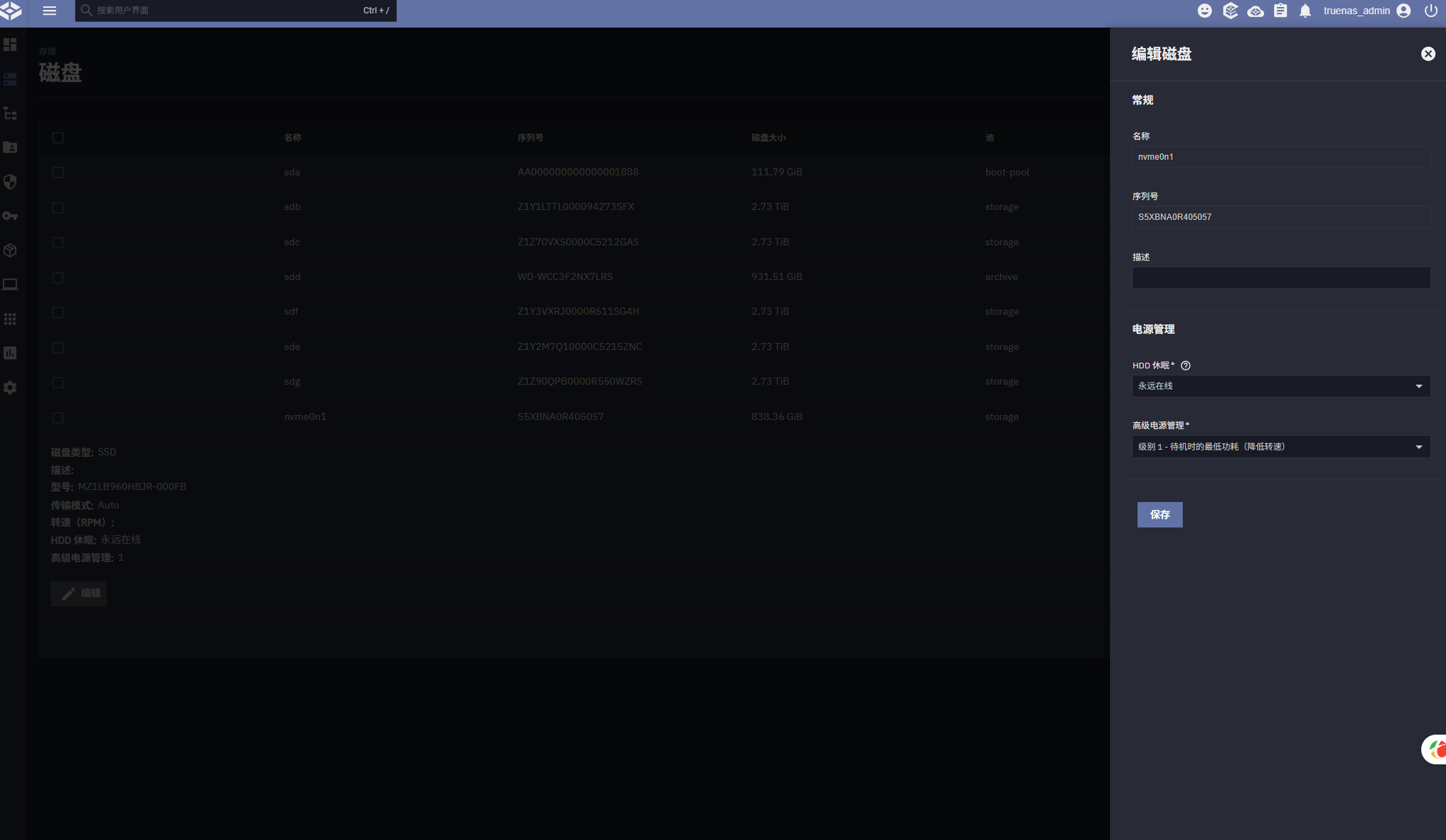
I’m guessing the version of TrueNAS you are running is different from the original poster.
I have kept my power state at 2 and have not seen any temperature issues since January.
So: thanks again, issue and case closed.