Pool "storiesbyhelens" won't import — "cannot import: I/O error", all 3 disks still visible

Hi all, hoping someone can point us in the right direction.

The setup

TrueNAS CORE (FreeBSD 13.1) running as a VM under Proxmox, with the drives passed through directly to the TrueNAS VM. Three 4 TB disks (3.64 TiB each) made up a single RAIDZ vdev, pool name storiesbyhelens. It’s mainly used as an SMB share, and it has been running fine for months.

What happened

The NAS was carefully moved to another spot in the house. It had worked normally a few days earlier.

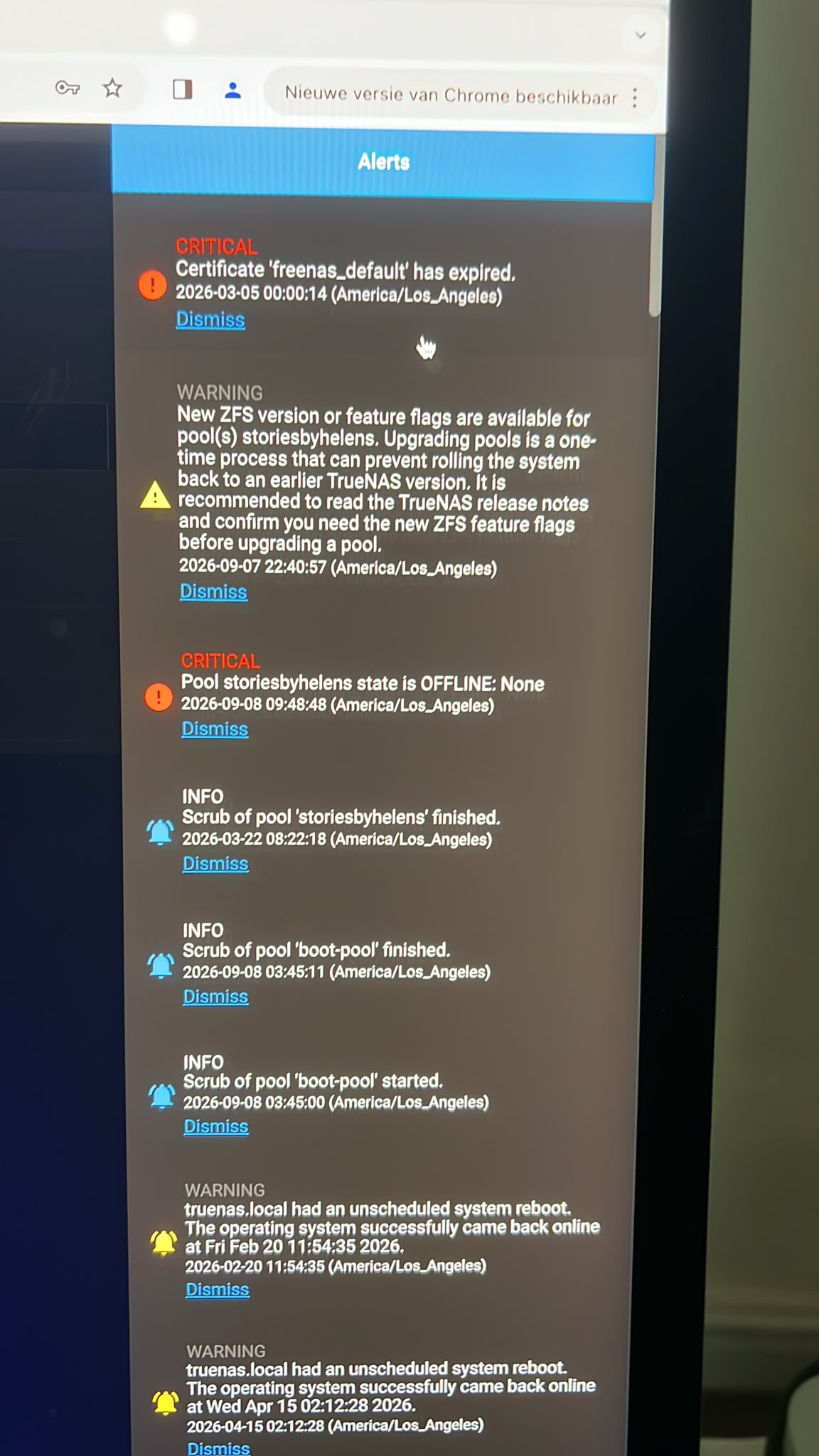
On 7 September at 22:40 the system still reported the pool as fine (it showed a routine notice about new ZFS feature flags being available — we did not apply it). By 8 September at 09:48 we got a critical alert: Pool storiesbyhelens state is OFFLINE. Since then the share can no longer be reached and the pool has disappeared from the web interface.

What we see now

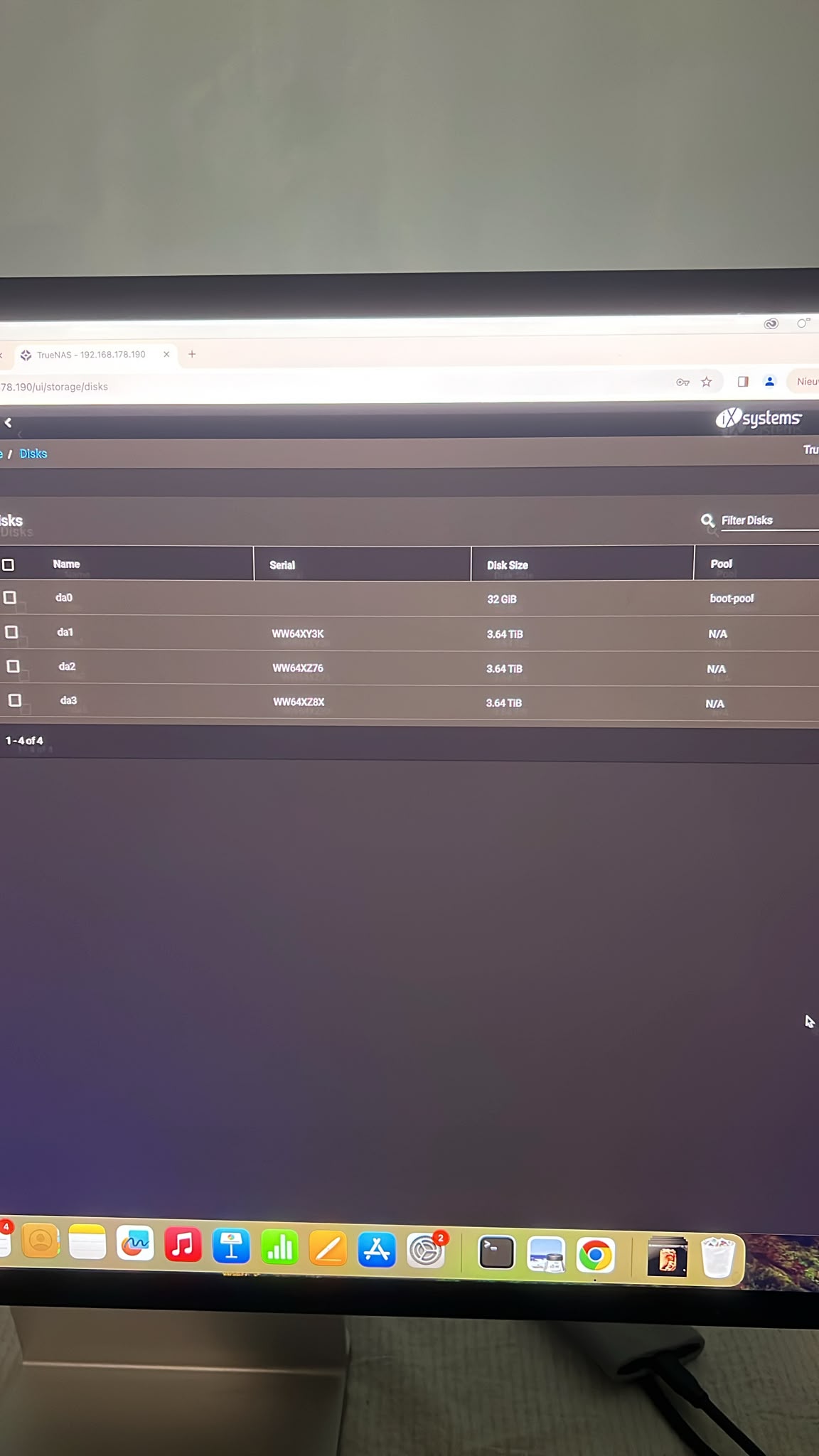
All three disks still show up under Storage → Disks. But their Pool column now says N/A, and the shell says:

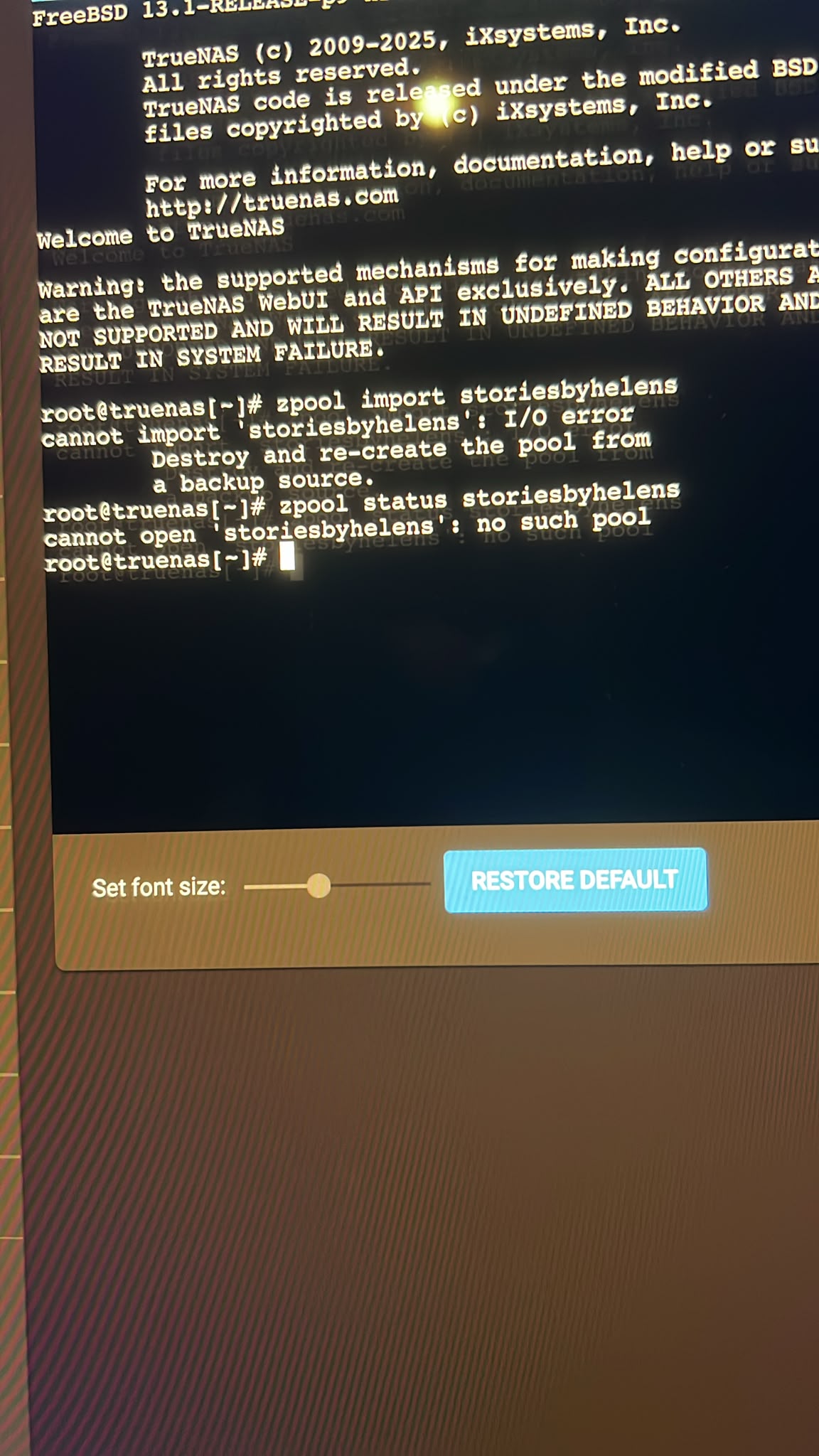
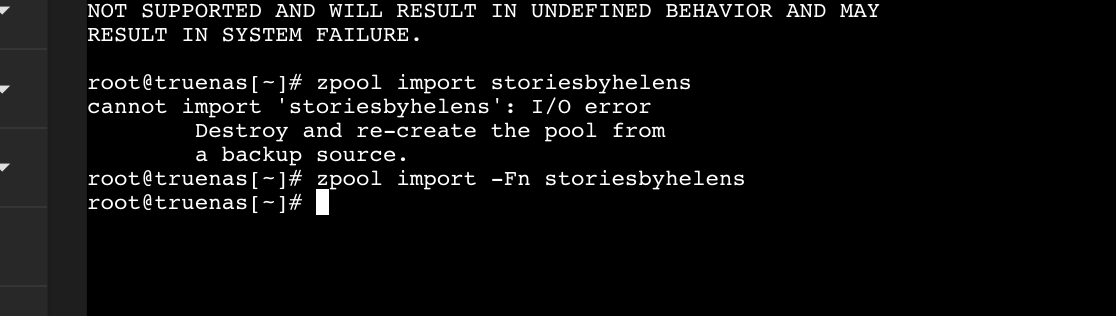
# zpool import storiesbyhelens
cannot import 'storiesbyhelens': I/O error
        Destroy and re-create the pool from
        a backup source.

# zpool status storiesbyhelens
cannot open 'storiesbyhelens': no such pool

Other alerts, in case they’re relevant: two unscheduled reboots earlier this year (20 Feb and 15 Apr). The last successful scrub of the pool was 22 March and it finished without errors.

What we haven’t done

Nothing destructive. No forced or rewind import, no zpool upgrade, no destroy or re-create, and we haven’t removed, swapped or wiped any disks.

Our question

All three disks are still being detected, and with RAIDZ parity a single bad disk shouldn’t take the whole pool down, so we’re a bit lost. What would cause the entire pool to disappear at once like this — something in the passthrough setup, a connection issue after the move, lost ZFS labels? And what should we check first, safely, before attempting any kind of recovery import?

Happy to post more output if you tell us what would help. Thanks in advance.
Can we have a detailed list of you hardware please

Also - you say that the disks were passed through, was that done individually or by controller and did you blacklist the disks / controller used on proxmox?

Intel i3 14100
16GB RAM
1x 256GB Samsung SSD
3x Seagate Ironwolf 4TB
Proxmox 9

No controller directly from motherboard SATA, so individually

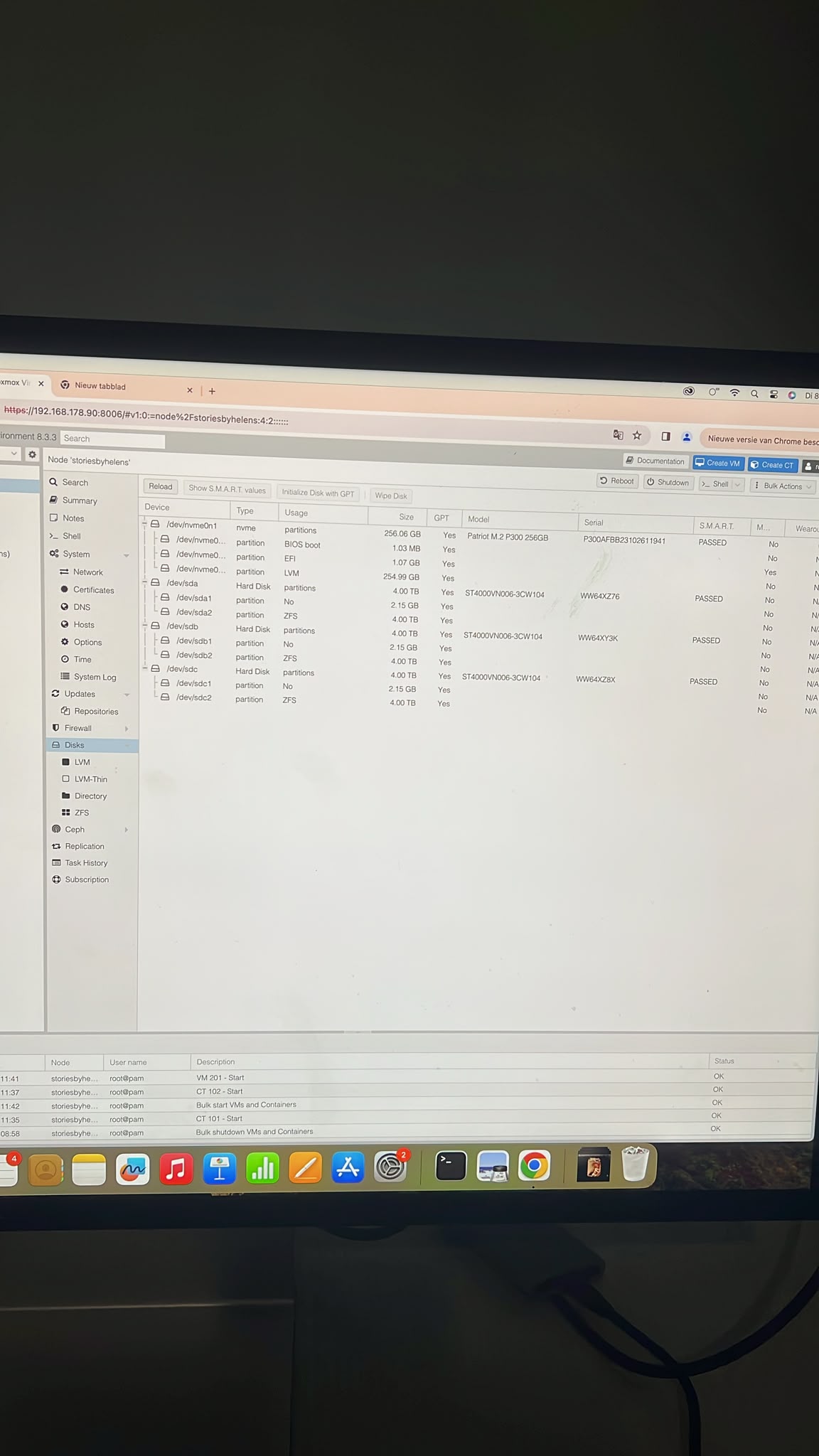
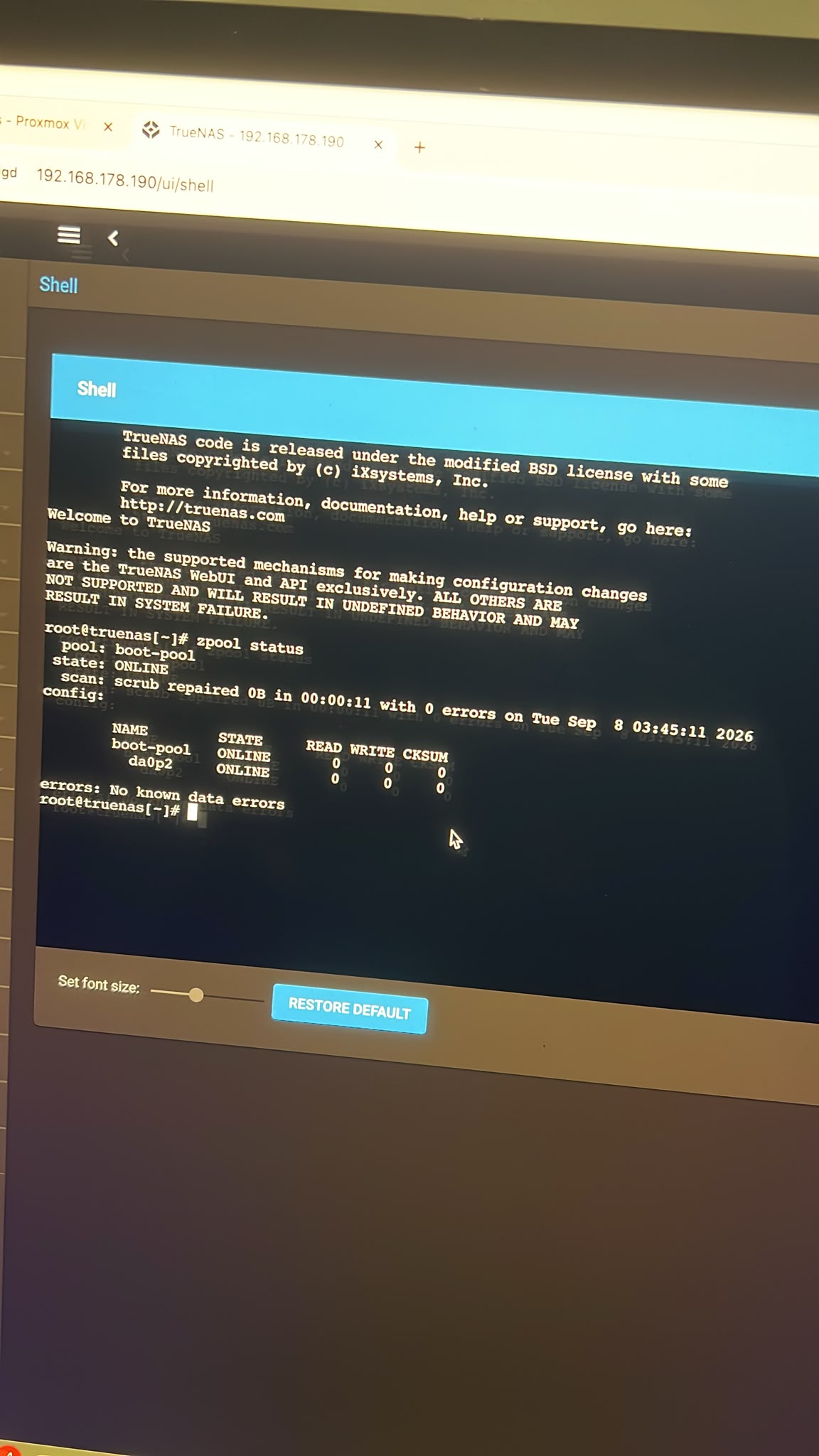
In addition some screenshots

That would suggest that you have committed the cardinal sin of allowing proxmox AND truenas access to the disks / pool. (you didn’t mention any blacklist attempt)

[Note that I do not use proxmox, or more specifically TN under proxmox.]

Assuming I am right then your pool is probably toast.

The reccomended way is to run all the TN disks from a single controller, pass the controller though to truenas AND (this is the important bit) blacklist the controller on proxmox. This prevents proxmox from trying to mount the pool which is a disaster waiting to happen.

Do you have a backup?

BTW - you hardware list doesn’t make sense. You need something to boot proxmox off, you need a TN Boot and then sufficient disks to create a pool. You are one disk short

The TrueNAS boot device could be a virtual disk on the Proxmox boot drive (presumably the 256 GB Samsung SSD)–it isn’t recommended to use virtual disks for ZFS, but it’s fairly low-risk for a boot device.

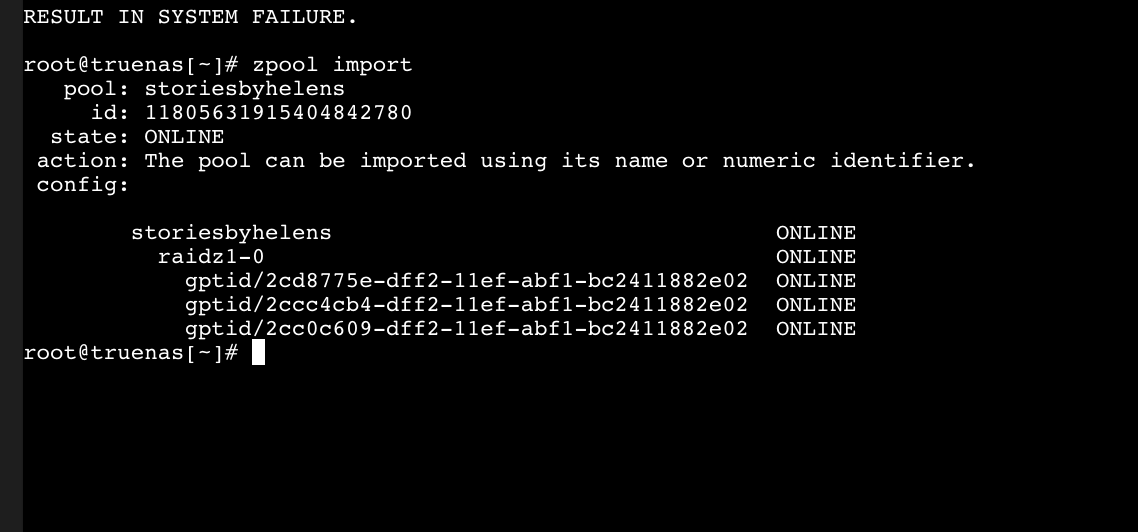
@mdwx, what’s the output of zpool import?

That’s encouraging. What about zpool import storiesbyhelens? If that fails, zpool import -Fn storiesbyhelens?

  1. I/O Error
  2. Nothing being returned

No output on the second command is unusual. What about zpool import -F storiesbyhelens?

Also an I/O error

Indeed Proxmox is on a 256GB sata SSD.
The VMs are on the 512GB NVME forgot to mention it.

You could run zpool history on proxmox and look for lines corresponding to a ZFS import of your Truenas pool. If that is the case, your pool is most likely toast.

Yikes.

Like you, I am also running TrueNAS-CORE 13 in Proxmox and have been doing so since Proxmox 7.x. However, I am passing through an entire HP220 HBA controller to the VM on which the disks are attached to. The forums generally frown on hacky things like passing through individual disks precisely because failures like these have happened to people since basically the beginning of time. It works (very well even) until it doesn’t; and then it usually ends up in catastrophic data loss. Hopefully, that’s not the case with you.