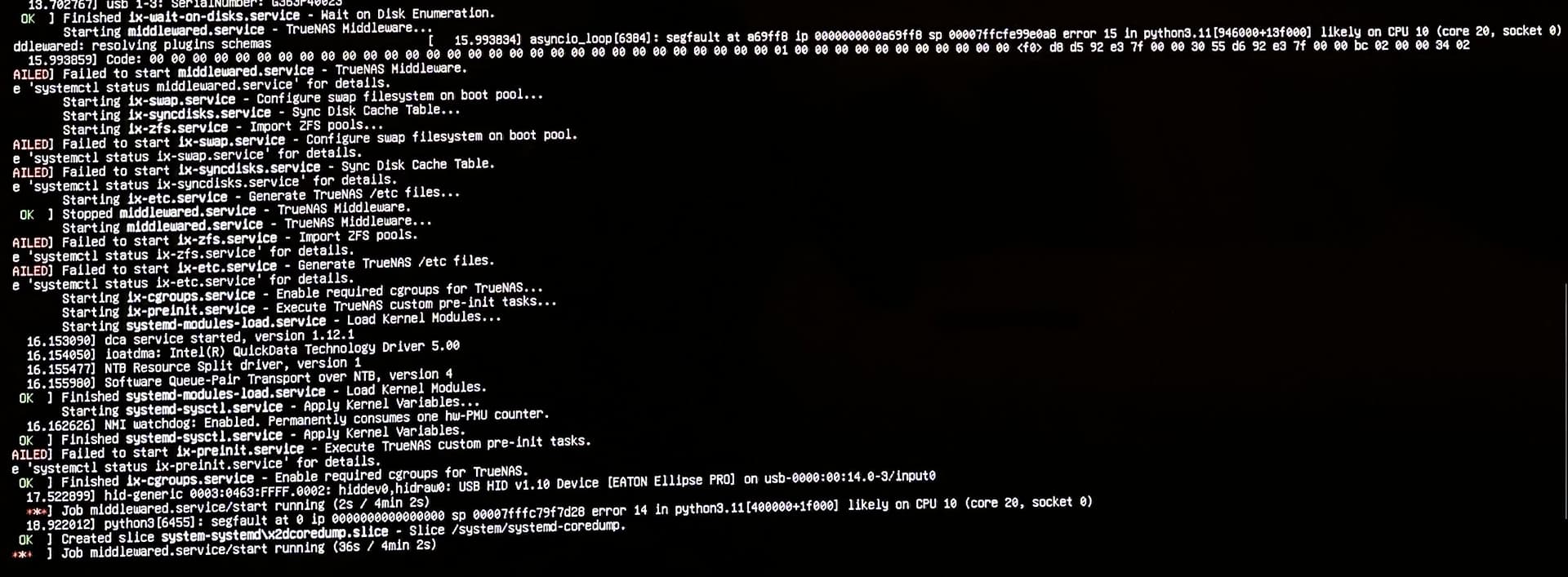
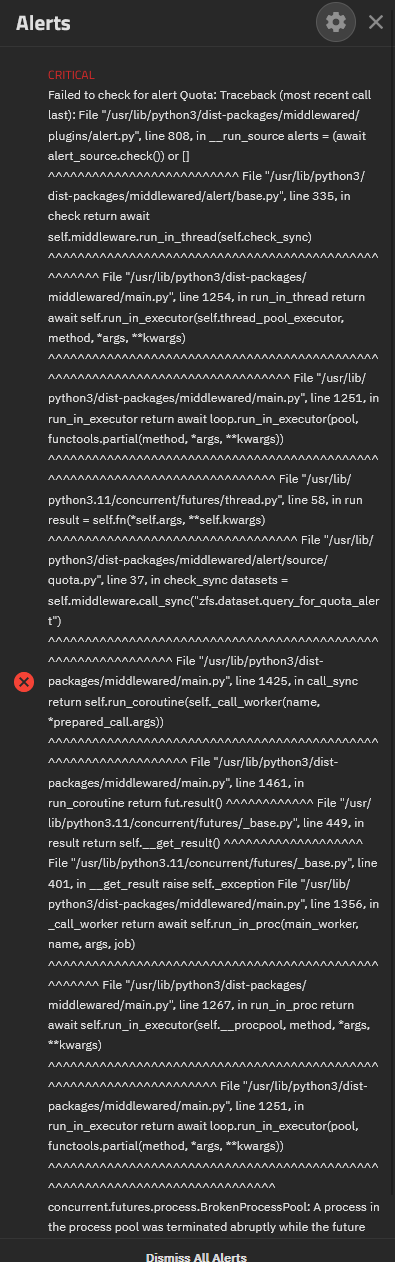
I haven’t flashed the HBA yet.
I have a new problem… :
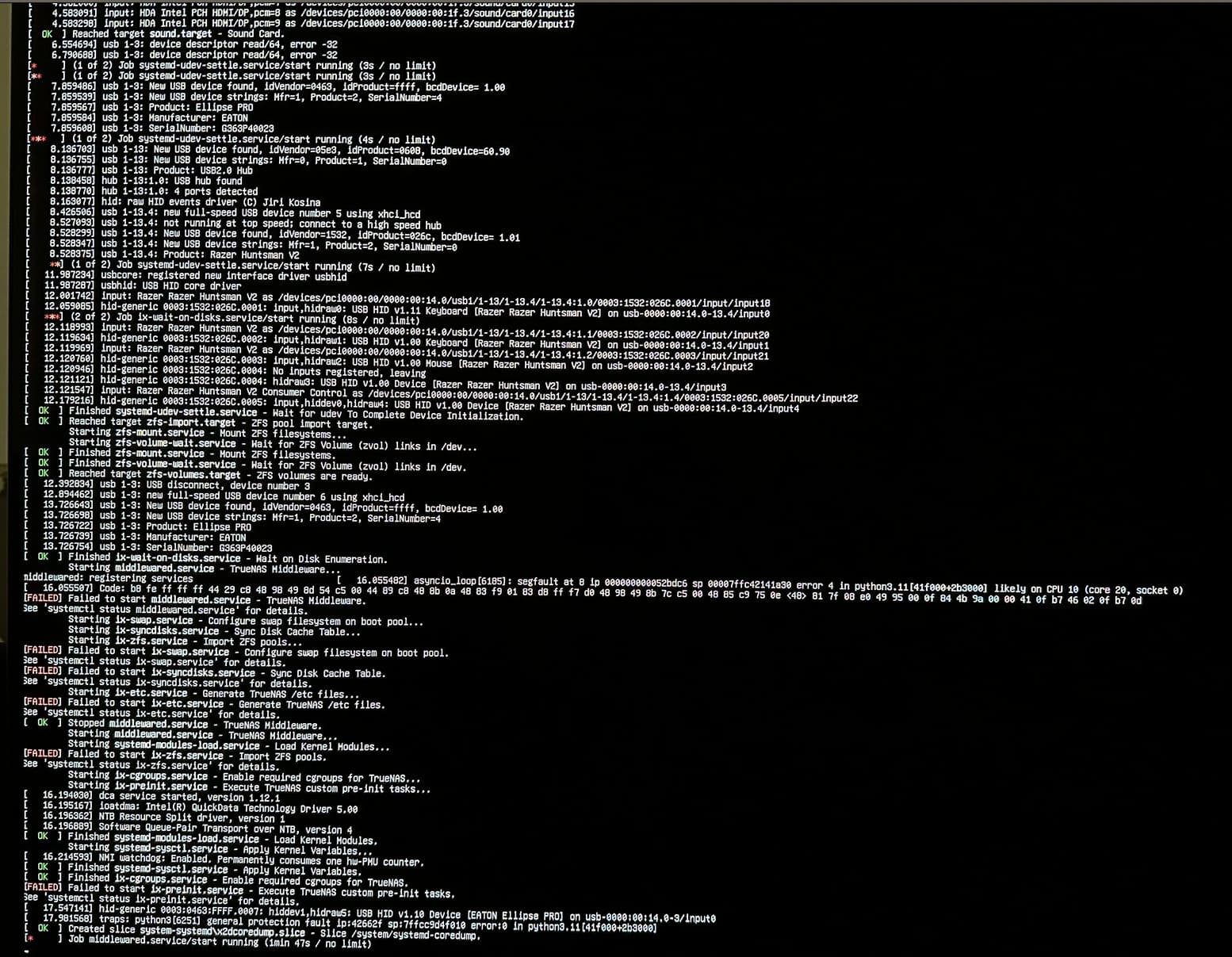
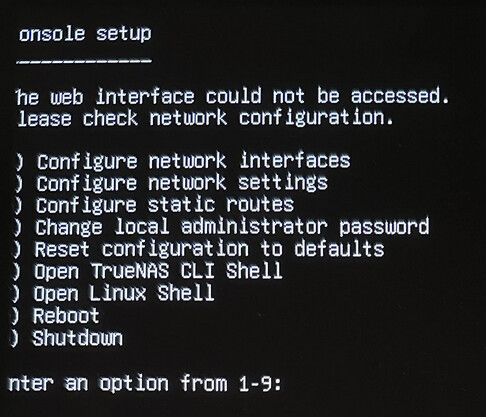
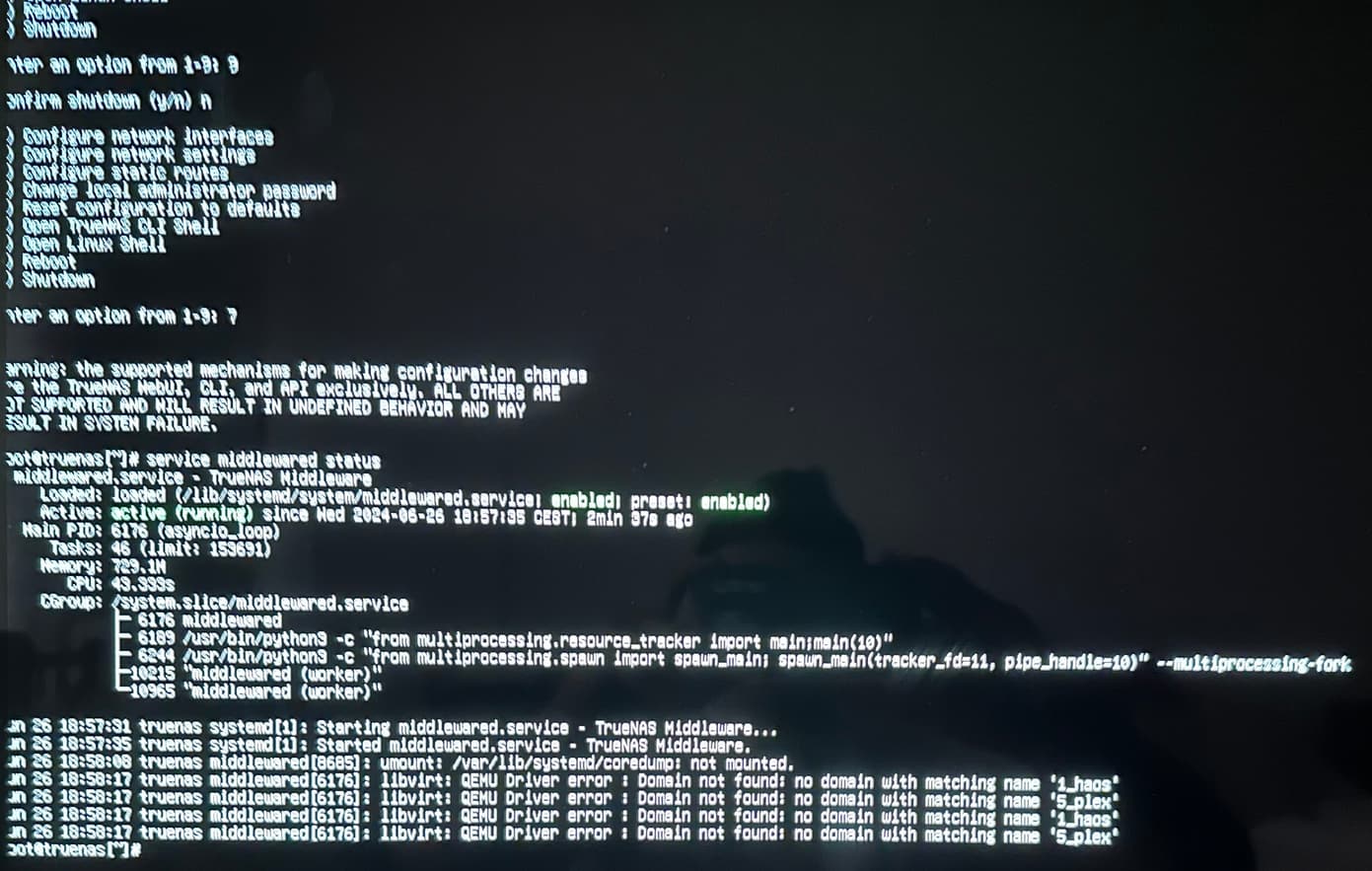
uhhh, not great - what is output of:
service middlewared status
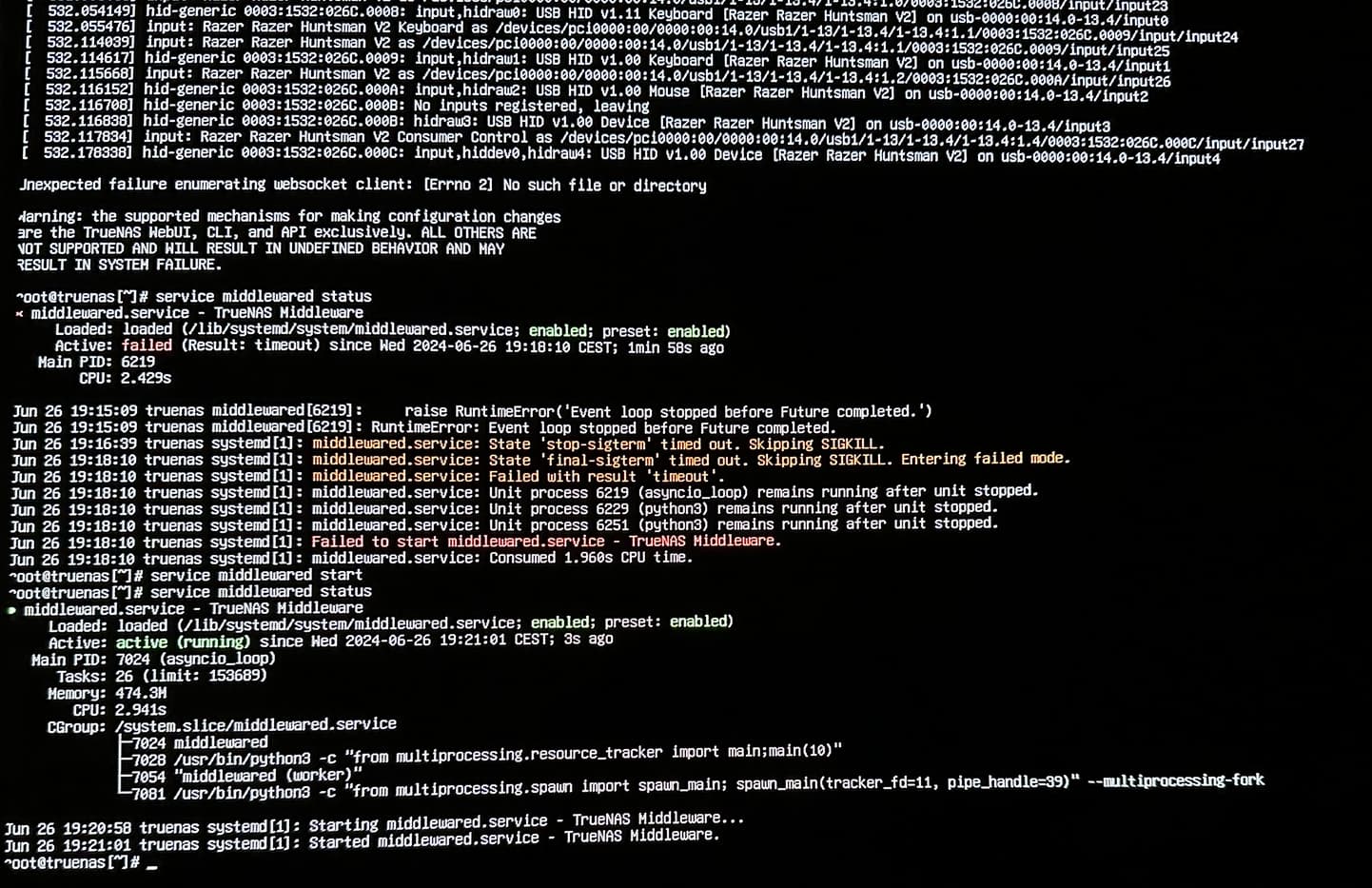
Does the following do anything or give an error?
service middlewared start
If it fails to start, might be time to either re-install or outright replace boot drive & re-install… hope you had a config backup 
Looks like it’s starting after some time :
Yet the web interface is not working.
P.S : I have a config backup that is 2 or 3 month old on the “23.10.1.1” version.
Could be wrong - let this getting into territory where I’m less confident giving advice, try this:
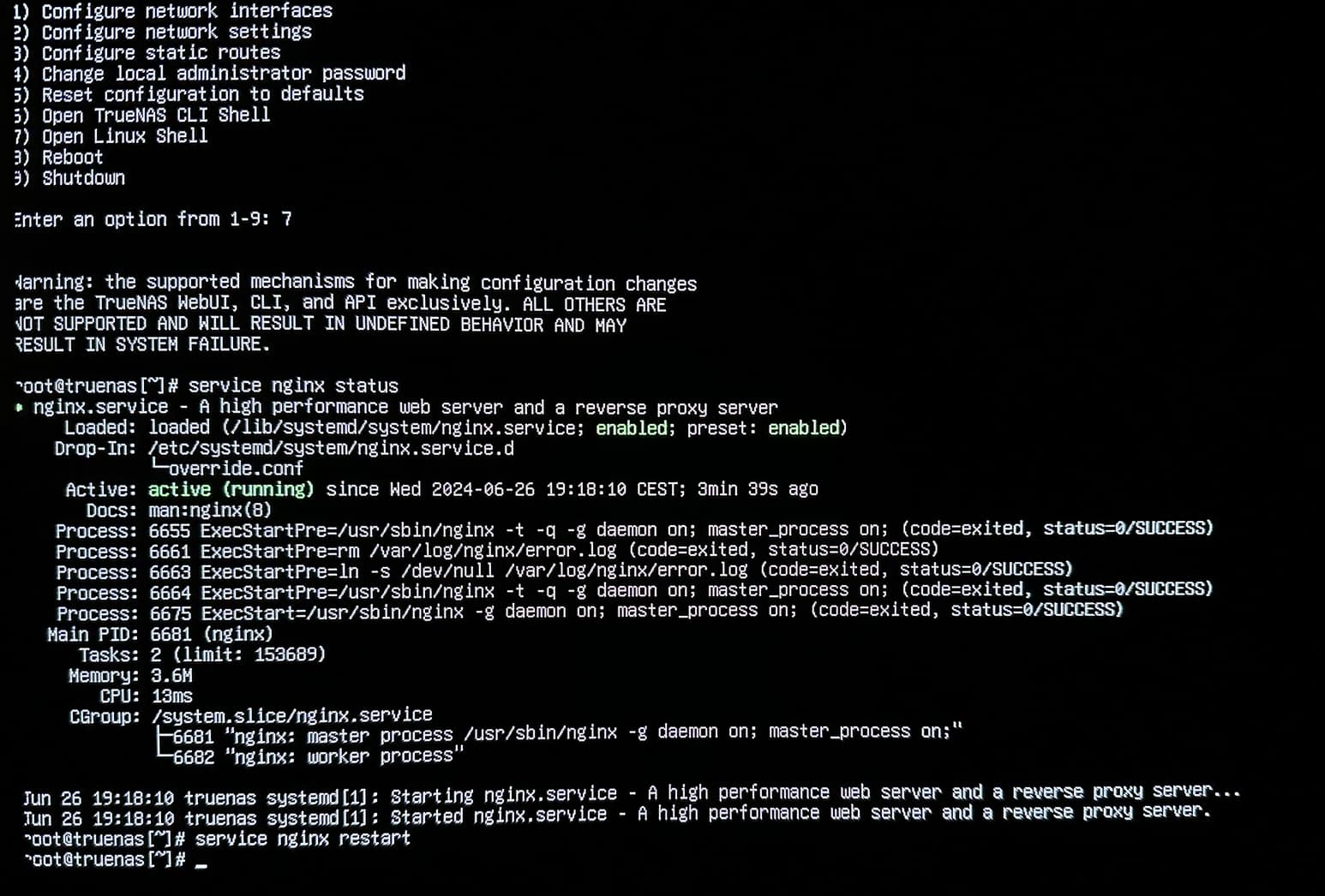
service nginx restart
Or ‘start’ if it isn’t running.
You can also completely try to restart middlewared as well.
Closing clearing cache & restarting browser may yield joy if both services restart successfully.
I’m certain there is a way to save a config file through cli, but I don’t know it, someone more knowledgeable would have to walk you through.
the server is rebooting by itself, this time middleware was down again :
I’m still having the network issue (looks like network isn’t working, no IP is set), I tried to remove the network card (Chelsio 10G) to see if it was responsible of the problem (since I recently installed a fan on the radiator, I don’t see how it could be related, but I tried anyway), it’s not reinstalled yet, i’m on the 2.5G ethernet of the motherboard.
Do you have a bridge setup? I remember having lots of issues with my networking bridge on v23. Whats the output of
ip a
Might be of use to go to “Configure network interfaces” & make sure whatever your current interface is actually has an ip & subnet setup.
But yeah, something is very rough here… If you even momentarily can get config backup grab it & I’d outright just reinstall. If it fails, it might be worth considering just outright reinstalling & setting up your settings and importing you pools again as being faster than to work around whatever is going on…
No bridge setup, I had one, but too much problem with it (and it wasn’t necessary after all).
I’d rather reinstall from scratch with no backup (if I’m not going to lose my data), so I can erase the software issue… And keep working to make this setup stable.
OK, I managed to resolve the network issue (at least for now).
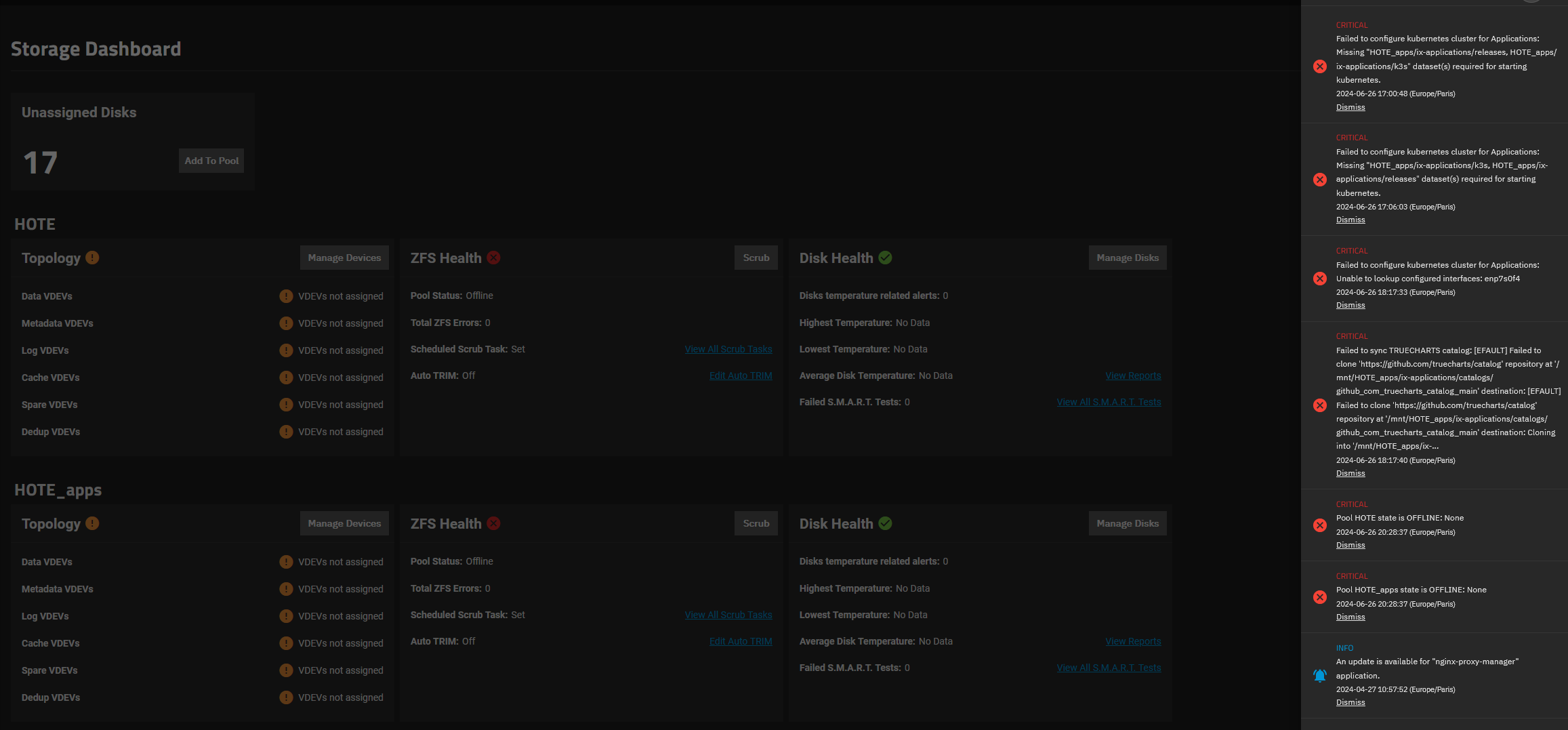
I’m still having the unassigned pool thing.
And this time, rebooting seems to do nothing to solve the problem (since the server had so many reboots).
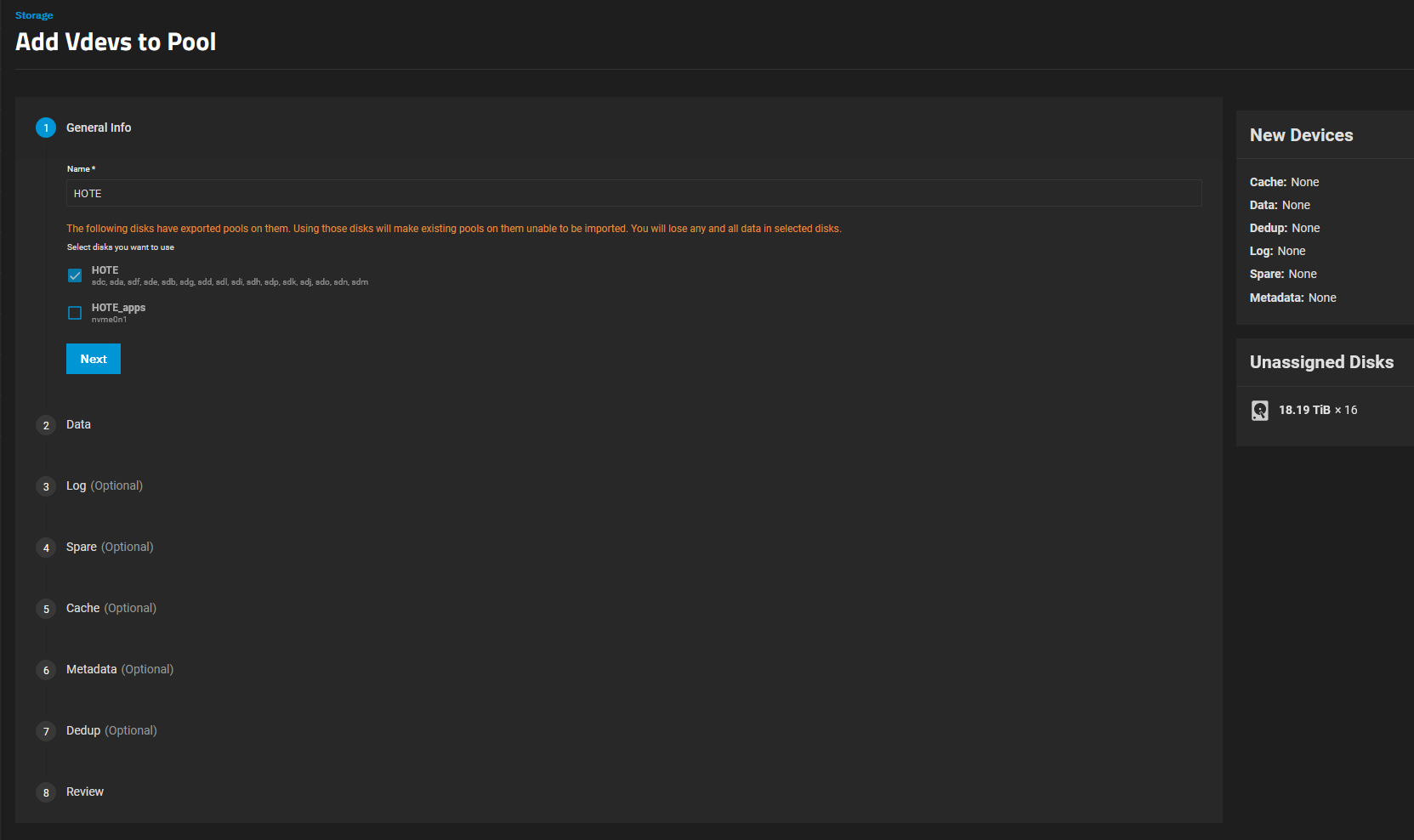
And when I’m doing this :
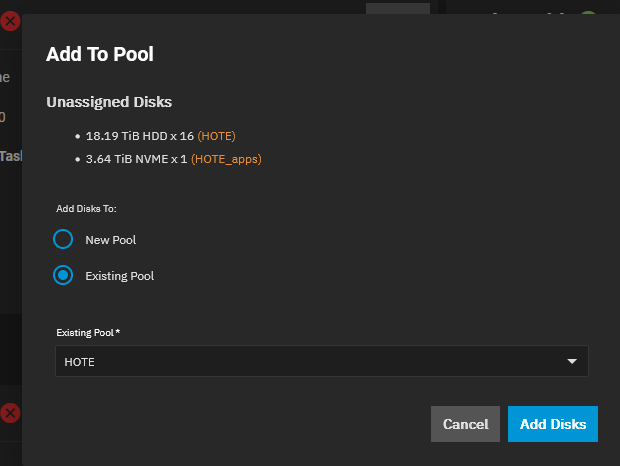
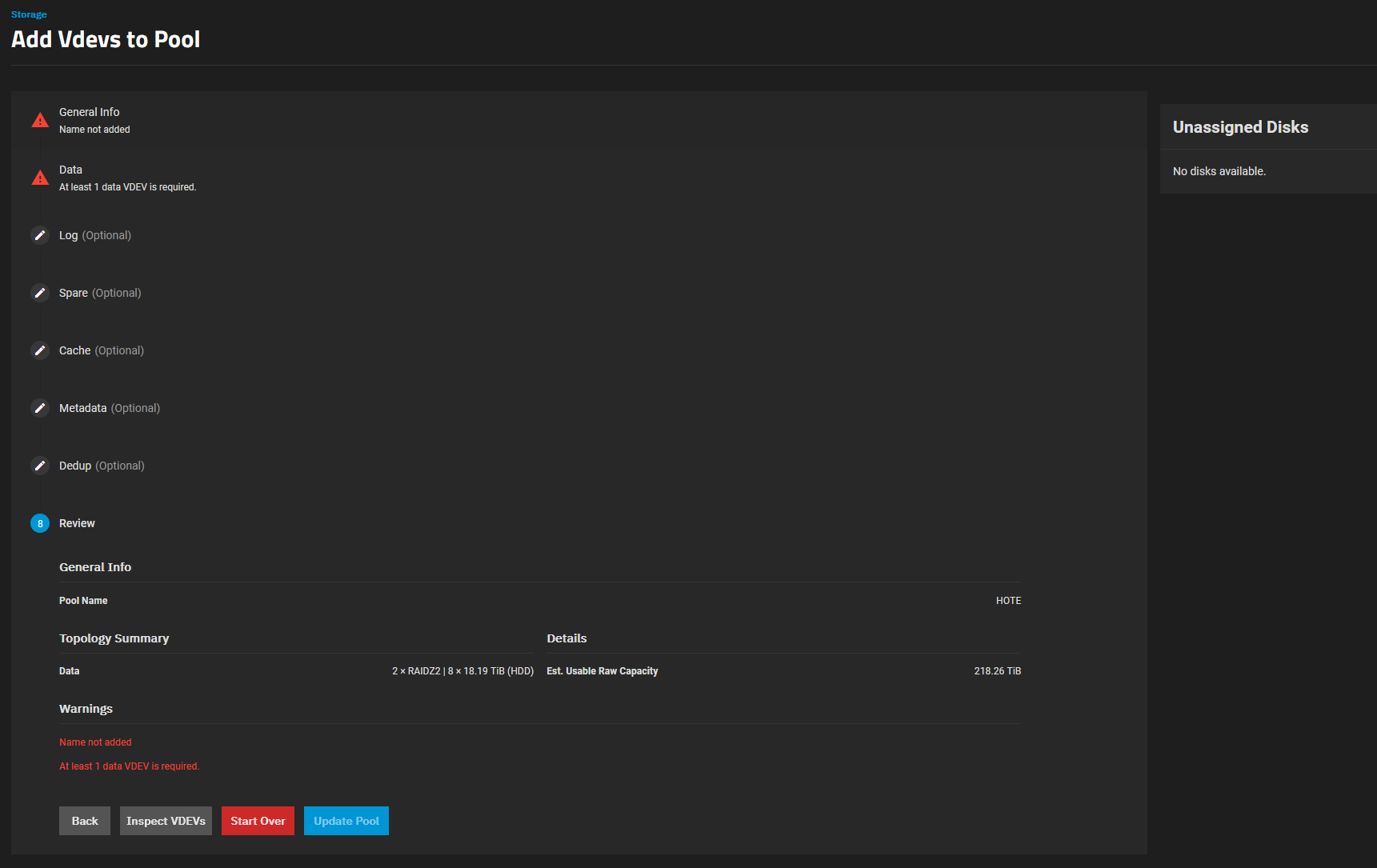
The name is automatically put, but when I click on next, it’s saying:
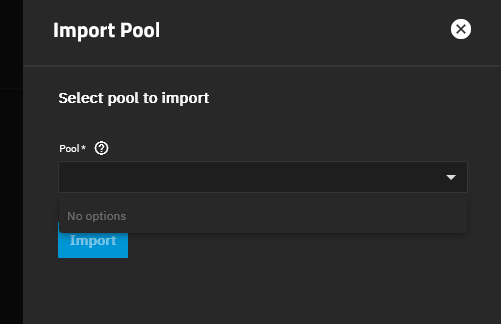
Exporting/Disconnecting the pool and reimporting it solved the problem (only tried on the NVMe pool), but I tried a restart… and the disk are unassinged again.
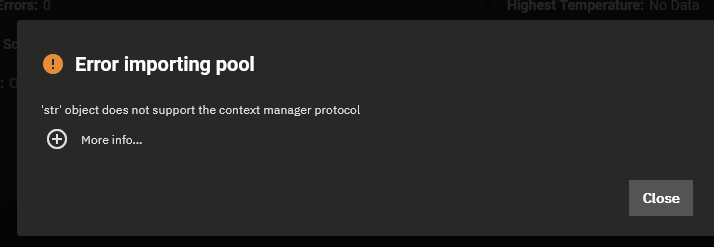
BUT after the restart, I wanted to do it again, and I got this :
My current recommendation is save config & reinstall considering you were also getting random middleware failures.
If you still can’t import your pools after that then I’m out of my league & wouldn’t want to make recommendations that’d possibly put your data at risk. One of the smarter folks on the forums would hopefully help
Hi,
I have reinstalled the same version of truenas, I had the same problem while using my chelsio 10G, I took it off, then it was working, I loaded up the config, the problem was back (without the 10G card)… So I decided to reinstall again (with no intention to load my config) and I thought I would use this reinstall to upgrade, so I formatted and installed the latest dragonfish version, surprised ! I’m still getting the middlewared error :
Update :
I tried to install TrueNAS Core, but it seems that I can’t, it’s not working (I read somewhere that there is a know issue of incompatibility with my CPU : i9-13900K)…
So I tried to reinstall TrueNAS Scale 23.10.2, first with the chelsio card and then without… and this time it’s not working at all, I’m stuck with the middleware issue…
The server started on scale (with network UP) but I got this issue :
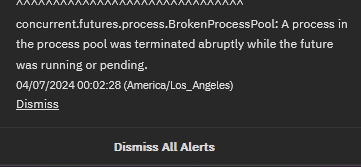
The issue notif is gone but I’m seeing this :
Yet, the server is working ATM… How to debug this… ? I was OK to switch on CORE for more stability, the apps and VM are welcome but not required since I have other servers.
I’m suspecting a compatibility or hardware issue… Since it is quite random but persistent.
I’m thinking of switching to OpenMediaVault maybe under Proxmox (or truenas under proxmox)…