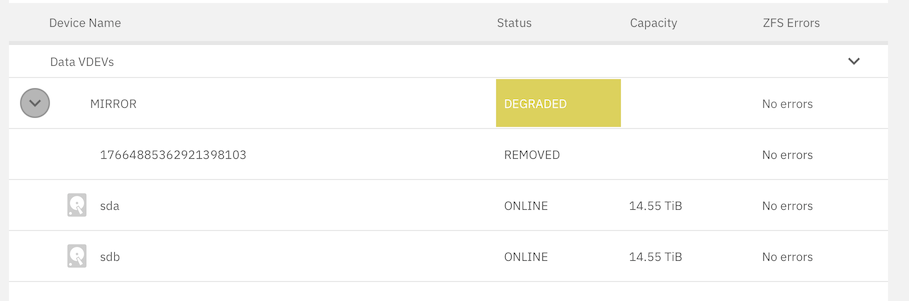
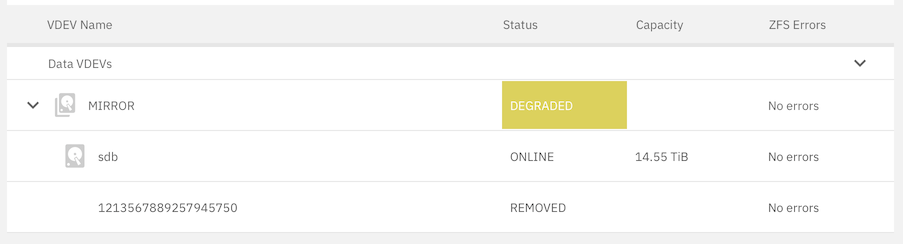
Following the advice founded in the post “Help replacing a failed HDD in Mirrored pool,” I managed to add the replacement for a failed drive in my 2-vdev mirror pool:
I am wondering, what the next steps will have to be, so that the “degraded” badge comes off.
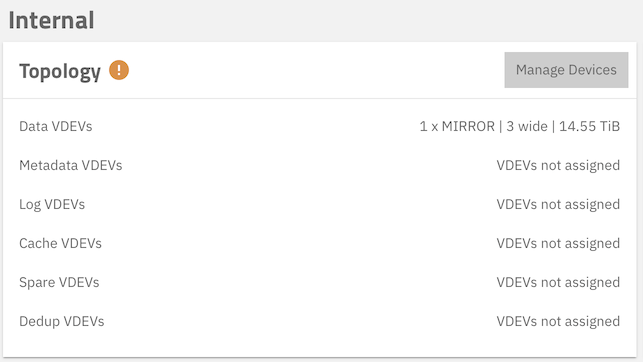
It seems to me that the fact that this pool now shows as “3 wide” is part of the problem. It should be a 2-wide pool. My guess is that the system still counts the replaced drive as part of the pool, although it is nowhere to be found.
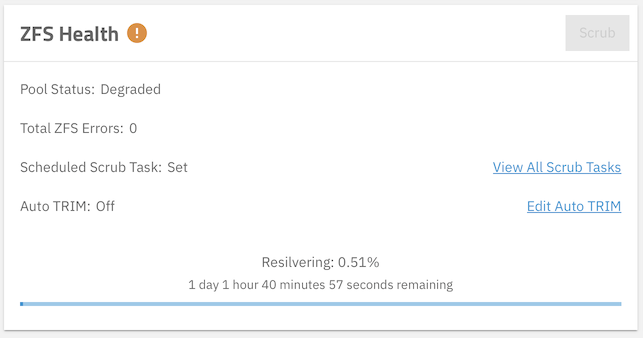
Okay. I can answer my own question. This screenshot of a portion of the storage dashboard tells the story:
The resilvering process is already ongoing. If there are any more concerns, I won’t know until about 26 h from now. I will update this thread with what I find.
1 Like
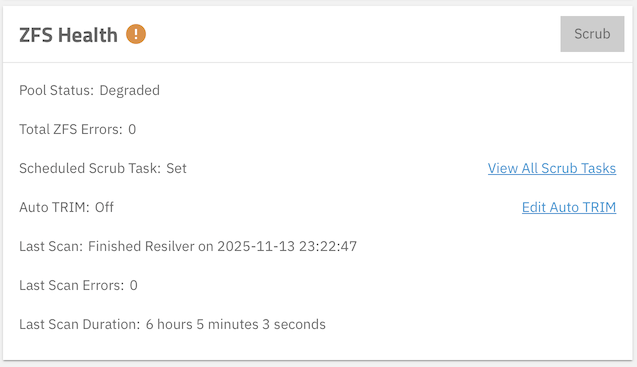
Resilvering is completed, but the pool is still degraded. How do I fix that?
I had to detach the vdev corresponding to the failed drive, which is no longer attached. The vdev actually was still there. I had overlooked it before.
2 Likes
Yep, that’s how it works when you’re upgrading a pool one drive at a time also. Pop in new drive, offline an existing one, resilver and wait. You missed the offline step but caught it at the end. No big deal.
1 Like
Not that it is relevant for the original intent of my post, but might be interesting, anyway.
The removed VDEV is the drive I just added. It was brand-new (well, factory re-certified, anyway). I am wondering, whether the interface on the NAS side is bad. I will have to see, whether I can diagnose that adequately. The NAS was purchased on AliExpress, so getting warranty service from the Chinese merchant may be a little difficult.