Hi guys, i need some help configuring my new Intel arc a310 to transcode my Jellyfin library. My configuratioon is a ryzen 5 3400g, 16GB of 3000mhz DDR4 ram, intel arc a310, a 120GB kingstone SATA ssd for boot, 3x8TB seagate exos, asus prime plus B450 and a 650w 80 plus bronze mars gaming PSU (these apart from the graphics card and the disks were all parts that i had laying around from a previous gaming pc).
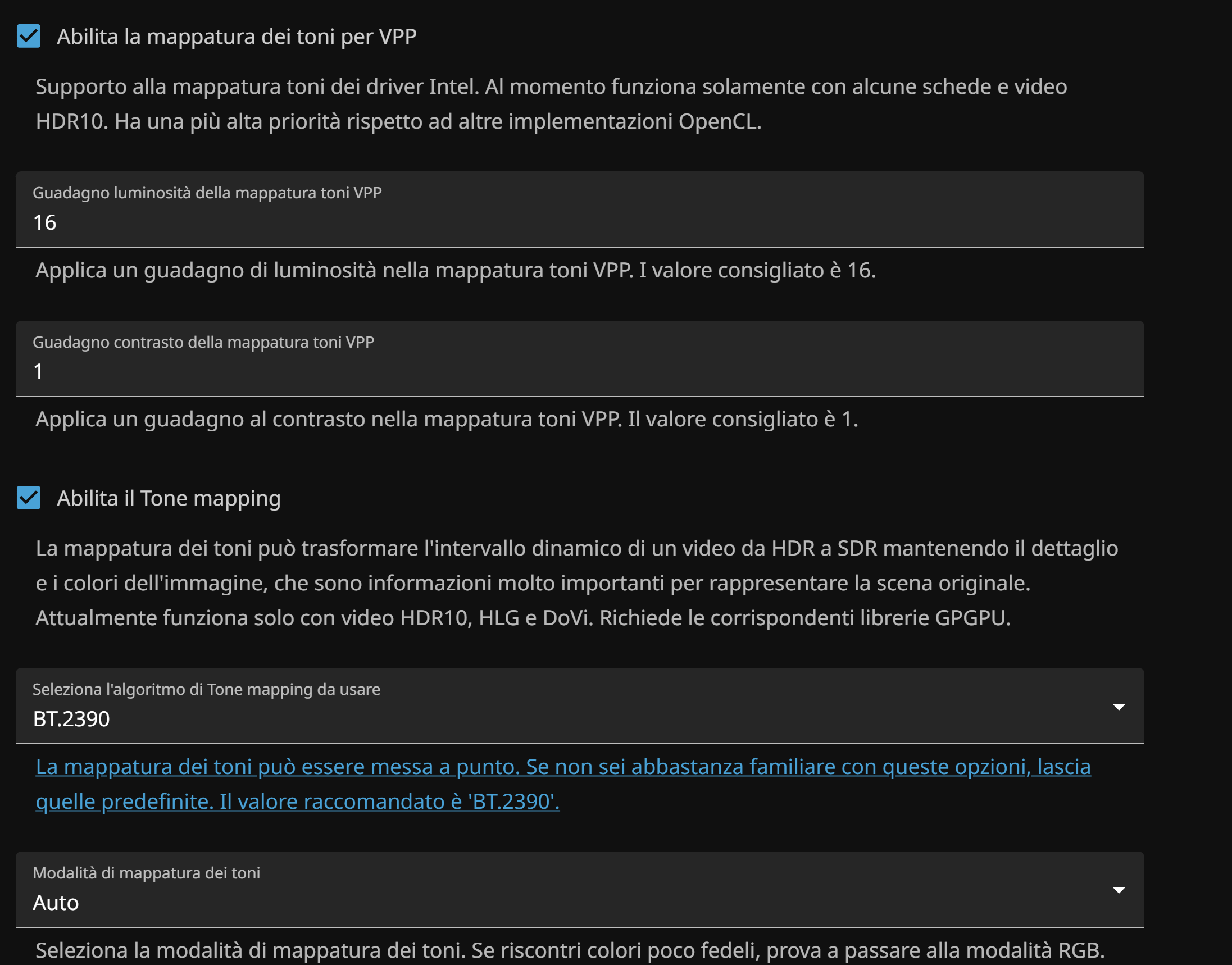
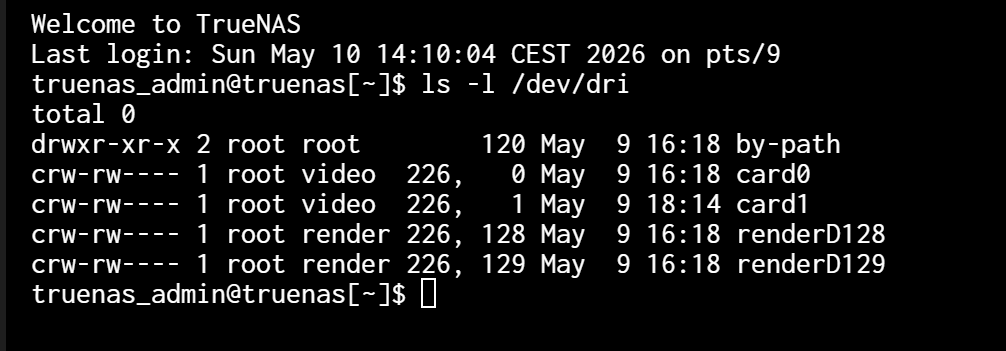
The problem that i have is figuring out why transcoding doesnt work properly, if i set /dev/dri/renderD129 the reproduction of the video stops right away (you can see the log), if i switch to /dev/dri/renderD128 it get stuck in the film image and doesn’t do anything. I’ll send also my jellyfin transcode configuration if it may help you undestanding the problem.
Neither the igpu or the intel arc are set as isolated gpu devices in truenas advances settings, i’ve set the igpu as primary video device in the bios (because i think that this is the way to tell the pc to use it for the webui, dk if i’m right). I’ll be glad if anyone can help i’m kinda stuck here with no solution nor anyone to ask for advice, could it be a faulty gpu, the heatsink get very hot but i think that is normal because i read that the asrock low profile version that i have make fans start spinning at 60°C.
The app is installed from the official truenas app store and i’m running truenas 25.10.3.