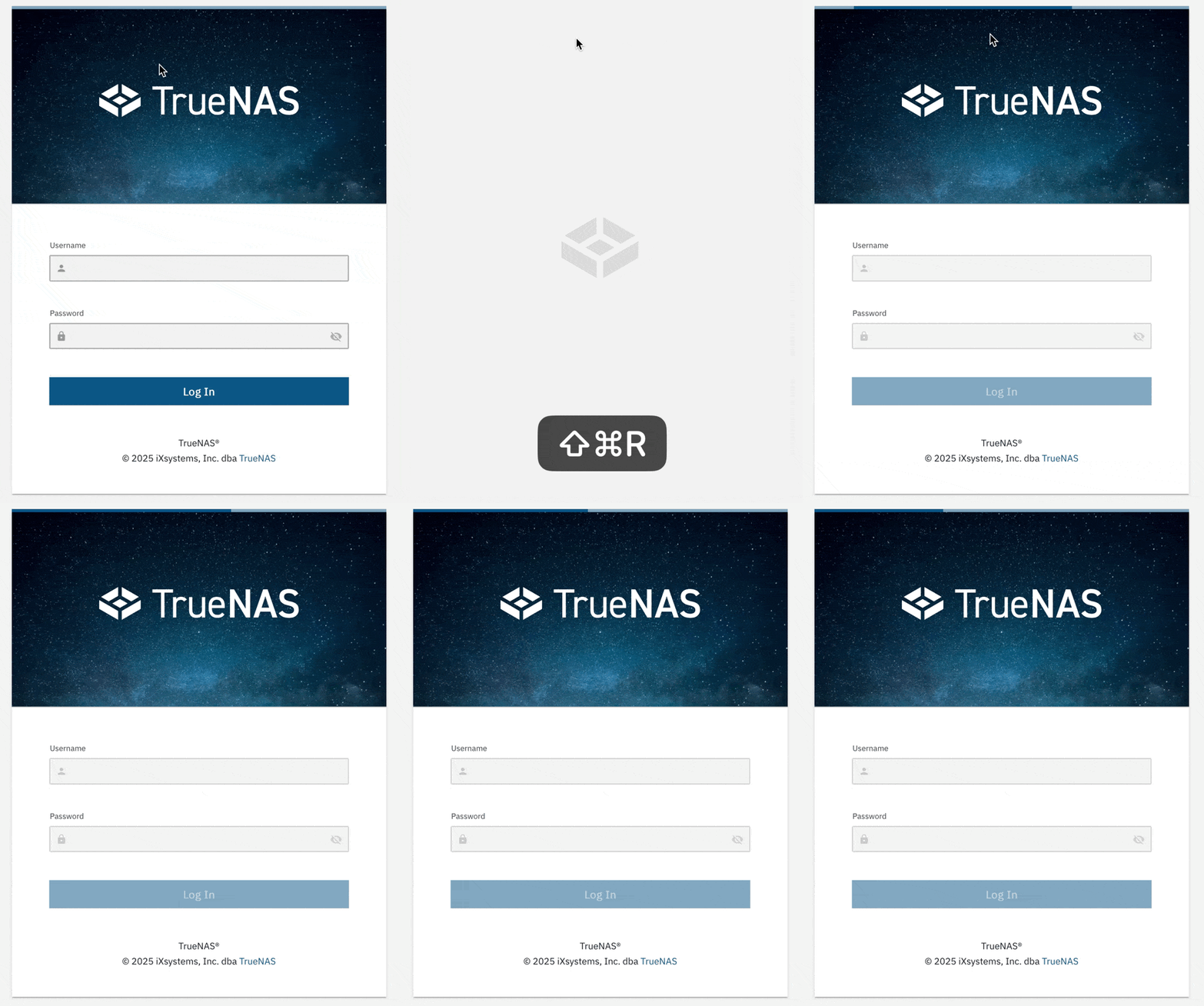
I currently (and occasionally) have a problem that i can’t login or have to wait for minutes at a time to the web interface due to it loading forever (this happens on all stops from the “connecting to truenas”, the login screen, after the password, and even after the 2fa code). I had to disable 2fa to make sure i can even login at all because its always so slow that it invalidates the 2fa code.
i run 25.04.1
on a Intel Xeon D-2141I CPU @ 2.20GHz with 64 GB of RAM on a 2.5/10 gig network.
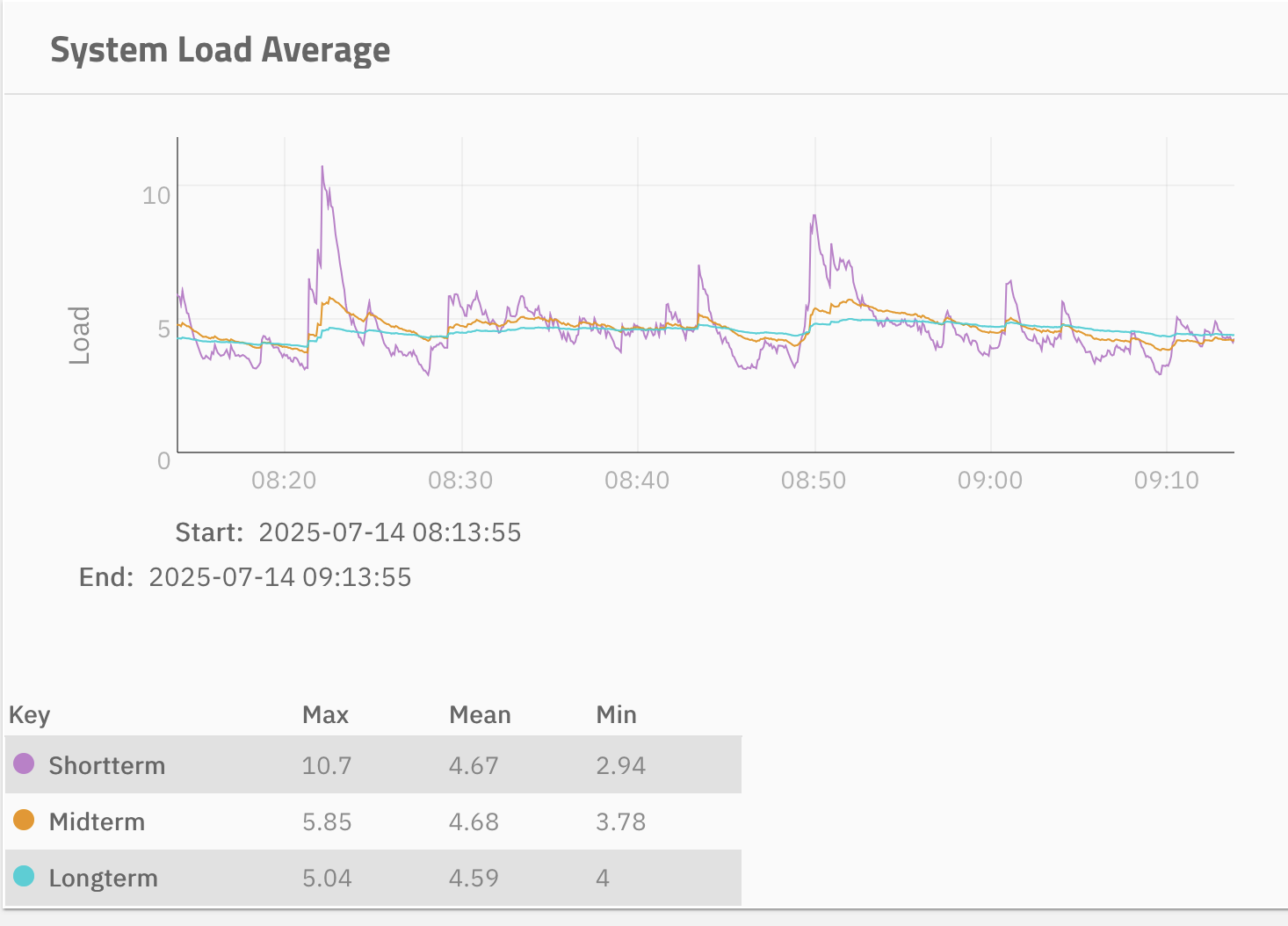
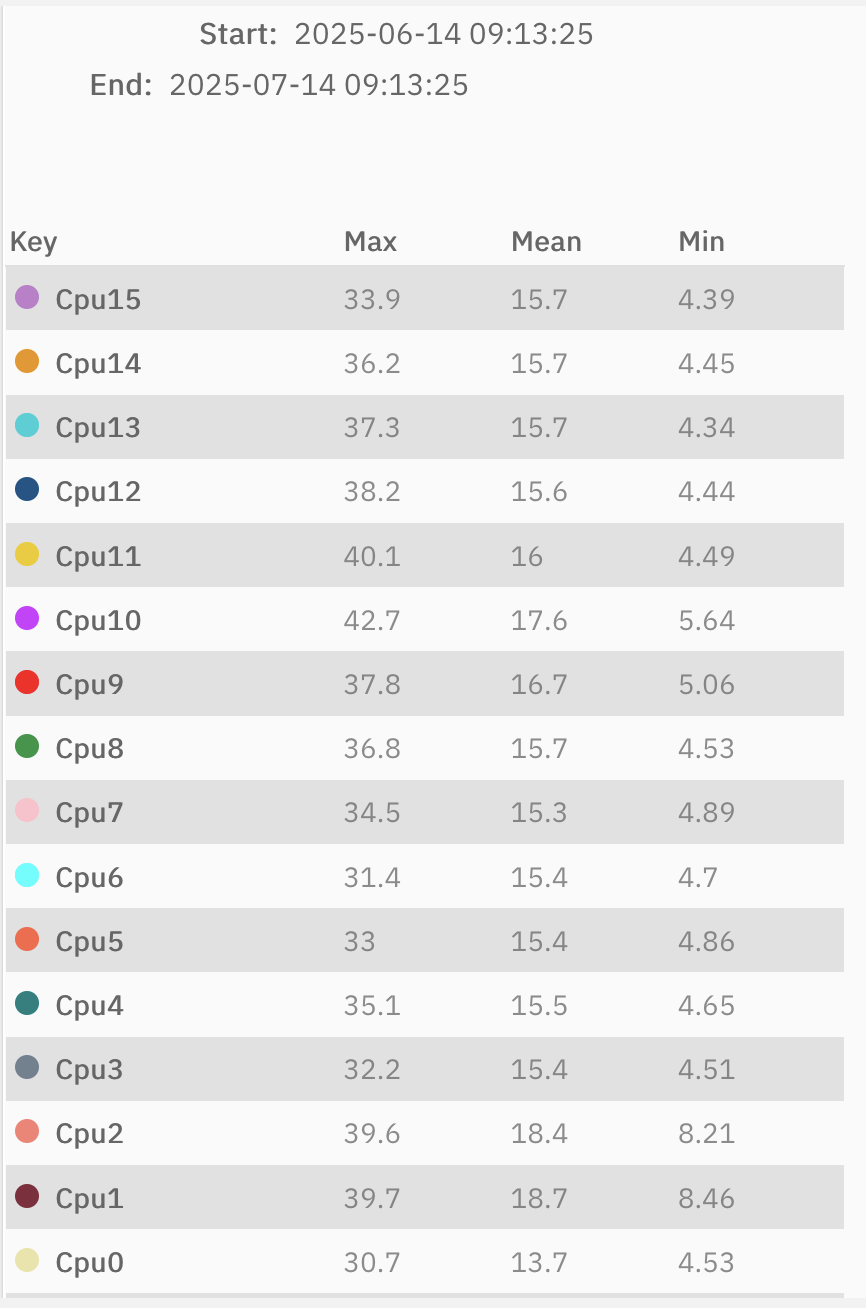
The server is usually at around a 15% to 30% CPU utilization and maxed at 50% RAM for applications.
I run into the same problem regardless of direct connection (to local IP; tailscale on and off) or through tailscale (local / remote).
I can access all other docker containers easily and at full speed.
I can access the server through the command line and smb at full speed and transfer files no questions asked.
I am really out of my depth here because all signs point to a healthy system with ample resources and speed.
I am seeing this EXACT issue. The little blue bar on top of the login just scrolls, and the username / password fields are greyed out. Sometimes it takes minutes beforeI can put my credentials in.
This machine has 256 gb ram and tons of free processors.
Same issue here, it was always a bit slow but now there are times I can’t log in at since for example last hour. Cleared cache, cookies, tried various browsers…
All my services seem to be fine and snappy. SMB also goes at full 10g speed.
It does not seem to be resources problem.
No faults, no errors. Seem to be completly optimal system with 12c/24p Xeon and 128G of RAM. System is on mirrored SSDs.
I’m confused.
Main problem is that since last hour for example - It’s basically blue bar running from left to right. I can hit F5, Ctrl+F5 as much as I want… stays the same.
Not sure if I have to go to the machine and hit reboot directly from console.
I’m having the same issue, rebooting the NAS seems to fix the issue but it always returns in the span of a day.
Might try SSH ing into the server and restarting Middlewared service
I’m experiencing the same problems. The web interface gradually becomes slower over time. In my case, running smoothly after a reboot –> 3-4 days before every interaction takes at least 30-40 seconds. I have always just rebooted the machine, but that is of course not a uptime friendly solution. I will give “service middlewared restart" command a go once it getting sluggish again.
I’m experiencing the same, on two different systems. One is the Truenas Mini XL+ and one is the zimacube.
Both hang at ‘connecting to truenas’ in safari or Firefox on Mac.
servers are fine, and functional. for the first time restarting the middleware didn’t fix the truenas xl+, but while I was typing this up it finally appeared.
Has anyone opened a Jira issue? can you link it if you have? also, how do I pull the middleware logs to see if I can find anything?
The thing is I cannot access the ssh or even when I plug a keyboard into the physical system it just doesn’t recognize it and doesn’t let me input anything.
i did not have this issue on the previous versions of Scale, it’s been an issue since upgrading to 25.04
would you suggest downgrading to an older version ?
Have any of you had luck with contacting ix systems ?
Well i did but it was closed without any comment - so i have to assume it is no bug but behaves like intended…
About the log → cat /var/log/middlewared.log
Hi all,
I ended up setting a CRON job to restart the middlewared service every 3 hours, it seems to have fixed the issue for now until ix systems fixes it.