
If you know of a speciifc config that works, lets document it here as a workaround.
1 Like
Here is some of my shares info, with the “advanced options” enabled. All of them are “basic” time machine shares where each user gets their own dataset and share. Sharing is via SMB. This is on TrueNAS-25.04.2.4
First time for me to notice the TM Quota box, which seems like a new thing to me. I remember struggling with quotas back in the FreeNAS 11 or 12 days when I didn’t understand yet how child quotas affect snapshots and how running into a quota issue is NOT handled well by Time Machine. This dedicated TM quota box inside TrueNAS (if it works as expected) could nicely supplement the TimeMachine quota stuff built into MacOS.

Here are some dataset properties, again with “Advanced Options” enabled to show more details.

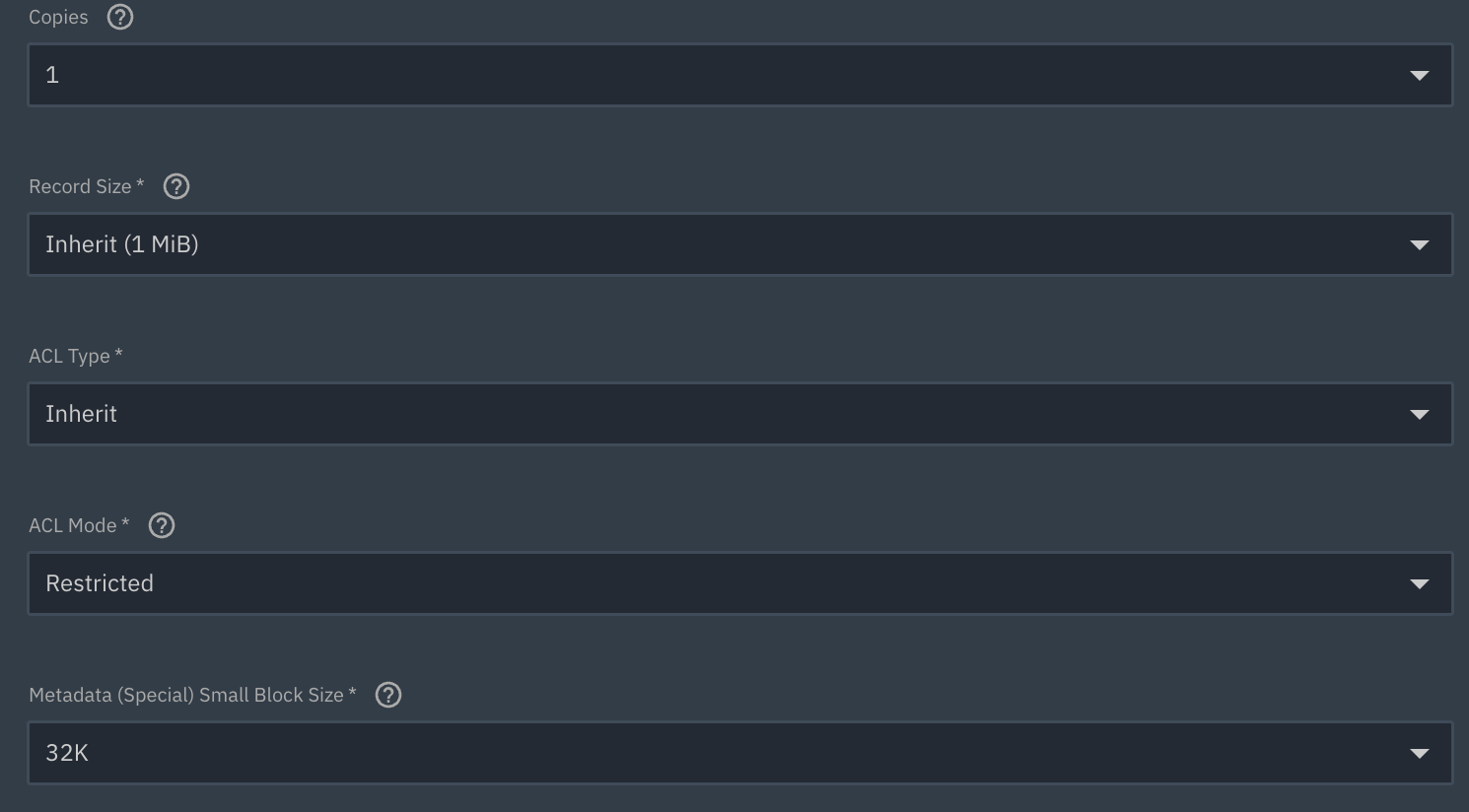
I left out some of the other stuff as it was empty.
Lastly, here is a top level dataset summary:

Pretty plain vanilla.
so this has the recycle bin option…
Can someone explain why they are not seeing it?
I’d look into what exact version of TrueNAS they’re using, are they running / configuring a SMB based Basic TimeMachine share, and if they are enabling review of “advanced” settings? IF it’s the same exact version of TrueNAS, then we have a major mystery on our hands, even if Halloween is past.
I tracked down and fixed the underlying issue that was preventing snapshots from being taken on time machine backup completion. I’ll probably start working on automated test cases for this next week since it appears to be a testing gap.
5 Likes
Looks like it will be in a hot fix release next week… thanks.
Edit: Looks like it will be completed in 25.10.1… next month. Stay on 25.04 in the meantime.
https://ixsystems.atlassian.net/browse/NAS-13864425.10.1 is including version update of Samba from 4.22.5 → 4.22.6. Samba 4.22.6 includes a fix for broken time machine backups from the latest macos version.
25.04.x is not affected by the time machine breakage (it was an unhappy confluence of changes in samba 4.22.x and upstream MacOS bug).
3 Likes