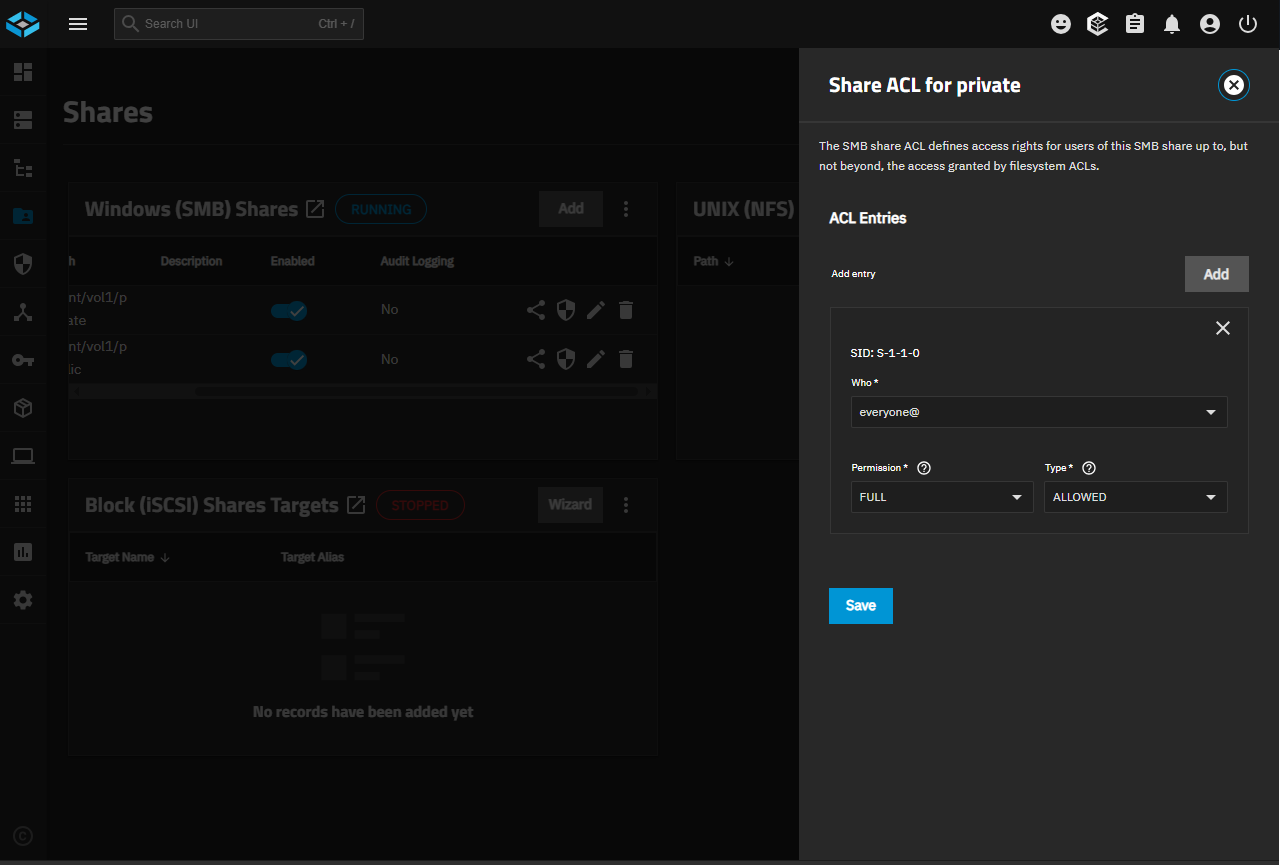
New user here, I’ve been playing around with TN 25.04 for several months in my downtime at work and have now built a server with it. I have 2 datasets in my pool, Public and Private. Private contains the users home directories. My backup script (robocopy runs from another PC and bc I’m familiar with it) copies both Public and Private to another PC on the network and from there to an external drive for off-site storage. The problem is my backupuser, logged into TrueNAS from the other PC on the network, can’t access the Private directories. Public is fine. I’m thinking this is a fairly simple setup but I can’t seem to get the permissions for backupuser right. Any insight would be greatly appreciated.
backupuser belongs to backup group, truenas_readonly_administrators, and builtin_users groups, as well as my default company group, MLS (primary).
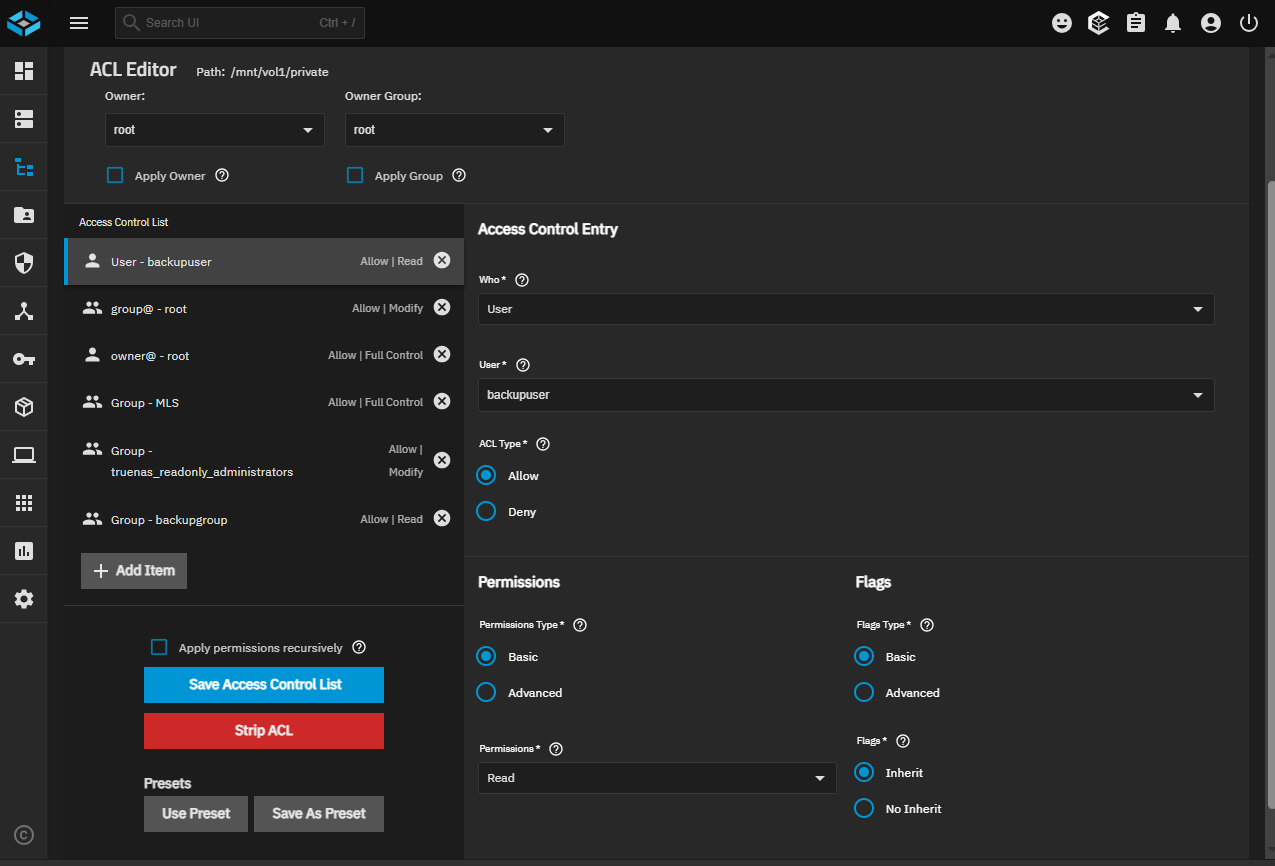
ACL for Private:
User - backupuser, Allow | Read
group@ - root, Allow | Modify
owner@ - root, Allow | Full Control
Group - MLS, Allow | Full Control
Group - truenas_readonly_administrators, Allow | Modify
Group - backupgroup, Allow | Read
If you’re using the private datasets feature, then each user (including your robocopy user) is basically chrooted into their own separate dataset when connecting to the share.
I don’t remember employing the private datasets feature specifically, but when I added users and created a new home directory for them, the home directories were visible to other users, but not accessible.
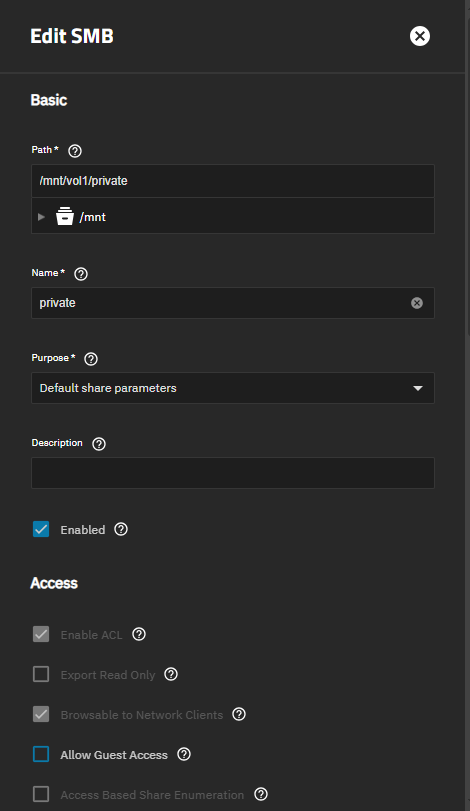
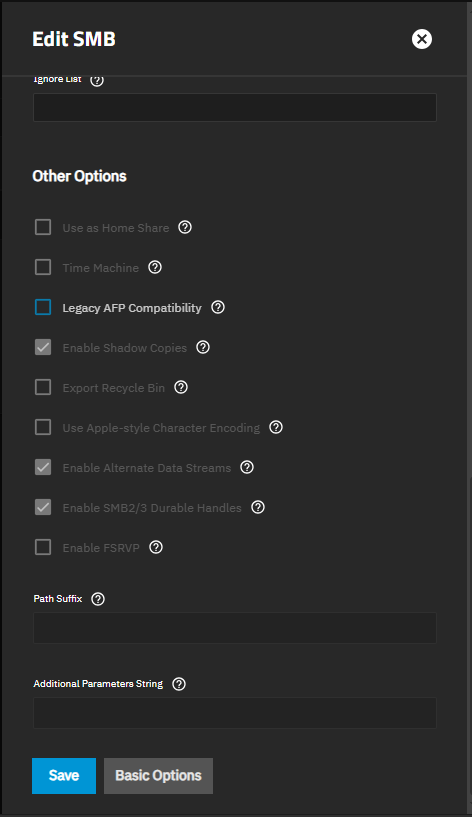
After pointing to the Private directory, I just checked Create Home Directory when adding each user. Is there a way to tell which sharing presets are being used, if any?
Ah ok I thought that may be the case. ‘Home Directories’ are not the way here. If your users are simply SMB users then Home Directories are not needed.
If you would like all of your users to have their own SMB private space then use the ‘Private SMB Datasets and Shares’ preset.