
I don’t think the Beta is supposed to show in the Trains. I think it is a manual update from 25.10 series (manual download and install) or a fresh install if on a recent 26 Nightly as the Beta is considered ‘older’ but I don’t know what the version cut off is on 26.
Well, from the OP: “Upgrading from TrueNAS 25.10 to 26-BETA.1 is not available in the TrueNAS UI until TrueNAS 25.10.3 is released.”
Also, at TrueNAS Software Status | TrueNAS Documentation Hub , 26.0.0-BETA.1 is in the “Early Adopter” train.
You are right… there’s an issue there. Looks like the 26.0 renaming has not taken effect yet. You can report a bug, but I’m sure it will be found before next update.
You should see it now.
I’ve just upgraded one of two TrueNASes to 25.10.3.
Now, both show 26.0.0 beta as available, but the TrueNAS still on 25.10.2.1 no longer shows 25.10.3 availability.
Also, I’m on the ‘Early Adopter’ profile. The only alternative is ‘Developer’. I wouldn’t normally choose to be on either, but ‘General’ isn’t available (greyed out). Why is this?
Propably because of this
So it should be in the early adopter Train
Ah, I see. I don’t think I’ve ever seen any version available under ‘General’, though (but I’m probably wrong).
Posted in the Apps section but noting here as a cross-reference.
I reverted back to 25.10.3 and the Apps are working again. I’ll report the issue to the bug list as my experience. Could be user error as I am a rookie home-lab type. Ticket created 00101931
Quick update…
Updated from latest 25.10.3 to this latest 26 Beta all in the GUI. Update took just a few mins and was back online. Pool and NFS shares were all working perfectly! The only issue I noticed is that all 4 of my apps showed crashed. I tried to start them and got some error. After a few mins I tried to “restart” them, and each one started fine. All apps are online now and work perfectly again.
So overall everything is updated and working great now. 
Update: I let everything settle down for about 30 mins, then decided to do a fresh reboot and see what happens, lol. Rebooted and everything came back up as expected AND all apps were online from the start!
It should be showing 25.10.3 now.
Thanks for reporting.
AMD AI 9 HX PRO 370 doesn’t seem to mix well with the 6.18.* kernel. Started hitting the “amdgpu: MES ring buffer is full” issue within a few hours after updating to the 26.0.0-BETA.1. Rebooted and hit it again within minutes.
Frigate (as a docker) which uses the AMD GPU for object detection and VAAPI (video decode) will crash your system hard.
Recommend anyone using an AMD iGPU for any form of AI/Video avoid the BETA…
Friendly reminder to those who find bugs - please file tickets on our Jira. Most developers don’t look for issues in forums posts. Warning people off the BETA using the forums without creating a bug ticket actually undermines the beta testing process.
I’m trying. It’s not easy. Can you take a look whether Jira has a debug file attached?
I am being asked for one, but the UI told me during ticket creation that it was attaching a debug file.
So either another ticket is needed for ticket creation not attaching debug files, or the people looking at tickets need to be taught how to see that there already is a debug file.
Sadly, the bug system doesn’t seem to allow new users to create tickets.
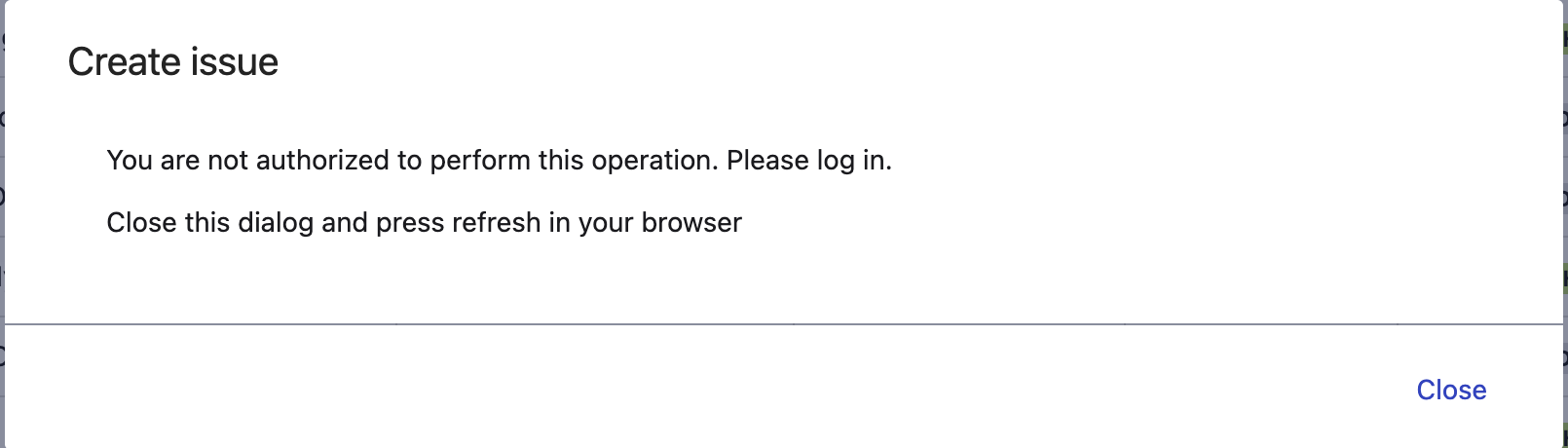
Creating a ticket from the feedback button on the GUI worked but tagged it with the wrong release… Preference would have been to just directly file the bug in Jira…
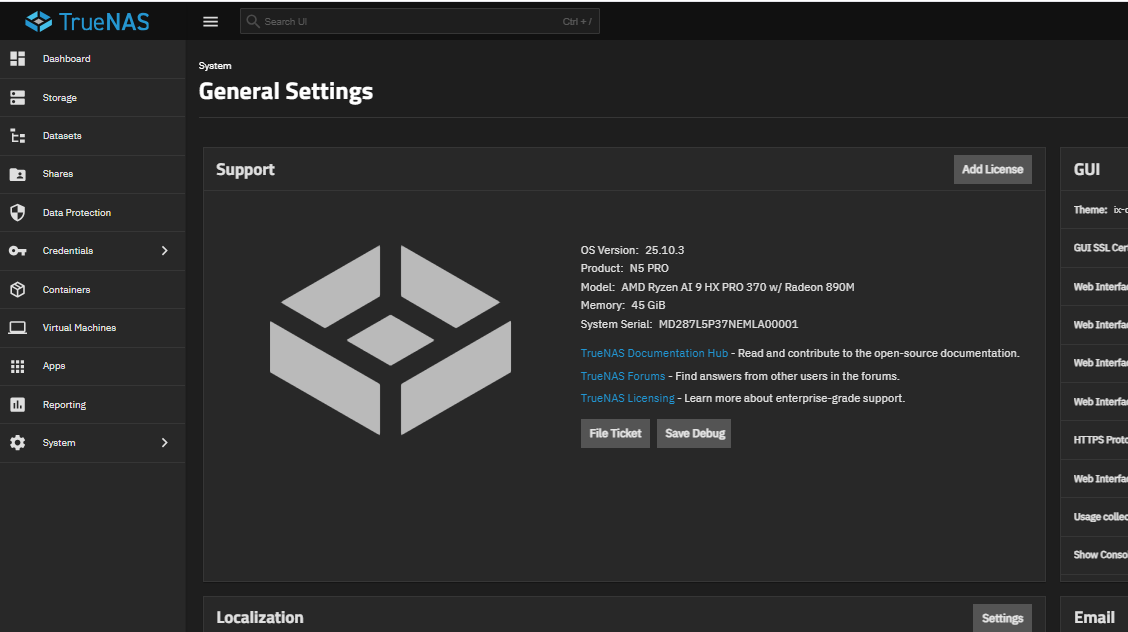
I updated yesterday from 25.10.3. I had some issues with a few Docker containers not starting but eventually solved the issues. Unfortunately, my one Debian Container/VM is not showing up. Datasets are still present. Not sure if it’s a permissions or mounting issue? My Container was shutdown at the time of upgrade.
VM or LXC container?
My LXC got destroyed by the upgrade process. I didn’t have a VM to see what would happen to it.
LXC container.
Your LXC container might be a goner. For mine, it tried migrating it from <pool>/.ixvirt/containers/<lxc-name> to <pool>/.truenas_containers/containers/<lxc-name>, and destroyed it in the process.
I think we need a ticket for ticket creation … 
“A debug does not appear to have been uploaded under your account at the time of this ticket creation.”
I most certainly kept the “upload debug” checkbox firmly checked.
Created Jira for this ticket creation issue